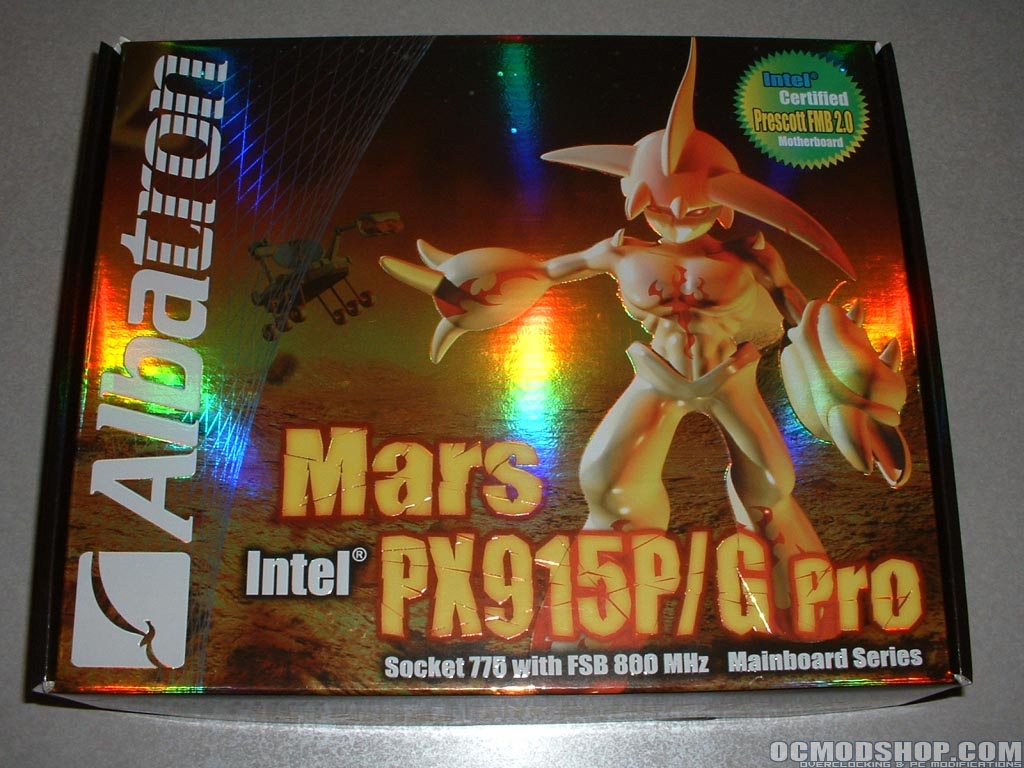
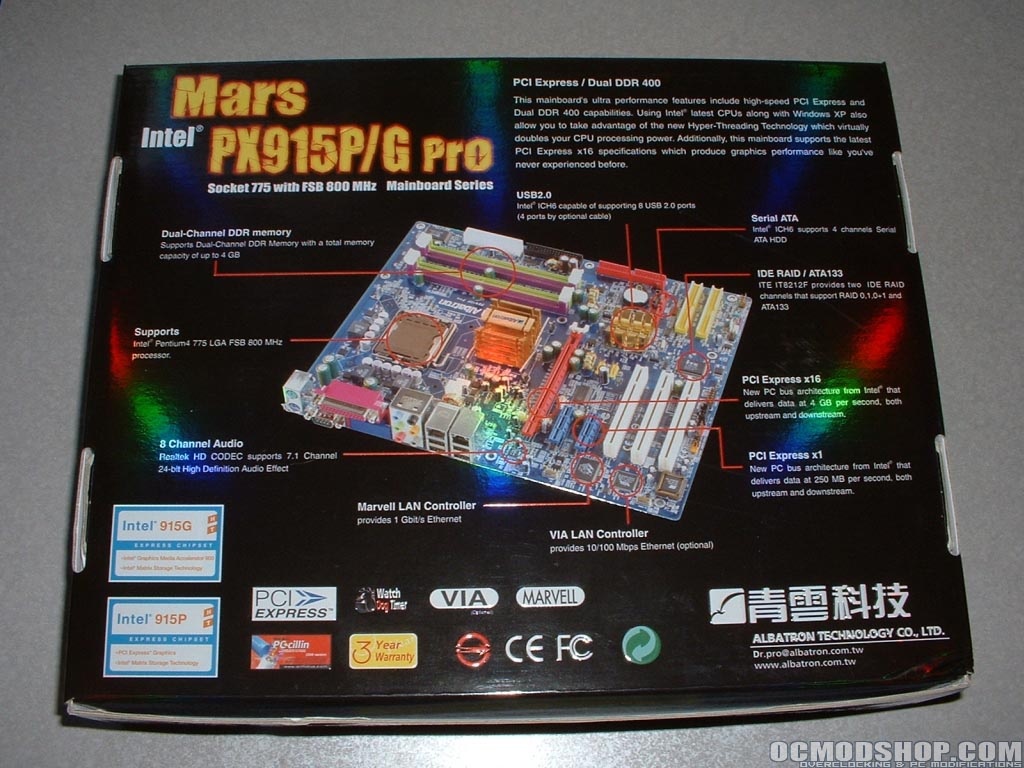
The top of the box is very shiny and has some sort of alien on it. On the back of the box there is a picture of the motherboard as well as some specifications and features. Lately Albatron has been using these very shiny and reflective boxes which are pretty nice looking.
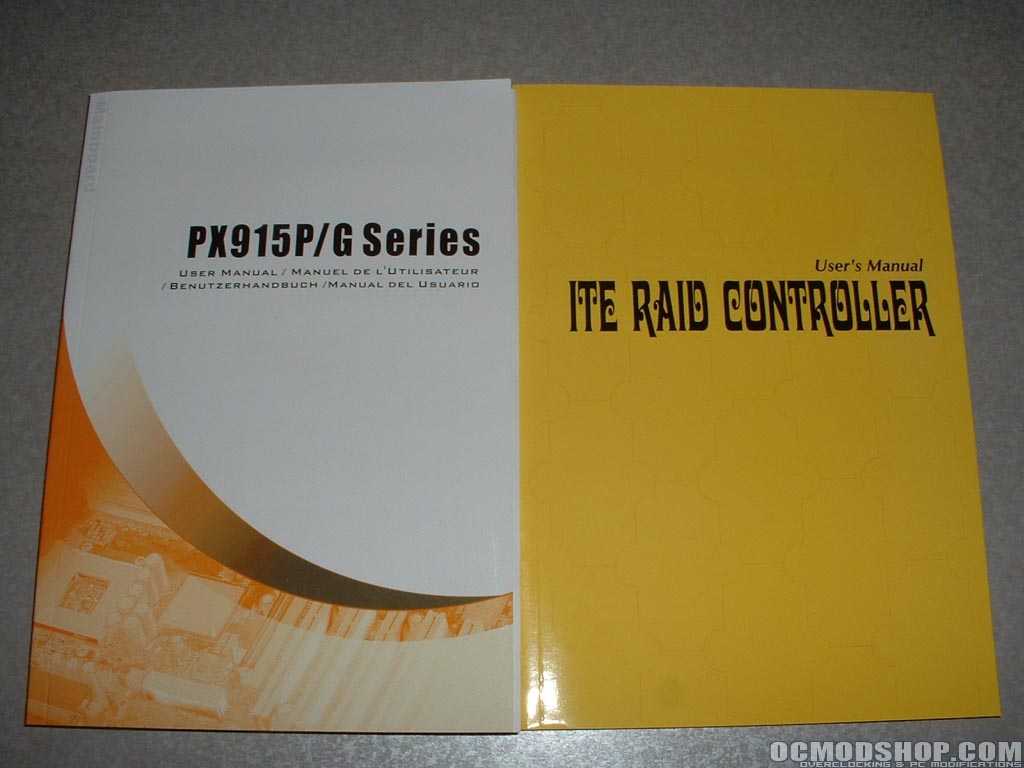
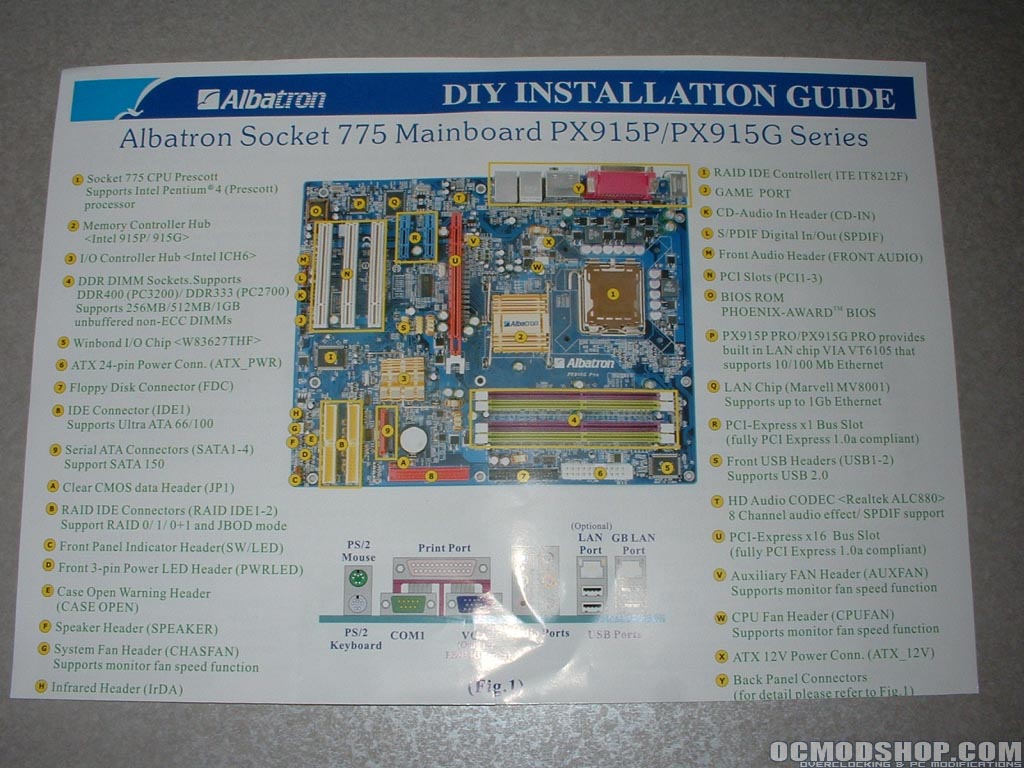
There are two manuals provided, one for the motherboard and one for the RAID controller. There is also a DIY installation guide which gives you an overview of what everything is on the board and how to quickly get your system up and running.
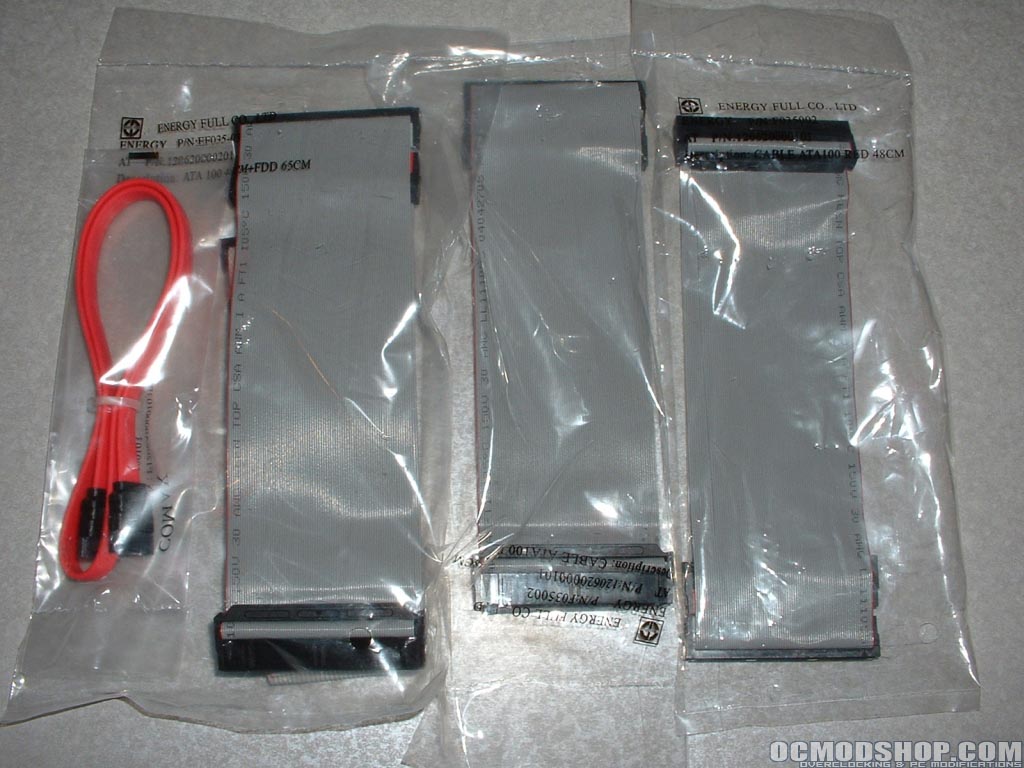
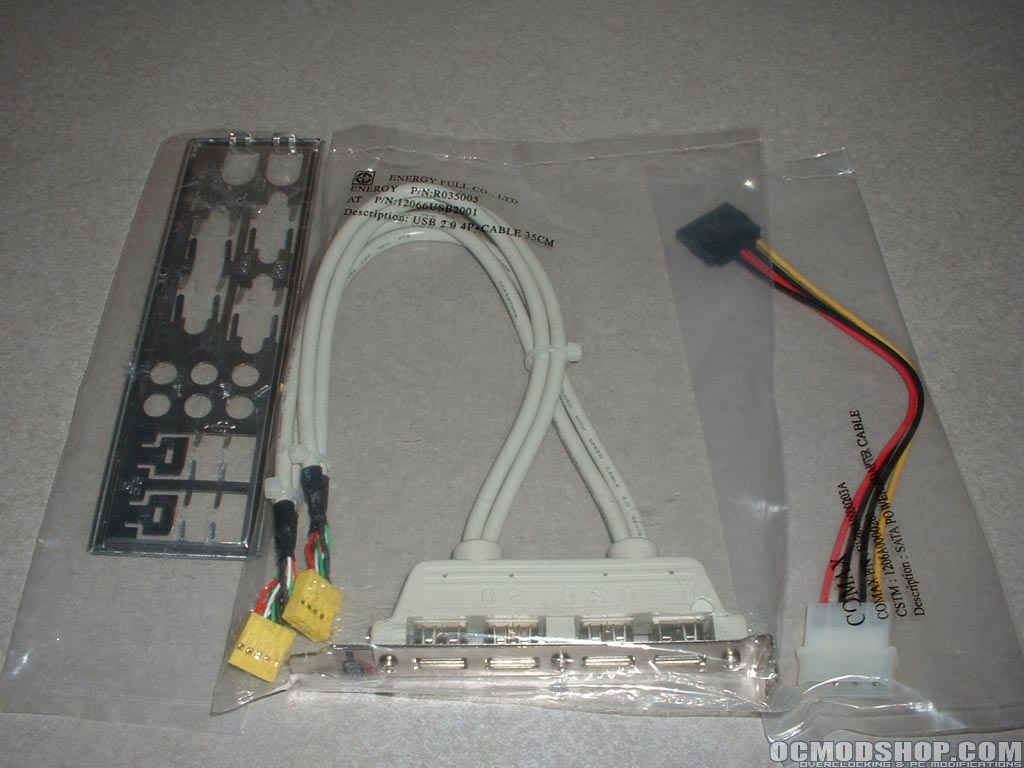
One SATA and three ATA133 cables are provided for use with the motherboard. It would have been nice to get some more SATA cables and a floppy cable in case you do not have any and need them. Included to accompany the SATA cable is a SATA power adapter to use if your power supply does not have any SATA connections. A USB 2.0 header with four connections and backplate are also included. Along with all of these other extras a driver CD and Albatron case badge are included.
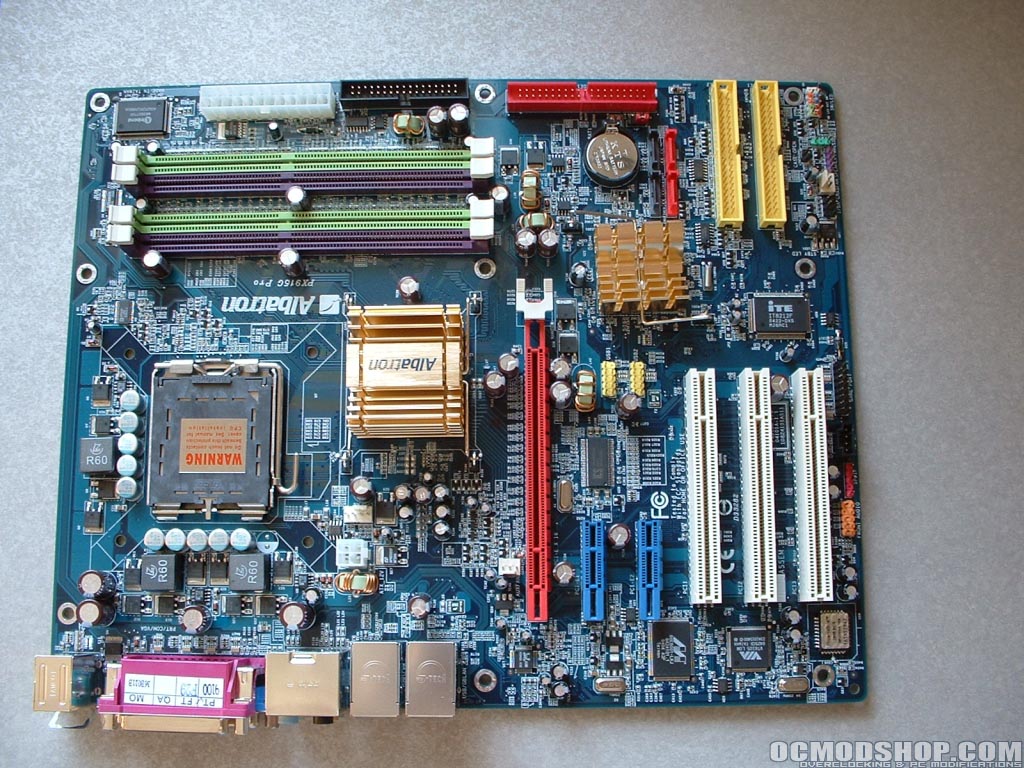
Albatron has gone with a blue PCB for this motherboard which looks quite nice. The overall board layout looks pretty good however this being my first experiance with this type of motherboard I will have to see how everything works out during the installation. Because there is such a drastic change with this motherboard compared to other Intel or AMD motherboards there will be a lot to inspect.
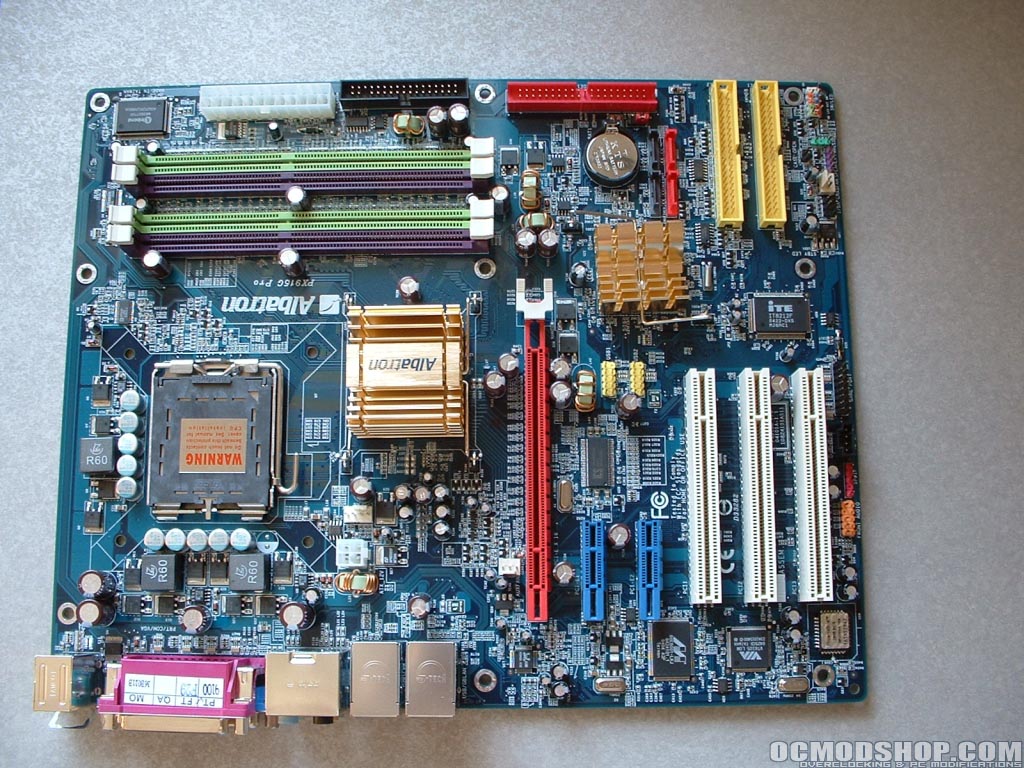
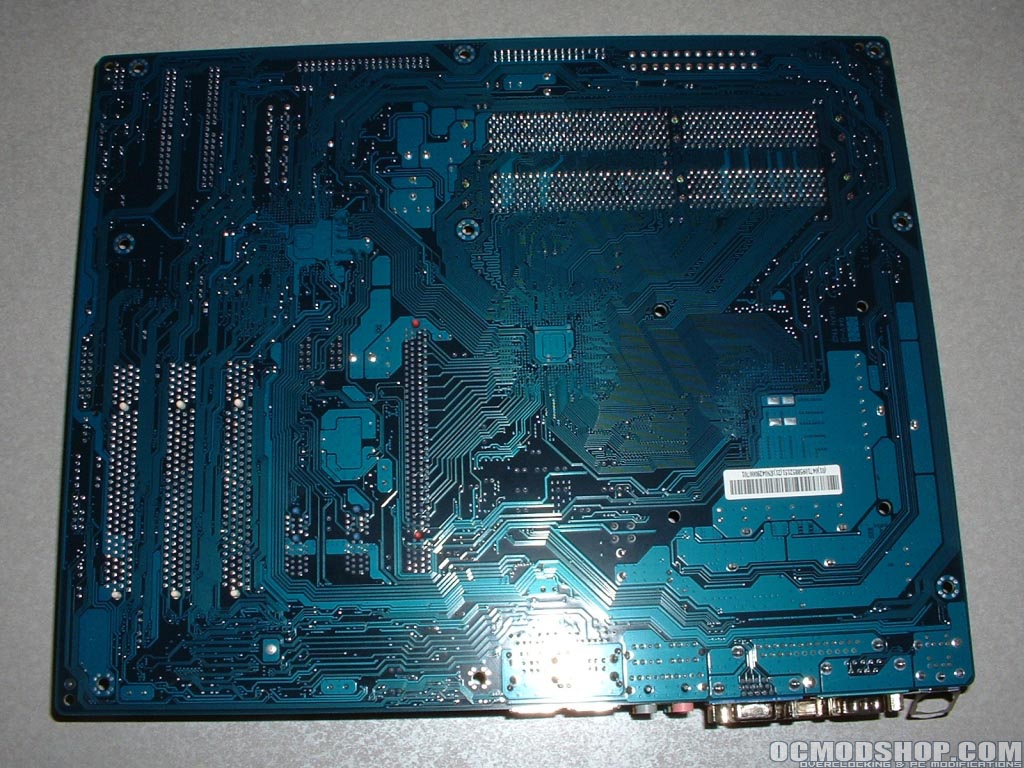
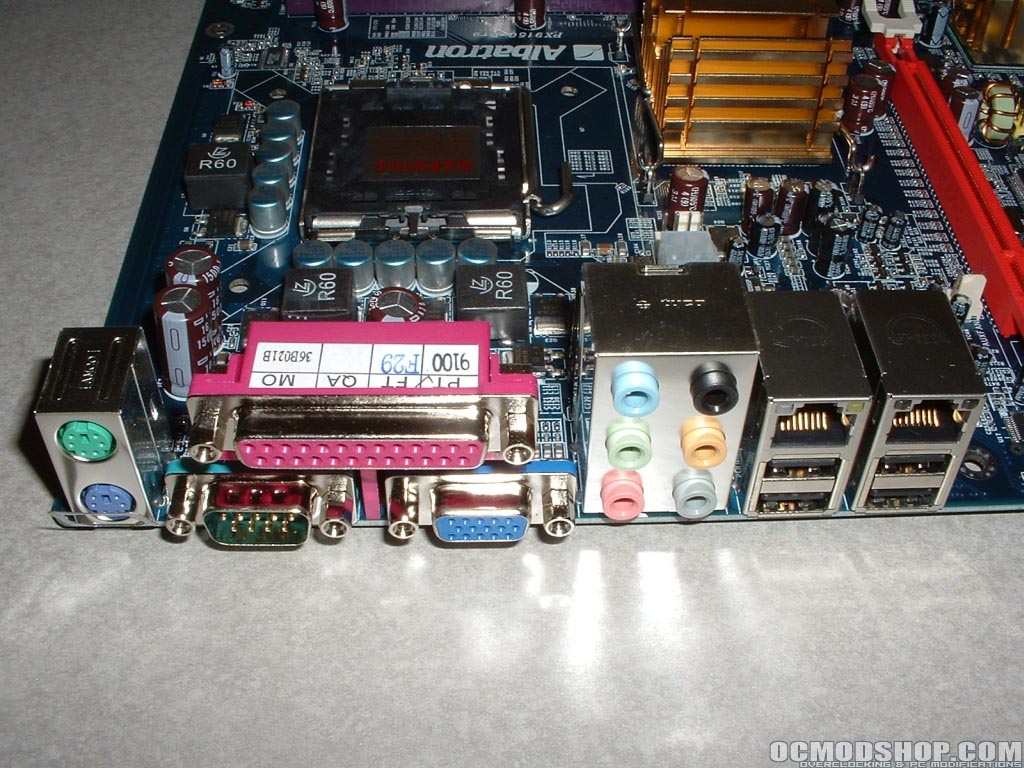
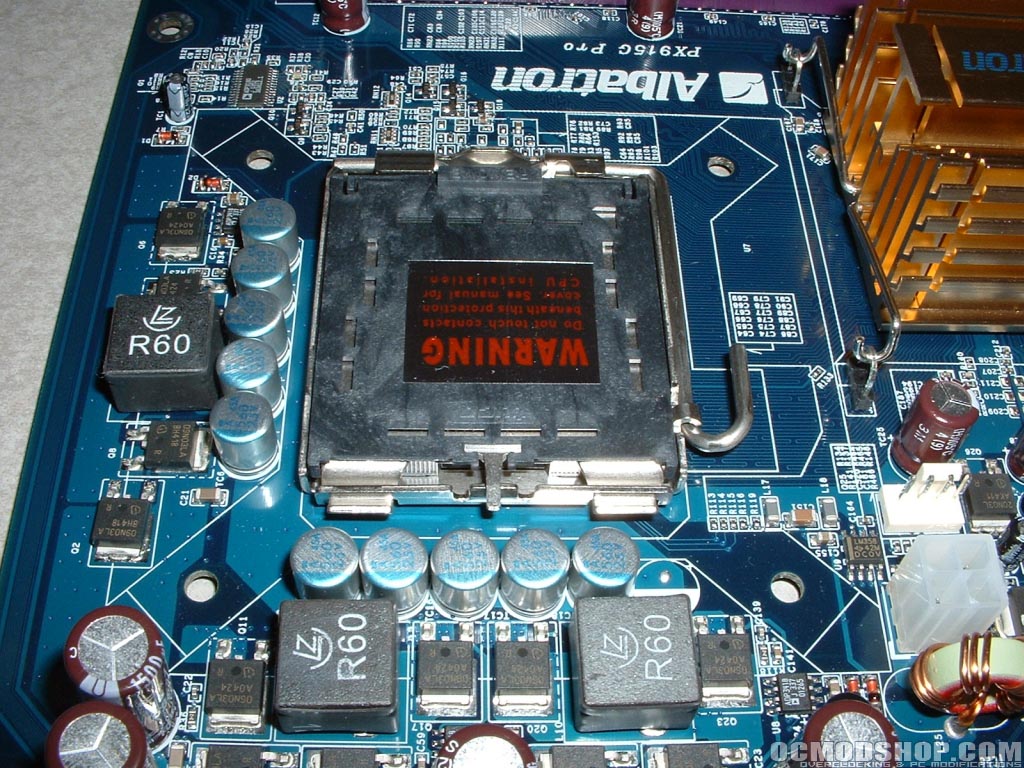
This motherboard has a lot of connections on the back of it. Aside from the PS/2, serial, parallel ports which are common to most motherboards there is also onboard video, 7.1 audio, gigabit NIC, 10/100 NIC, and four USB 2.0. Onboard video is nice for lower end systems which will save some people money on buying a separate video card. The socket is one of the biggest changes that comes with the new LGA775 standard. There are now shorter capacitors around the socket and four holes for mounting the heatsink.
Dual channel DDR1 is still used with this motherboard. With the Intel 925 chipset DDR2 is used which takes over where DDR1 ends. The ATX connector is up in the upper right of the motherboard along with the floppy connector and Winbond WB3627THF I/O controller chip. Also new on this motherboard is PCI-Express which should eventually take over AGP like DDR2 will take over DDR1.
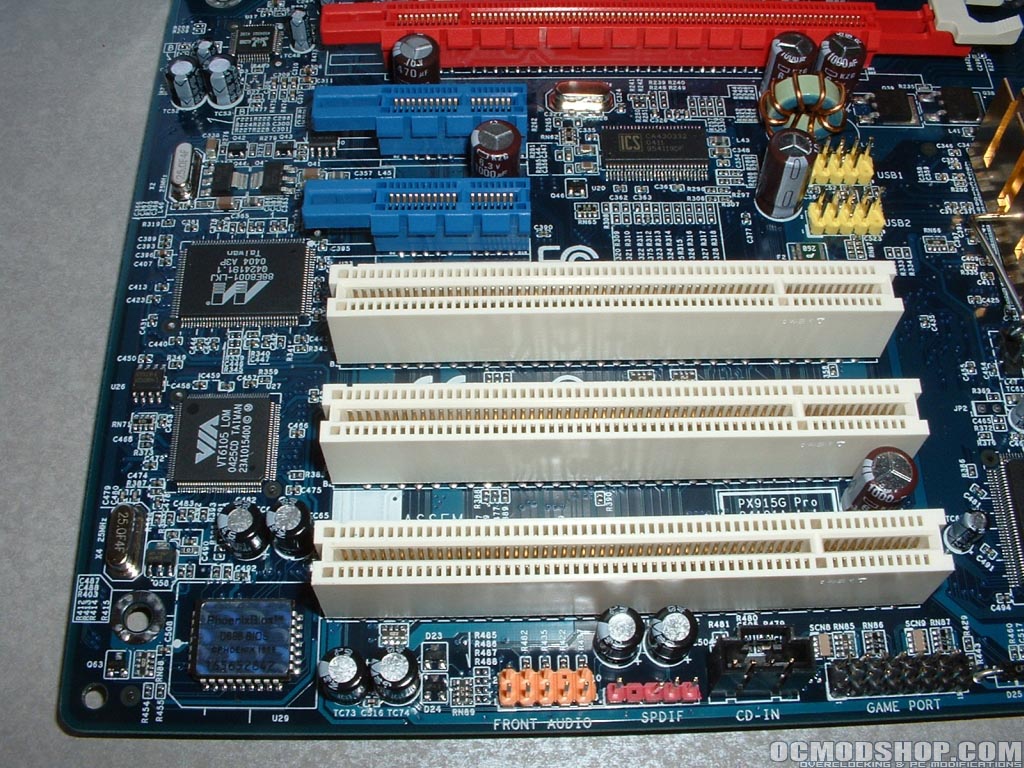
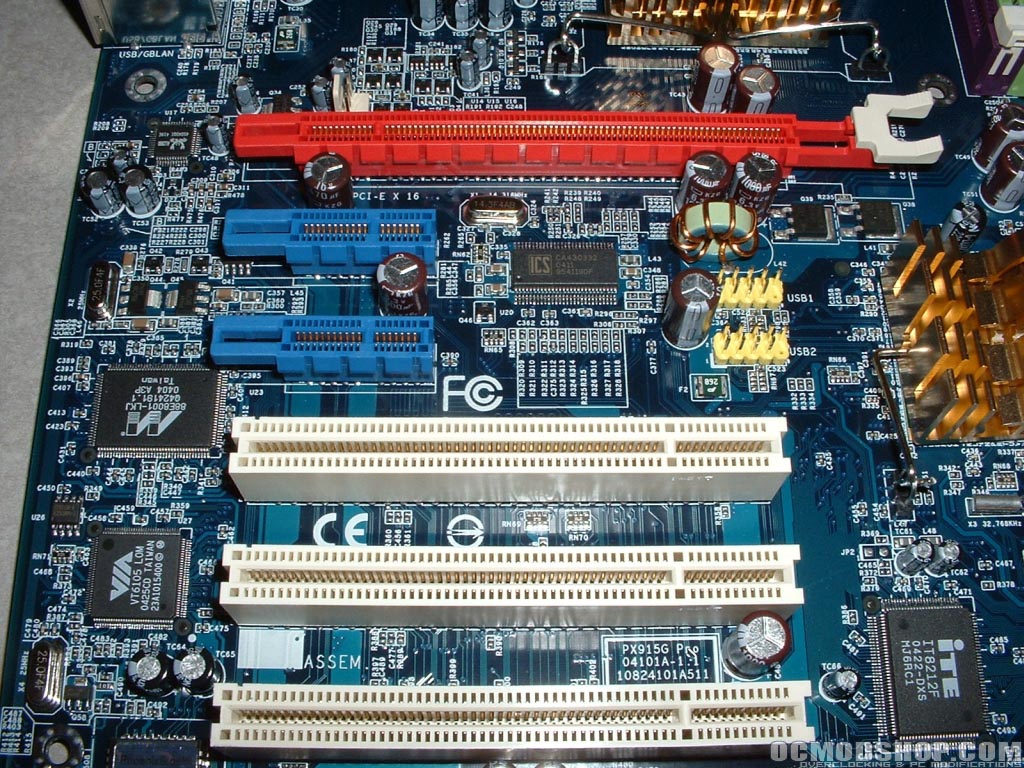
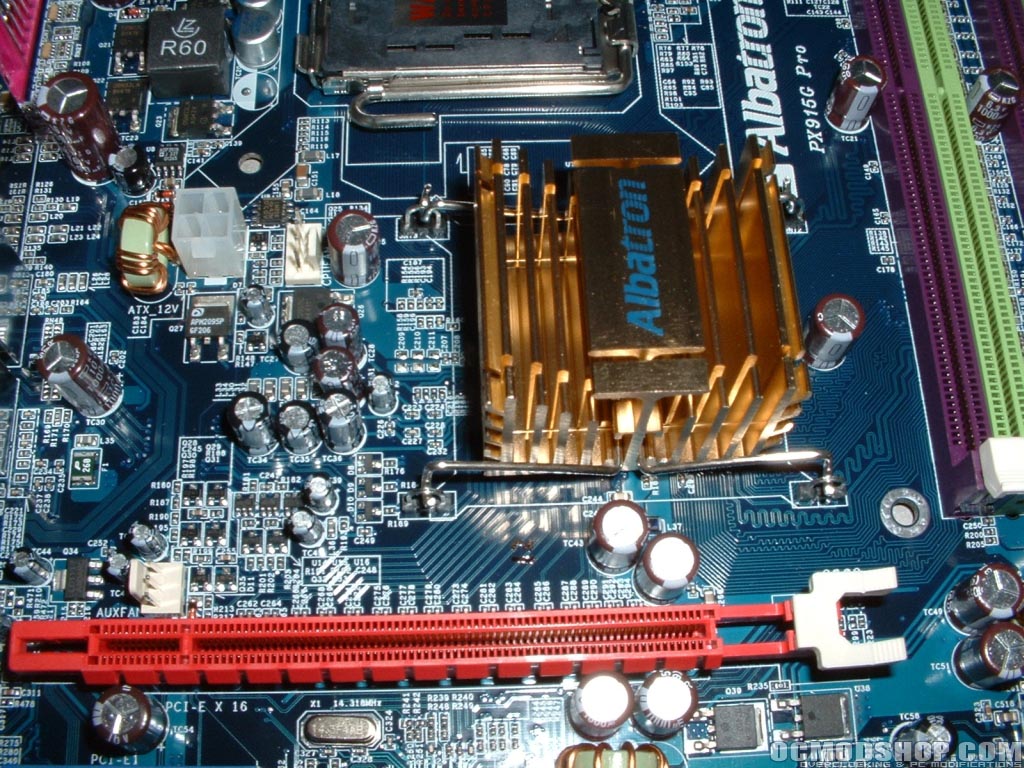
The red slot at the top is PCI-Express x16 which takes the place of AGP and will accommodate your video card. The two blue slots below that one are PCI-Express x1 which will accommodate other cards that are currently PCI. Two big advantages to PCI-Express x1 is higher bandwidth, up to 500MB/sec and point-to-point topology giving each device the full throughput.
Directly to the left of the original PCI slots is the Marvel 88E8001-LKJ gigabit controller and VIA VT6105 10/100 LAN controller. To the right of the PCI slots you can see the IT8212F ATA133 IDE RAID controller and two USB headers which you can plug your header into.
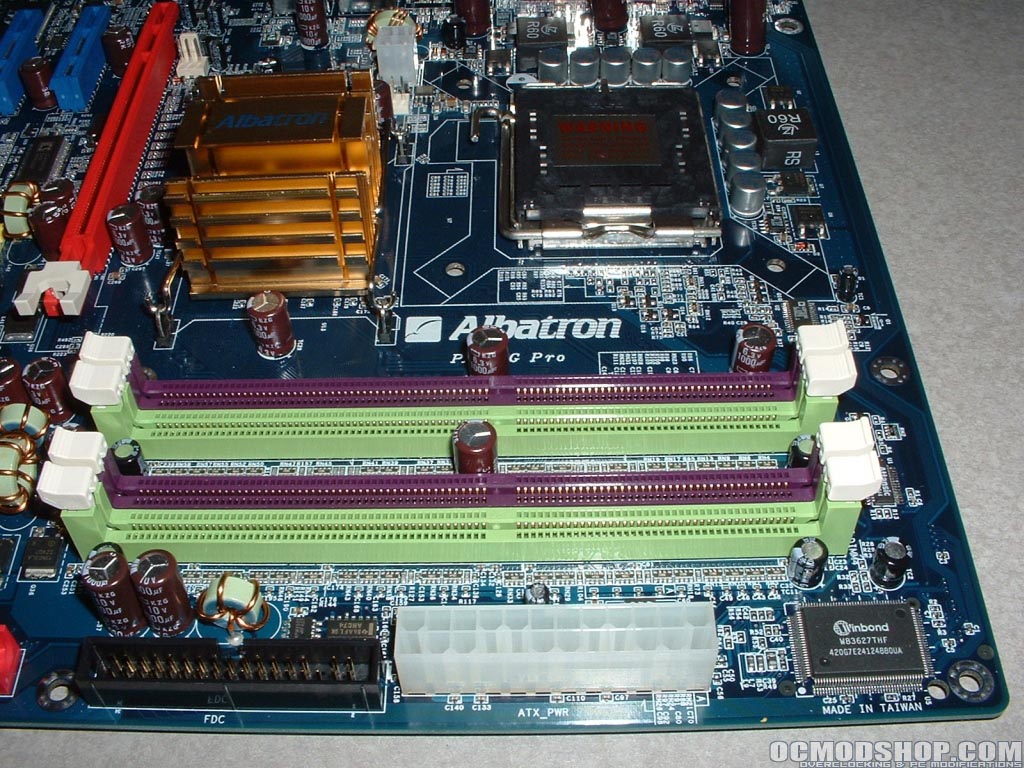
The 915G (Grantsdale G) northbridge is covered by a passive gold heatsink. To the left of the northbridge is the 12v power connector, a three pin fan header, and a new four pin fan header. The four pin fan header is new and allows for better thermal monitoring by the system.
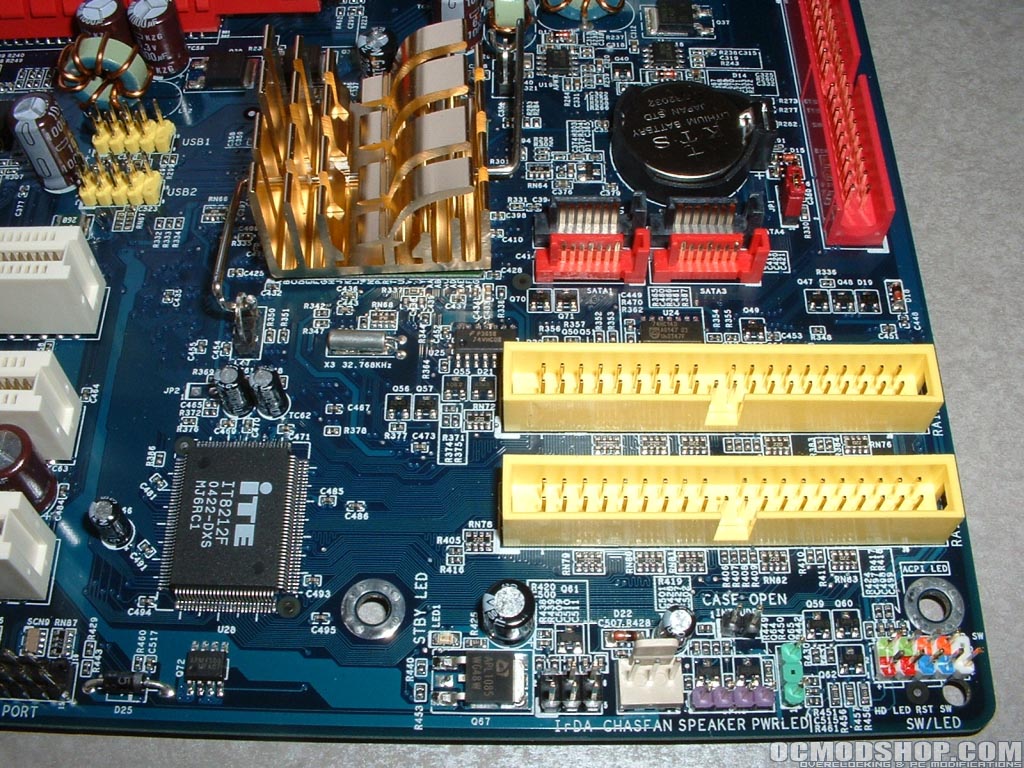
The four ping header is capable of Pulse Wave Modulation which basically means when your system goes below 30 degrees it decreases the voltage by half also reducing the RPM by half. This will be a very good thing and is long past due in my opinion, hopefully heatsink manufactures will take full advantage of this. The Intel ICH6 southbridge is also covered by a passive gold heatsink. As seen on the introduction page the southbridge is the main control for most of the sub system devices.
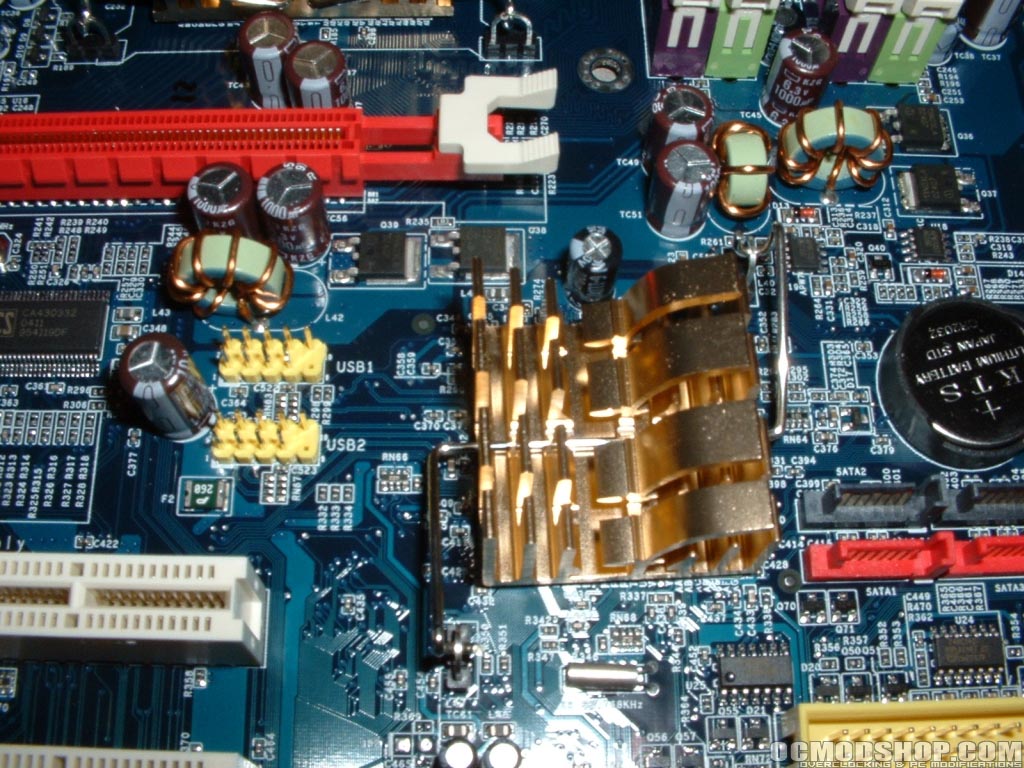
There is only a single BIOS for this motherboard and it is in the bottom left corner below the PCI slots. To the right of the BIOS are the front audio, SPDIF, CD-in, and gameport headers. The bottom right of the motherboard is where most of the connectors are. Along with the normal fan header and jumpers there are four SATA and three IDE connectors, all capable of RAID.