

Before iMon implementations became standard, configuring an LCD display used to be a very complicated ordeal, requiring software that was complicated to use. The software (like LCDC) was very powerful and configurable, but you could literally spend weeks tweaking your display just right, and this software was not tuned for Media purposes.
The included iMon software takes a lot of hassles out of configuring your display. By default, it works in Auto mode, so all you have to do is install the software, and it automatically displays what you’re doing. If you are in Media Center, then the display shows the name of the TV program you’re watching, the MP3, or DVD chapter. If you are on the navigation screen, then the display shows what sub-section you are in. If you exit out of Media Center, then the display starts showing you computer stats, like CPU and memory usage, hard drive and network usage, and even weather and news feeds.
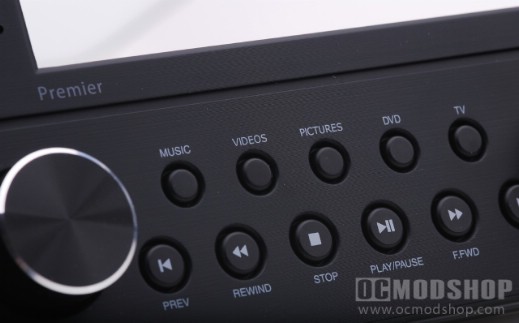
The software is very smart depending on what you’re doing, but not very configurable beyond its canned functionality. For most people, the display works great, but you are out of luck if you want a custom screen that isn’t included with the software (like showing gaming stats, etc).
The main part of the display has a dot grid, which displays the text. This is not a traditional character-based array that only has one font: you can select any system font of any size, and this unit will display it. Depending on the size you choose, the text may scroll, and you can also set the speed of the scroll. Other parts of the display are hard set. When playing media then an icon of a disc will start an animation in the top left corner. The display also toggles on items based on what you’re doing. It will display “MP3” when listening to music, complete with bars that show time left.
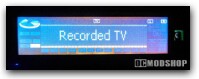
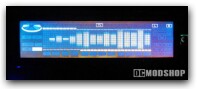
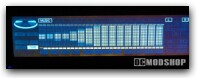
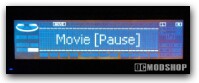
From the pictures, it looks like this display is a VFD (Vacuum Flouresant Display), but it is really an LCD with a screen. Because of this, unless you are looking at it head-on then you will just see a big blueish-white rectangle. The LCD contrast can be configured, but just doesn’t have the contrast of a VFD. Instead of seeing a pleasing subtle display from across your living room, you see a distracting blue rectangle.


