The box is smaller than the usual motherboard box because it is a microATX form factor. It is really cool looking because it has a lot of the specs on it and you know something good has to be inside of it, lets see if this holds true.
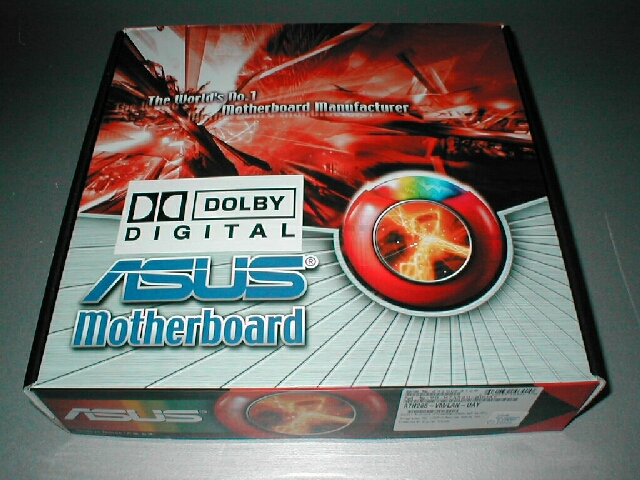
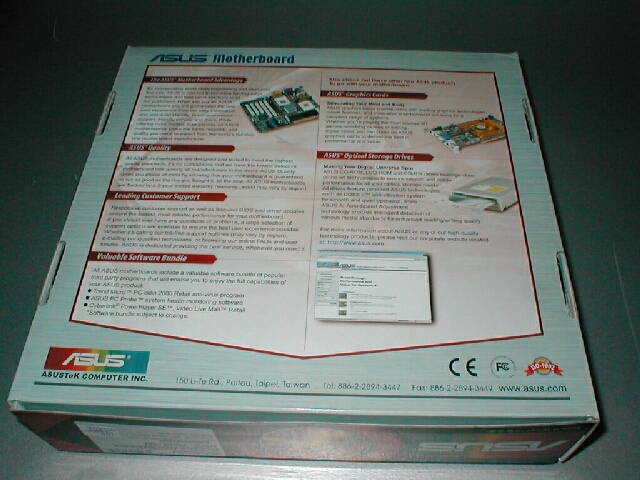
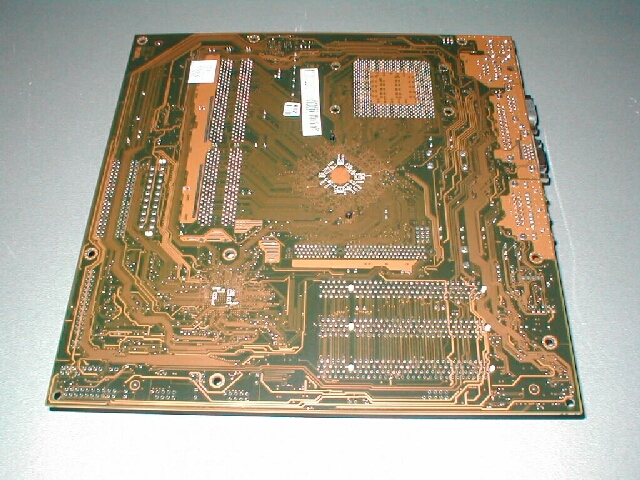
The nForce board comes with an AGP slot, 3 PCI, 2 DIMMs, and the other usual stuff that most motherboards have. It is a microATX board which I said before so it’s pretty small, it would make a good motherboard for a LAN box, or some kinda MP3 or DivX box.

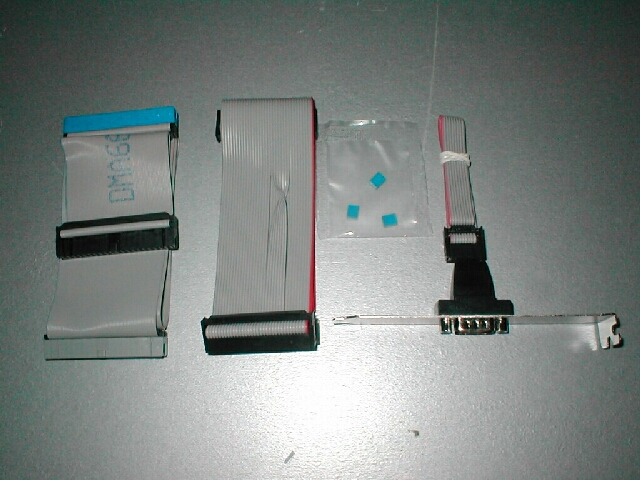
The motherboard comes with a lot of extra features which we will take a look at real quick. You get the usual manual, CD with drivers on it, a case badge to sport that you have an Asus motherboard inside of your case, an IDE cable, floppy cable, some extra jumpers, and a COM port which you attach to the motherboard, we will see that later. The documentation that came with the motherboard was alright, the only thing I did not like about it was the order that everything was laid out inside of it. Everything seemed to be out of place and hard to find which I think Asus should fix.

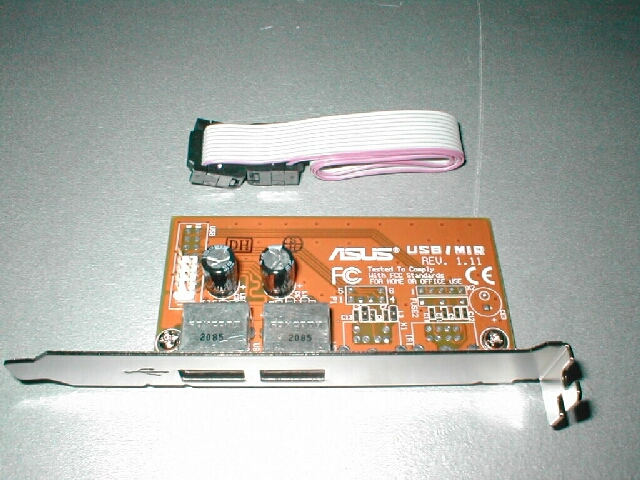
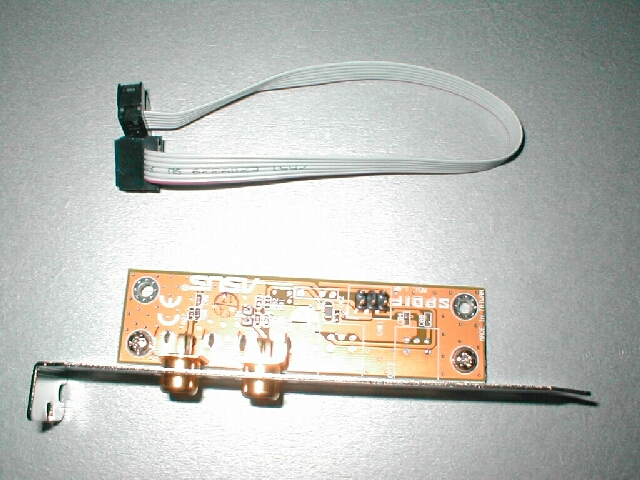
The motherboard comes with 2 extra USB ports on an expansion card, usually you get a USB header which goes into the back of the computer, this is basically the same thing but its on a card rather than a cable. You also get a SPDIF card which will allow you to take advantage of SPDIF if you need to use it.
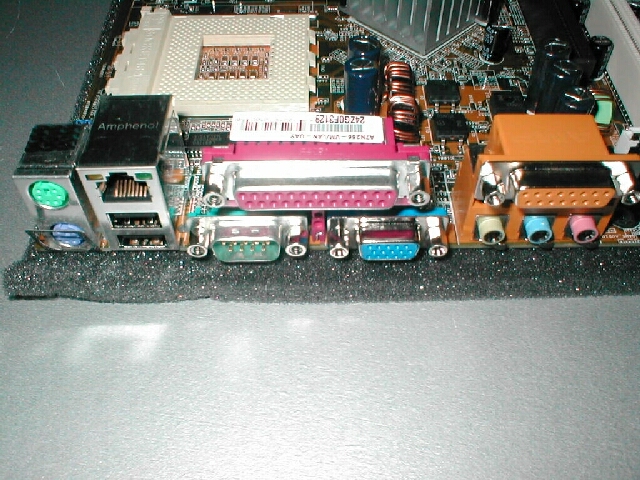
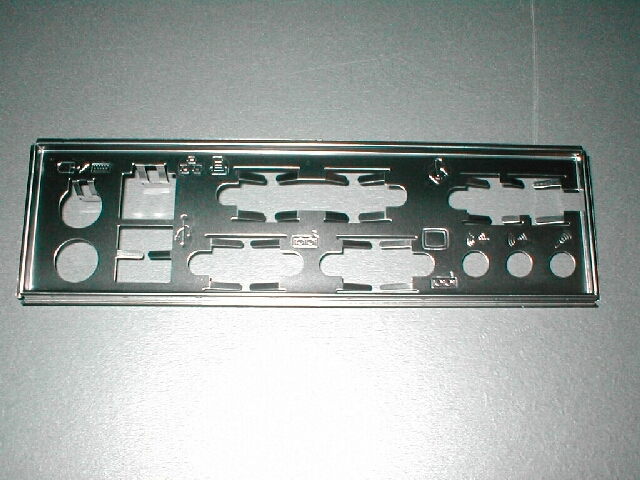
The back panel of the motherboard is also not the normal layout, there is the standard PS/2, USB, sound, gameport, parallel but there is only one serial port and where the other would be is a VGA connection, you also have a LAN port. The other COM port is attached to the motherboard and put in an expansion slot if you need to use that, we are getting to that part. The I/O back plane is also provided with the motherboard incase your case doesn’t have the right cutouts.
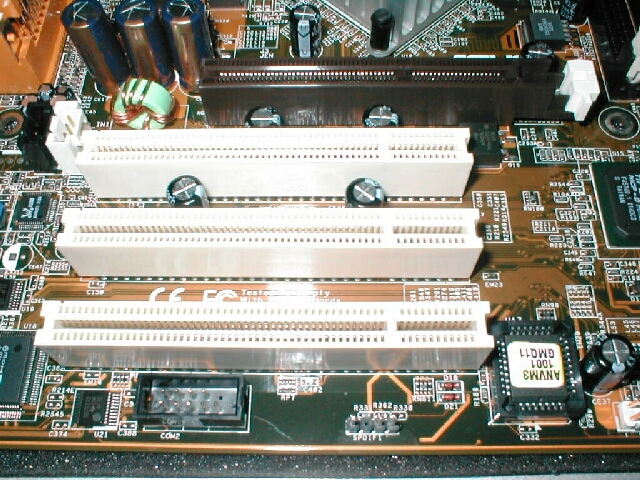
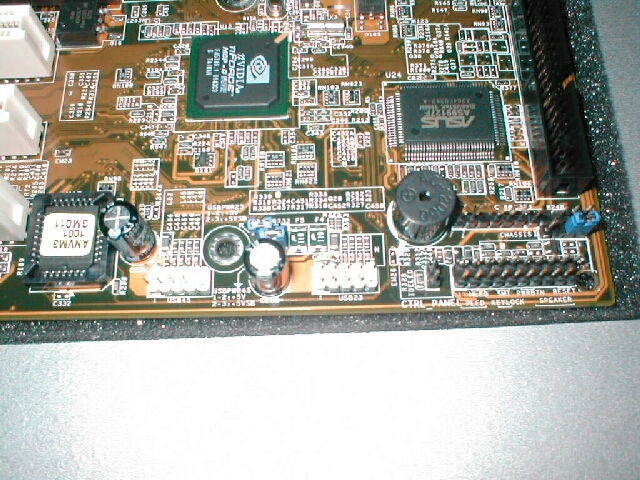
Ok we are there, you can see in this picture there is a connection for COM2 which is for the extra serial port, you can also see the jumpers for the SPDIF connection. To the right of that is the BIOS and above that you can see the 3 PCI slots and the 1 AGP slot. In the picture to the right you can see a lot of things, first is the nForce MCP chip which we discussed was the southbridge of the motherboard and controls the peripherals of the computer. There are also 2 jumpers for extra USB ports if you need them, next to that is the jumpers for the LEDs, switches, and there is also an onboard PC speaker which I always like. Also partially in the picture is the floppy controller of the motherboard.
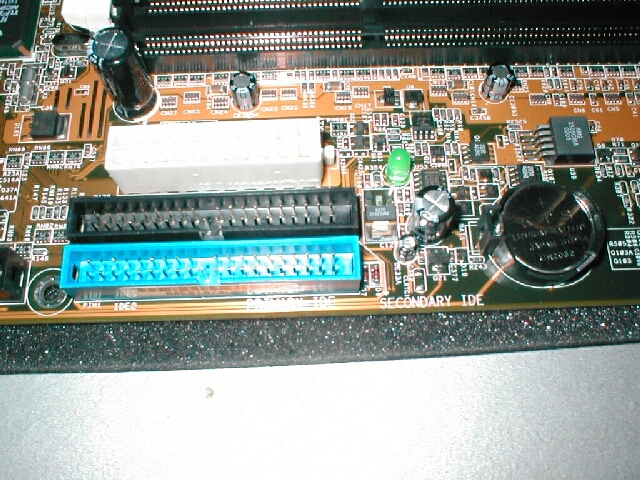
The 1st and 2nd IDE channel of the motherboard are right next to the ATX power supply connection which is not a bad position but I am sure there is a better location for it cause it does kind of get in the way. There is a diagnostic LED on the motehrboard which basically says there is power going to the motherboard, and to the right of that is the CMOS battery, this is the first time I have seen a CMOS battery so far away from the BIOS. The socket of the motherboard has a good amount of room around it so you can fit some bigger sized heatsinks on it, the only problem might be that the northbridge heatsink might get in the way a little.
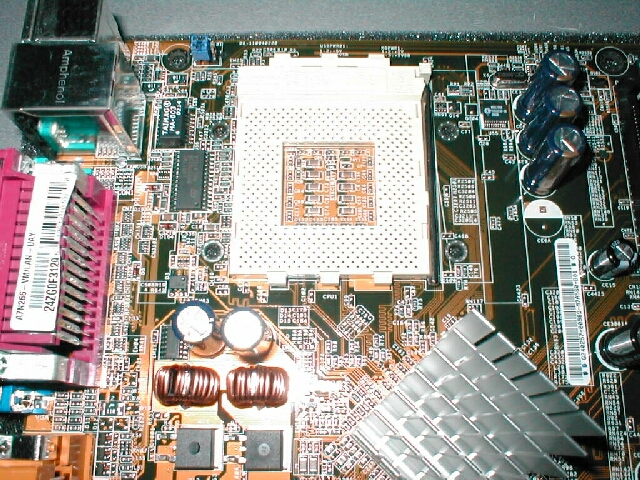
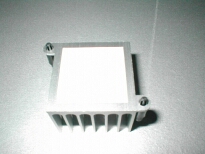
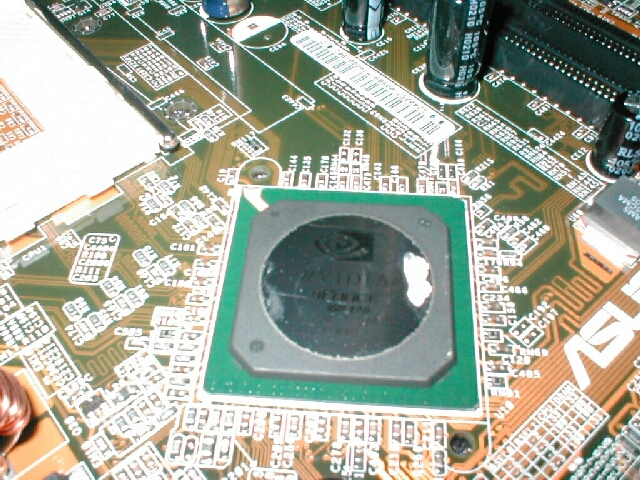
I went ahead and took off the northbeige heatsink to reveal that it has a thermal pad under it, not the best but it will work for the motherboards purposes because this motherboard does not overclock well. I was not able to get the best picture of the northbridge because of the reflection but you can see that it is indeed an nForce. Lets go ahead now and take a look at the BIOS.