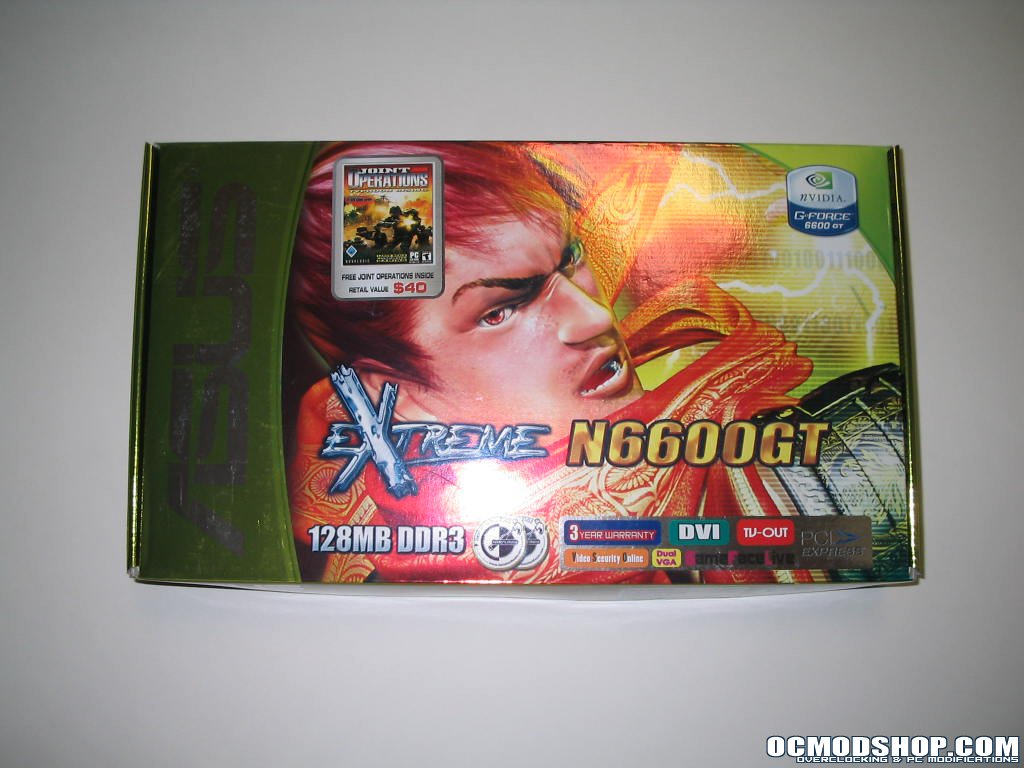
The card and accessories come packaged in a long thin box. The whole outer package is reflective and metallic with a picture of a samurai anime guy on the front, I’m assuming to represent that samurai’s endorse the Asus EN6600GT. The basic features of the card are listed on the front and on the back more features, the accessories and the various Asus hardware awards are listed. Inside the box the card is packed inside a foam cutout and the accessories all fit within cardboard retainers.
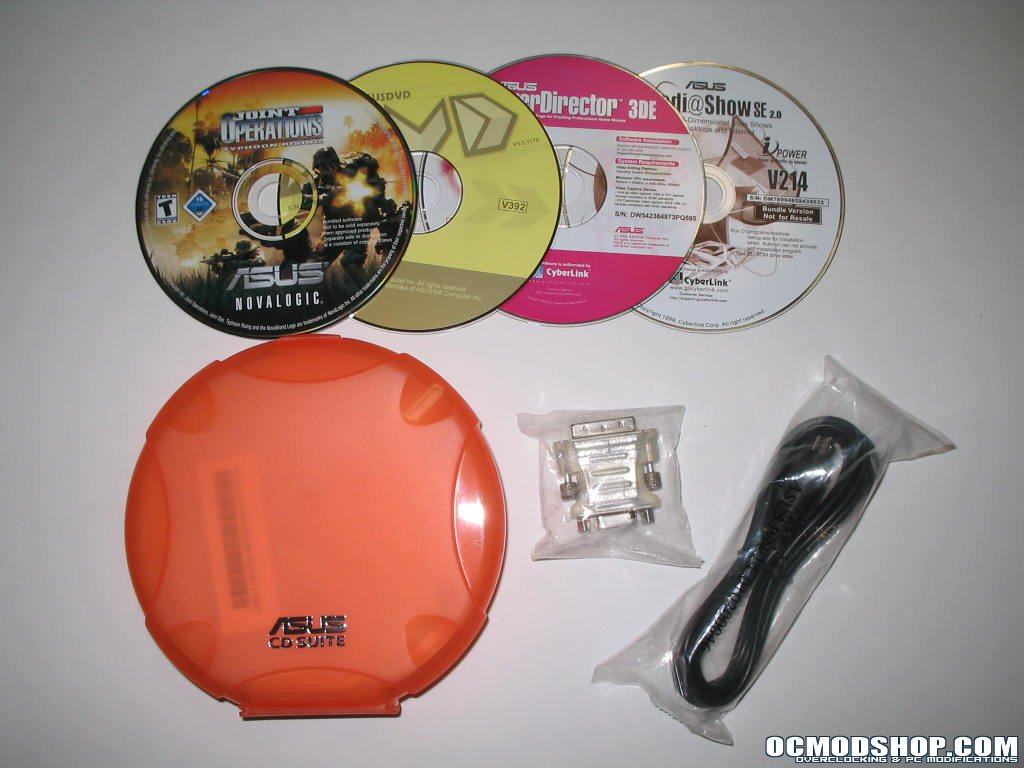
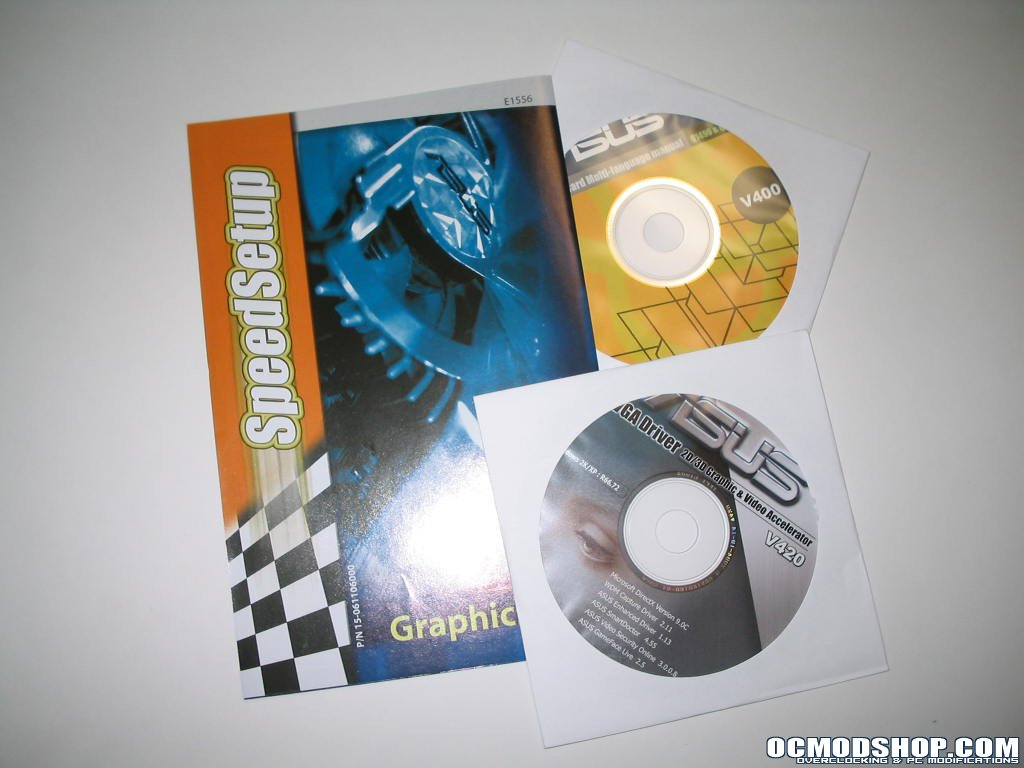
The basic accessories are included such as a DVI to D-Sub monitor converter, manual, driver’s disk and a TV-out cable. Many companies will stop here but Asus chose to include a full version game and several software applications: Novalogic – Joint Operations, Asus DVD XP, Power Director and Media show. They even threw in a handy plastic disc holder for your software CD’s. It’s pretty sturdy and should get some good use.
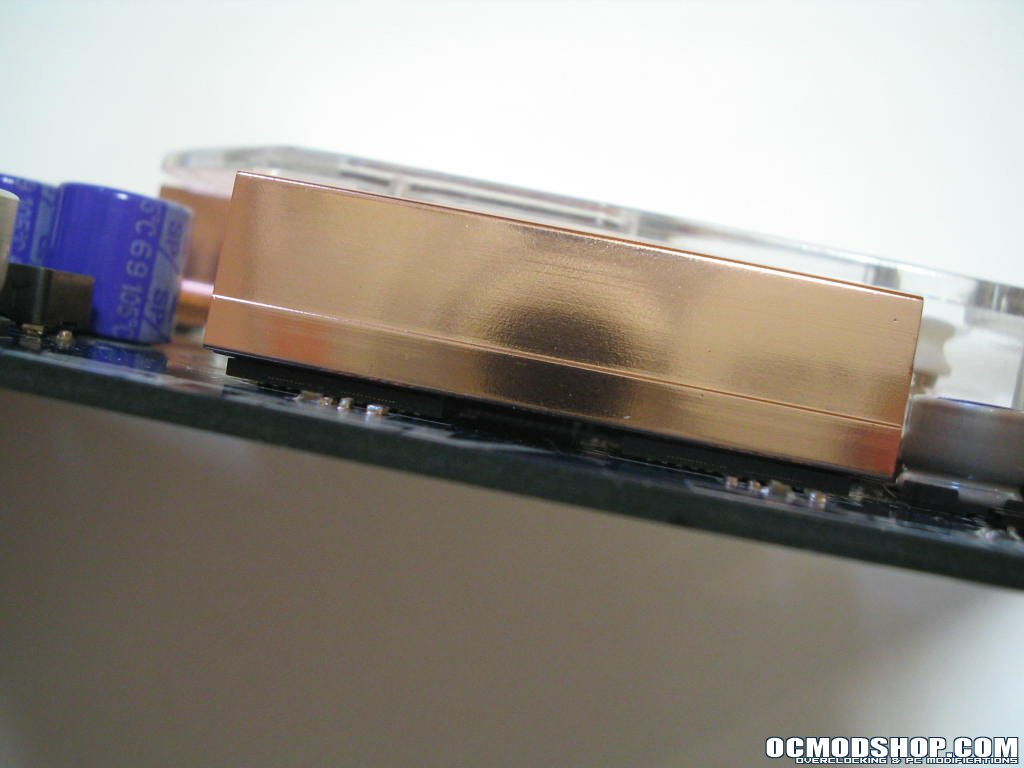
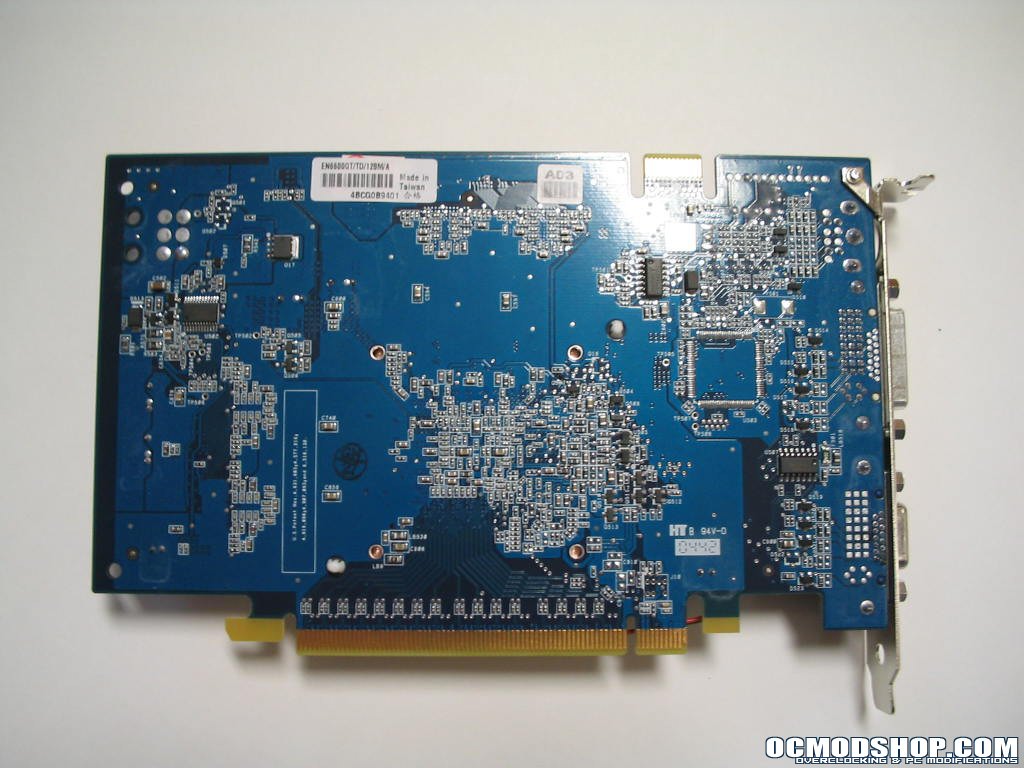
The card itself is smaller than I expected from a latest generation card, and is rather attractive using an eye catching blue PCB. At first glance you see the large copper heatsink with clear 9-bladed fan and silver Asus badge, and the copper ram sinks. On the bottom edge of the card is the PCI-Express interface, and on the upper right corner of the card you will not see an auxiliary power connector, very much a good thing in my opinion (there are AGP versions of the 6600GT series card that do require a connector as the current AGP 8x slot cannot supply enough power as the PCI-Express’ 75Watts). The back of the card is rather plain as there are only 4x32mb ram chips on the front side of the board.

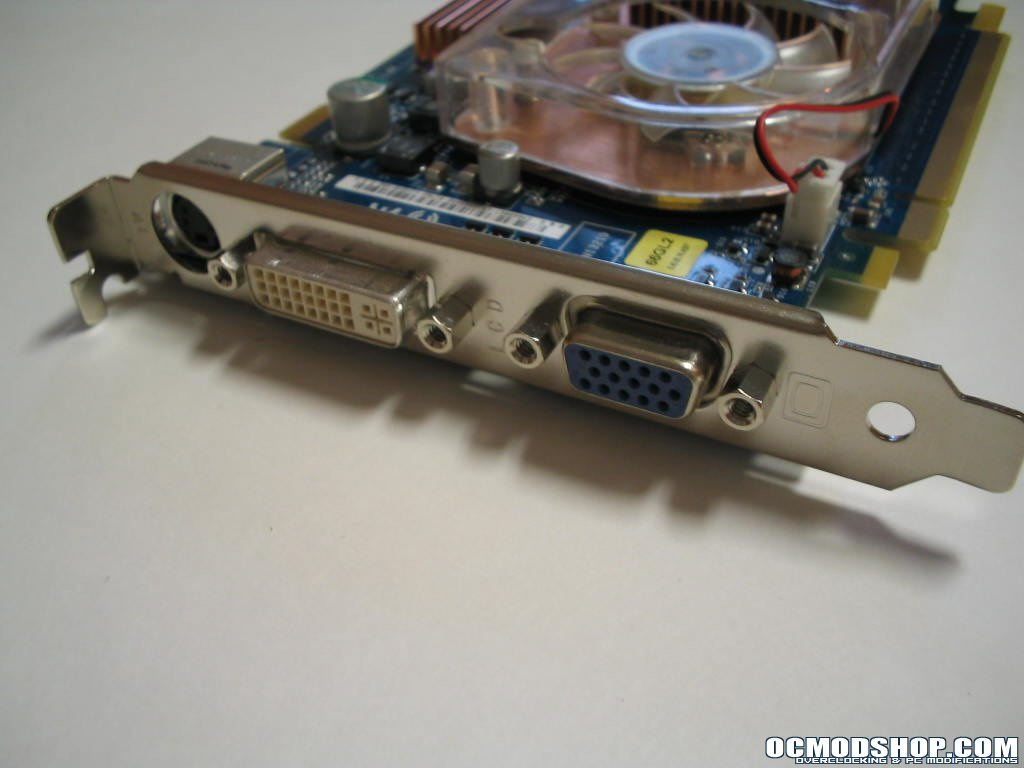
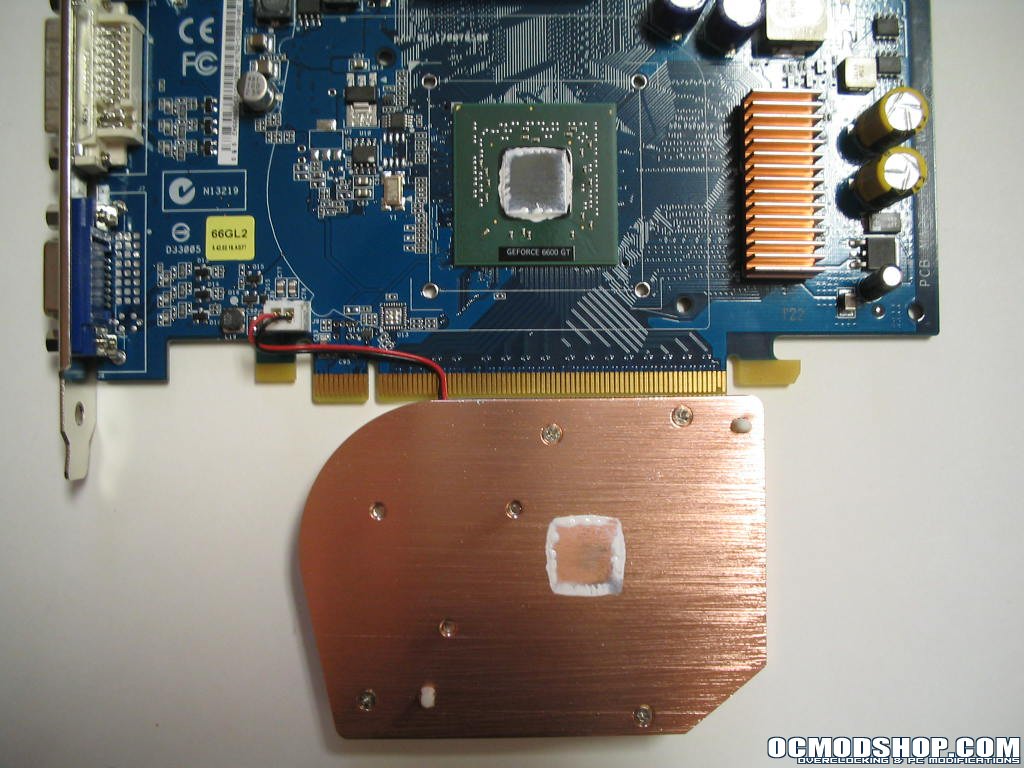
Here you can see all the proper connectors for (left to right): S-Video TV-out, DVI Digital Monitor, D-Sub Analog Monitor. Referring back to the accessories you can convert the DVI digital monitor connector to a D-Sub analog for dual analog monitors, but you cannot use two DVI Digital monitors. After removing the copper heatsink you can tell Asus didn’t skimp on the thermal compound. The heatsink is held down by two spring loaded push pins at opposing corners of the heatsink. There is no shim on the GPU core so the heatsink rests solely on the bare GPU core. This is fine but if you press down on a corner of the heatsink that doesn’t have a push pin, the heatsink will tip. This could make it easy to chip a GPU core, but most likely not.
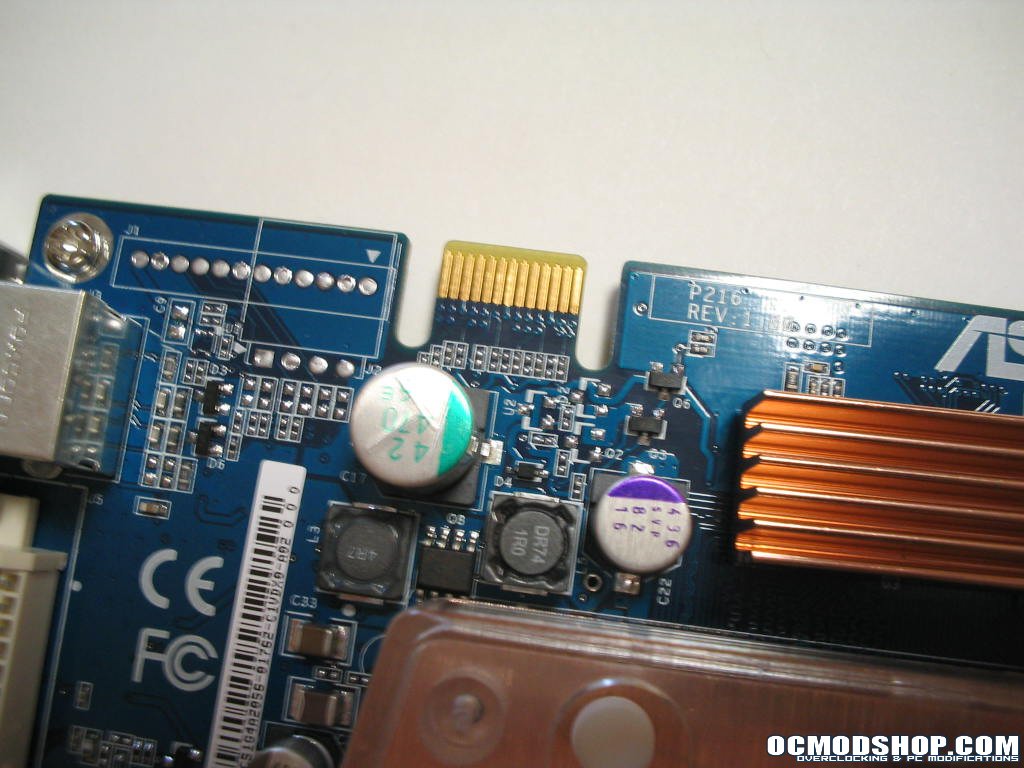
The copper ram sinks are about two inches long and span across two adjacent BGA ram chips. After trying to yank the sinks off and get a closer look at the chips themselves, I have to say they mounted them with some pretty hefty thermal adhesive. So to quote the Asus website, they use 1.6ns GDDR3. There is a dual GPU model from Asus (EN6600GT Dual) just hitting the market that uses 1.6ns GDDR3 Samsung memory, and I am led to believe that it is the same exact memory. On the upper left edge of the card you see a small tab that Asus refers to in its manuals as the “Golden Fingers” of the card. This tab is the interface for a bridge connector used during SLI configuration with another EN6600GT. Look for these tabs on video cards to be used in SLI configuration.