

Now that you have your IDE cables rounded you can now move onto the power supply wires. I started by putting split loom over the motherboard power cable. Slide the cable into the split loom and plug the connector into the motherboard.
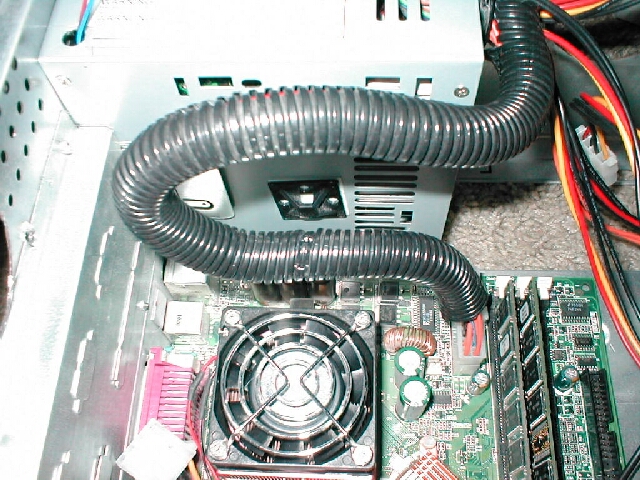
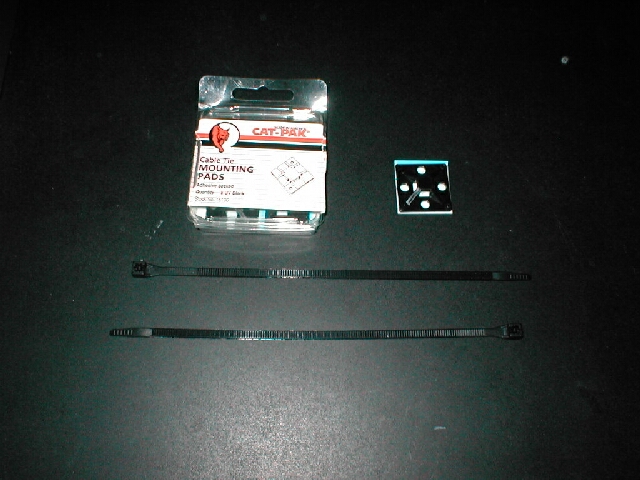
I also used 2 cable ties and 2 cable tie mounts. I put the mounts on the bottom of my power supply and used the cable ties to secure the motherboard power cord to the bottom of it, this will keep it in one place and away from the heatsink.
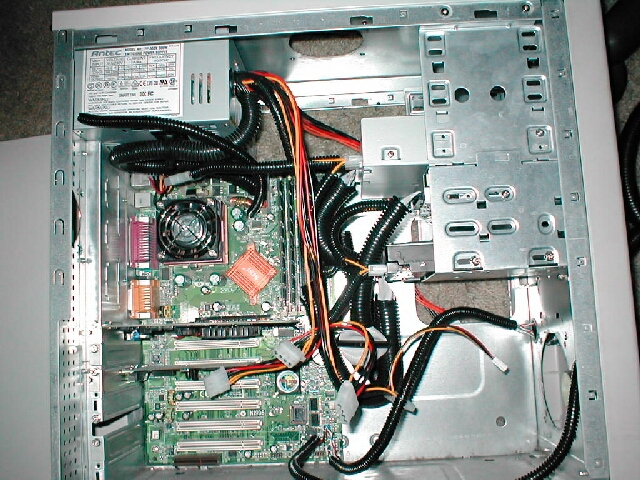
As you can see in this picture I have plugged my IDE and FDD cables back in. Also notice that the motherboard power cable coming from the power supply is now secured to the bottom of it with the cable ties, and cable tie mounts.
I also chose to put split loom on the motherboard jumper wires, and PC speaker wires. This will take the clutter of many wires into 1 or 2 split loom sections.

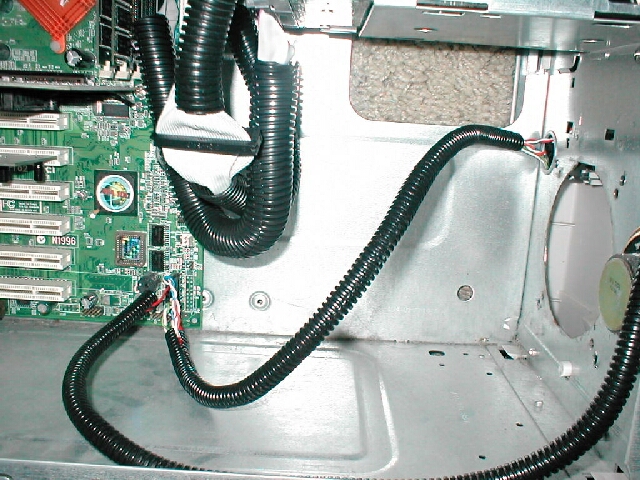
Now you will want to plug in all the Molex connectors into all of the devices you will be using and cover them with split loom. You should also cover any other wires you may have in your case, like fan wires, CD audio cables or whatever else might be in your case with split loom.
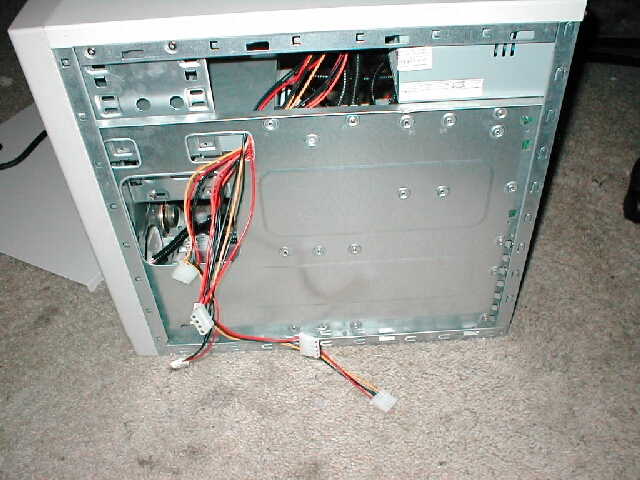
As you can see from the picture above we are getting close to having it looking like a neat tidy case, however you will most likely have Molex connector wires from your PSU that you will not use and will not want have people see. This problem is easily solved. All you need to do is take all the connections you are not going to be using and route them through the side of the case and place them behind the motherboard in-between the side of the case and the motherboard tray.


