

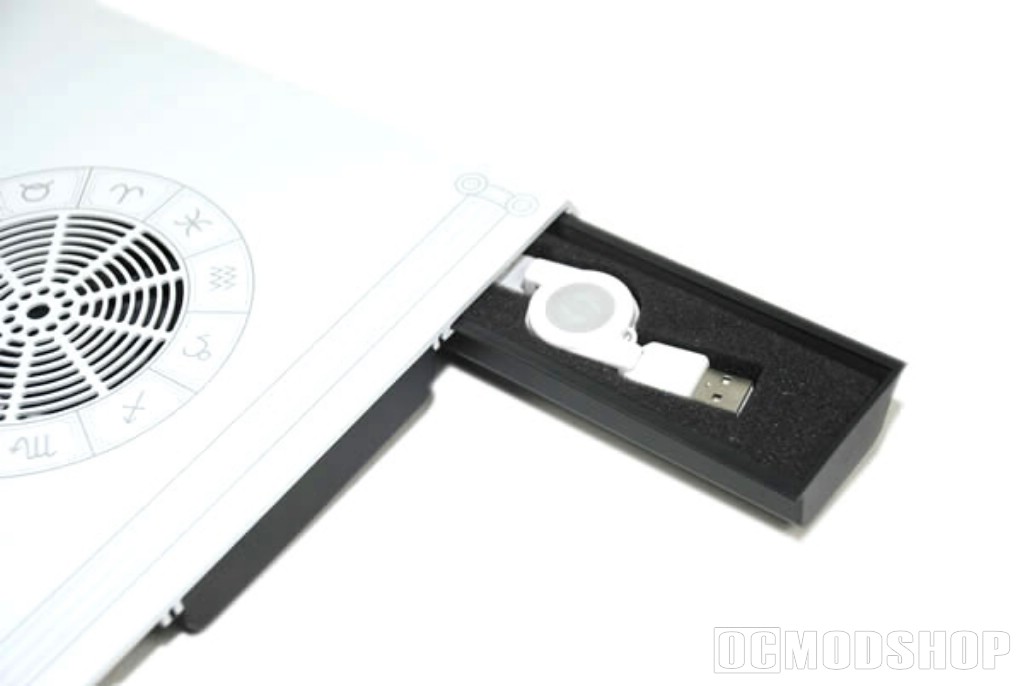
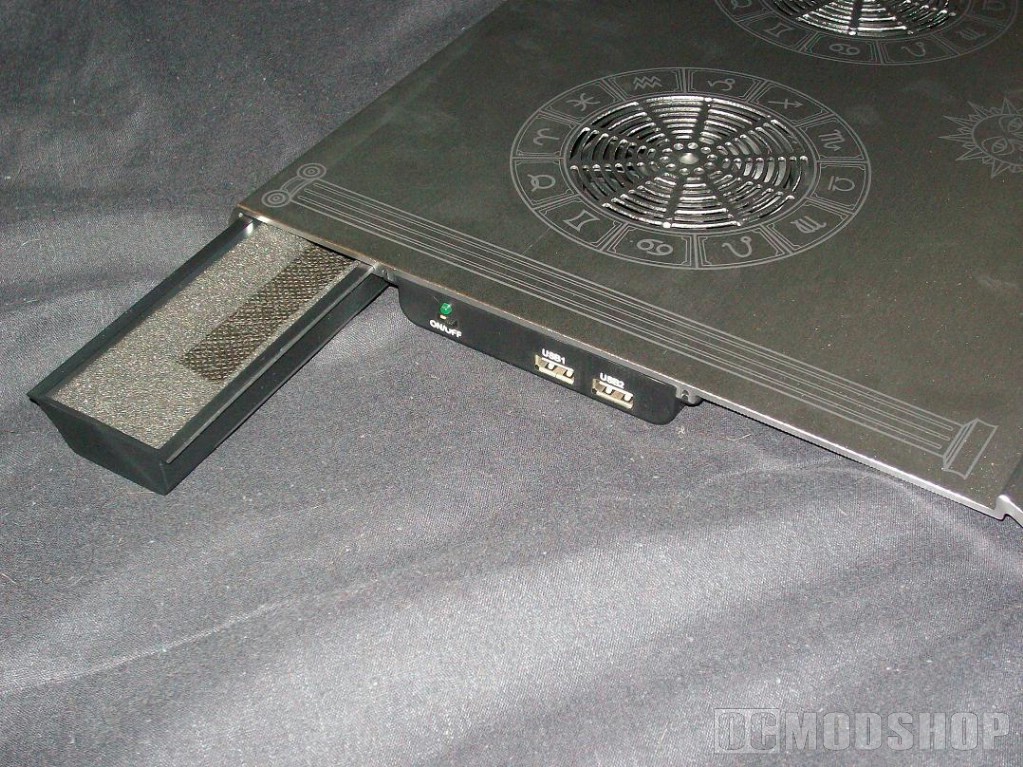
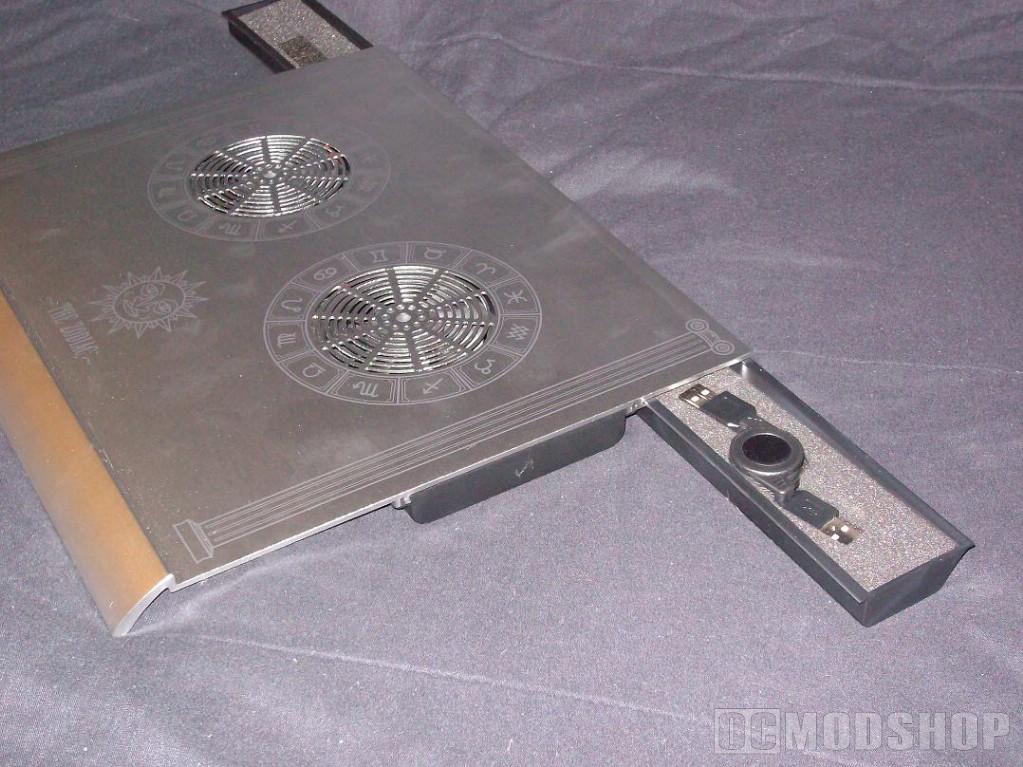
Okay, so it’s a solid aluminum laptop cooling pad that has two small drawers for extra gear and is covered with the symbols of the zodiac.
I have to say it’s nice looking. Very pleasing to the eyes. The zodiac symbols, while I’m not an astrological nut, does give the pad a unique sort of “life” to it. There’s no question that if you were to use it down at Starbucks or some other snooty coffee shop to write your novella, you would most likely get asked where you purchased it.
And I guarantee that every person who runs one of those mystical shops downtown will have one sitting under their laptop, right next to a jar of healing crystals.
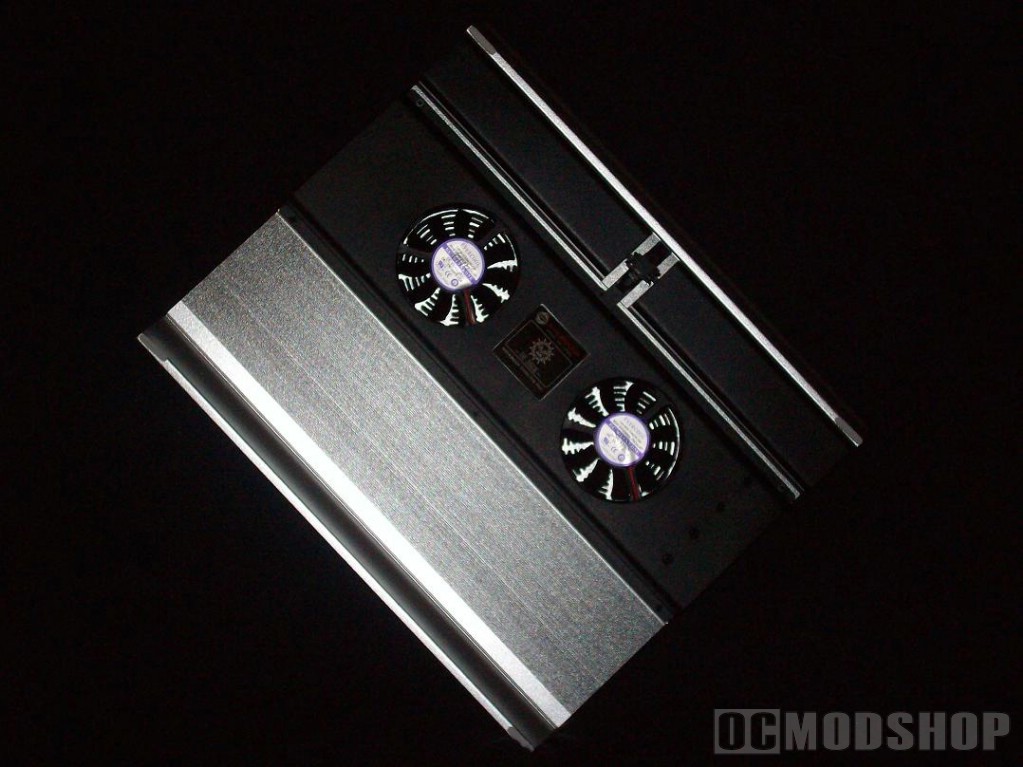
Okay, I’m getting a little off subject here. So it’s a little unorthodox looking. Big deal. The question is, how does it perform the job it was made for? Assuming it was made to cool portable computers. Maybe that’s a side thing. It might be designed to resurrect the ghost of Grigori Rasputin and allow him to take over the Internet. If so, then we can’t test that. There was no instruction book in the box.
What was in the box? The cooler. That’s it. Which kind of bothered me a little since the outside of the box didn’t specify that in order to power the pad all you had to do was plug the supplied USB extension cable into one of the USB ports on the pad and the other end into a spare USB port on your laptop. A novice user would have questioned which port on the pad to use. Or would have even gone through the box looking for the power cord, and when they didn’t find that would have taken it back and demanded one. Sometimes, even in such a technologically advanced society, these things should be pointed out.
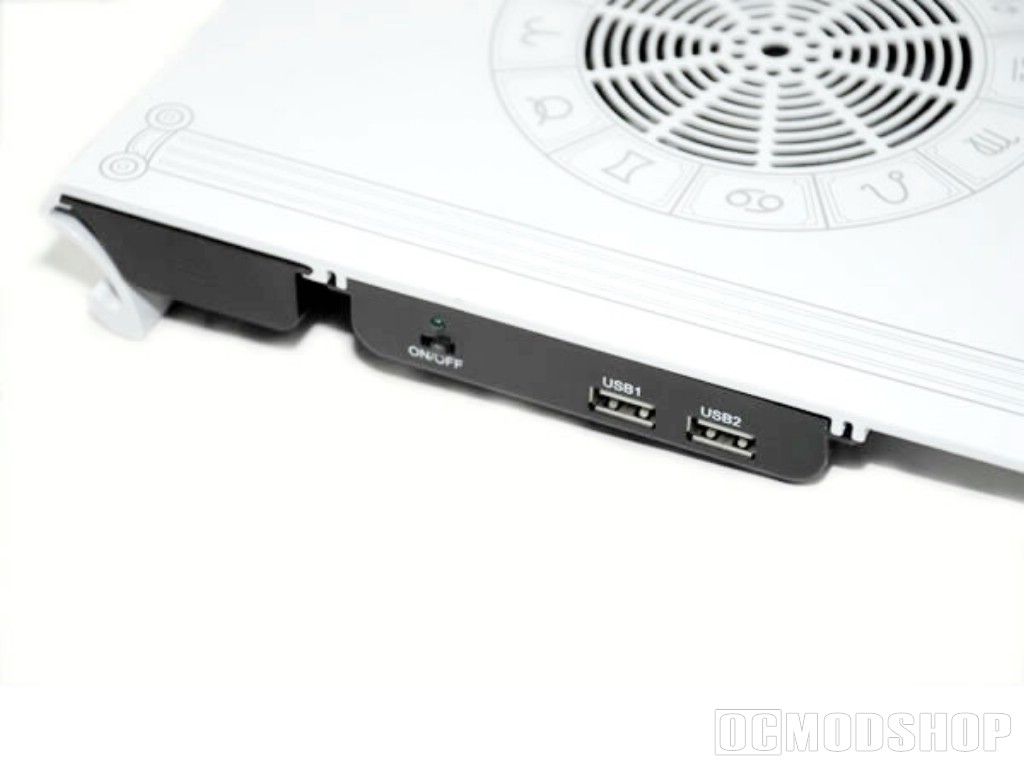
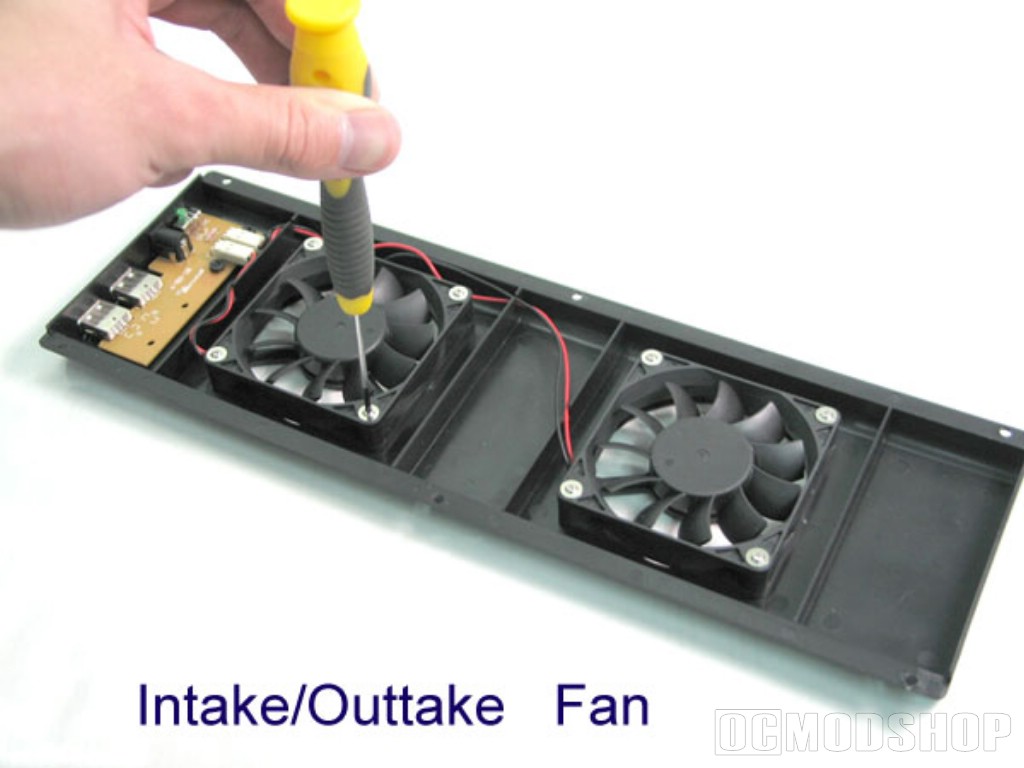
When setting up my laptop I noticed a few cons of the zodiac. The lip at the front that is intended to hold the computer in place is too small, and my laptop slides right off without a problem. I can’t say it is too great for the lap either. Any soft surface, such as your lap, blocks the fans. And the sharp aluminum edges of the cooler are more than irritating after only a few minutes. With the added weight of a laptop the cooling pad can begin to dig into your legs. And since you basically have to spread your legs to keep from blocking the fans the corners of the metal are what you come into contact with.
We’ve established this thing is going to be impractical for your lap, now let’s see it’s overall cooling capabilities. I’m running a 14.1-inch widescreen Acer TravelMate notebook with Intel Core 2 Duo 2.0Ghz processor and 3GB of ram.
To test the cooler I am going to be playing Oblivion at max settings. Usually a graphic intense game such as this would have my PC hot enough to cook eggs on it in under half an hour.
I started out with the PC and cooler on my lap. After 10 minutes I got tired of the metal digging into my legs and decided to put the whole thing on my desk to play, which is what I usually do anyway. I never considered laps a very sturdy surface for expensive electronics. The little rubber stoppers on the bottom of the cooler were handy and kept my desk from getting scuffed.
After about an hour of playing Oblivion I decided to flip the computer over and see how hot it was. To my surprise It was actually only moderately warm. I turned the sound down on the game to hear how loud the fans were, and couldn’t even hear them. I also noticed that even with such a demanding game, the internal fans didn’t kick on once. The Zodiac was doing a great job of sucking the hot air out of my laptop.


2 comments
Why would people buy something to sit on their lap when it's design won't allow it to function while on their lap
Jim, my fing feeling exactly. What is the point? But unfortunately I'm the reviewer and not the designer.
Comments are closed.