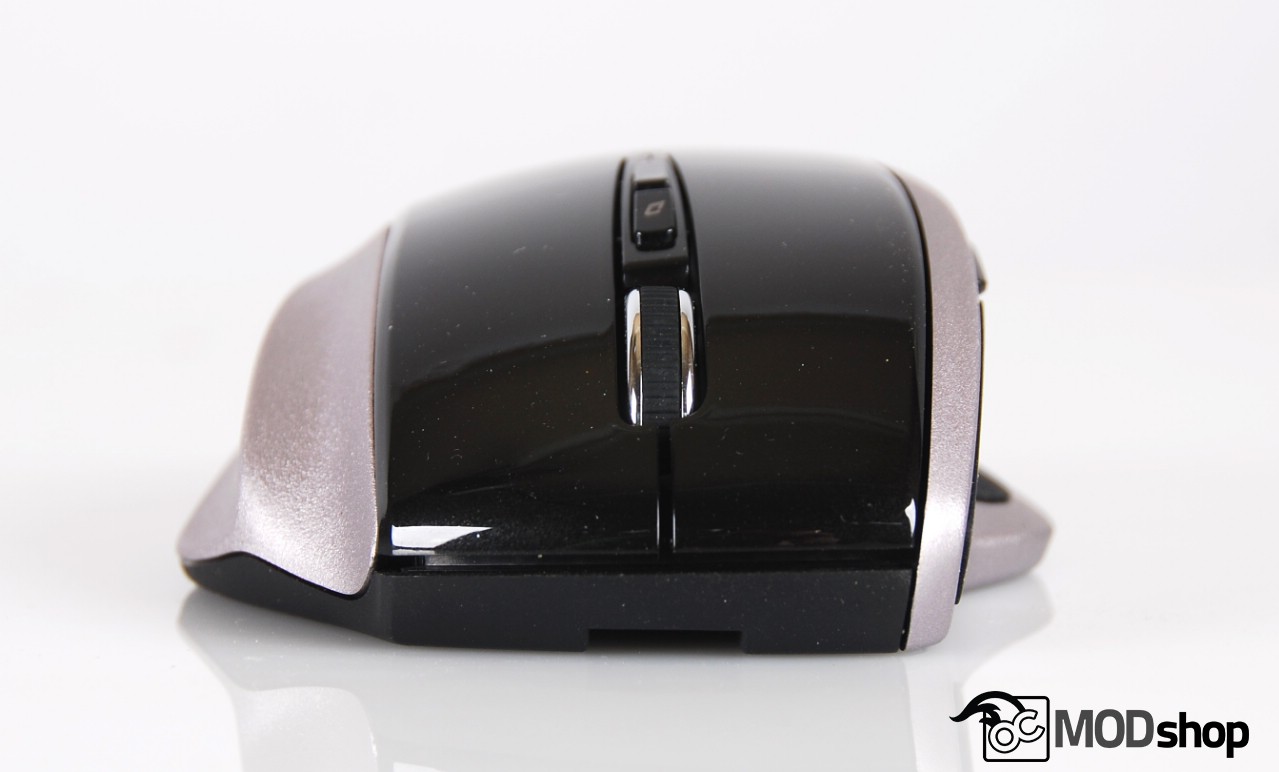
The mouse feels rather good in the hand for a budget mouse. The thumb rest and additional finger rests mean that there is little to no finger drag when using this mouse.
The thumb buttons are easily accessible and the notched buttons let you find them by feel. The primary mouse buttons feel a little mushy, and the scroll wheel is a bit soft, too.
The relatively low dpi settings aren’t really set up for gaming, although you can easily get away with it by using mouse acceleration. Gamers usually don’t like this because some portion of your movement is interpolated, but in actual practice most people don’t really notice this.
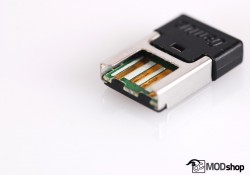
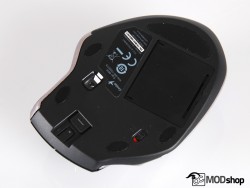
The USB receiver may be ugly but it has a very low profile, but sticks out slightly more than Logitech’s universal USB receiver. This way you can keep it plugged into your notebook without problems.
The adhesive “Stick-N-Go” mouse clip is just unusable. While it does use 3M adhesive, the mouse is just too bulky to carry around in this way. It will certainly get bumped and nudged, and will rip right off. It’s a good idea, though, but you really can’t make a mouse this big very portable.
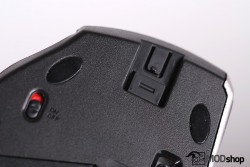
The mouse wheel does not have any left or right side-scrolling capability, which is odd for a mouse that it obviously targeted at office workers.
The mouse does feature a “free scrolling” button, which differs from the default mode when pressing down on the mouse wheel. Then this button is held down, you move the mouse to quickly scroll up, down, left, right or diagonally. When I find myself scrolling through a long document I’ll hold this down to quickly jump over large sections.
The mouse tracks very well on just about any surface. There’s a particular desk in our office with black laminate that many optical-sensor-based mice have trouble tracking, but the Genius Ergo 8800 worked flawlessly on it.