

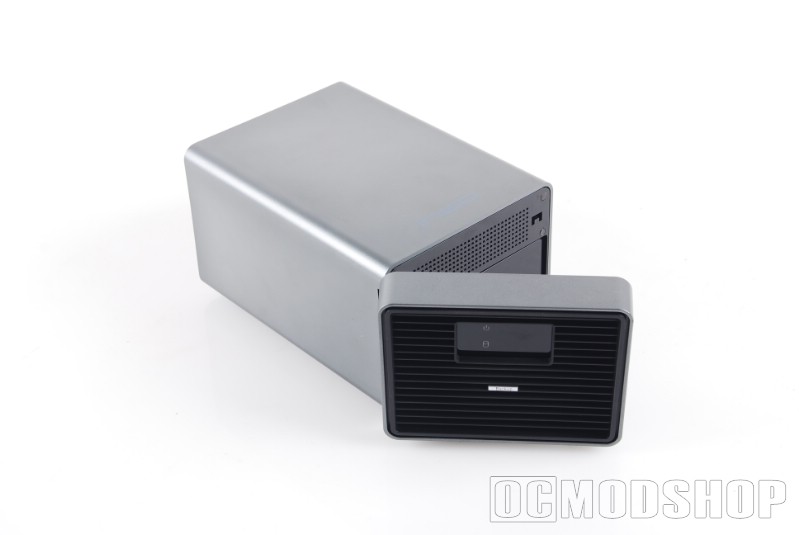
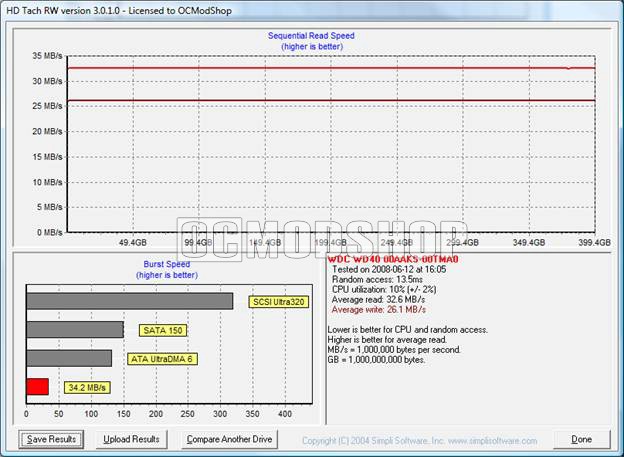
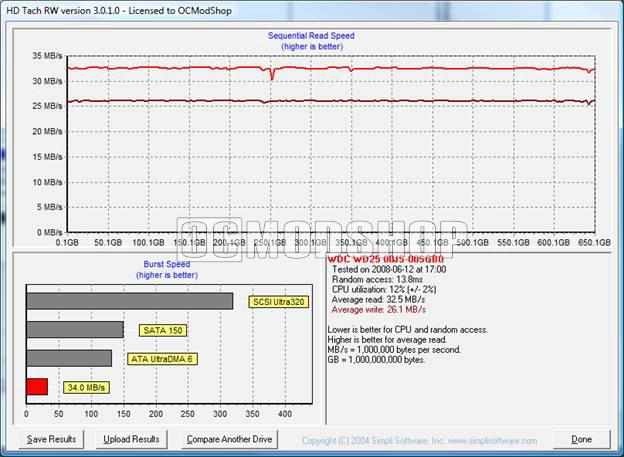
The iNEO Enclosure performs on par with most other USB 2.0 Hard Drive Enclosures. OCmodshop uses Simpli Software’s HD Tach RW, with this tool we are able to do a complete and thorough read write analysis of the drives performance.
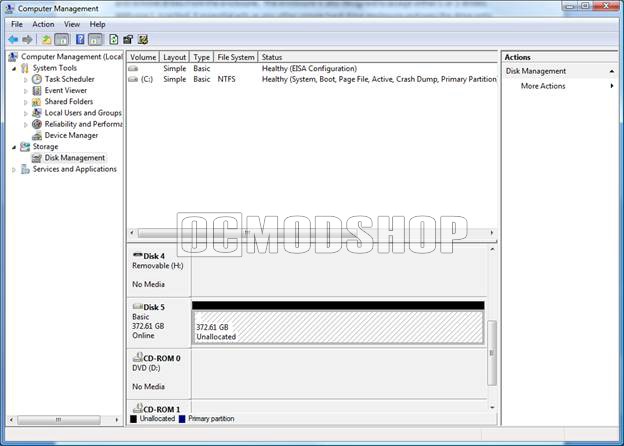
For my setup, I testing the Enclosure with 1 drive and 2 drives, I wanted to see if the enclosure had any performance hit in relation to the JBOD functionality. I was impressed with the results to realize that there is next to no performance hit!
 |
 |
 |
|||||||||
|
|
|
|||||||||
 |
|
 |
 |
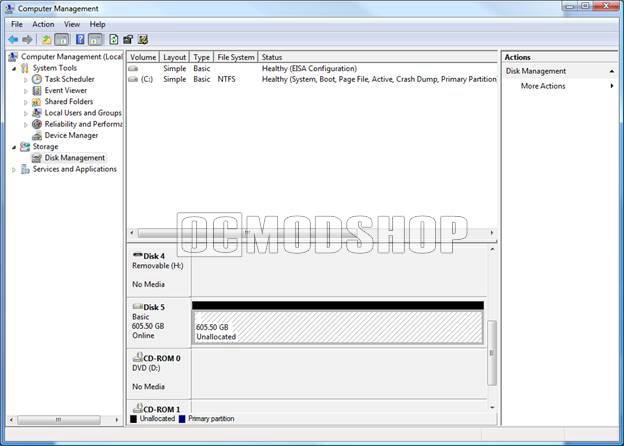 |
| INEO Enclosure with 400GB WD Hard Drive | INEO Enclosure with 400GB + 250GB HDD |
Power Consumption
Power consumption is becoming important as we are starting to see better awareness on power consumption and what we can do to reduce our power foot print. OCmodshop tests power consumption by using a P3 Kill A Watt device which is able to provide us exact numbers on the power comsumption of the unit. The iNEO enclosure itself does not require much power, with most of the power consumption being the actual drives. I have provided a breakdown of the power consumption below. My hard drives are Western Digital Caviar SE SATA Drives.
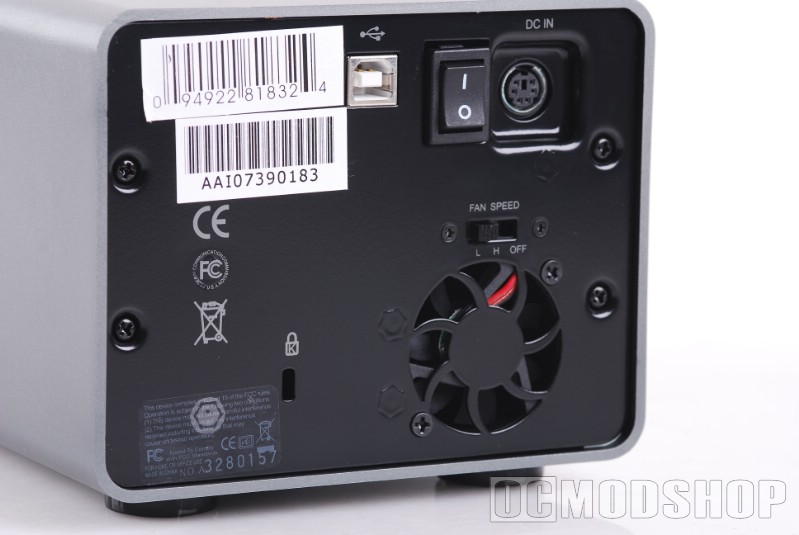
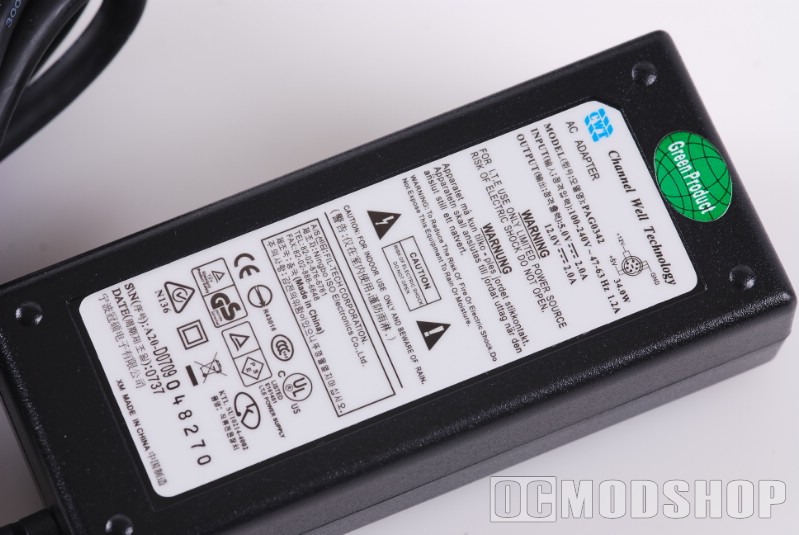
For numbers sake a Mac Mini take 30 watts to run at full power, and the new Dell Inspiron 530s takes 60 watts with 1 hard drive.
|
|
|
||||||||||||||||||||
|
|
|
||||||||||||||||||||
|
|
|



1 comment
It can be used as 2 separate drives. Just insert the first drive and format, power off then insert the second drive and format… Walla! 2 drives, one enclosue!
Comments are closed.