

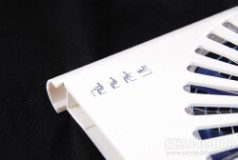
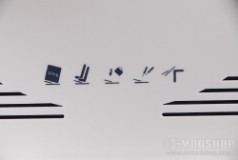
The LapChilla comes with the unit itself and a small user’s manual and no-slip clear silicone feet. The unit is made of white plastic with a large blue fan. From the top there are ventilation holes for the fan and markings to help guide the front when making the unit tilt. Since the unit is only 12 x 10 inches, then it is really intended to support 15″ notebooks only.
What makes this laptop cooler different is its large 220mm fan. It is colored blue and spins at a very low rotation speed (600rpm) which translates into practically noiseless airflow. The quietest of rooms can have a 25dBA rating, so this fan’s 16dBA makes it completely silent.
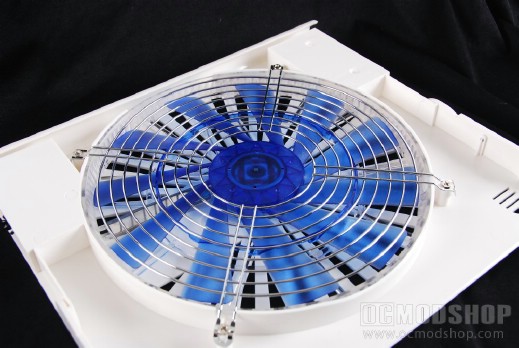
Like other notebook coolers, the fan is powered by your laptop’s USB drive. Normally you would have to sacrifice one of your PC’s USB ports, but Coolink has a pass-through USB plug, which is kept close to the unit via a coiled cable.
One of the LapChilla’s most touted features is its ability to tilt. To make this adjustment, you must remove the top of the cooler from the bottom and insert the top front into tabs on the bottom, and align it just so. Taking this unit apart is what makes you realize just how cheaply built this thing is. The plastic bends and gives (hence why it cannot support the weight of 17″ laptops), and setting up the tilt is rather difficult. Putting the unit back together into its original position is nary impossible.
In terms of performance, the LapChilla does about as good a job as other notebook coolers. Under full load our Dell Inspiron was cooled from 91 degrees to 85, and our GPU was cooled from 59 degrees to 55. Idle temps were only a few degrees less for both the CPU and GPU.
On the next page we analyze if it’s worth your money…


