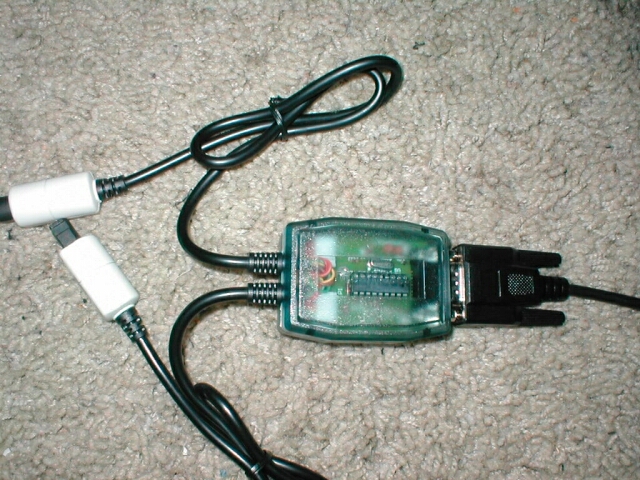
The X-Arcade can be connected to your PC, and Mac, Dreamcast, Playstation, Playstation 2, Gamecube, and X-Box. Each different system will need a different adapter depending on what you are looking to use it for. The serial cable is a male to male pass through cable which connects to each adapter. The PC connector is a PS/2 cable which connects to the serial pass through cable and goes into the back of your computer. The Dreamcast adapter also connects to the serial pass through cable and then connects to your Dreamcast via the controller ports.
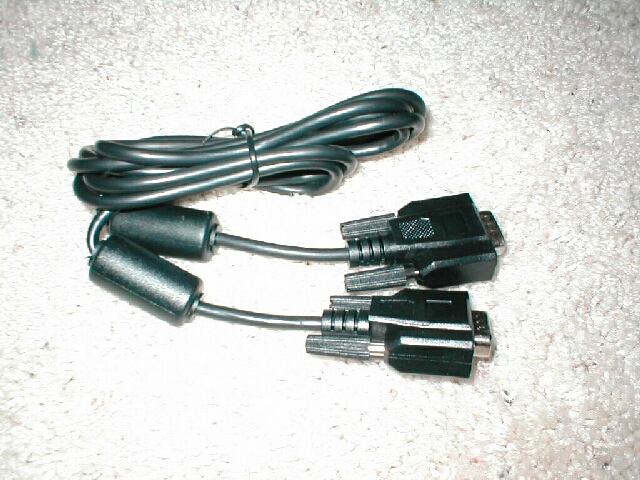
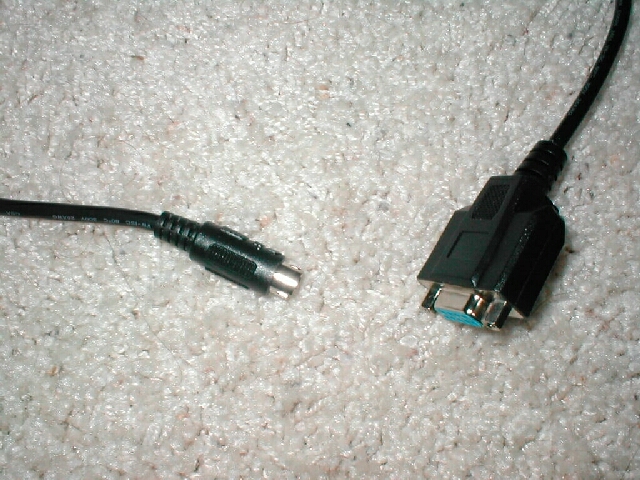
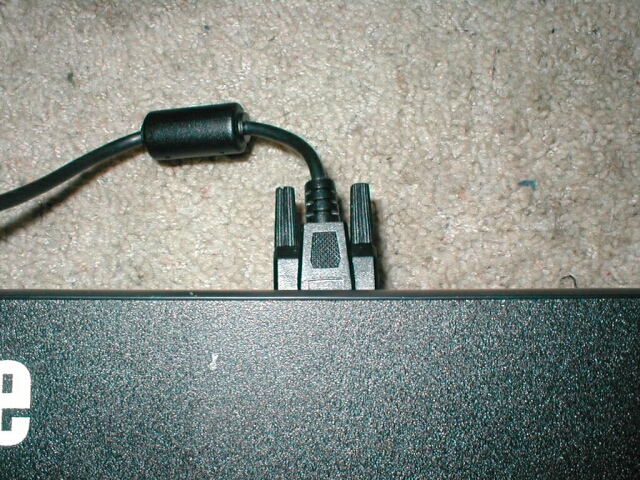
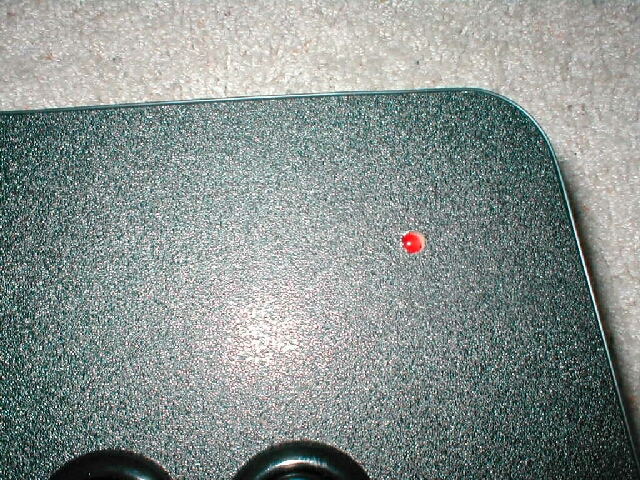
Installation is simple, the first thing you need to do is attach the serial pass through cable to the back of the X-Arcade. After you have the serial pass through cable installed all you need to do is attach the adapter that you want to use to the other end of it. For the installation for the PC you will need to attach a keyboard to the keyboard pass through port on the back of the X-Arcade. There is a red LED which is on the top of the X-Arcade that goes on when you are up and running and when you are programming it.

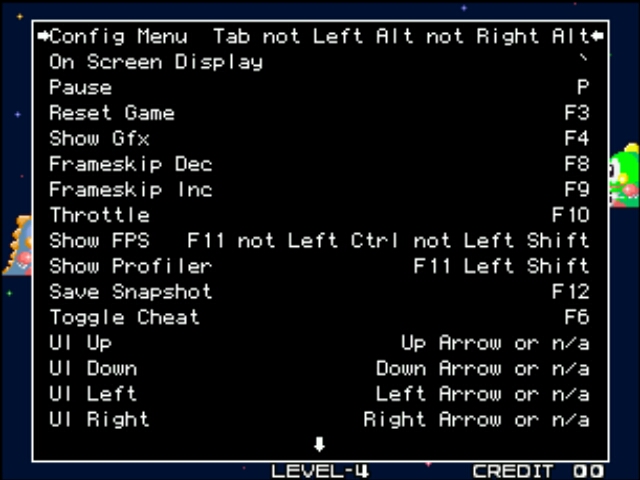
After you have your X-Arcade all setup you are ready to go, boot up your computer and load up whatever emulator you want and play your game. When the X-Arcade is plugged in you can still use your keyboard and when you press your X-Arcade buttons and move the joystick letters are typed out for you because of the fact that the buttons are bound to keyboard keys. To setup MAME to play some games you would load up MAME, pick a game and run it, then press tab and go into the “Input (General)” menu and you will have a menu which will let you setup the controls. To change the default setup just press enter on your keyboard and then press the button on the X-Arcade that you want to use and your set. This is how you will setup all your emulators to use the X-Arcade with it, of course each emulator will setup differently.