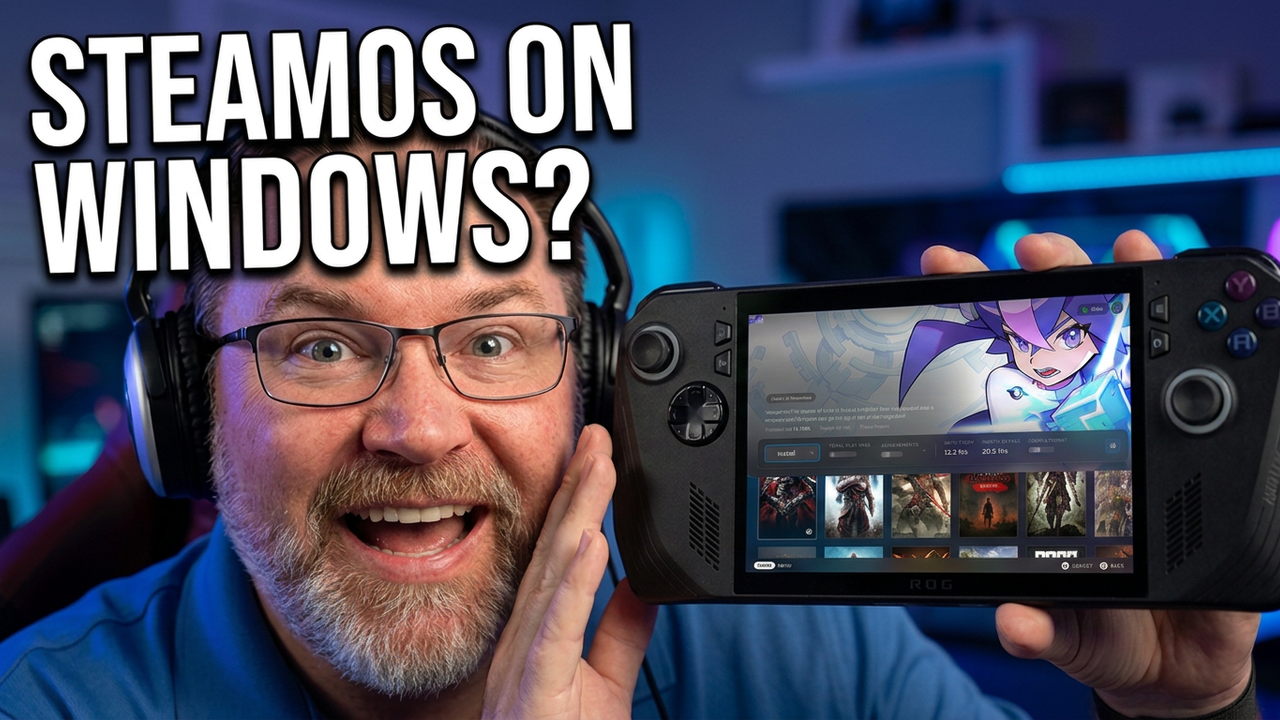
Get a SteamOS-like experience on your handheld Windows PC. Can this front end make navigating your game library feel like a console?
If you want to simplify your handheld PC gaming setup, this guide shows you how to install a Winhanced front end. This interface brings a clean, controller-friendly layout to your Windows desktop, organizing your titles and adding features usually reserved for dedicated consoles. I demonstrate how to connect game libraries, navigate and configure the interface for a seamless experience.
We also cover some of the integrated features that you normally have to get through Decky plugins. By the end of this video, you will have a functional, console-like interface running on your device, making SteamOS for Windows features accessible without needing a separate operating system.
Subscribe for weekly handheld PC gaming breakdowns, and comment below which plugin you find most essential for your setup.