
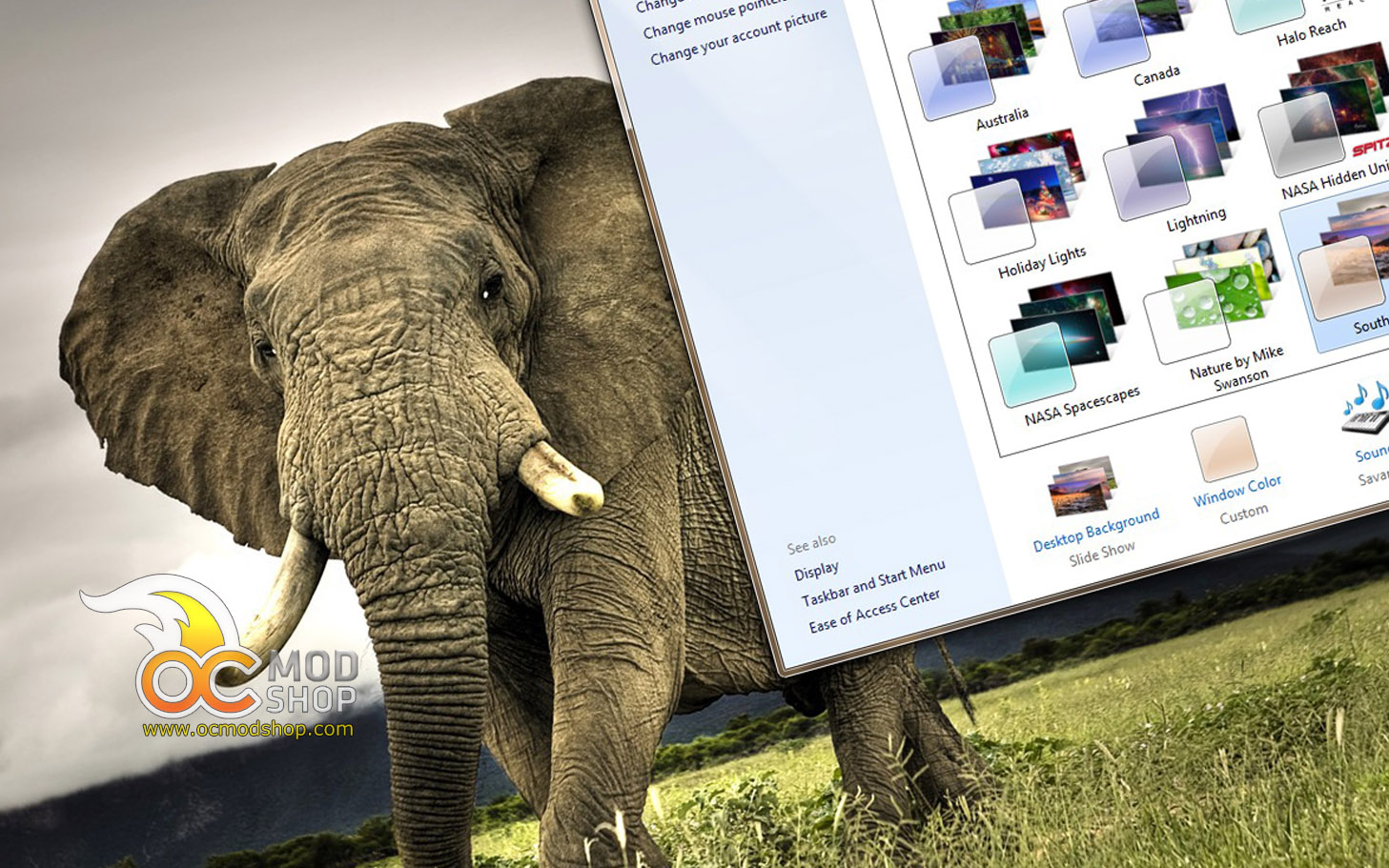
Windows 7 configures a handful of themes upon initial installation, but did you know that there are several more that are not installed by default? Microsoft has set up Windows 7 to only install themes relevant to the language and location you specify during the installation script, but you can easily access and install more themes that Windows doesn’t think you want to see.
The additional themes are Australia, Canada, South Africa and United Kingdom, and the wallpapers they use are professional photography, just like the Architecture, Landscapes, and Nature themes installed in the default U.S. installation.
In just a few minutes you can install these “new” themes that you didn’t know were already there.
1. First you need to locate where the themes are. You can browse to it with Windows Explorer or use a Run dialog. Either way, find your way to this location:

C:\Windows\Globalization\MCT
Of course, substitute C: for where your copy of Windows is installed.
2. You will see several folders which co-relate to different locations:
- MCT-AU is Australia
- MCT-CA is Canada
- MCT-GB is Great Britain
- MCT-US is United States (probably already installed)
- MCT-ZA is South Africa

Navigate within each of these folders. You will see a folder that contains the wallpapers (i.e. Australia in the MCT-AU folder), and a Theme folder. Navigate to the Theme folder.
3. Double-click on the theme and it will automatically install and appear in your Control Panel’s Personalization applet.


Go through the rest of the country folders and install the additional themes. You can use the new themes and wallpapers just like you would any other theme.



4 comments
Aren't there some other themes that come with Windows Server?
[…] Javelin S4 4-Bay Media Server Review @ Hi Tech Legion Enable Hidden Windows Themes @ OCModShop XFX WarPad Review @ Kitguru Disabling NVIDIA's HDMI Audio Under Linux @ Techgage ZOWIE G-TF […]
Nice thank you for the information, However on my Win7 Ultimate there is no listing called MCT
I've gotten feedback that some users' installations don't have the Globalization options. Never fear! I've uploaded the MCT directories in the OCModShop Windows Wallpaper gallery!
Just go here and download the MCT Zip files: http://gallery.ocmodshop.com/thumbnails.php?album…
Comments are closed.