
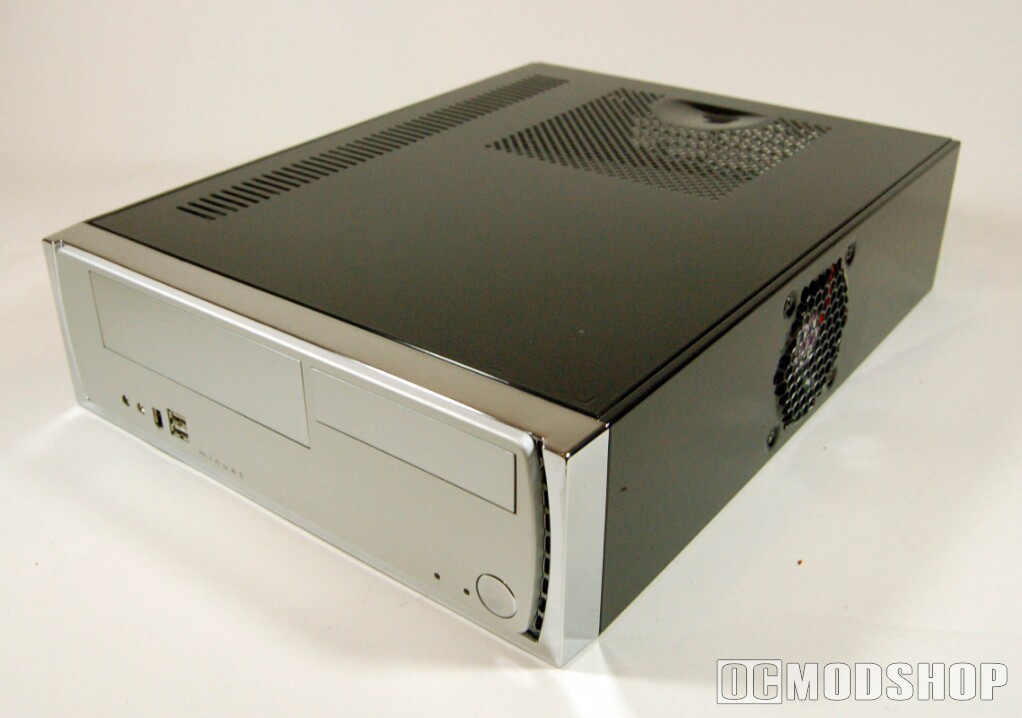
The case is so small that only a micro ATX or ITX motherboard will fit inside. A VIA EPIA motherboard would be perfect, as they are very quiet, do not require large heatsinks and produce very little heat, but may not be powerful enough for desktop or home theater applications.
Space is tight, but a micro ATX motherboard fits snugly. It is recommended to install drives with the drive cage removed, as space is very cramped with the system completely assembled. Serial-ATA (SATA) drives should be considered to maximize airflow. If you have to use traditional ATA (i.e. for the DVD drive), use rounded cables with no slave plug (there is no room in the case to even use a slave device, and the extra plug just cramps space even further).
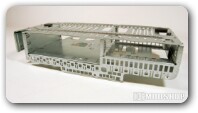
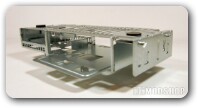
If you have no need for a floppy, it is easier to install a hard drive in the top 3.5” drive bay. Not only is it easier, but you increase thermal efficiency by providing the hard drive (a significant heat source) with more air flow. If you install a hard drive underneath the DVD drive, the two drives will be touching each other, directly building up heat with little dissipation effect.
The case’s front hookup cables are of decent quality, and bend easily for snaking the cables to their destination connection (or tucked away if not needed). They are over a foot long, which mean they can easily reach the back of the case if necessary (which is where most motherboard’s audio leads are from my experience).

