The Photo Safe is a plastic enclosure for a 2.5″ laptop hard drive, but has two buttons on the front, and LCD display, and media slots on the side to accept all the popular storage formats. The slots are concealed behind vinyl covers, which should help keep dust out. The bottom of the device has a small AC adapter plug and mini USB 2.0 connector.
Using the Photo Safe II is remarkably simple, which is both a good and bad thing. First, the unit must be turned on, which is easily done by holding the power button for two seconds. When you insert your memory card into the proper slot, the LCD display shows the sum of all the files on that card. All you have to do is press the copy button, and all the files are copied. The original files are left on the source card, so if something happens in the middle of the transfer (like the battery running out) you still have everything.
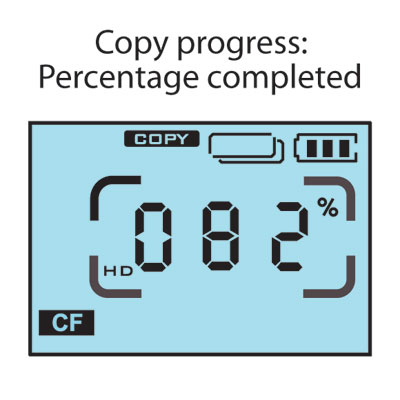
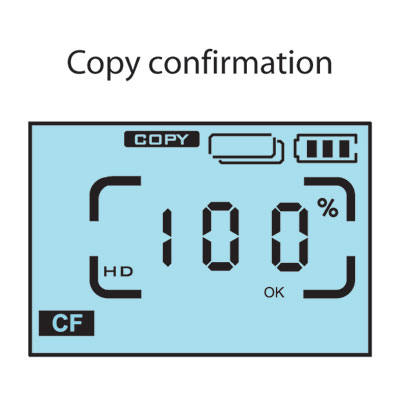
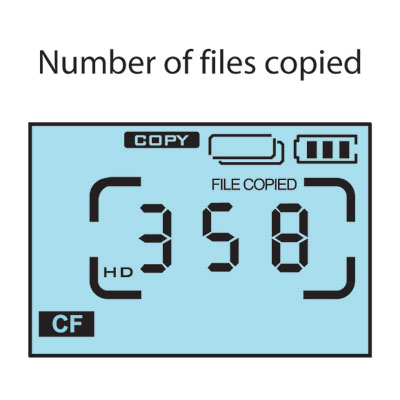
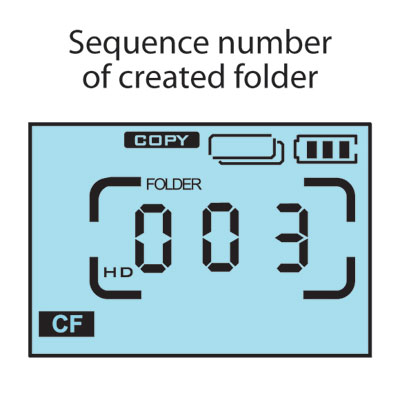
Dumping your card is an all or nothing deal. You cannot specify to copy any one particular file, and you can’t browse or otherwise navigate the contents of the media card from the LCD display. Each time you press the copy button, the contents are dumped into sequentially-numbered directories on the root of the hard drive, so if you press the Copy button twice with the same media card in the slot, then you will have two directories with the exact same pictures.
Attaching the unit to a PC maps 3 drive letters: one for the internal hard drive, and two for the multi card readers. That’s right: the Photo Safe II doubles as a portable card reader.
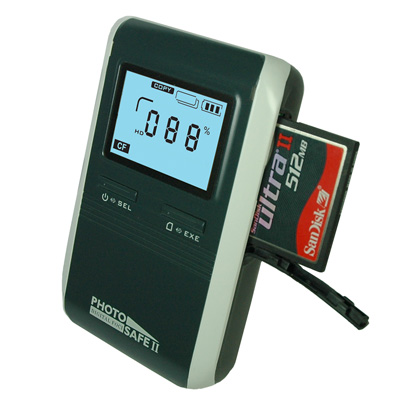
Transferring files to the internal hard drive takes only slightly longer than copying them directly to a PC. I previously reviewed Cirago’s Smart Mobile Storage (reviewed here), which had similar functionality, but was painfully slow. I am glad to see that there actually is a device that dumps media cards without wasting precious time or battery life.