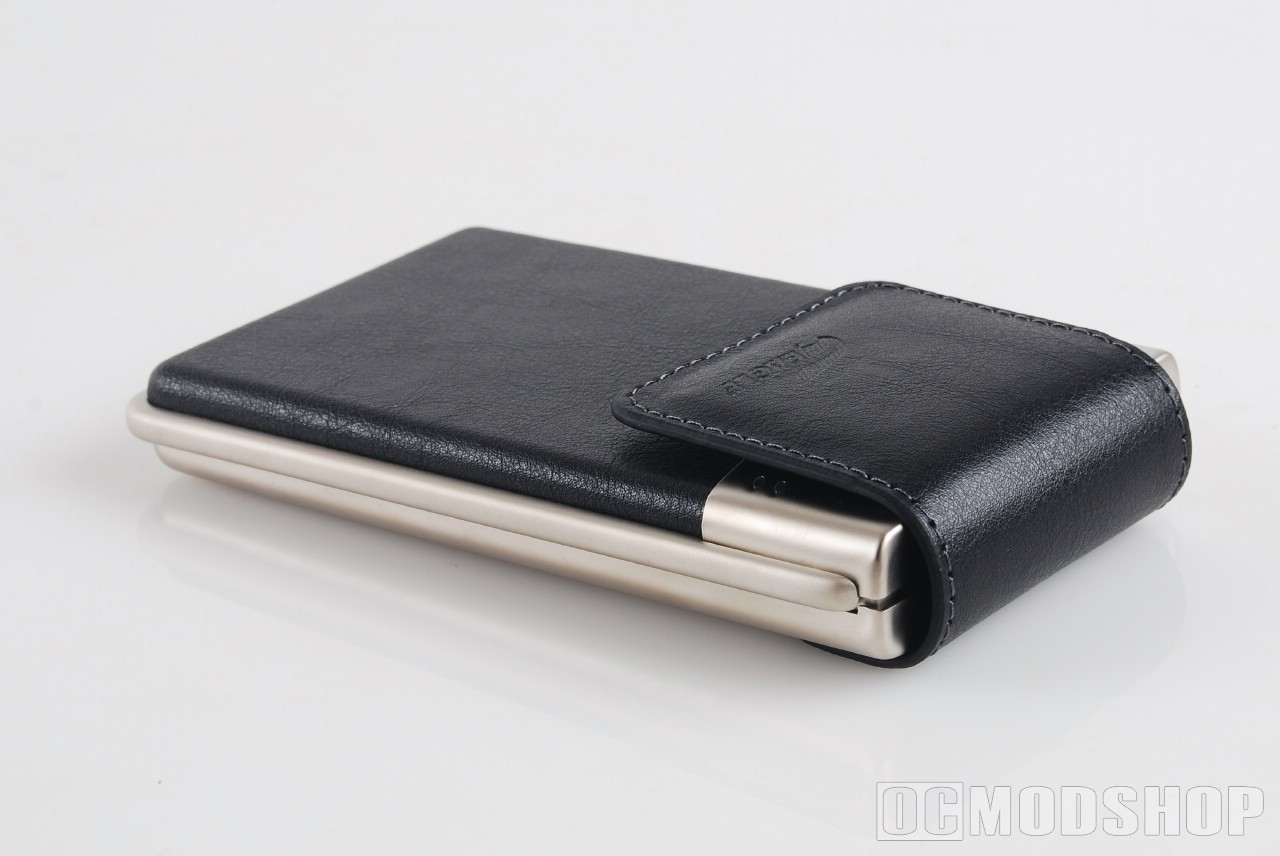
So now you know what the L-Series offers. Now I’ll put it to the test. Here’s what I know so far. It’s nickel plated, which will resist corrosion for friggin’ years. It’s covered in leather. I don’t know why, other than to impress the other skiers at the lodge. It’s made out of steel and it would probably take a damned Army tank to destroy it. I’m sure I can find a way to do it without a tank, but then how could I impress my friends at the lodge?
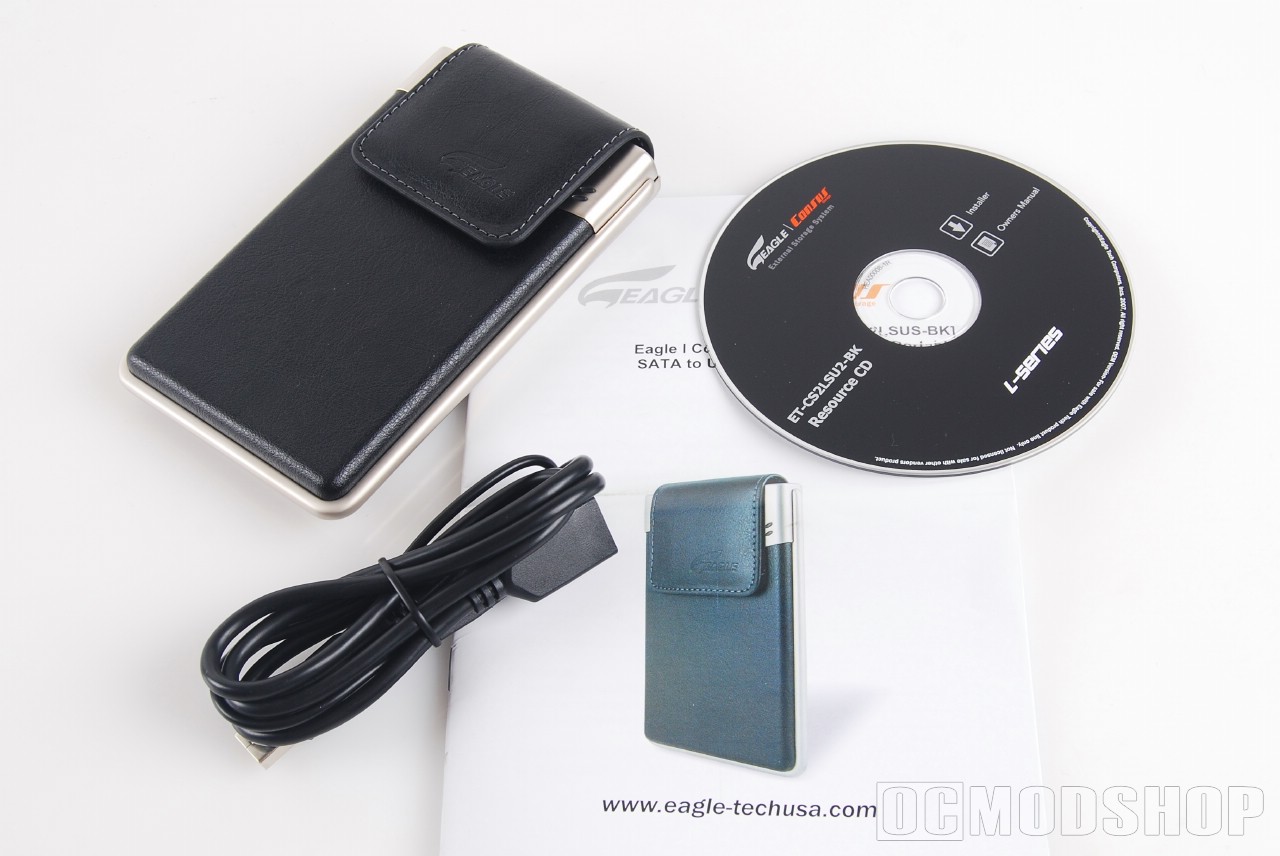
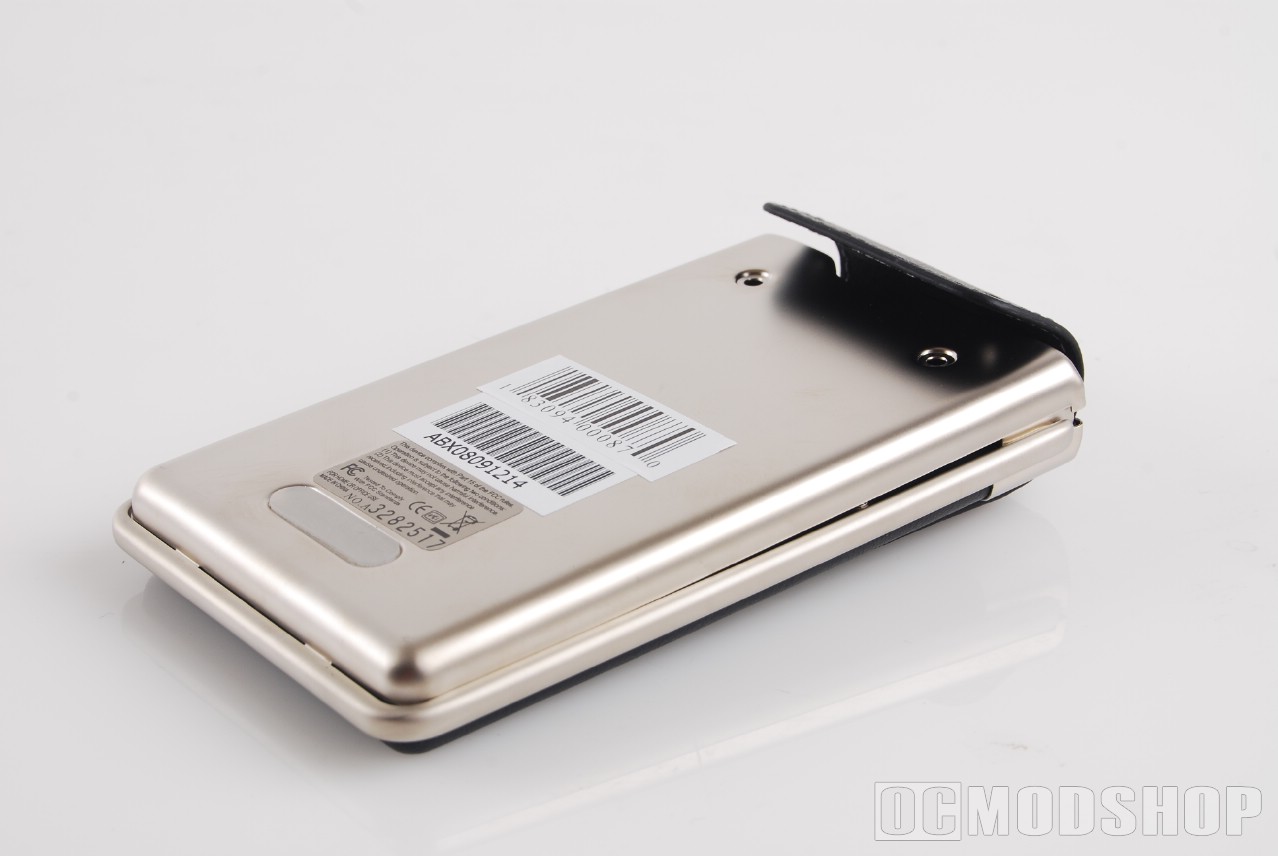
In the box, I found the unit itself. Looking good with all that nickel and leather. What a dirty, dirty little enclosure you are. Um… then you find the USB 2.0 Certified extension cable, a CD with some drivers and what-not on it, and an instruction manual. Very nice. I like it when they keep it simple. Every now and then I’ll get a product that comes with so many ridiculous and needless add-ons that soon my whole desk is cluttered with stuff I’ll never need nor use. Looking at it from a consumer’s point of view, this is very bothersome. The L-Series is very basic, made to do the job and call it a day. That’s something we can all appreciate.
I dug around in my desk until I found the HD I used in my last enclosure test. A Western Digital 120GB that has gotten me through hundreds of hours of movies and music without a single crash.
Why only a 120GB for the test when it supports up to 250? The answer is simple. I’m recycling an HD I no longer use.
Installing the HD in the enclosure is rather straight-forward. The leather flap that snaps on the front of the casing is held on by two screws at the back. Keep the snap on the front snapped and unscrew the two screws, and viola!
The back comes right off and you have total access for all your connecting needs. I put my HD in and replaced the backing. There are two tabs at the bottom which have to be aligned before the screw holes will line up properly.
Once everything was back together, I unsnapped the leather flap and pulled the USB connector out to hook it up to my computer. It’s rather short, around 1 ½ “ long, but with the extension I was able to bring the enclosure around to the side of my laptop where I have more access to it.
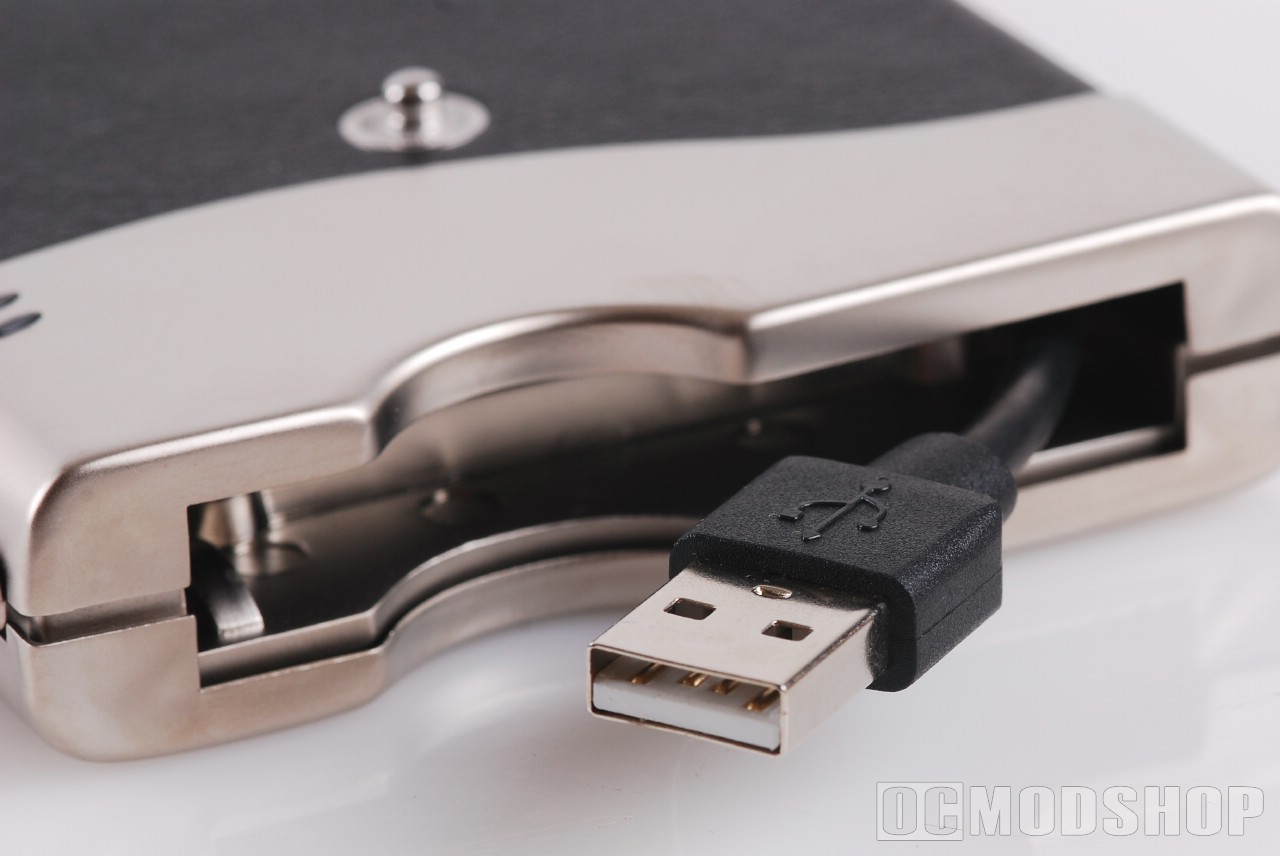
I installed all the necessary drivers and set HDTach to check out what the enclosure is capable of. I let HDT do its thing and I went to the kitchen to reheat last night’s spinach pizza.
I came back to some very nice numbers on the final screen. I saw that I was getting an average of 32MBS transfer rate. I love that kind of number. That means I can access my much needed files when I want, using an HD that has been lying in a drawer for months with no purpose. I felt bad for it, really. It’s sad for hardware when it doesn’t get used.