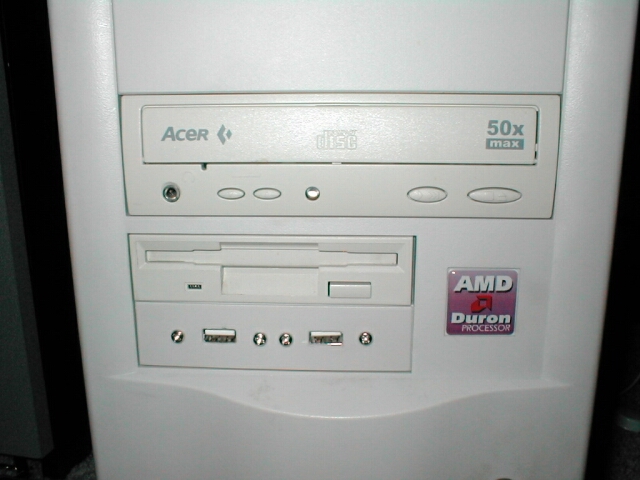
You can mount your front USB anywhere you like I however chose to mount it in a 3.5 drive bay because it fits perfectly. For this part you are going to need the metal plate you took off before, a pencil, measuring tape, dremel, file, drill & a bit. The first thing you will want to do is take your metal plate, pencil, drive bay cover, and measuring tape out.
Now use the metal plate as a stencil and use the measuring tape to center the template. When you have it where you want trace the outline of the holes and USB slots onto the faceplate. After you have traced the outline onto the drive bay cover go ahead and find a drill bit that fits in the 4 holes on the metal plate you used as a stencil.


Go ahead and drill the 4 holes that you traced onto the drive bay cover so it looks like this. Now that you have the screw holes drilled its time to cut out the slots where the USB ports are going to be. I used my trusty Dremel with a #107 Engraving Cutter bit to do the rough cutting of the ports but you can use whatever tool you would like. I dremeled it out as close to the outline as I could get.


I then used a small file to do the rest and get it squared off and to the edge of the outline.

As you can see the file worked great and I now have a clean smooth rectangle that the USB plug can slide right into.


After you have done this to the first outline do the same to the other so that you have a finished faceplate that looks like this.