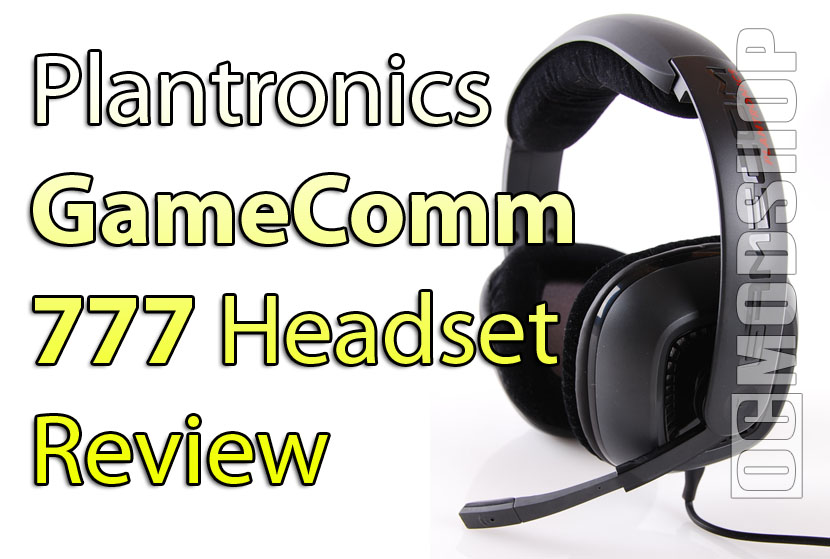
Installation is much easier than many other USB sound devices, which require drivers to allow the card to process 3d sounds. This sound card uses Dolby Headphone technology, so it takes any stereo source and converts the signal into a virtual 5.1 sound space. Windows sees the USB sound card as a stereo device with only two channels. Other USB surround headphones I’ve tested usually show 6 channels. We’ll see how well that works in a minute.
After plugging the sound card in, it was immediately recognized and just worked… and this was on a Vista 64-bit system, which is notorious for having underdeveloped or nonexistant drivers. The audio device is installed, but isn’t switched to as the default device. To get sound to output to the USB device, you have to go into the Control Panel’s Sound applet, and select the device as default.
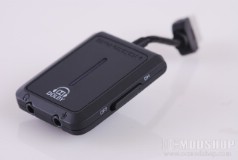
You’ll then have to restart any audio application that you had open. If you had iTunes running when you plugged the unit in, then you’ll have to close and restart iTunes. Similarly, if you unplug the USB card, you will hear no sound from any programs until they are restarted. Note that this only happens when you use the USB sound card… plugging the headphones directly into your computer’s sound card works just as normal.
Since there are no drivers, then there aren’t any configuration settings either. Other “surround” headphones have some sort of testing application that allows you to adjust your audio configuration, but the only tools you have are what is included with Windows.
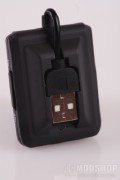
I spoke with the Plantronics rep about configuring the sound, and they stated that all I had to do was have a stereo source, and the USB sound card would do the rest. I shouldn’t have to configure a game to 5.1 output mode, or a software DVD player to 5.1 speakers.
I toggled the Dolby Headphone mode on and off while listening to music, and music definately sounded more spacious, but also very gimmicky, much like the “WOW” effect in Windows Media Player. If you’ve ever played with your home theater’s Dolby surround mode, then this it what it sounds like… it may sound more spacious, but the extra channels are derived from stereo, so there really is little “positional” sound.
I had a similar experience when watching movies. The sound was very spacious, but it was very difficult to tell obviously positional sounds. There were a few moments when it actually sounded like something was going behind me, like when a helicopter flew overhead in a movie scene. Other than that, everything just sounded spacious… like all sound is coming from all directions at once.
The GameCom also came with a test DVD to show off all the neat audio effects in games. Some of the demos were encoded in Dolby Digital 5.1, and had specific tests like “this is the rear left channel”, etc. Like other positional headphones, I could barely tell the difference between a rear left channel and the left channel.
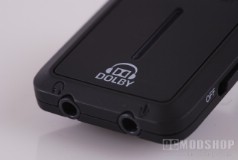
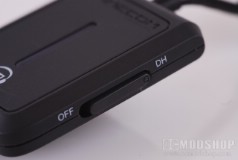
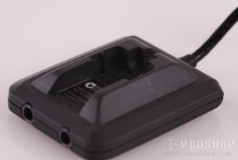
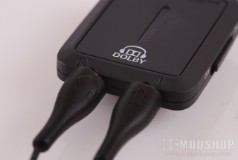
There are times when the Dolby Headphone technology sounded beyond awesome. There was a test of Ghost Recon where a soldier is surrounded by a bunch of wind, and with Dolby Headphone technology on, the wind sounded very realistic and actually surrounded you. The soldier’s chatter sounded very seperated from the ambient noise. This is where Dolby Headphone technology works best… making ambient noise sounding VERY ambient.
This gimmick may add a new element to music and movies, but isn’t very effective in a gaming scenario. You need to be able to tell the direction of an enemy even before you hear them. While no surround headphone I’ve tested has ever excelled at rear sounds, the Dolby Headphone mode kind of muddled the sounds so they seem to come from everywhere. Like in the movie test, there were a few times when the audio direction was very clear, but most of the time didn’t work for tactical advantage.
Dolby Headphone technology makes things sound more atmospheric, but that doesn’t help the PC gamer.