The Volcano 7+ comes with instructions on how to put together the heatsink for use with AMD and Intel. The instructions are good and explain well how to put it together and install it.
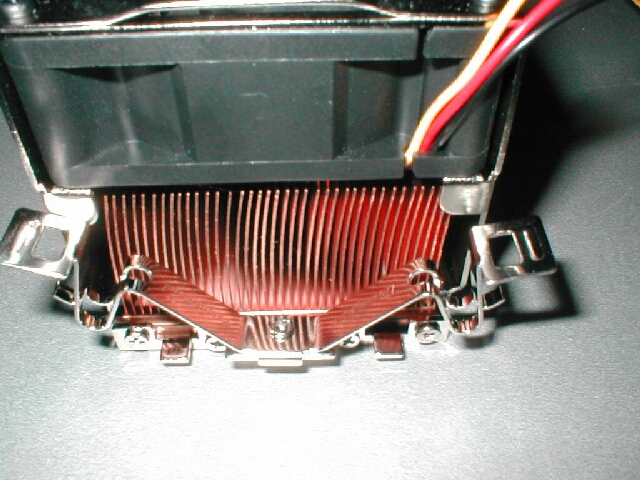
The Thermaltake Volcano 7+ comes has the ability to work with both Intel and AMD. It will support AMD’s Duron, Thunderbird, Athlon XP and Intel’s Pentium 4 (socket 478.) This is a very cool idea which I think more companies should use. Even though I do not have anything Intel, if I did this heatsink would be that much more appealing to me because if I ever decided to change to and AMD CPU I would not have to buy a new heatsink. The Pentium 4 clips are on the top and the socket A clip is on the bottom.
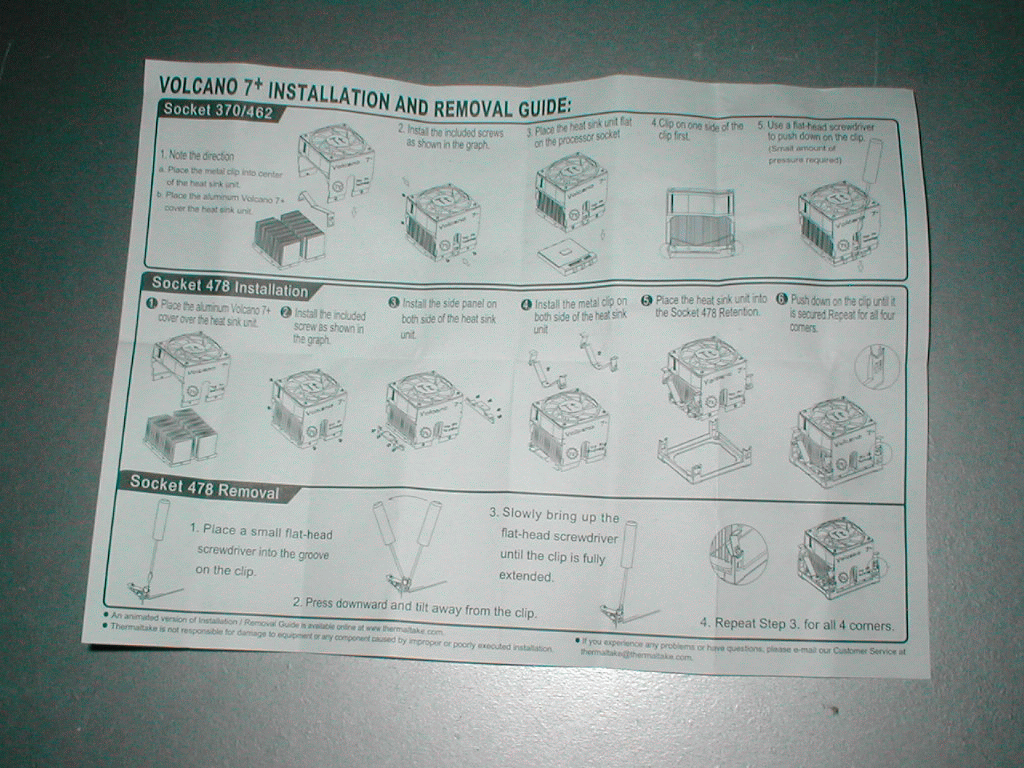
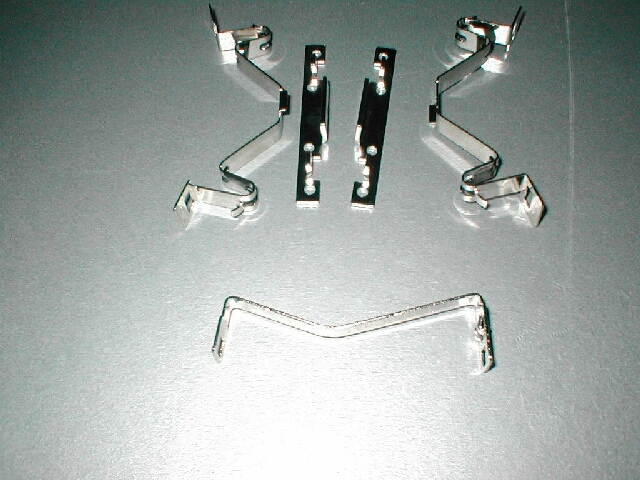
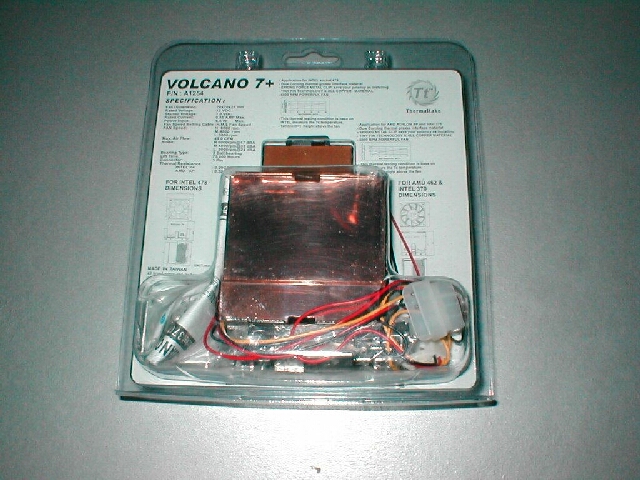
Because I only have socket A CPUs that is all I will be testing. To put the Volcano 7+ together you just have to drop the clip into the groove and then put the shroud into place and screw 2 screws onto each side to hold it in place. The clip that you use for socket A CPUs is one which requires a screwdriver. The groove is not very deep for the screwdriver and this is a bas things. With all the positive aspects so far about this heatsink the clip leaves a lot to be desired.
Even though I do not have a Pentium 4 I installed the Pentium 4 clips to the Volcano 7+. To install the Pentium 4 clips you need to screw the brackets onto each side of the heatsink with 4 screws. After you have the brackets on the side of the heatsink you just use 1 screw to hold the clips on each side.
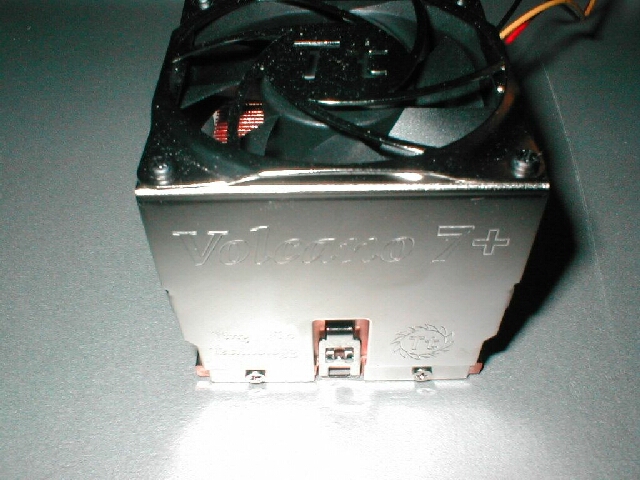
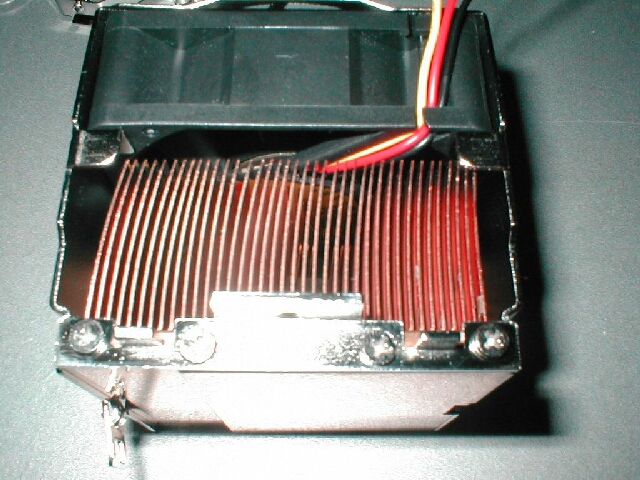
Test Bed
- AOpen AK77 Pro(A)-133
- 1.2Ghz Thunderbird
- 256MB Crucial PC2100
- Asus Geforce 2 GTS 64MB
- Globalwin YCC-8870 case
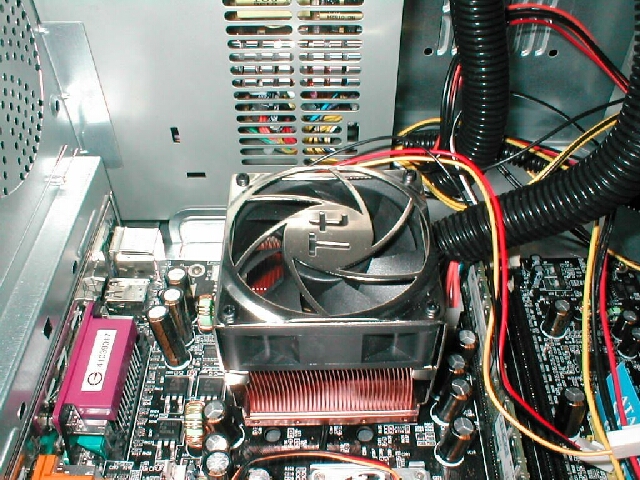
I installed the Volcano 7+ to my normal test bed, I am using my AOpen AK77 Pro(A)-133 motherboard to test with. Installation of the heatsink was more difficult than it should have been, my screwdriver slipped off the clip twice, hitting my motherboard. The Volcano 7+ was a pretty tight fit between the capacitors, this may be an issue with some motherboards which have little space around the socket. I would suggest you check to see if your motherboard has enough room around the socket before buying a Volcano 7+.
The only bad thing about the fan controller device which I can see is the fact that it will stay inside of the case. If you want to change the speeds of the fan you are going to have to open up your case every time. There is a solution to this problem, I have written a guide on how to mount the fan controller to an expansion slot cover so that you only have to reach around to the back of your computer.