


Now we will set up the WPCRSET program, which will set the values every time Windows is booted. This will help keep your CPU nice and cool, so read on. First we need to run the program. It should look something like this:
If the buttons for Start and Enable are not set correctly, do so now, so it looks like the picture above. Now, click the Add button. You should see a screen that looks like this one.
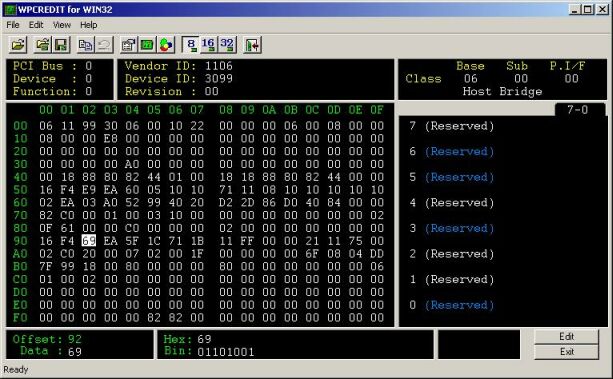
Set the values in the Register and the Data areas to match the values in the picture (Register 92, Data E9). Then click OK. Do the same thing for the other register, like this.
When you finish, you should have a screen that looks like this one
You can now click OK. It will ask you to reboot, but since we already did that you won’t need to do so now. Check your temps to see how much of an effect it has on them. It made a dramatic difference for me, from ~45-50 down to ~34-37 when idling. Of course, since the cooling is achieved via CPU inaction, this trick won’t really help your temps when you are running CPU intensive applications such as video games or Prime95. But it’s a nice thing to have available, so I thought I would enlighten the readers of OCmodshop.


