
The whole kit is comprised of three parts: the wireless pen, the cordless mouse, and the tablet itself, which is what the USB cable is attached to.
The tablet is grey and has a recessed area to lay the pen when not in use. The drawing area has a lift-up flap that you can place drawings under for easy tracing. Above the drawing area are twelve programmable Function keys, numbered F1 to F12, much like a standard PC keyboard. By default these function keys have the same default functions as your keyboard, so clicking F1 brings up Help for the active window.
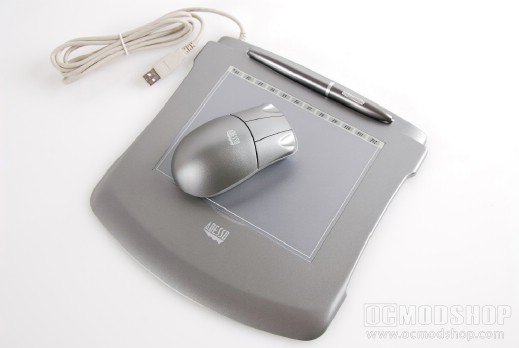
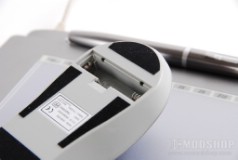
The mouse is small and rather light, even with the AAA battery installed. The mouse has three buttons: a left, middle and right click, and sadly no scroll wheel or Back/Forward buttons are present. This mouse is basically featureless and is practically useless since it can only be used on the very small drawing area of the tablet. Most users will just toss this mouse aside in lieu of a much better mouse. Personally, I use a gaming-grade mouse with variable DPI for all my graphics work.
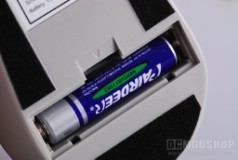
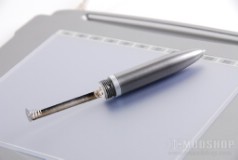
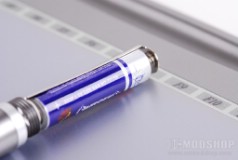
The pen looks very much like a typical Wacom pen, but does not have the Eraser feature of some of their models. With a Wacom tablet you could flip the pen around and your graphics program would automatically switch to the Eraser tool. The pen has a rocking switch which is mapped to the single click and right-click function. The tip of the pen is replacable, which can be pulled out with a set of small grips. The pen screws apart above the rocker switch to allow access to the battery compartment. The pen takes a single AAA battery and is held in place with a spring. Even though there is a battery it is only slightly heavier than my Wacom Intuos pen and has a good weight balance. There are no lights or any other indicator on the pen.