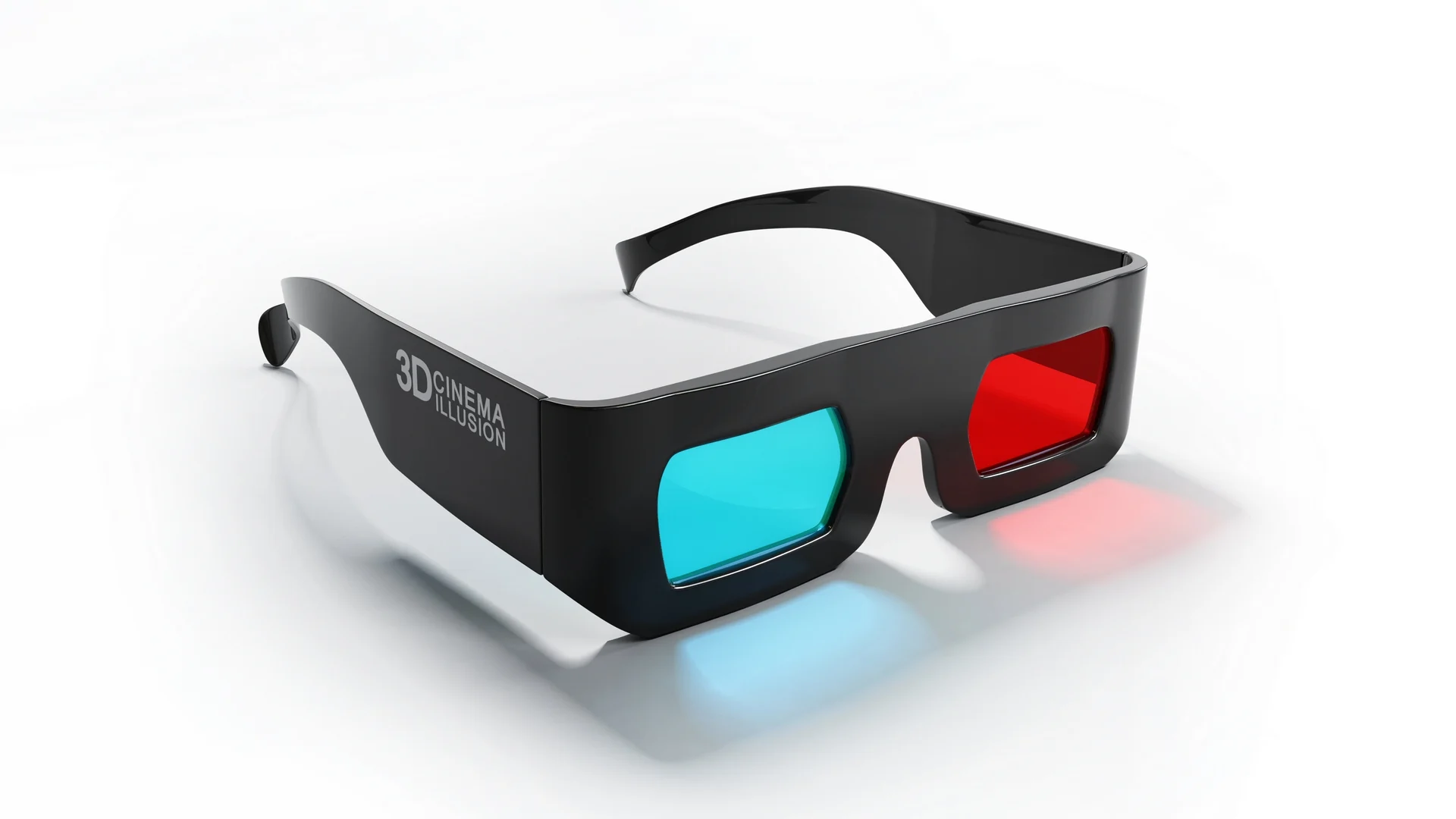
Enable stereoscopic 3D rendering on your Steam Deck with Citra. This guide shows you how to get 3DS games running in 3D properly.
Get AR glasses here: https://amzn.to/3TaCJ2N
If you own a 3D display or VR setup, you can experience Nintendo 3DS titles with actual depth. This video walks through the specific Citra 3D settings required to activate the effect correctly on handheld hardware. We cover the necessary adjustments for eye rendering and depth sliders to ensure the image displays as intended for your peripheral.
This tutorial is for users looking to push their emulation setup further on the Steam Deck. By following these steps, you will configure your emulator to output stereoscopic 3D rendering for supported titles. We also discuss the hardware requirements for connecting your device to a 3D display, which is the most effective way to view the output.
Subscribe for weekly emulation configuration guides, and comment below if you have successfully tested this on a 3D monitor.