Get it 20% off when using code ‘UOCMOD’: https://www.ulanzi.com/products/tc002-pixbar-smart-pixel-clock-ii?aff=3905
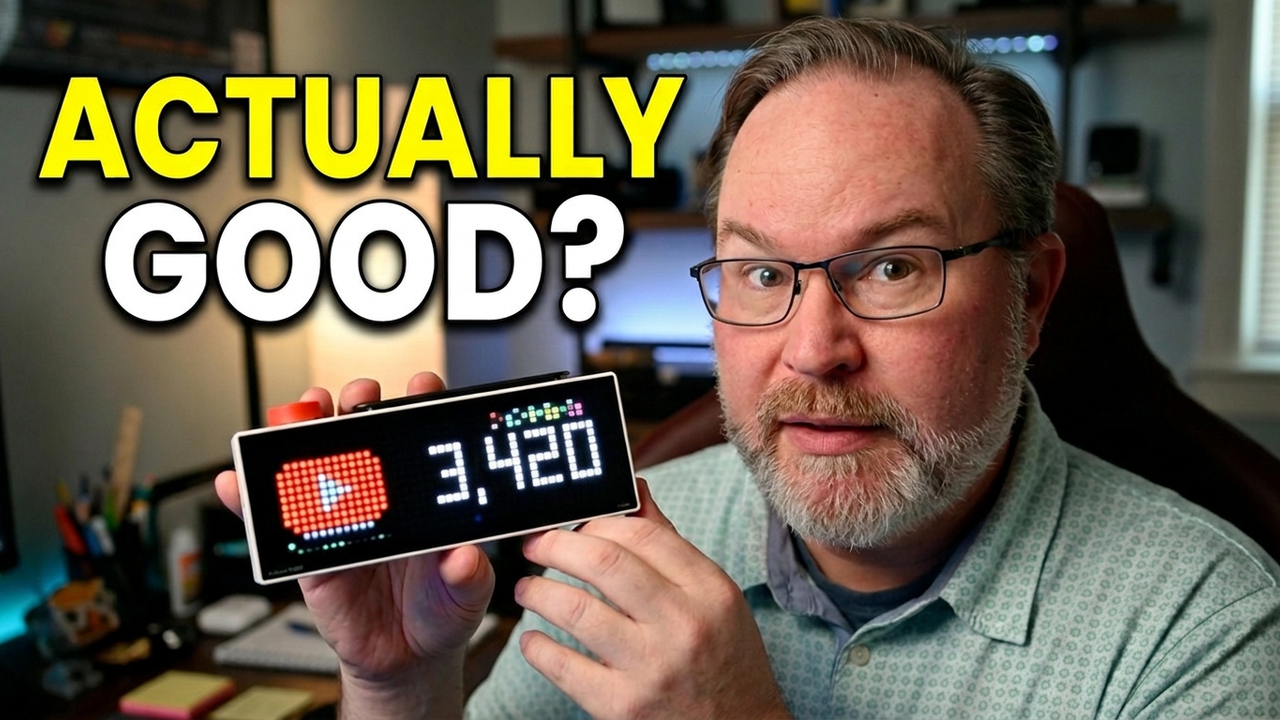
We are testing the Ulanzi TC002 review to see if this pixel display is a functional desk companion or just a novelty.
Setting up a new desktop clock usually involves some trial and error, and this device is no exception. We walk through the process of getting the clock connected to your local network and managing the docking features. It provides a distinct aesthetic for your workspace, but we evaluate whether the software interface and hardware reliability actually justify the desk space it occupies.
While the smart clock setup is straightforward once you understand the app requirements, there are nuances to how it handles real-time data versus static imagery. We examine the current state of the firmware and how it performs in a daily office environment compared to traditional analog or simple digital options. This breakdown helps you decide if this specific hardware belongs on your desk or if you are better off with a standard alternative.
Let me know in the comments if you prefer a dedicated pixel display on your desk or if you rely on your monitor for the time and notifications. Subscribe for weekly hardware breakdowns.