

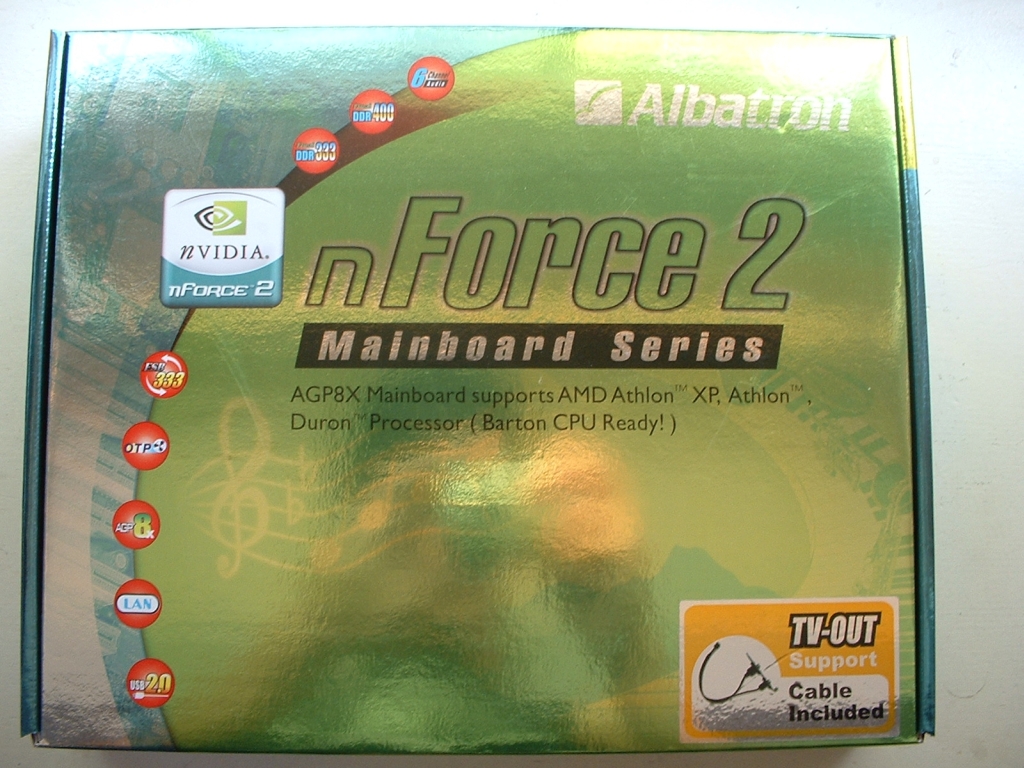
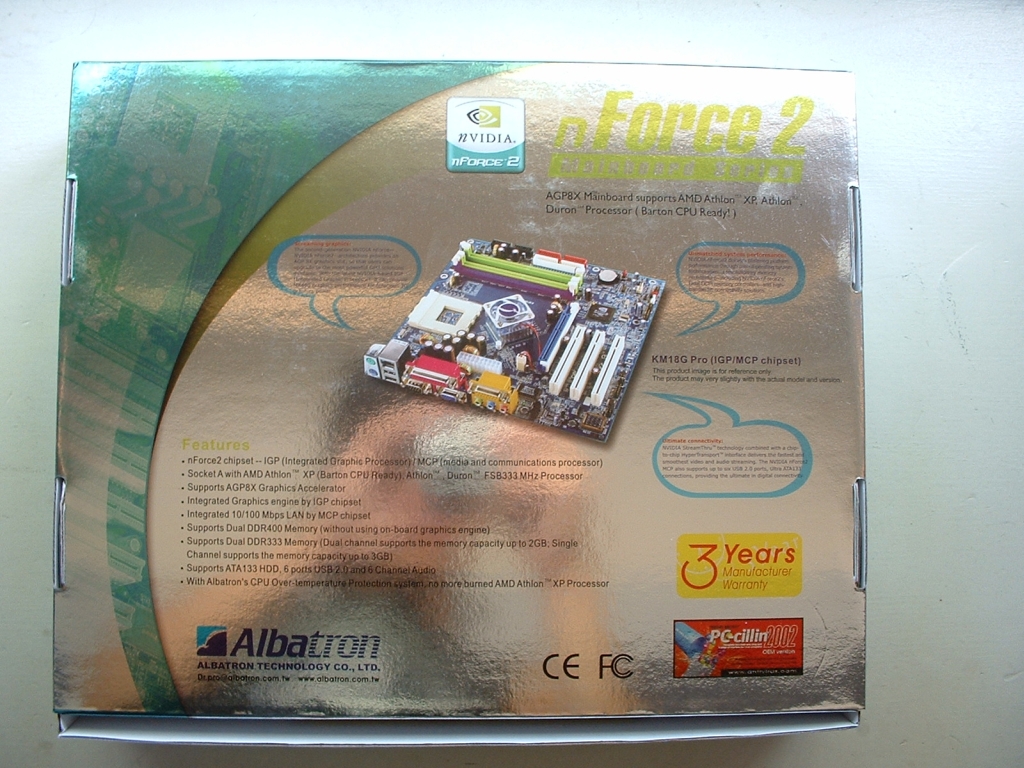
This Albatron KM18G Pro motherboard has quite a shiney box, you can see some of my reflection in it. The top of the box lets you know that there is a TV-out header included along with some other information. The back of the box has some more detailed specifications and a picture of the board.
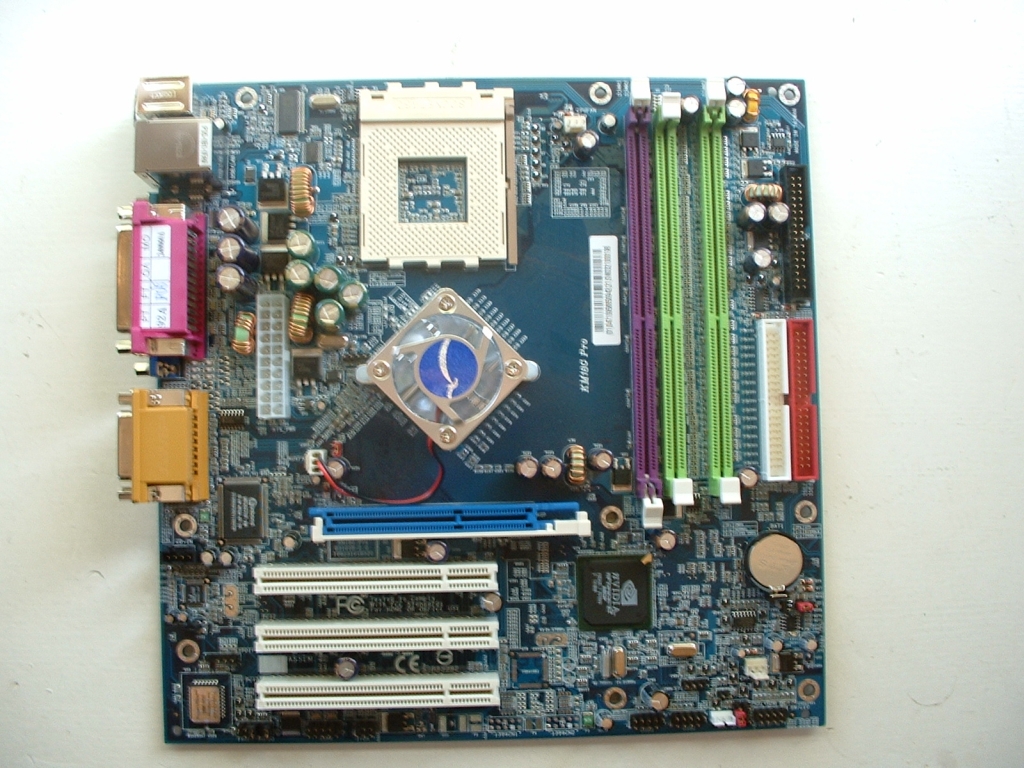
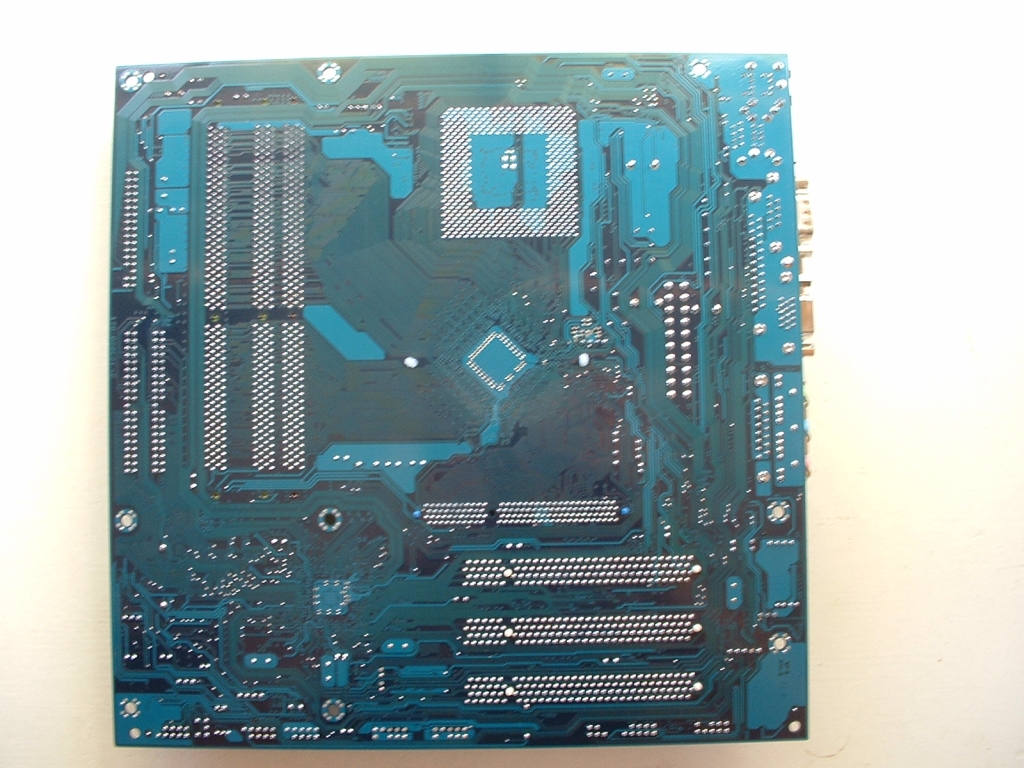
The board has a brilliant blue PCB and is quite small due to the fact that it is a MicroATX form factor. The board looks to have a fairly good layout for being so small and having so many features included. I also like how the DDR slots are color coded to signify the dual channel memory slots. There isn’t much to say about the bottom of the board except that it is quite blue.
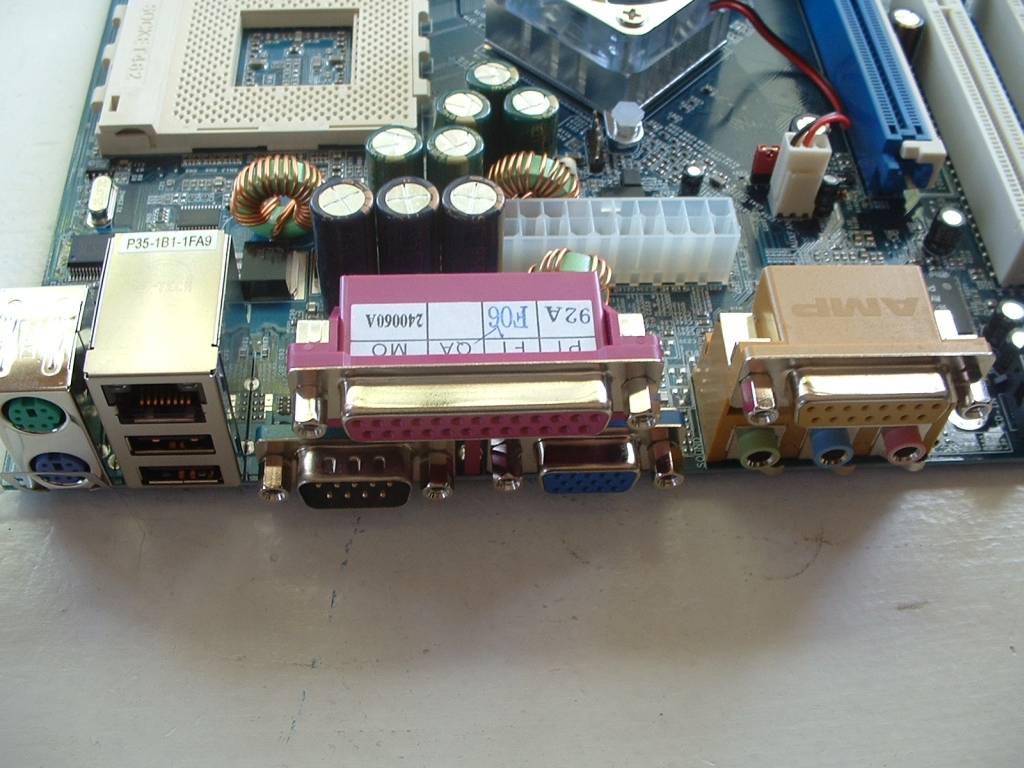
The I/O panel has just about everything you need to get a system up and running. There are the standard PS/2, serial, and parallel ports but you more than standard with this board. There are also 3 RCA mini jacks (Front Speakers, Line-in, and Mic-in) there are also 2 USB 2.0 ports and a RJ-45 LAN Connector so you don’t have to waste a PCI slot. This board also has onboard video which is powered by the Nvidia nForce 2 IGP northbridge.
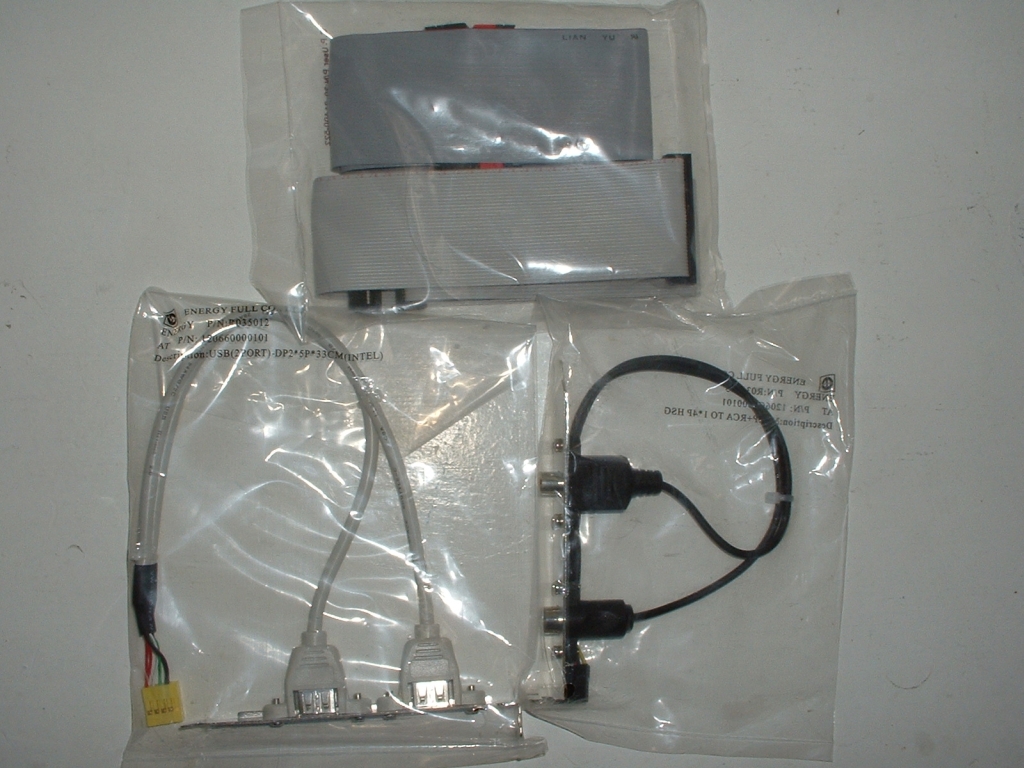
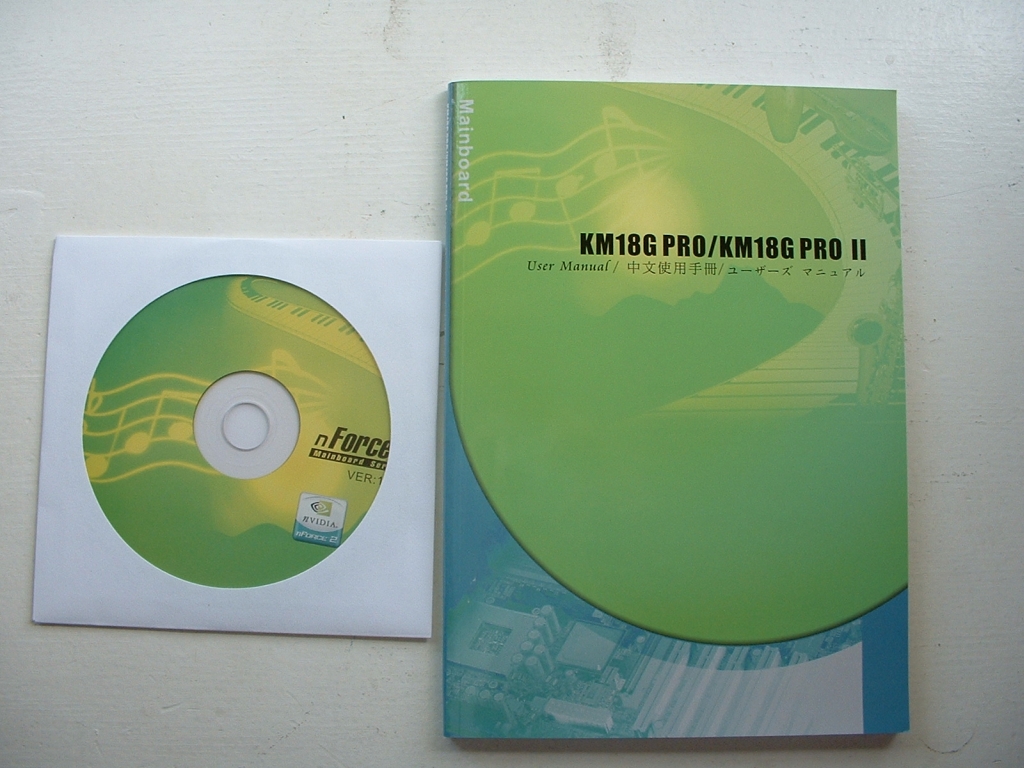
Albatron includes a really nice feature with this motherboard, a TV-out header. This can be hooked to your a set of jumpers on your motherboard so you can hook your computer to your TV if you desire. The header gives you the option of using either S-Video out or RCA out. You also get two extra USB 2.0 ports on a header, an IDE cable, and a floppy cable. The manual is easy to read and navigate through and comes in a few different languages. The CD contains drivers, PC-CILLIN2002, Adobe Reader 5.1, and DirectX 8.1b. There is no real software bundle and the drivers and software provided are quite old.
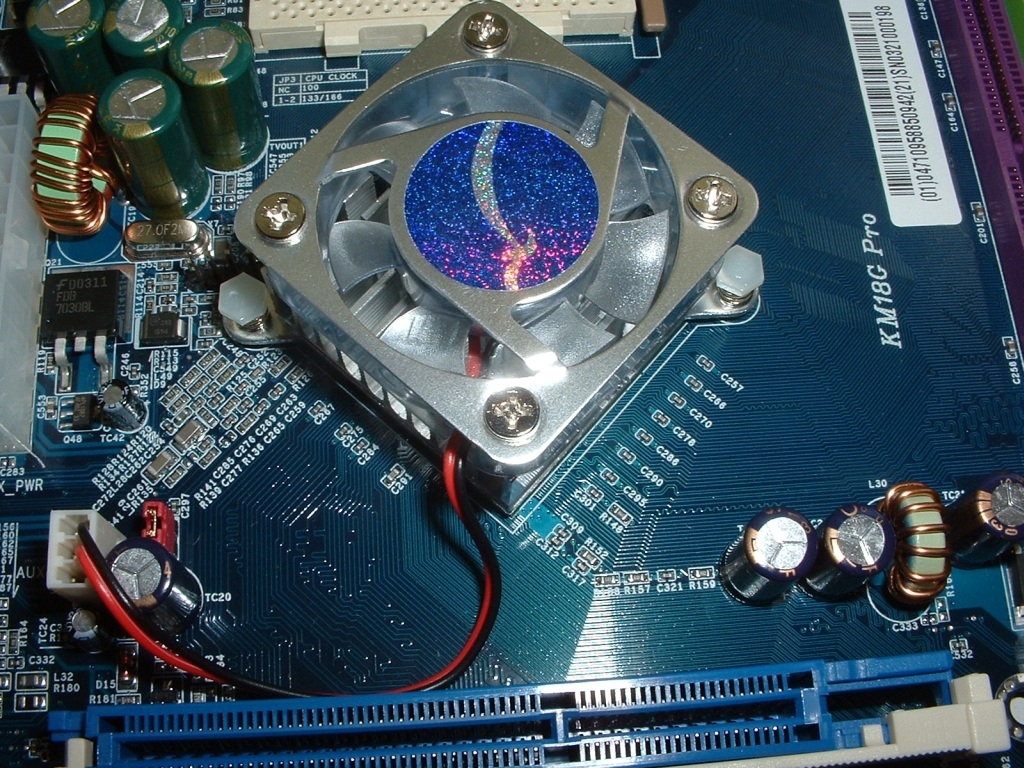
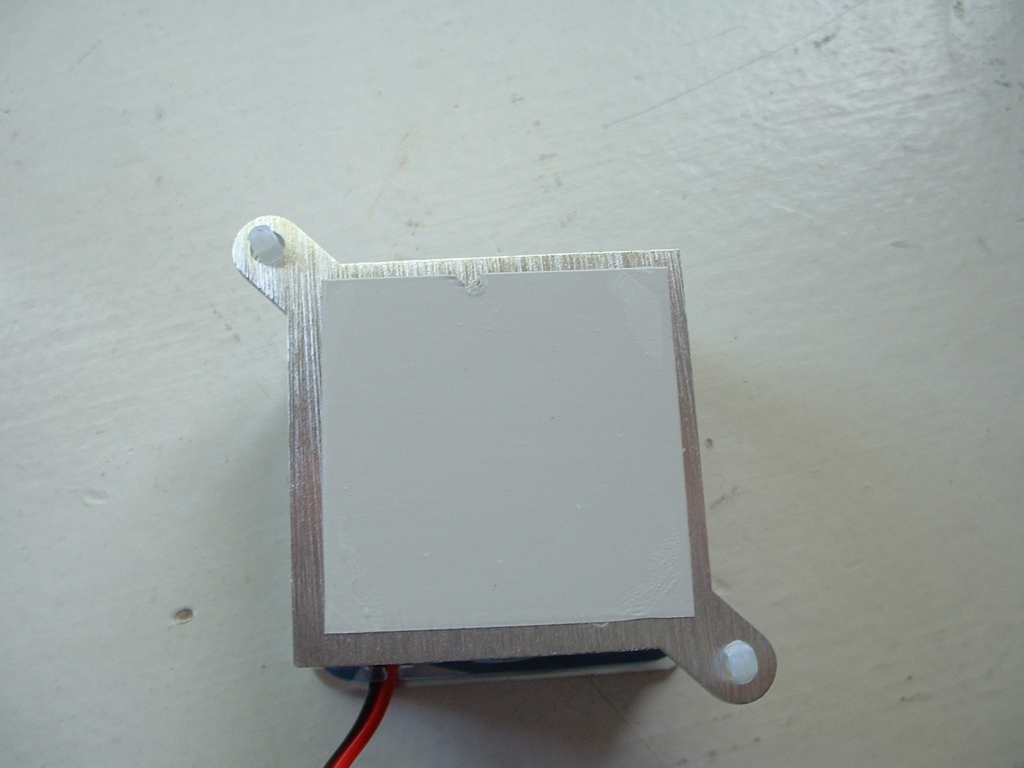
The nForce 2IGP northbridge is covered by an active heatsink fan which should do a sufficient job to cool it down. The IGP northbridge has an intergraded Geforce 4 MX440 which makes this a great motherboard for a LAN system or a low cost system. I took the heatsink off and found a thermal pad which is not the best thing but it should do alright for this application. With the heatsink removed and no thermal compound on the core we can see the northbridge in all its splendor.
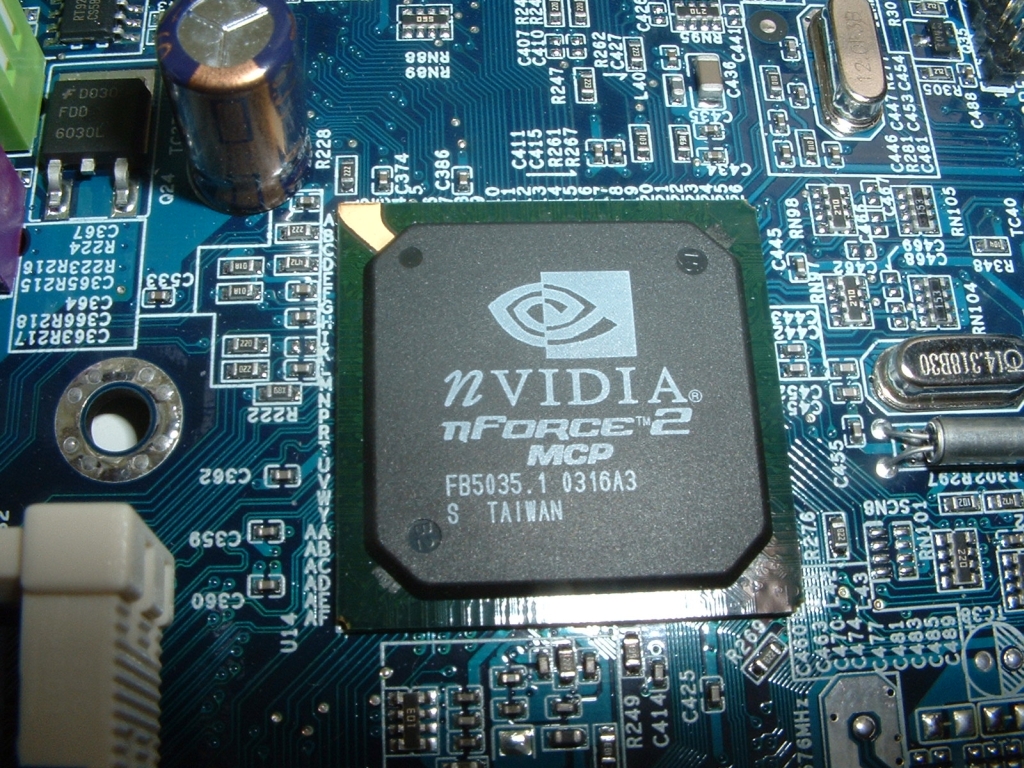
The southbridge on this motherboard is the Nvidia nForce 2 MCP which is different than the one used on the Abit NF7-S Rev 2.0 which is a MCP-T. They both have USB 2.0, ATA133, and a Nvidia Ethernet MAC address. The MCP-T is the same as the MCP except it also has firewire support, Nvidia’s Audio Processing Unit and a second Ethernet MAC address.
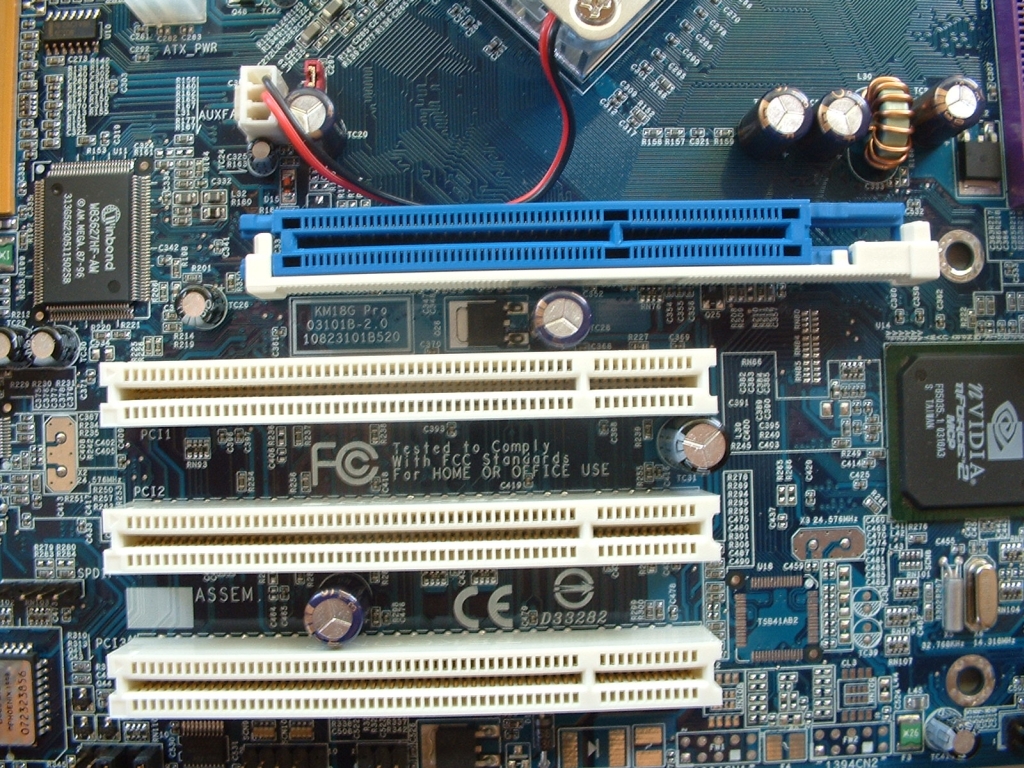
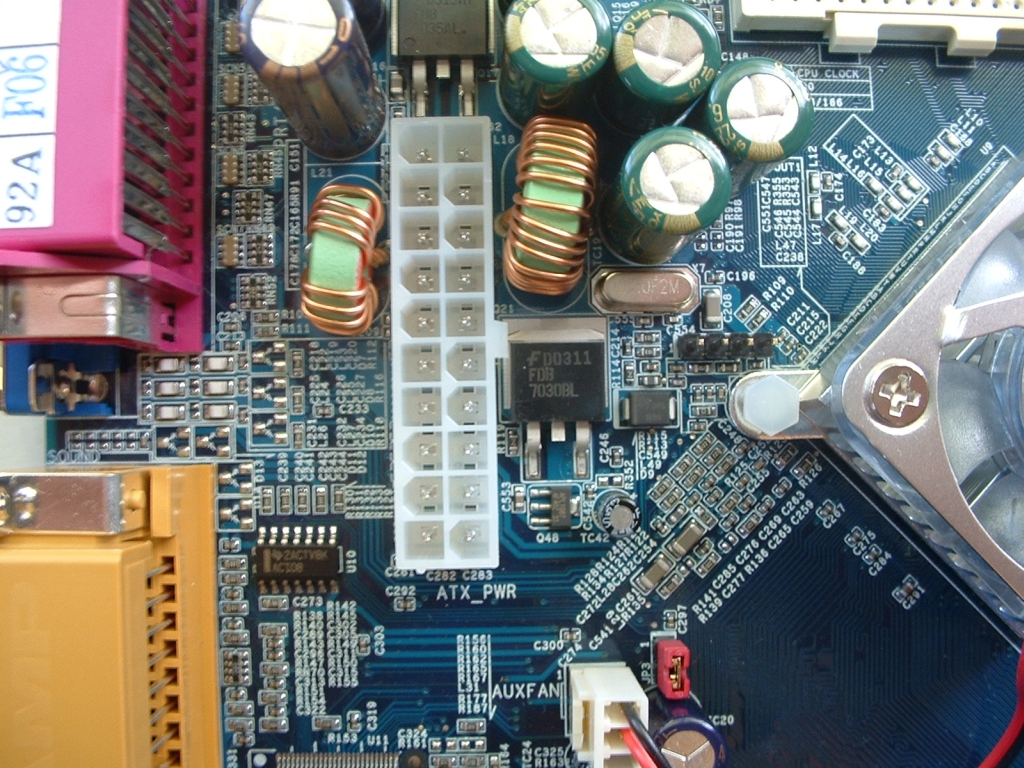
This motherboard has 1 8x AGP slot and 3 PCI slots, this should be enough for any application. I really like that an 8x AGP slot was included so that if you don’t want to use the onboard video you can add a faster card. Also to the right of the picture you can see the I/O Winbond W83627HF-AW chip. Right above the northbridge is the ATX power connector which is positioned well so that it is easily accessible and not in the way of anything.
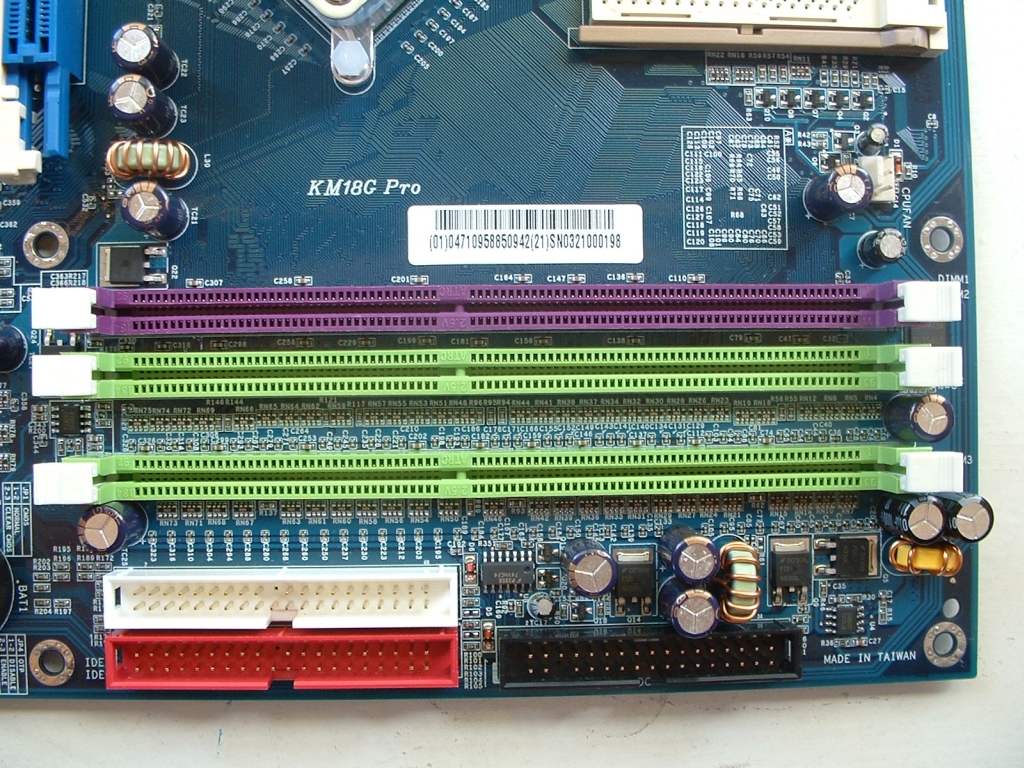
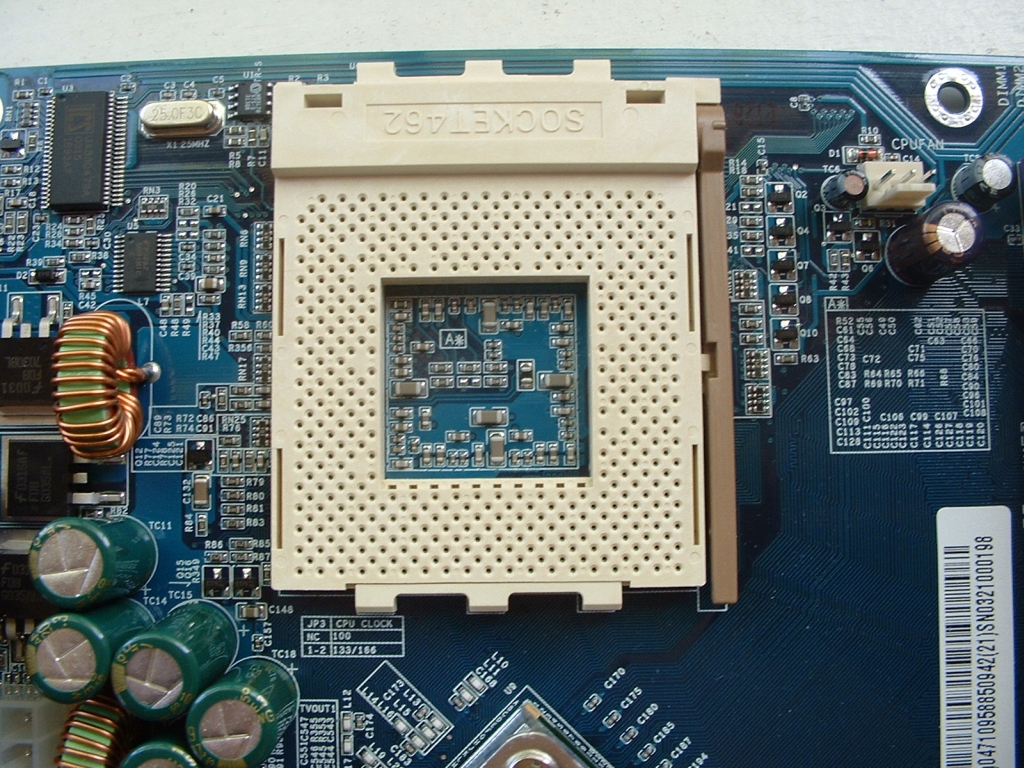
The DDR slots are at the top right of the motherboard along with the IDE and floppy drive connectors. The slots are color coded so that when you go to install your RAM you don’t forget to put the RAM in the correct slots to enable the dual channel capability. If you don’t know what dual channel means, basically there are two independent 64-bit DDR memory controllers which means you will be getting 128-bits of bandwidth. To have your motherboard running in dual channel mode you will need two matched sticks of memory. If you are using this motherboard in dual channel mode and utilizing the onboard video you will get better results from it because of the extra bandwidth. The socket has a fair amount of room around it, however to the bottom left of the socket are some capacitors which could get in the way of a large heatsink.


2 comments
Why did you choose a ten year old post to comment on?
FOr me it won’t turn out good even if your mother board is good then your fiber optic cables is garbage. You want all things part of it have the quality.
Comments are closed.