

Almost every Windows XP or Vista computer sold today is “video-ready.” For best results we’d recommend at least an Intel Pentium HT or AMD Athlon, 1GB of RAM and one or two hard drives. You can capture your analog video with the USB 1.1 port but the video quality will suffer.
Depending upon how you want to store and replay your digital video you’ll also need a CD or DVD Burner. Because DVD burners and media are so economical, you’ll probably want to save your videos to broadcast quality brand name DVDs.
Then all you need is your VCR and a fast, low-cost conversion solution like Pinnacle’s Instant DVD Recorder. The package contains an easy-to-connect video capture device, connection cables and Studio 11 software that can be used for simple analog to digital (VHS to DVD) conversion or for additional movie production. You can also use the package to capture/save TV shows or copy videos from your camcorder to DVD.
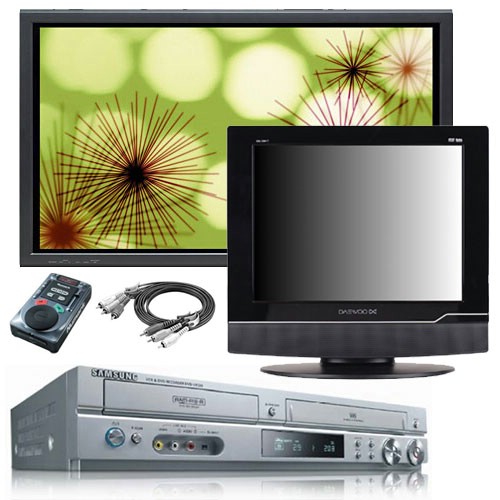
For about $100, it’s almost like a movie production company in a box.
If you simply want to preserve yesteryear’s irreplaceable videotapes, use Studio 11’s automated movie creation tool, SmartMovie. The step-by-step wizard guides you quickly through the process. Almost effortlessly, it helps you turn family videos — direct from tape – into excellent DVD movies.
If you want make brilliant family/friend movies, copy the content to your hard drive and use the Studio 11 Plus editing/authoring software to add chapters, transitions, special effects and music.
The hardware/software combination incorporates the latest in video conversion (you can even copy your videos to your MP3 player or smartphone) and filtering technology to remove the video noise on your old VHS tapes. It also includes unique technology to ensure perfect lip synch throughout the capture, edit and disc burning process.

