
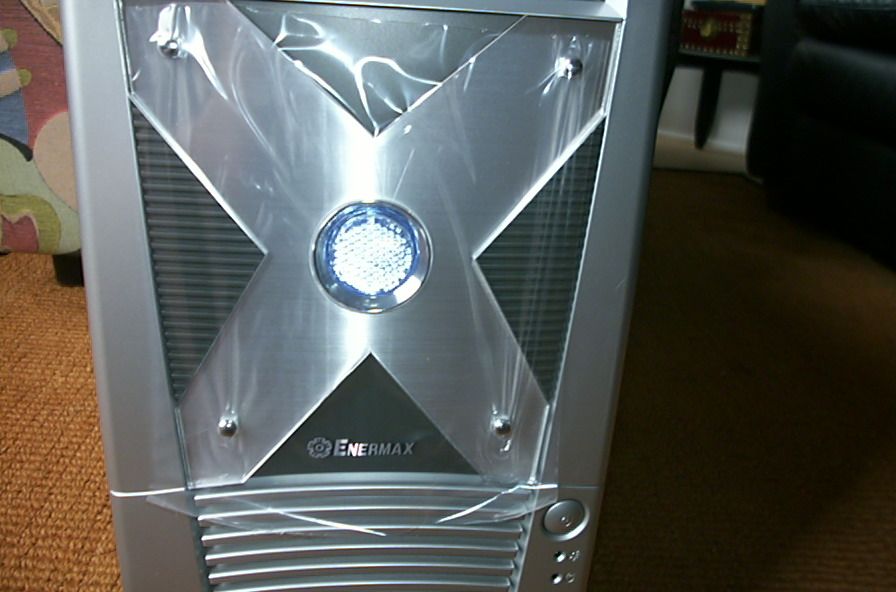
Here are some pics of the outside of the case. As you can see it is very attractively pre-modded, which is cool if you want the modded look without buying a Dremel and spending hours over the workbench in the garage modding it yourself (although personally I enjoy modding and feel very limited by pre-modded cases). But nevertheless it is a pretty cool looking case, as you can see (notice the protective plastic that protects the plexi):
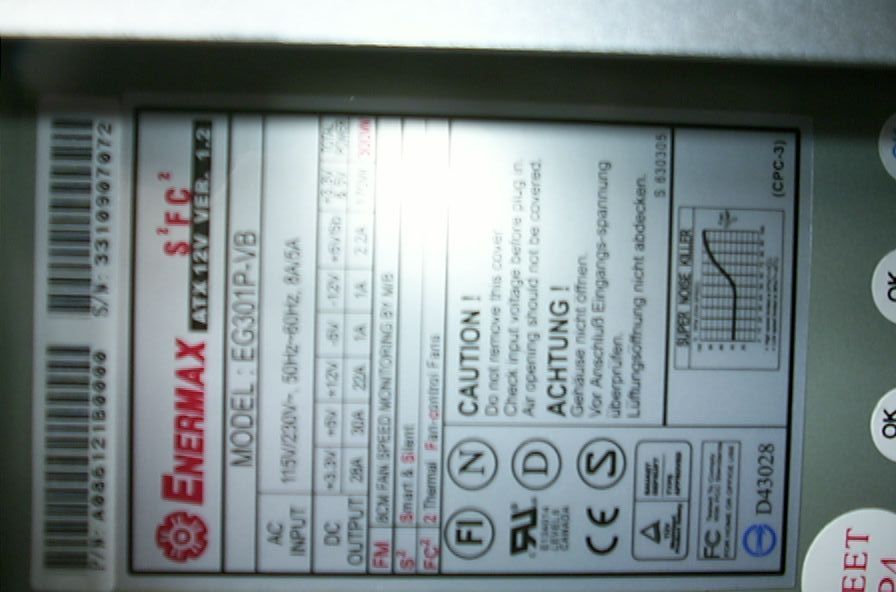
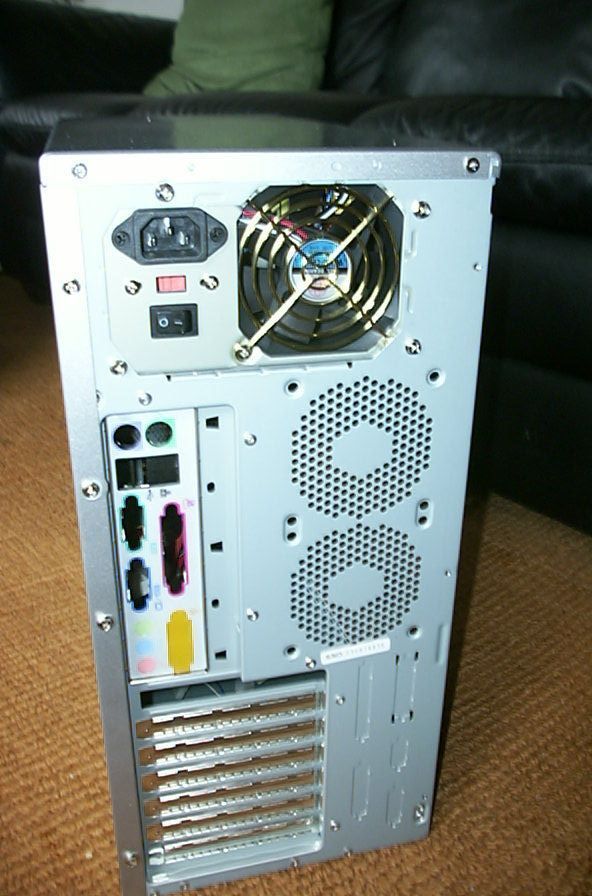
This case is an Enermax, so it comes with an Enermax power supply unit. It is a standard 300W ATX PSU which is P4 compatible (meaning it has the square shaped 12V connector). It also has a fan monitoring wire which you can plug into your motherboard to see how fast the PSU fan is spinning.
What I really like about this power supply is that the wires are not overly long like they are in some other PSUs. They fit the case perfectly, and the PSU is powerful enough to run my system quite stably (Athlon XP 2100+, 512 Corsair PC3200, Radeon 9700 Pro, DVD, CDRW, 4 case fans, 2 cold cathodes). Here are a few pics of the unit itself and the wire length:
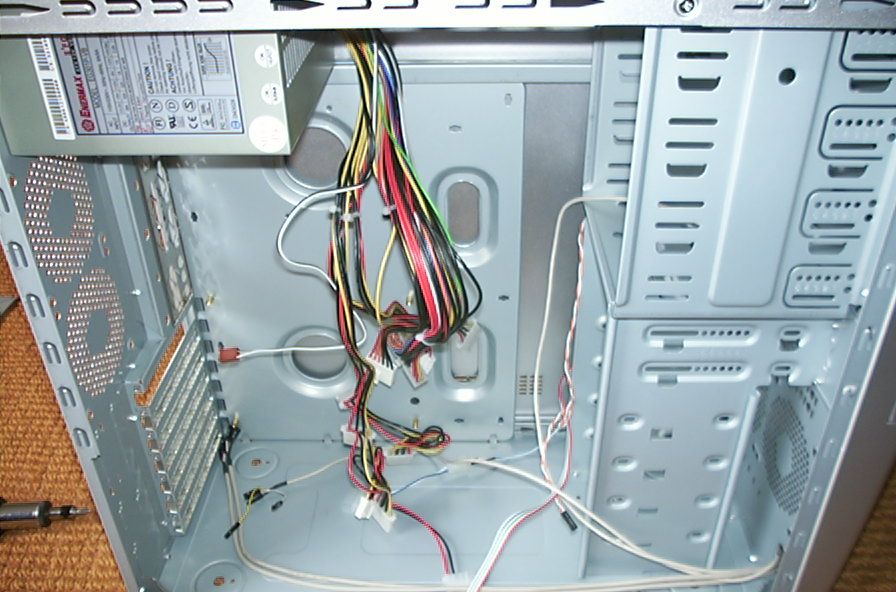
Also, as you can see from that last pic, the USB and audio headers are neatly put together so as to not contribute to cable clutter.
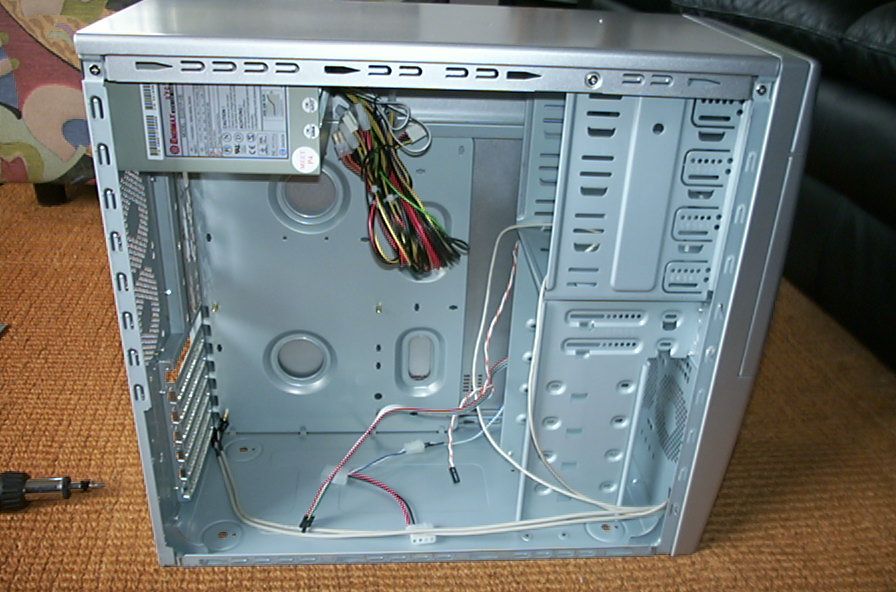
As I stated before, this is an entry level case, so its pretty small in comparison to some of the SOHO or server style cases. One problem that I have with this case is the lack of a removeable hard drive cage. Without this it become frustratingly difficult to work with the hard drives after the computer has been assembled. Another caveat of this case is that it has no removable motherboard tray, which really should be the standard for enthusiast cases by now since they are so much easier to work with than cases without removable trays.
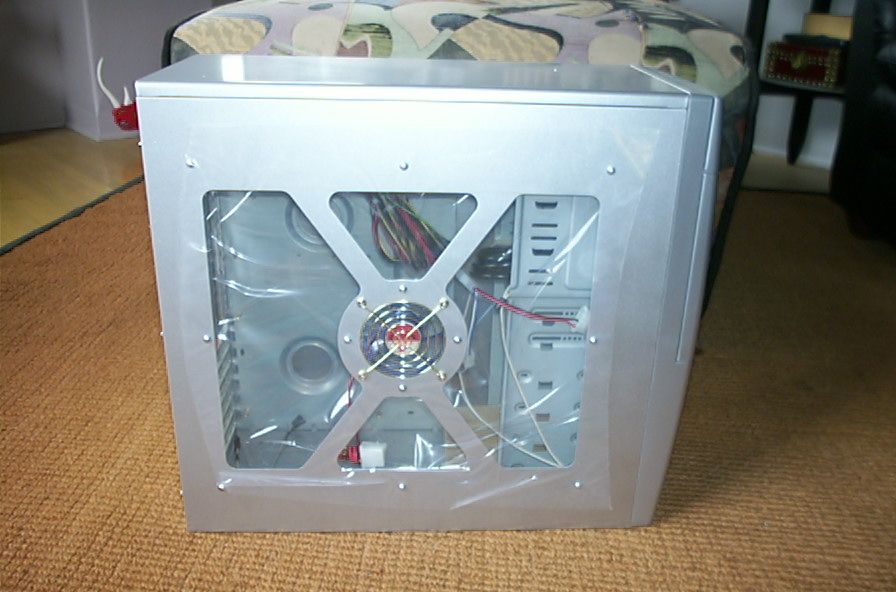
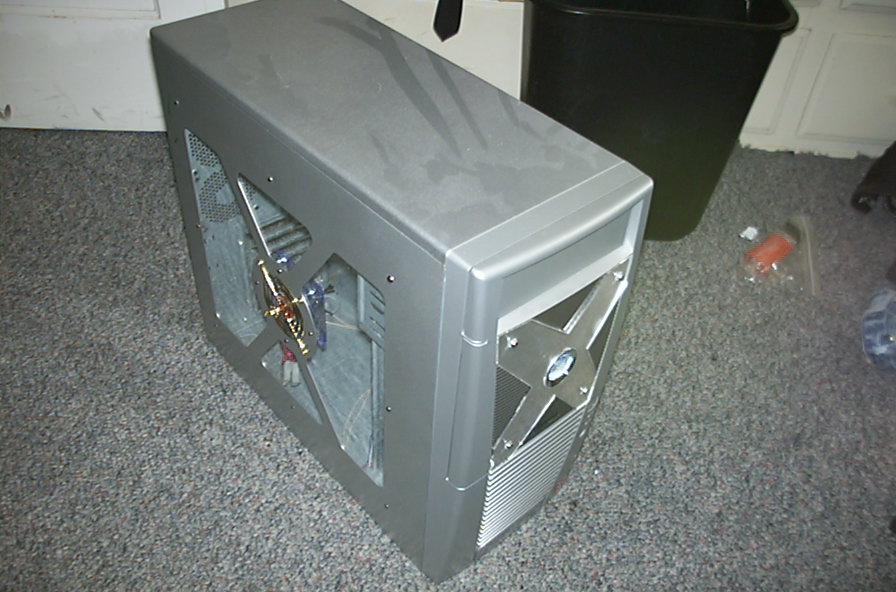
All that being said, the Enermax case is surprisingly roomy for its small size, and should handle most setups without too much trouble (although I wouldn’t recommend one for any dual processor boards, as they tend to be quite large). Here are a few more pictures of the case.
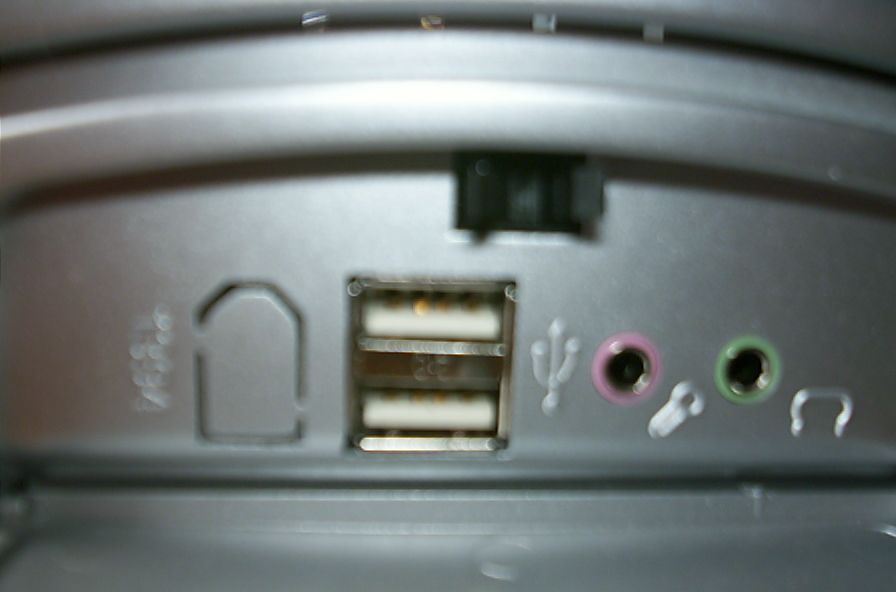
Now lets check out some aesthetic features of this case.
