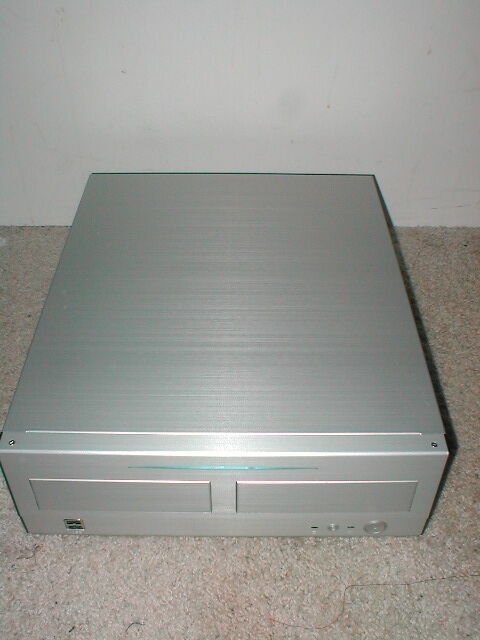
To open up the case you need to unscrew both thumbscrews then slide the top back about 2 inches, then you need to pull it up. The thing with the top of the case is that you kinda need to flex it out to the side to get it off of the case. This in itself isn’t a bad thing but if you are not careful you can end up damaging the top of this case. I’m not exactly sure why the case doesn’t just slide off like it should but none the less you need to.
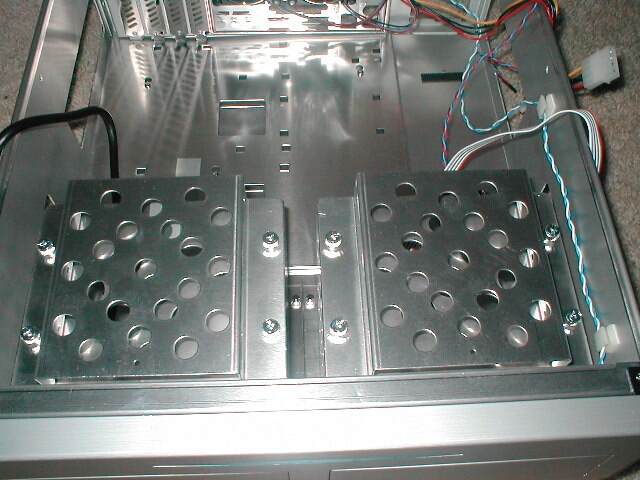
Inside the case is a box that says “3½” floppy drive mounting kit” and a case installation guide which basically tells you how to install the USB jumpers for the front ports, how to take off the top of the case, and how to take the drive bay cages out and how to install drives to them. I like when everything has manuals because not everyone out there knows how to do this stuff and this will make it much easier on them.
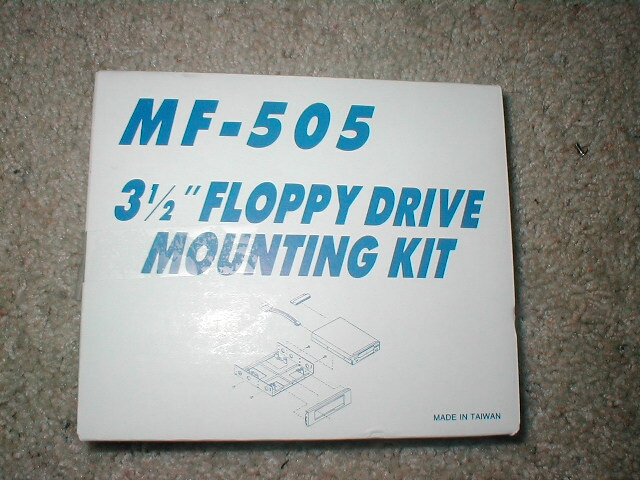
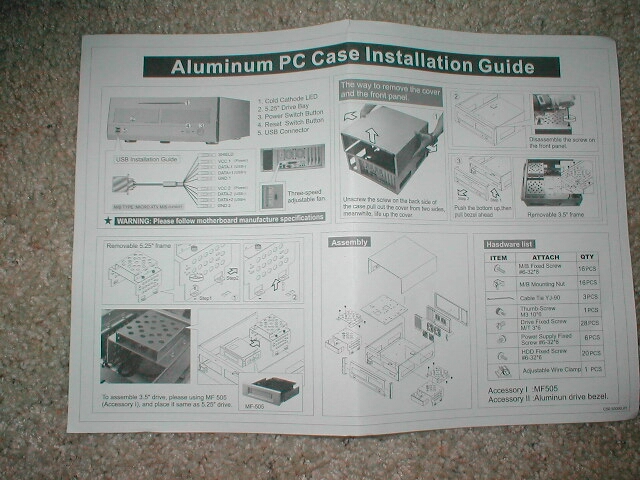
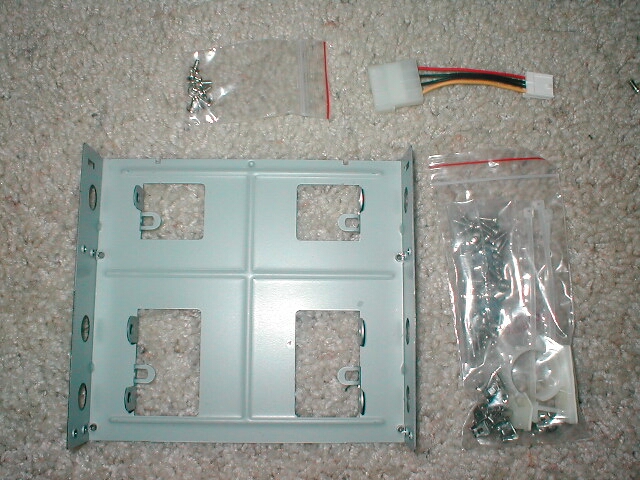
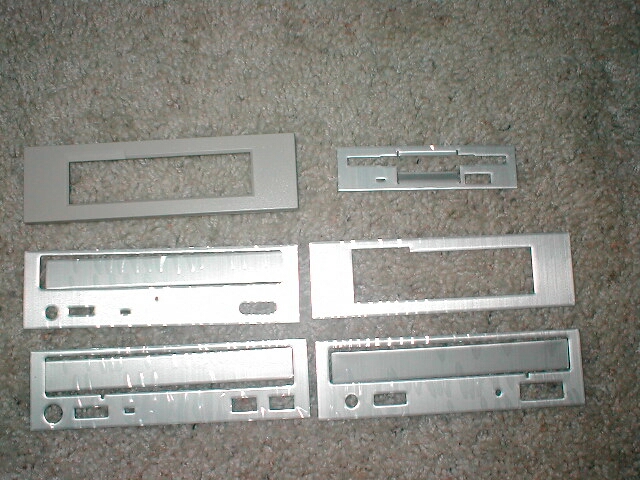
I figured that the 3½” floppy drive mounting kit box would only have something lame to mount a floppy drive into the 5.25″ bay, but when I opened the box I was very surprised. Not only was there a kit so that you could mount your floppy drive to one of the 5.25″ bays but there was a four-pin Molex adapter to a “berg” floppy connection. I don’t plan on using a floppy so the coolest thing that was in this box was aluminum faceplates for the floppy drive and CDROM drives which is really cool. There are three different types of faceplates for the CDROM drives because not all CDROM drives are the same. I really like the fact that these are included because now you don’t have to go out and buy them to make your case look how it should.
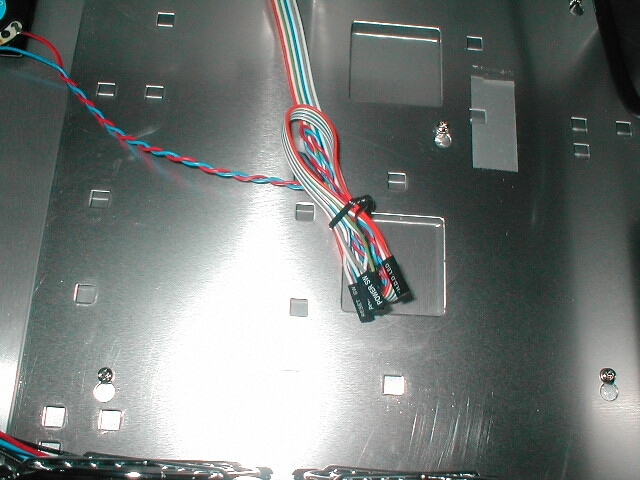
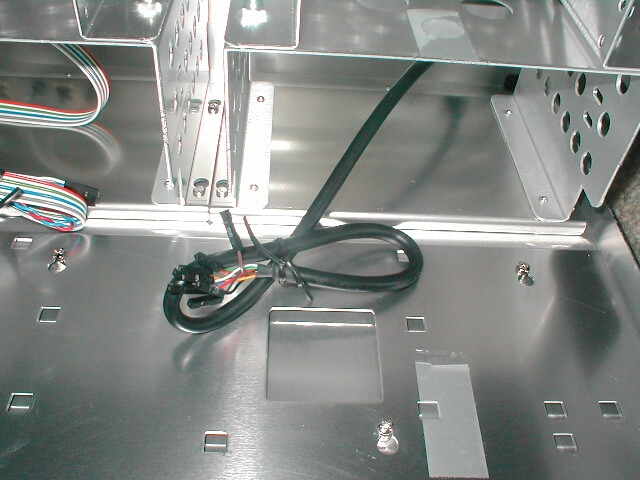
The jumpers for this case are the kind that I like, they are all fused together with the exception of the PC speaker because it is not in the same location. The USB cable also looks good because the pins are individual so that it will fit on any motherboard. My only concern with this cable is that it might not be long enough if a motehrboard has the jumpers at the very back.
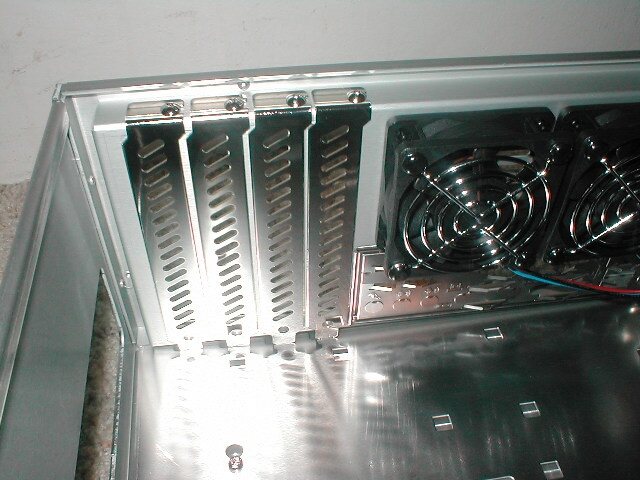
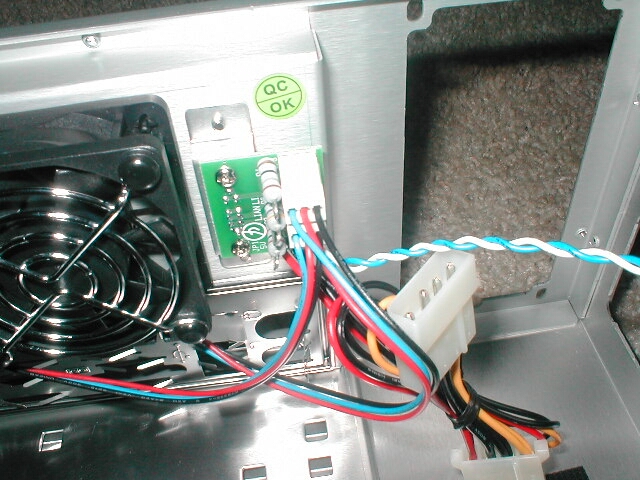
There are four expansion slots on the back of the motherboard which should be enough because most Micro ATX motherboards don’t even have that many slots on them. The expansion slot covers have some holes in them so that air can move in and out of this case a little easier so that it will be a little cooler inside. There are two 40mm fans on the back of the case which are both connected to a PCB which has three resistors on it. Basically this is about as simple as you can get for a fan speed controller but it does the job just fine. Each resistor provides a different amount of resistance so depending on which level you chose you will get a different speed. It’s nice that all of this is included but if you are going for a silent PC you will want to take these out.
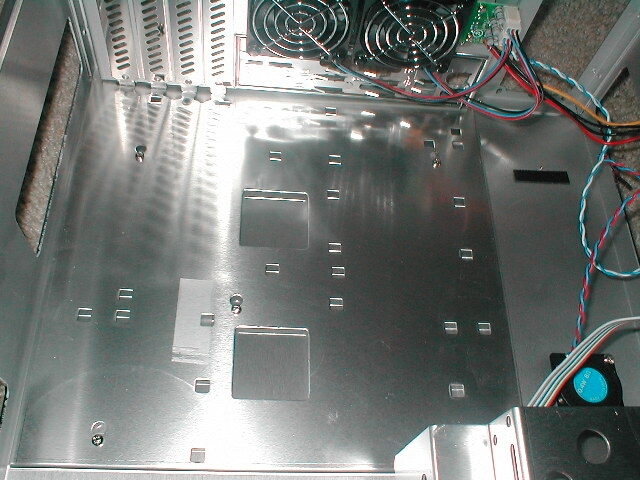
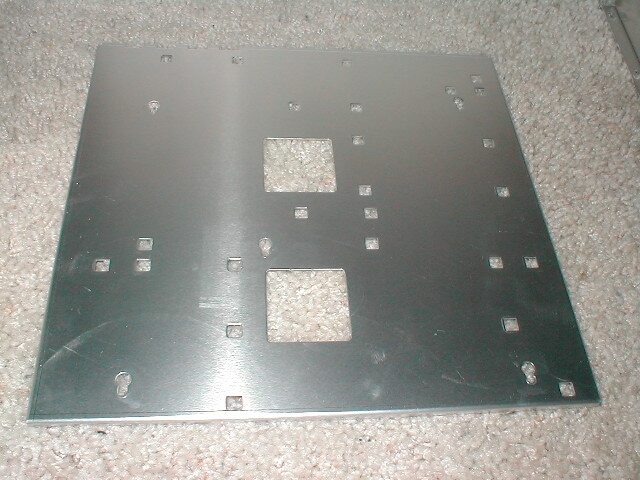
One thing I really like about Lian-Li is that they always provide a removable motherboard tray, at least with all of the cases I have seen. This desktop case is no exception to that, the only difference is this one comes out a little different than desktop cases would. There are five screws which hold this try in place, all you need to do is loosen each screw, slide it back and pull it out. You all should know that I love removable motherboard trays because they make it so much easier to work with the computer, especially a small one.