
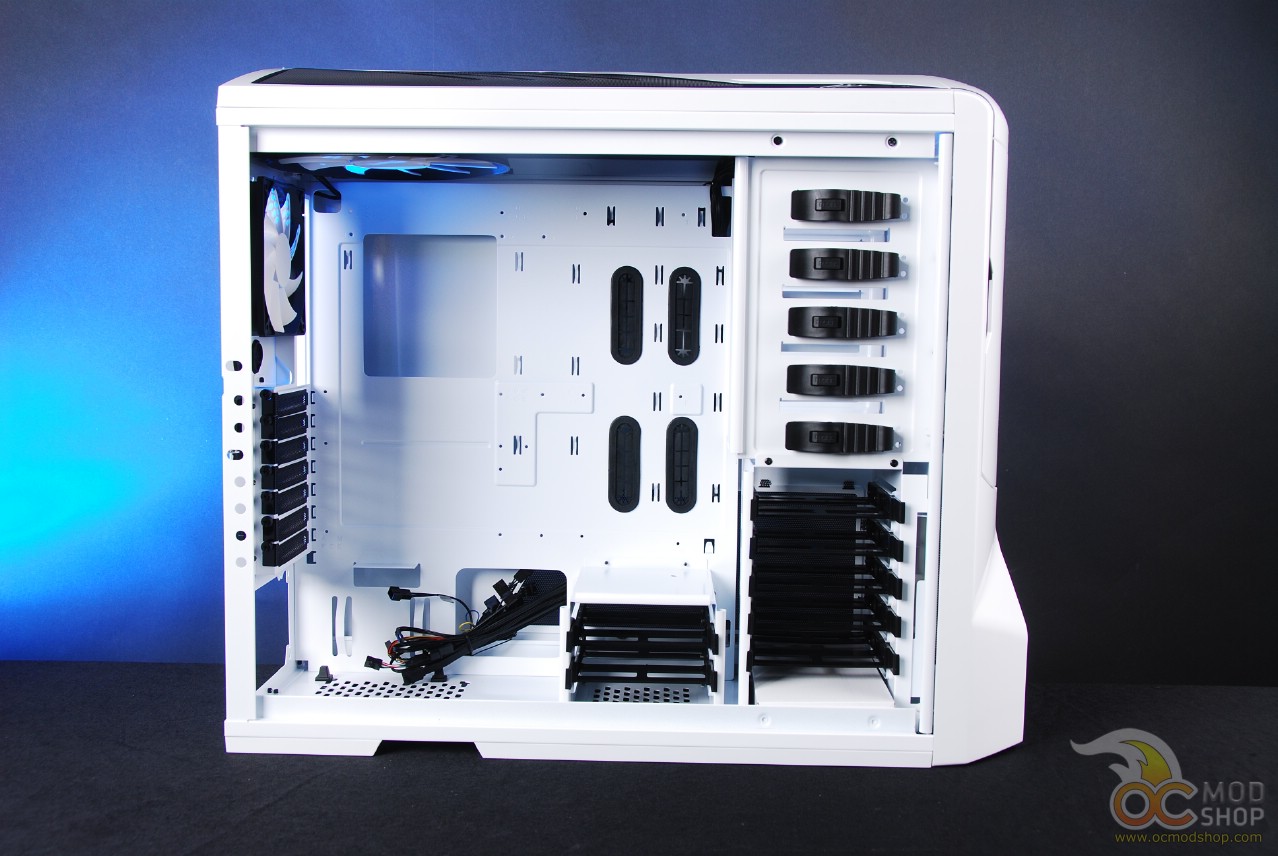
All of the extra holes made it very easy to route cables in a stealthy way, and many of the fanbus’s cables were already bunched together and routed in the hidden area on the back side of the case.
It was also very easy to install a motherboard with a large heatsink, and we had no fear of switching out heatsinks thanks to the cutout area underneath the motherboard. Many large heatsinks today require screws or other tension mechanisms to be pushed through some holes in the motherboard, which require access to the bottom. Traditionally you had to remove the mainboard just to do a simple upgrade like this.
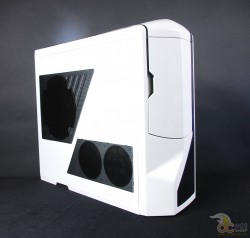
While there is space for seven hard drives (five 3.5″ and two SSDs), it can get rather cramped once you start placing cables everywhere. A case of this size is not meant to be crammed full of devices, like a server, but will work very well with a modest amount of equipment, say two or three drives and a few optical drives or other externally-facing devices.
There are so many cooling options on this case that it really is hard to get your PC to overheat. While there have been measures to reduce noise, this isn’t the quiestest case in the world, especially with all of the fans running at full blast. The built-in fanbus has a great level of granularity and can make things much quieter, but gives you the ability to push it to full throttle when you’re at a LAN party.
There are a few gripes about this case, however. The paint isn’t powder-coated, so it can be easily nicked, especially if you use screws to mount your drives. While the cabling is good, there are a few places where there isn’t enough slack, and a typical PSU’s power connector for the motherboard doesn’t quite fit in the cutout of the motherboard tray.




6 comments
[…] NZXT Phantom Case Review — OCmodshop.com. […]
[…] NZXT Phantom Case Review — OCmodshop.com. […]
[…] NZXT Phantom Case Review @ OCmodshop […]
If this case is "pre-modded", then how about a link to the "standard" case that isn't "pre-modded"?
Any box made from any material at all, advertised as a "computer case", is "pre-modded" if it has a single hole cut in it.
Therefore, every computer case is "pre-modded."
I agree with you. Pre-modded is used kind of tongue-in-cheek. Maybe I should say "it's got holes n' shit in it".
[…] AirStation 1750 802.11ac WiFi Router and AirStation 1300 Media BridgeOCModShop goes inside the NZXT Phantom CasePCSTATS shares its thoughts on the SanDisk Extreme 240GB SSD SDSSDX-240G-G25The SSD Review checks […]
Comments are closed.