

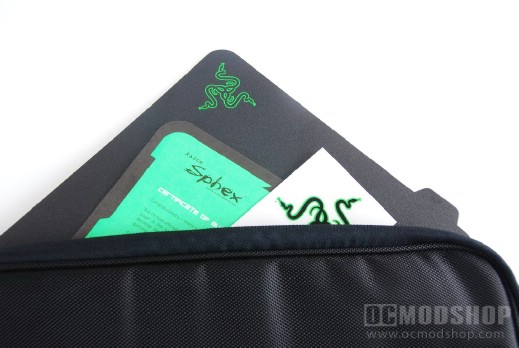
Our pad came in a somewhat oversized zippered bag, but we’re not sure if the retail version comes with this bag. Included within the bag (which is large enough to house several of our test mousepads) is a black paper envelope which contains the actual product. Also included in the bag is a paper manual and stickers with the Razer logo. The envelope opens like a UPS or Fedex Letter by pulling a paper tab (aptly labeled “pull to open”), which really doesn’t make the envelope very reusable.
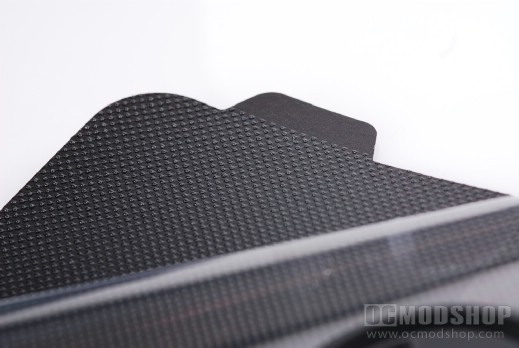
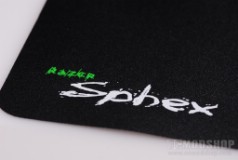
The mousepad itself is extremely thin (even thinner than Razer’s own Destructor mousepad (reviewed here). This is due to the fact that there is absolutely no padding at all… all you get is a fine textured surface with a reusable adhesive. The pad has a smooth finish, but has a slight texture, which should provide a great balance of slickness and trackability. The underside of the pad has an array of what look like silicon beads which are very tacky. Protecting the adhesive is an acetate sheet with a “peel here” tab that appropriately peels the sheet off of the mousepad.
With the adhesive “armed”, you can place it on any surface, but a smooth, clean surface is recommended. If your desktop or table has crumbs, dust, or just about any other microscopic debris then this pad will pick it up, making it less sticky the next time it is used. If you remember “Wacky Wallwakers” then you know how a bunch of lint pretty much eliminates its wacky wallwalkiness. Also keep in mind that you will feel just about every bump, crevice, stone, or anything else underneath the pad. “The Princess and the Pea” story should be rewritten for the modern age to include this mousepad.
Of course, we tested the pad with several PC games that require a lot of fast movement, such as Left 4 Dead 2, Modern Warfare 2, Unreal Tournament III and many other games that you’ll find on Steam. Several of the OCMS crew played these games with the Sphex and other pads (including the absense of a pad), and most agreed that the Spex slightly increased their accuracy and made the mouse glide very smoothly. Mice that were very light tended to overshoot with this pad, but heavier ones had a bit more control (yet another reason to buy a gaming mouse with variable weight).
The multiuse adhesive seemed to work very well, but the underside’s finish is never the perfect array of beads right out of the box. We laid it down on several surfaces and it still did not move, even when we pushed down with two hands and attempted to slide the pad. Unfortunately, you will need to eventually clean the adhesive, and that becomes the tedious task of plucking out hairs and lint with tweasers. Since the beads are an adhesive, the particles are stuck in there like flypaper, so don’t try to clean it with a lint roller, tape, bubblegum, or a paper towel… you’ll just scrape off the adhesive. Because of this, I see this mousepad as being “disposable” after so many uses, unless you get creative and find some way to create your own… I would imagine a thin layer of rubber cement would be a good replacement.

