To configure the router one must be hardwired to it, meaning you’ll need a regular ethernet NIC in one of your machines to set up the wireless. It kind of defeats the purpose if you ask me… Nonetheless, I inserted the ‘3-Step Install’ CD and went through the wizard. The three step config for the router was absolutely dead simple. It took literally 10 seconds to get the router set up and hooked to the net. DHCP worked flawlessly, and the machine that was hardwired was surfing around without a hitch.
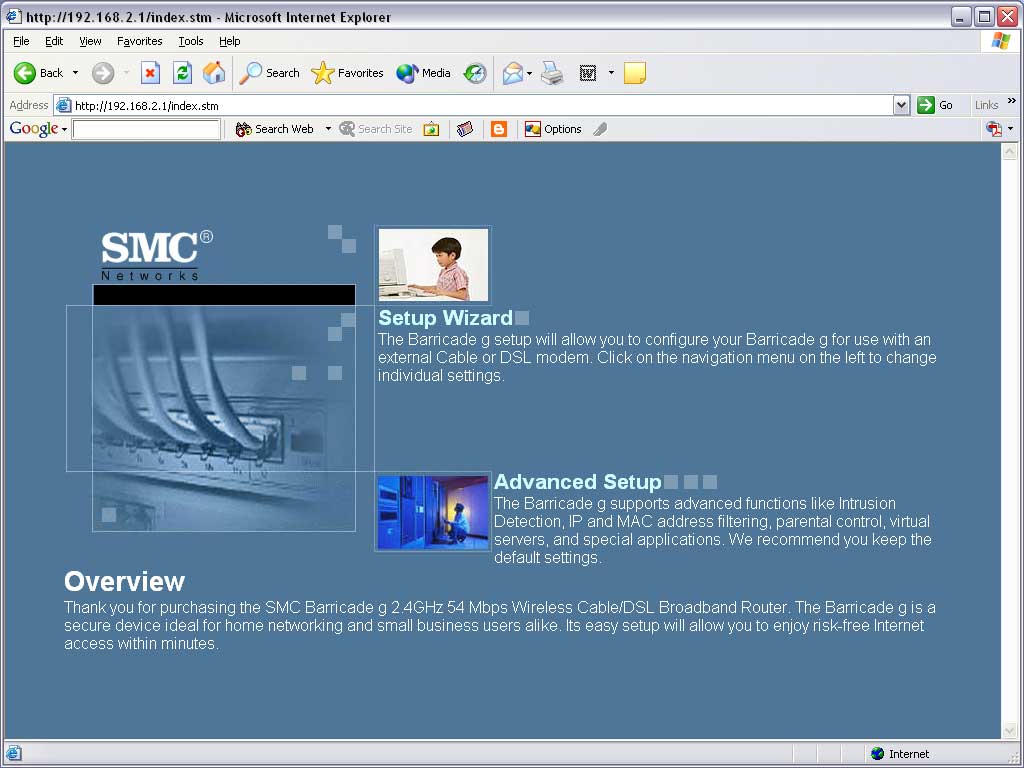
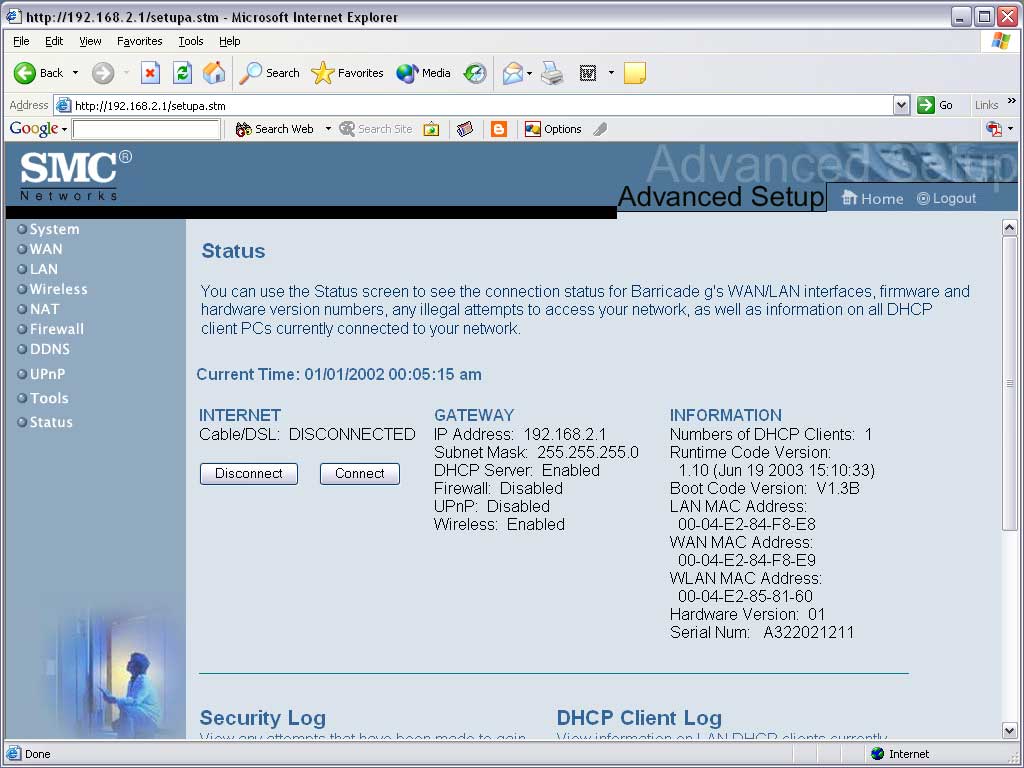
There was a problem though. Now that I had finished the wizard, what next? How do I configure the firewall, or the wireless? As it would turn out, the reason I had no clue what to do was no fault of my own. There wasn’t an instruction manual included with my router! I managed to find a PDF of the manual on the SMC site, but it seems pretty clumsy to leave out the manual. Once I figured out how to get into the config area, you get two options. The ‘Setup Wizard’ is the same 3-Step process that the install CD takes you through, and the Advanced Options is where all the good stuff is! The first area of Advanced Options is the status screen.
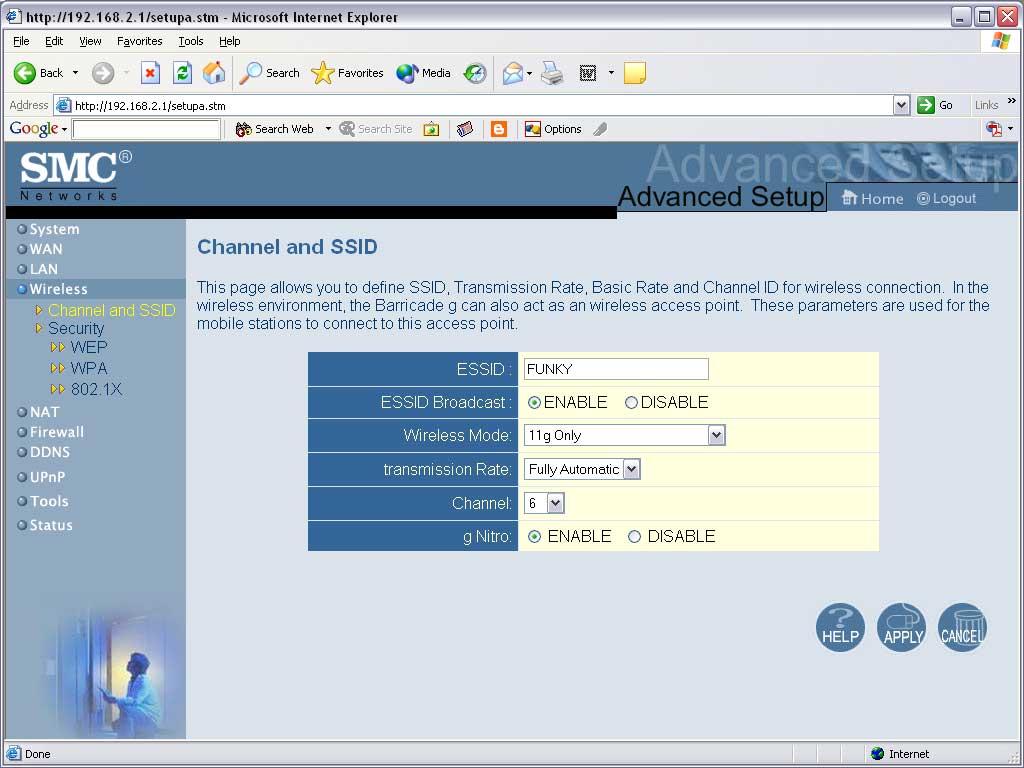
The first thing I did was head straight to the wireless options! I set my ESSID, essentially a Network-ID, to FUNKY. Why? Because I’m like that. That’s why. For the wireless mode I chose ’11g only’ since all my hardware is wireless-G spec. It has options for backwards compatibility to wireless-B spec, but I had no reason to use that option. I of course turned ‘g NITRO’ on, it’s supposed to increase range and speed in G only networks!
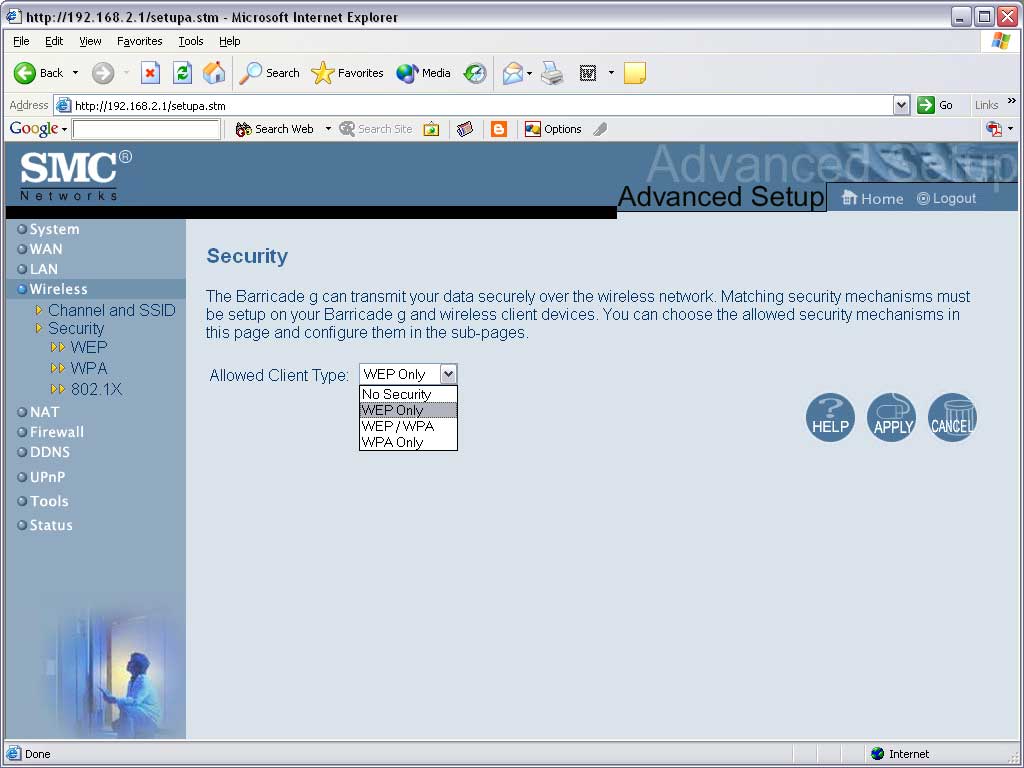
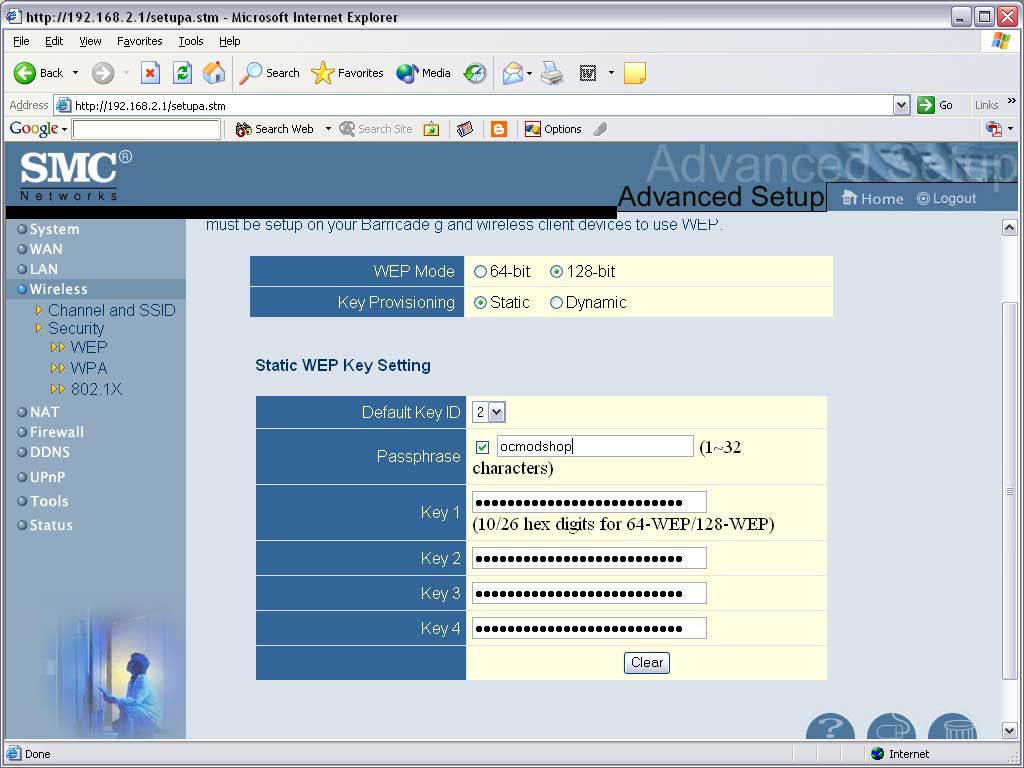
By default wireless is enabled, as well it should be, but there is no security applied to the connection. I didn’t even want to start testing until I had a secure line. I live in San Francisco and there’s a cafe full of laptop-toting yuppies across the street – I don’t need them wandering into my network! After doing a little reading, I chose to use WEP only encryption, but you can choose from WEP, WPA, mixed, or 802.1x authentication (mainly for companies with wireless servers from what I read). With 128bit static security you need a 26-digit alphanumeric hex-key on each machine that connects to the router. Imagine how much fun it is to make sure you get that key exactly right every time (something like ‘2BA289AFC987ED8F90AB012DA5’)! SMC has a great feature in that you can enter a passphrase from which the 26-digit key is generated. With other SMC products the passphrase will generate the same key, thus removing the need to painstakingly enter some crazy 26-digit key all over the place!
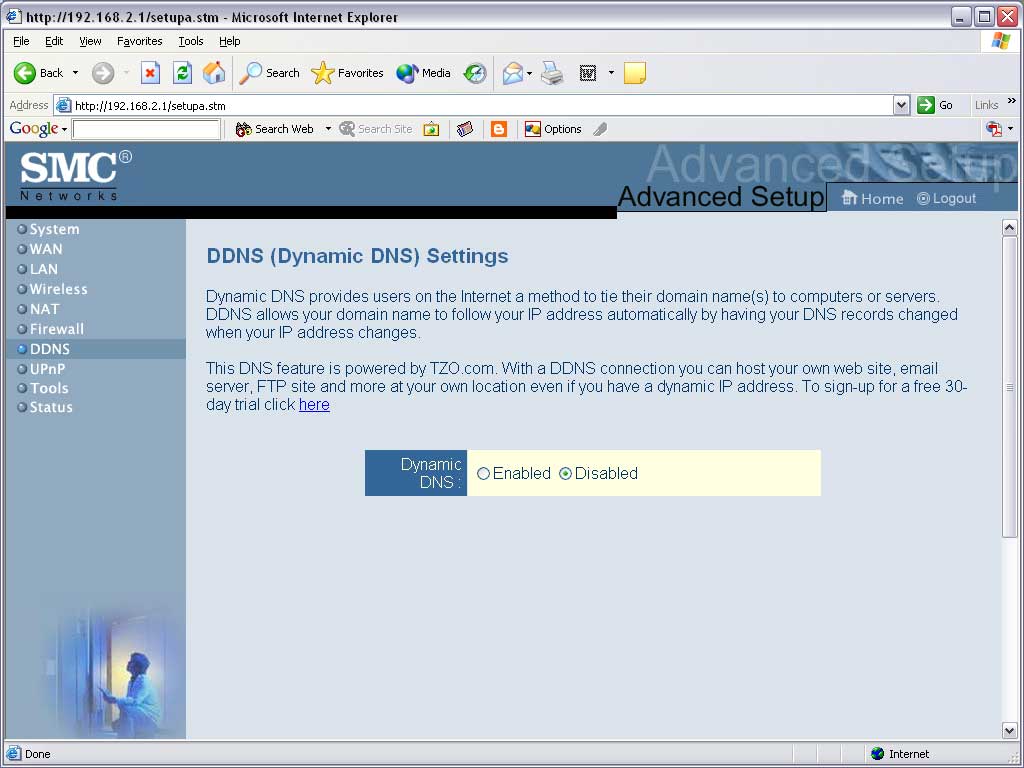
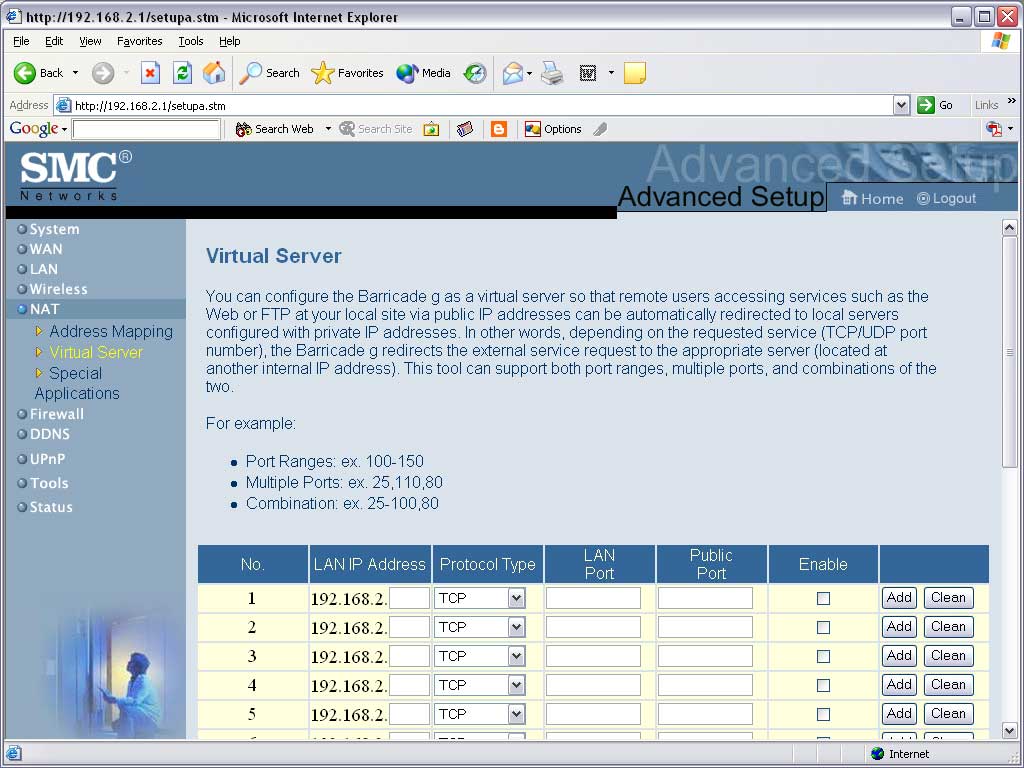
There are some other cool features as well, my favorite being DDNS (which I already use on my Linux box, it’s VERY convenient for remote admin). With dynamic DNS your IP changes every time to disconnect and reconnect to the internet, and if constantly connected it will STILL change every couple days. This makes it pretty impossible to host any type of server. With DDNS you can map a domain to your IP that updates the DNS settings every time your IP changes. In other words, no matter what your IP, you can always be connected to at ‘whatever.something.net’! There is a fee after the 30-day trail, but if you plan on hosting anything it may be worth it. Also, there is virtual server and NAT features. This is needed so that when people connect to your external IP from the internet (your modem) the router will map them to an internal machine that is hosting a server.
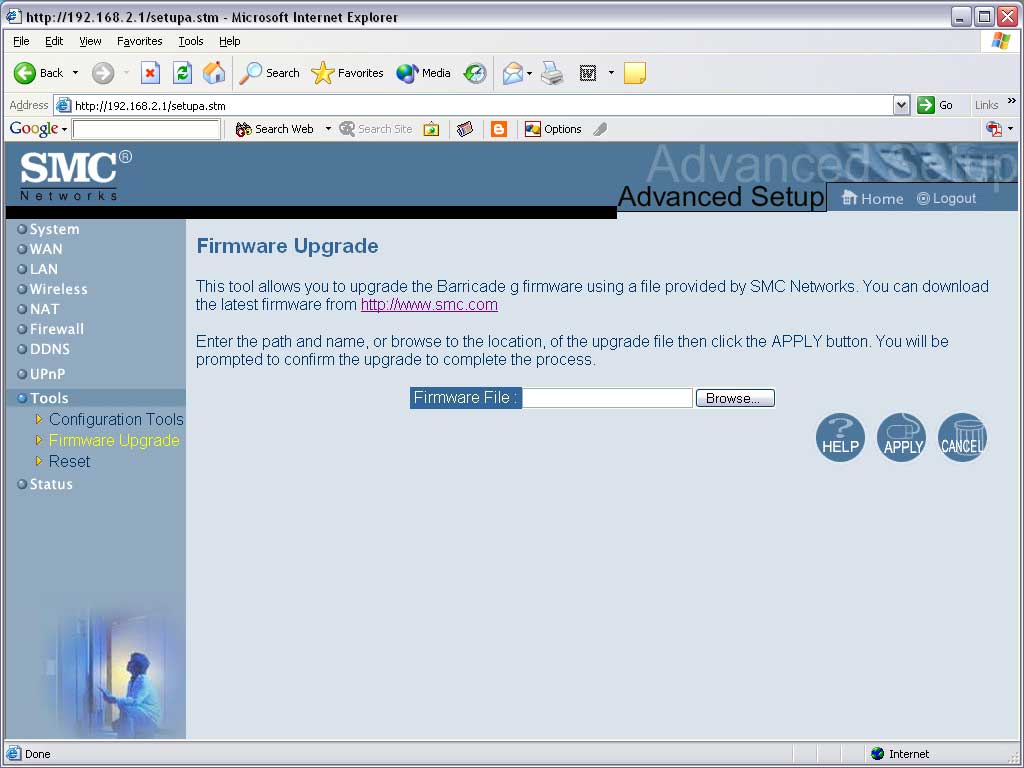
Most other features like the firewall are pretty self-explanitory. The only other thing I want to call attention to is the firmware upgrade. This is nice as you can update the router software when SMC comes up with new stuff – in fact the ‘g NITRO’ update needs to be installed with this feature. Just as drivers can make video cards perform better, there may be new wireless optimizations that may one day improve wireless networks like the ‘g NITRO’ update did.