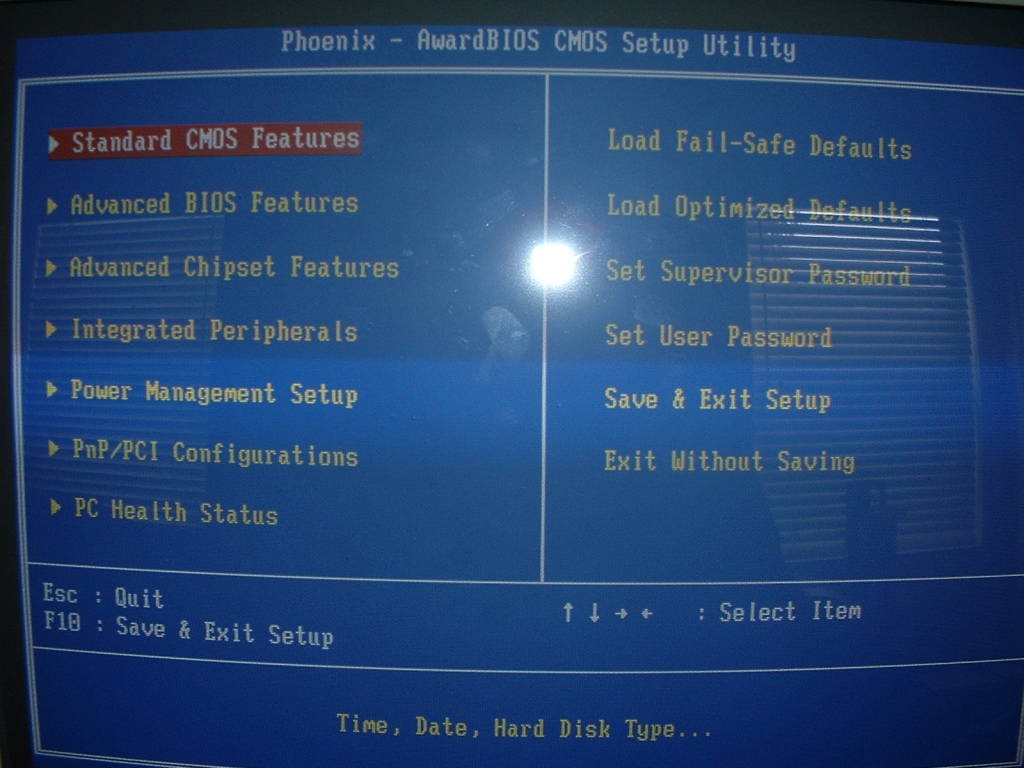
Here we’ll be taking a look at the features of the BIOS. This motherboard comes with the standard Phoenix/Award BIOS that most motherboards come with these days. As you can see, it has most of the same options selectable from the main BIOS screen.
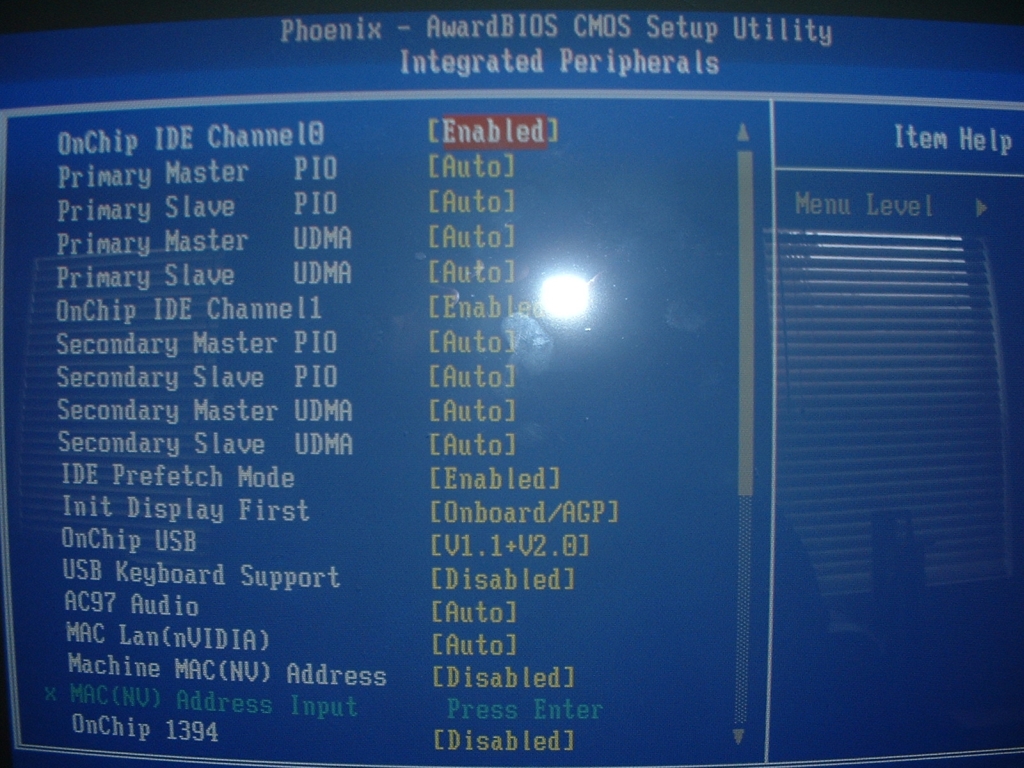
I’m only going to cover the parts of the BIOS that differ from other boards, mainly the integrated peripherals and advanced chipset features (overclocking stuff). Let’s take a look at the integrated peripherals. This is where we can enable the onboard sound, serial ports, ethernet adapter, USB ports, FireWire, and IDE.
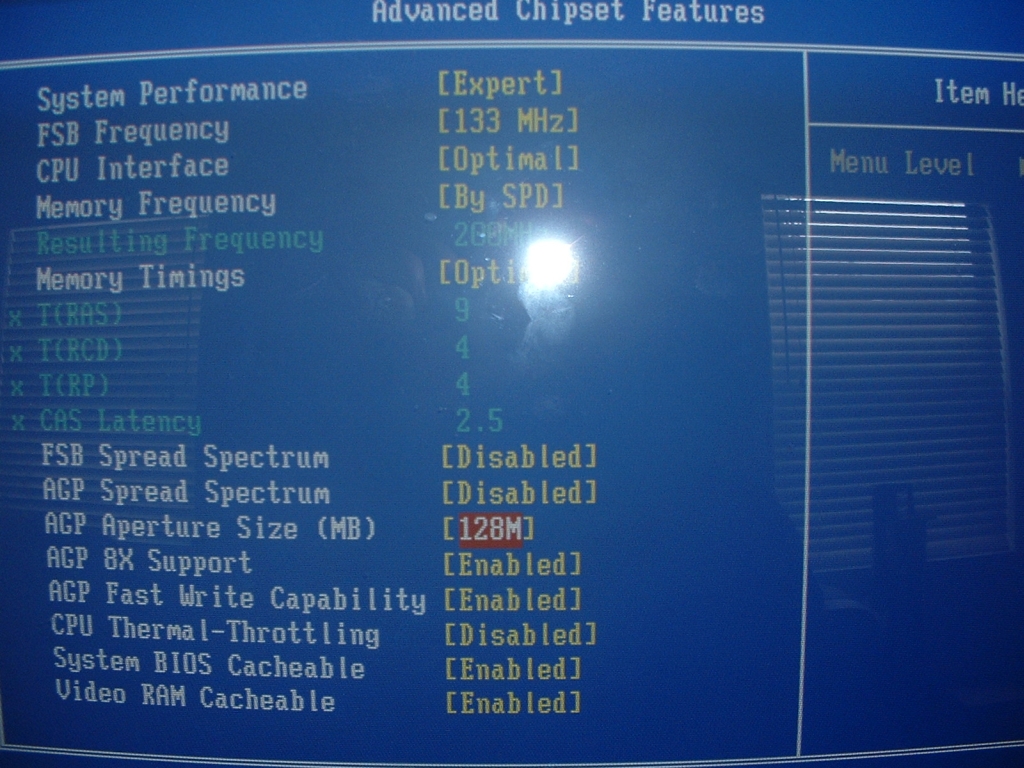
Everything seems to work fine in there, so let’s take a look at the most important part (for overclockers, at least): the advanced chipset features. I was expecting this section to be full of features to modify the RAM and CPU settings, but I was left quite disappointed.
As you can see, there is no way to change the multiplier on the CPU, which limits the overclocking ability immensely. The RAM settings are fairly flexible, but they scale with the CPU speed by changing the “By SPD” setting to a different percentage of the front side bus. Also, when you change the Memory timings from Optimal to Aggressive, it merely changes the RAS to 8, the RCD to 3, and the RP to 3, while leaving the CAS at 2.5. Doesn’t seem very aggressive to me, but you can change all of those settings manually if you wish.
One thing of note that is really cool is the CPU Thermal Throttling setting, which you can set to automatically slow down your PC to a set percentage if it gets too hot. This is pretty cool, but I don’t really see the usefulness of it. Nevertheless, it’s there and its pretty neat.
We’ll see the effect that the lack of CPU options has on overclocking in a bit.