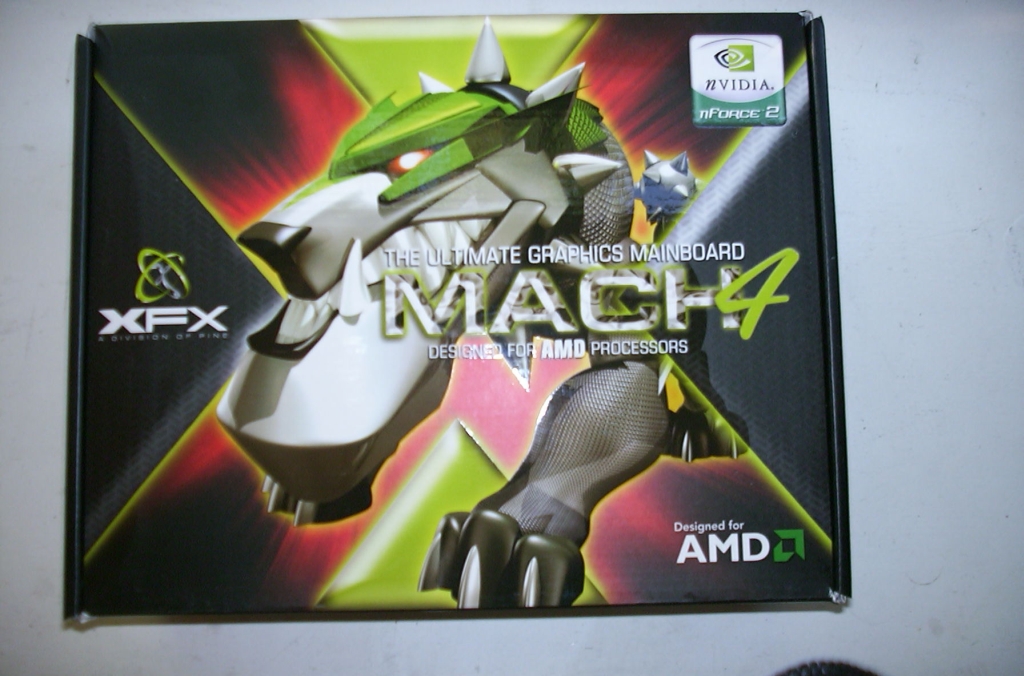
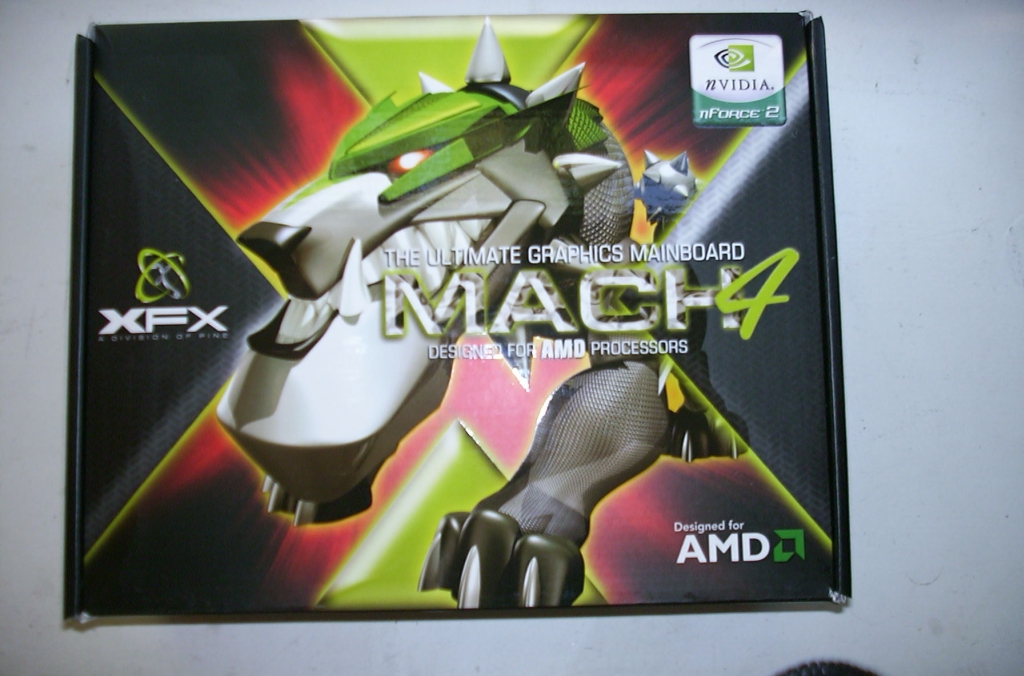
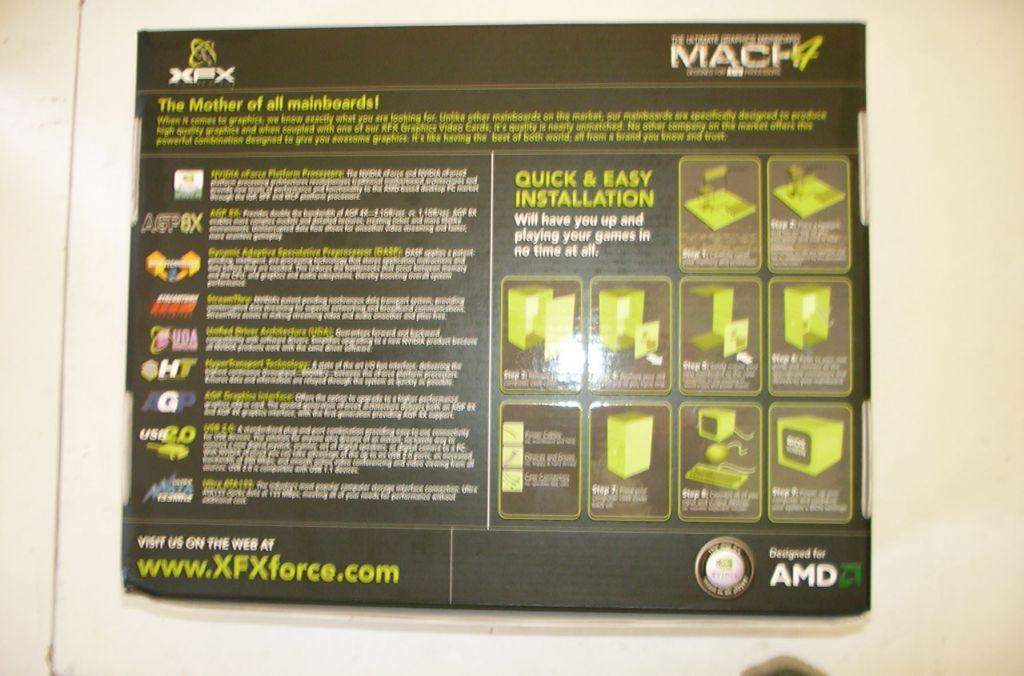
This board comes in an XFX box with a pretty tough looking 3D pitbull on the front. I have to say, XFX have the most professional looking boxes, logos, and manuals that I have seen lately. As you can see, the box is really cool looking, with quite a bit of information on the board, including its features and a simple installation guide with pictures.
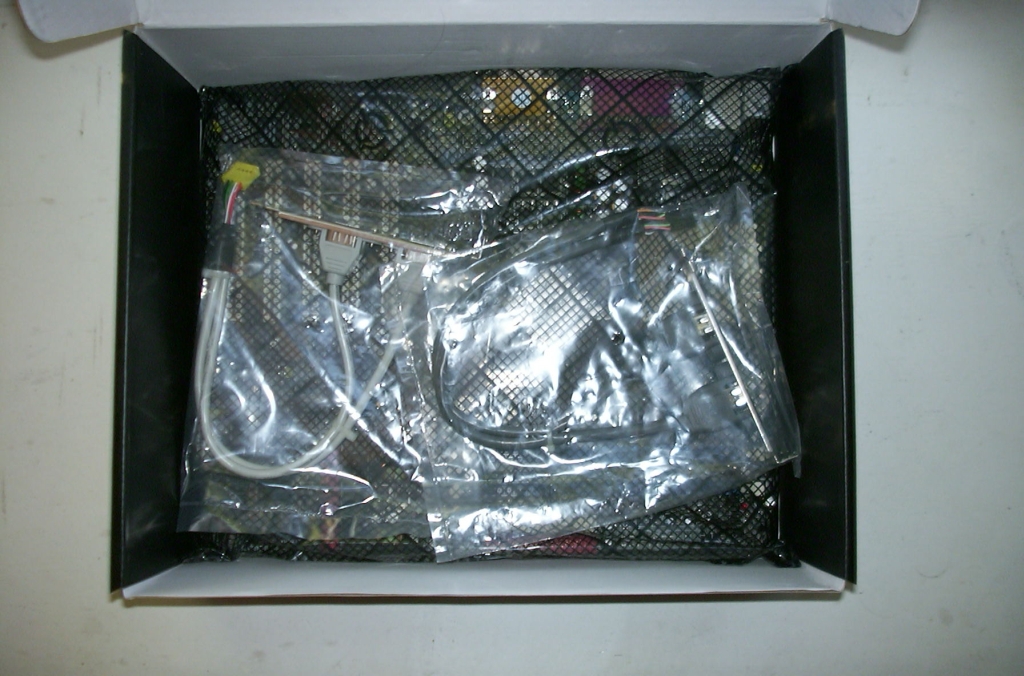
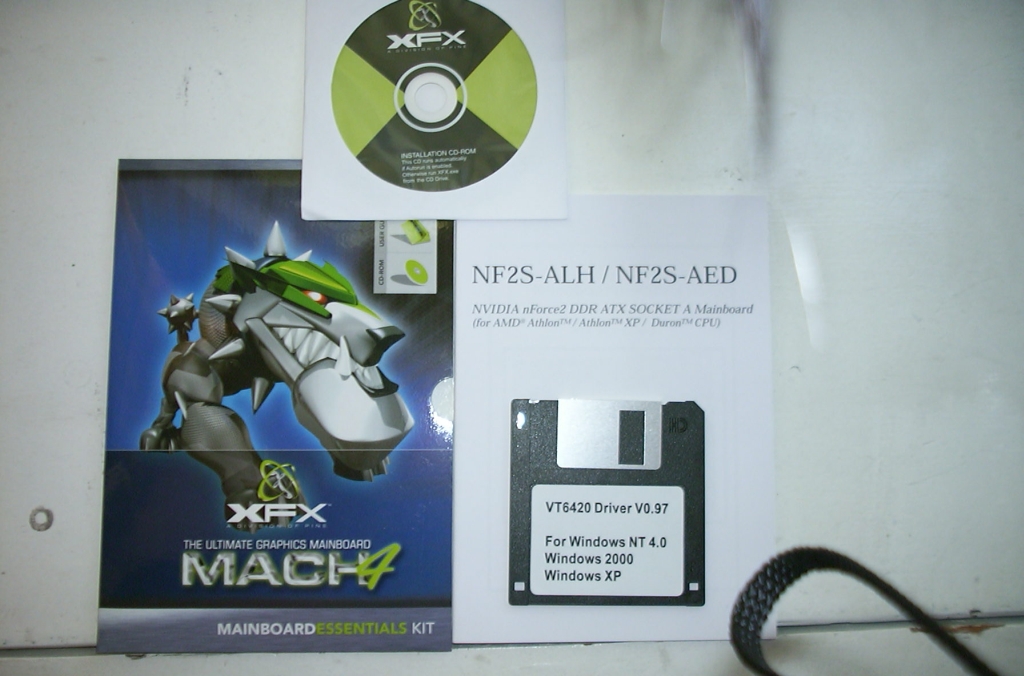
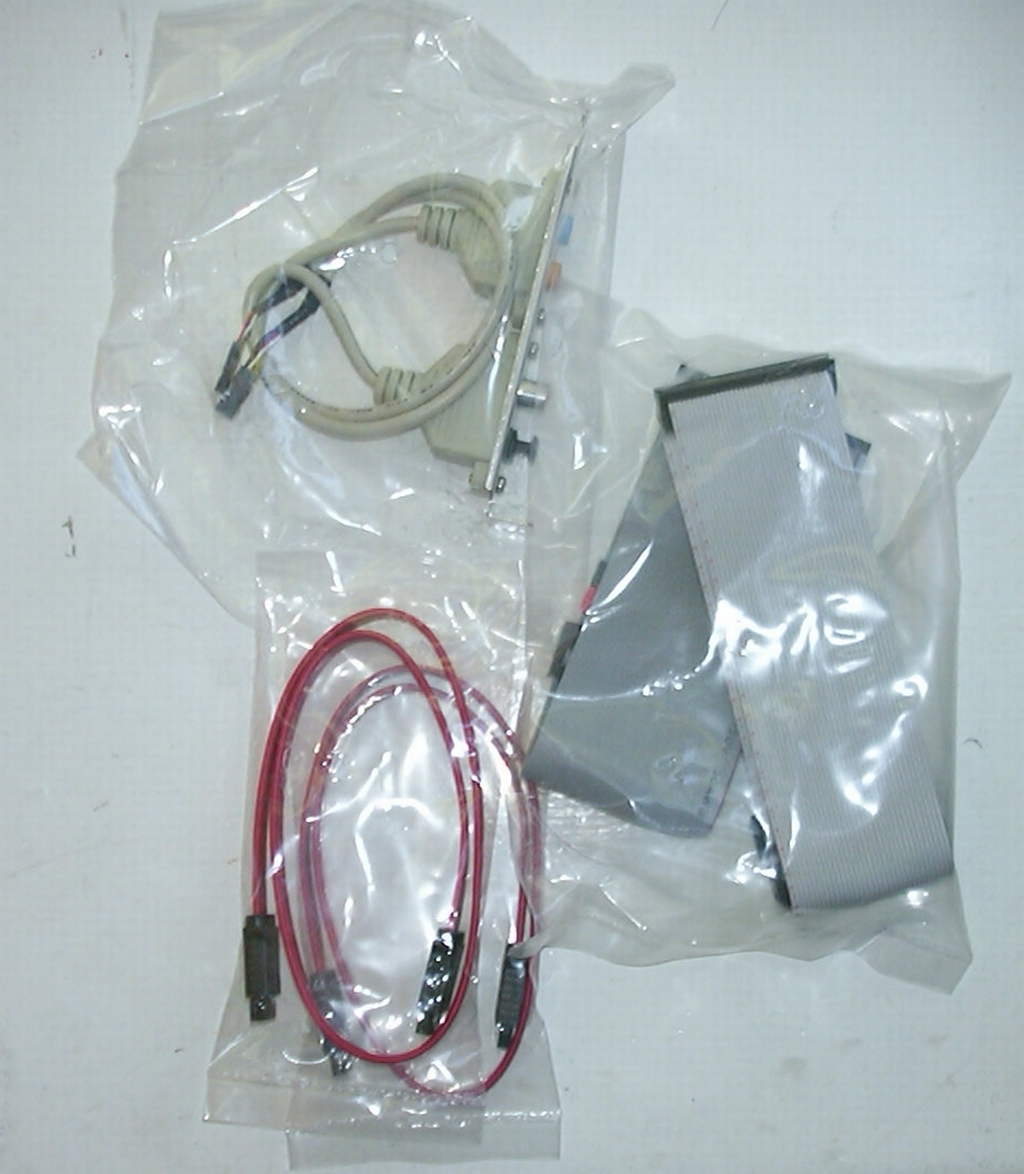
Now let’s move on to the contents of the box. Here we can see all the goodies that come with this board. In the picture on the left, there is the 6.1 audio header, the Parallel ATA cables, and the Serial ATA cables, as well as the manual, Serial ATA/RAID driver disk, and motherboard driver disk (the manual and CD are in the Mainboard Essentials Kit). In the picture on the right we can see the USB 2.0 headers, the Firewire headers, and the motherboard itself.
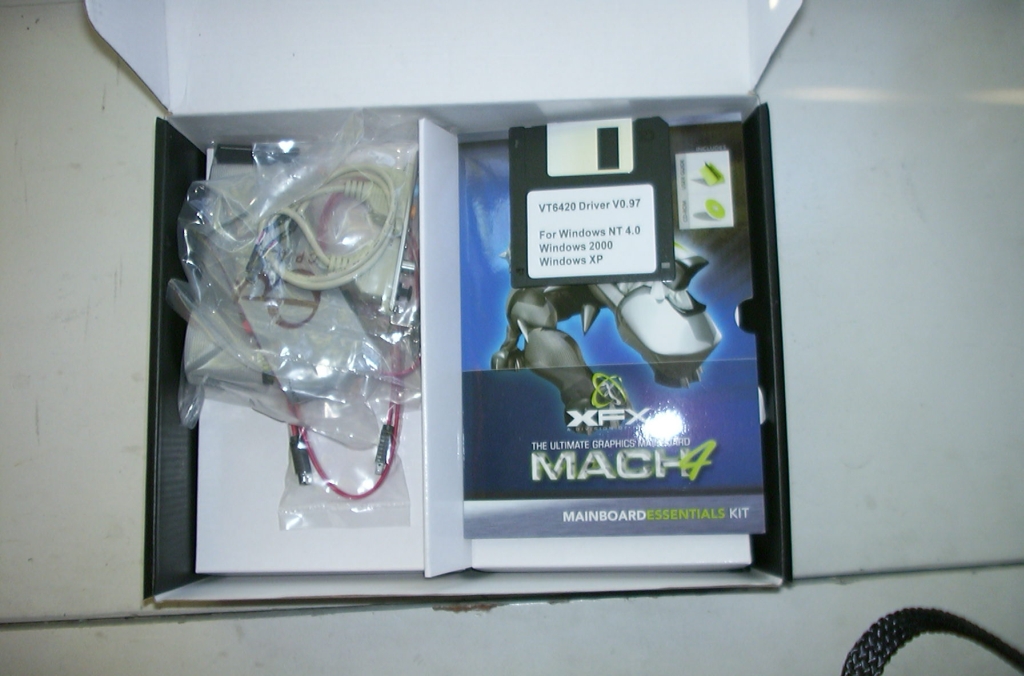
Here are some more pictures of what comes with the motherboard. The board comes with everything you need to have a pretty rockin’ setup.
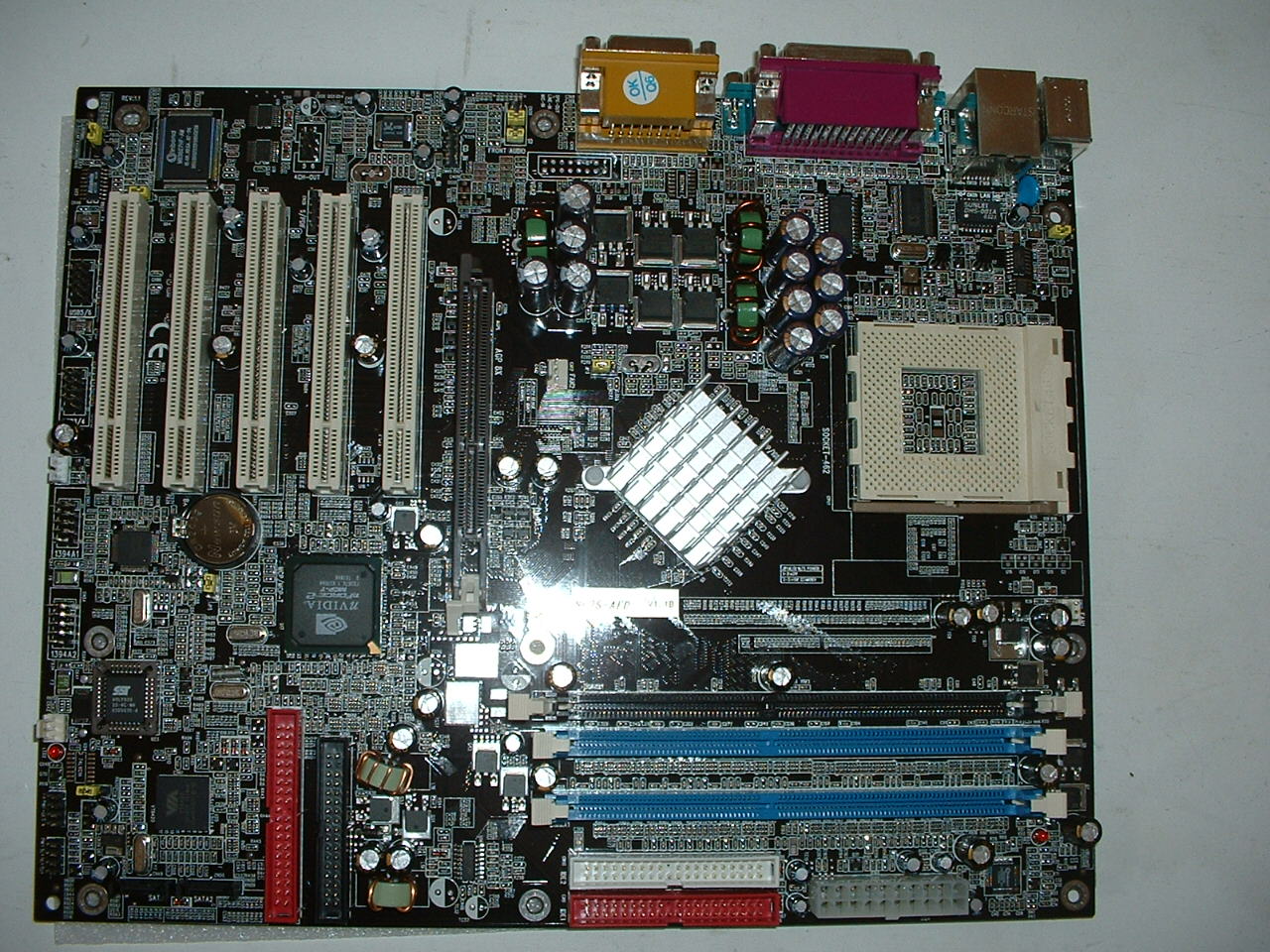
Now let’s take a look at the board itself. the board has 5 PCI slots, 1 AGP, 3 Parallel ATA (one is shared between regular IDE and the IDE RAID controller), etc.
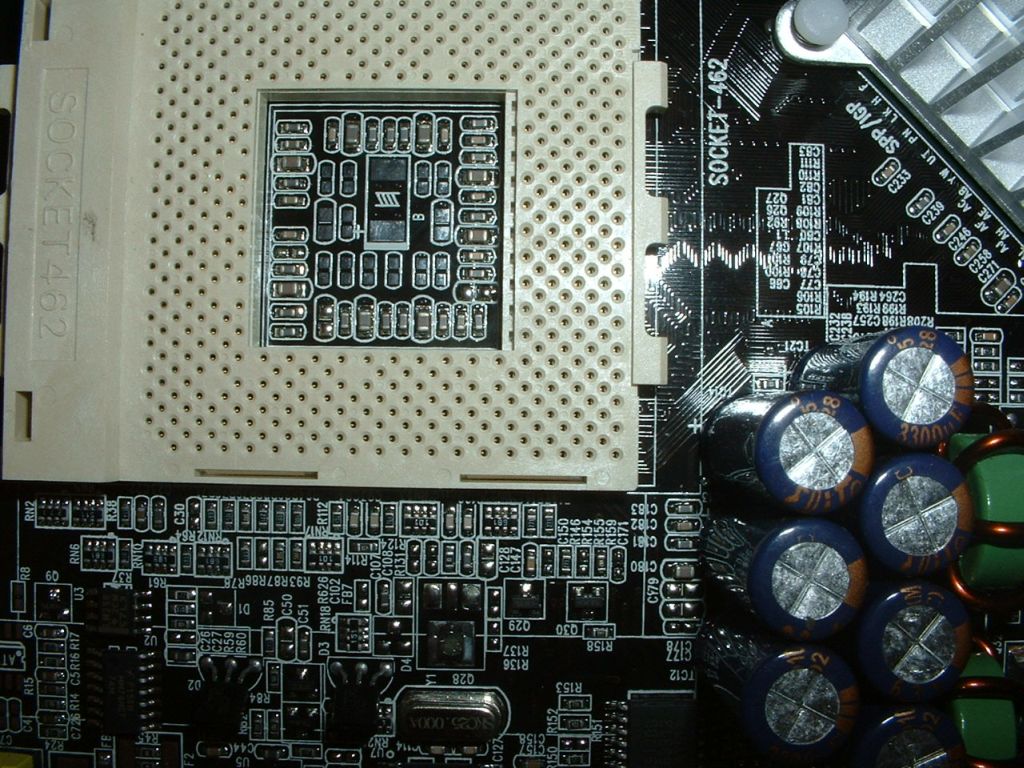
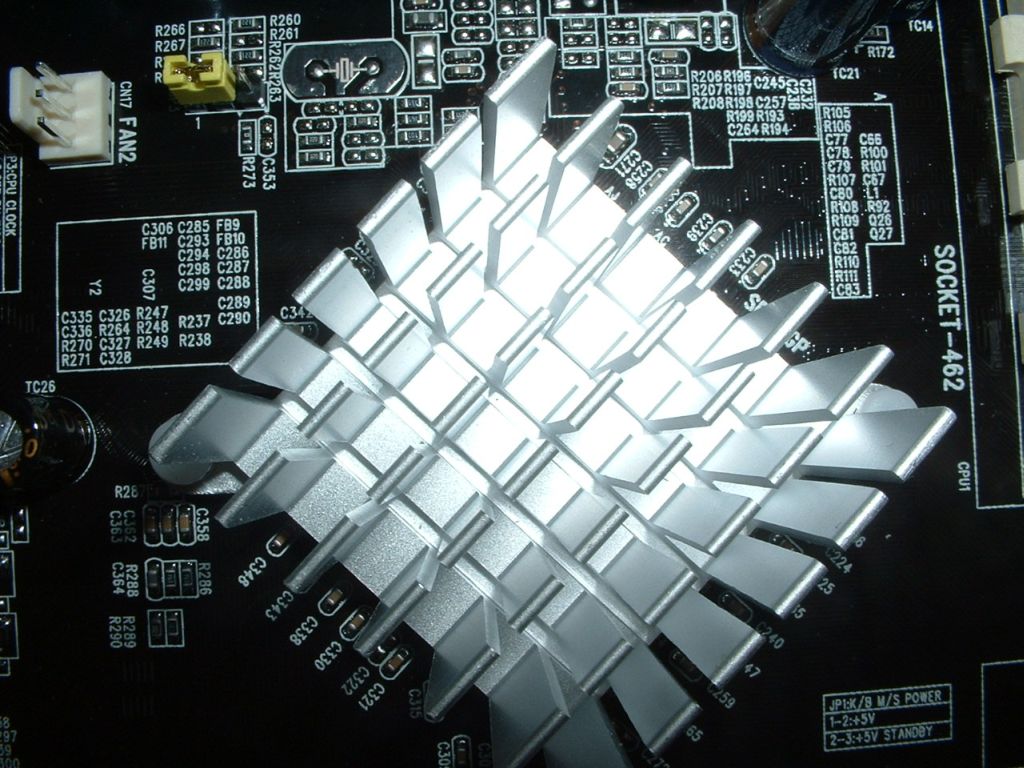
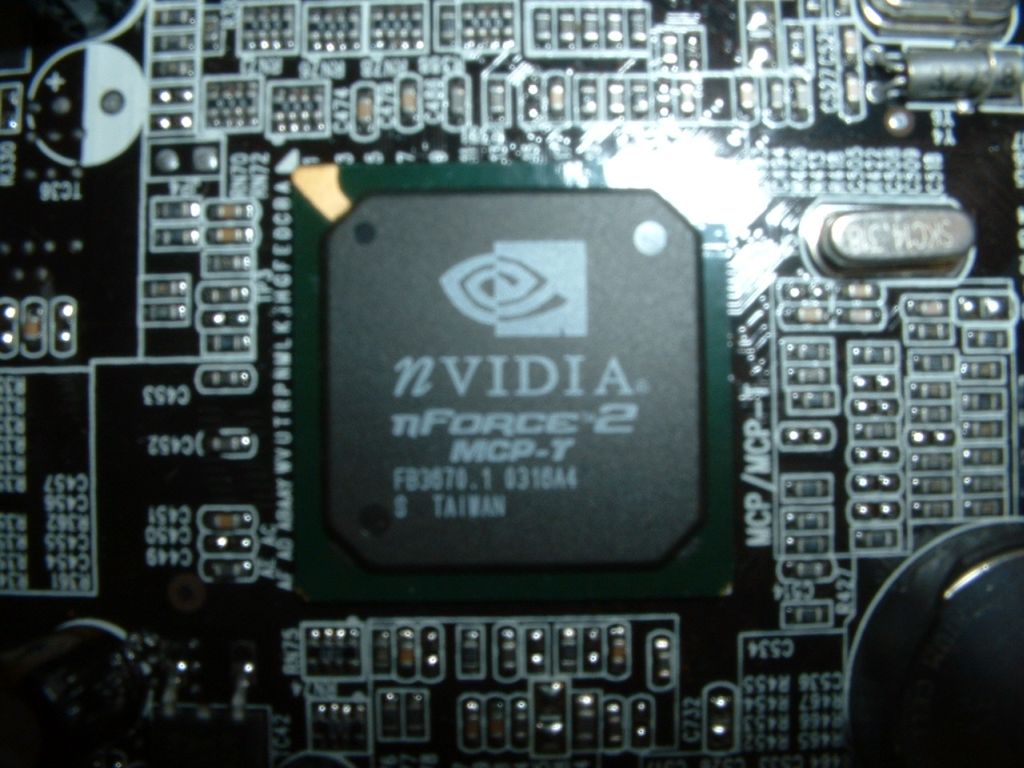
Here are some closer-up pictures of the individual components. On the left we have the socket for the CPU. As you can see, the capacitors are pretty close to the socket, but they’re not really close to the mounting clips, so they shouldn’t be too much of a problem. In the middle is a picture of the northbridge heatsink. I like the passive northbridge heatsinks because they do a fine job of cooling, don’t have any moving parts to break down and screw up the board, and they don’t create any noise like active cooling solutions. On the right is the Nvidia southbridge chip.
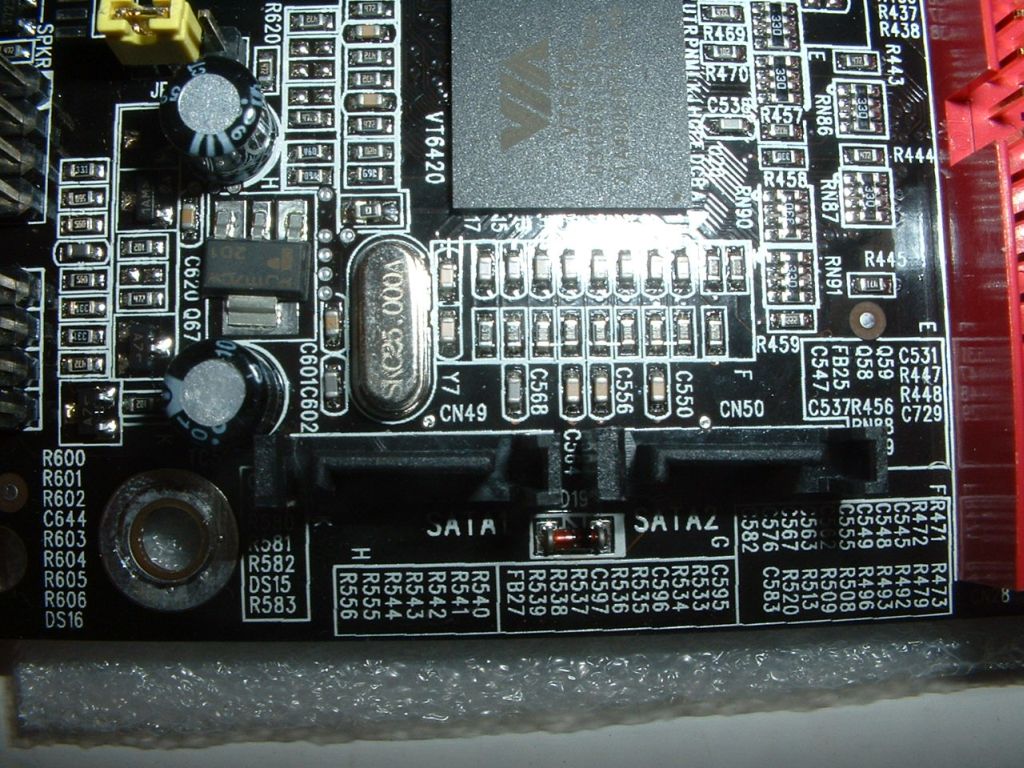
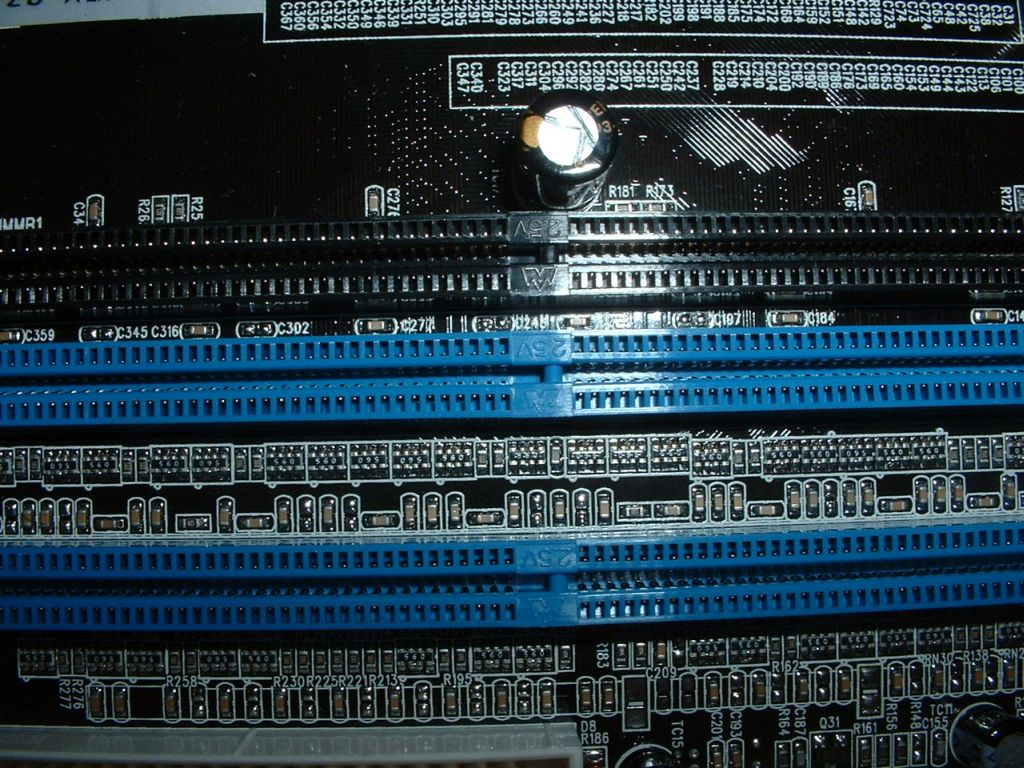
Here we have the Serial ATA connectors on the left, along with the VIA IDE RAID controller. On the right are the RAM sockets. If you wish to use Dual Channel technology, you would place one stick of RAM in each of the blue sockets so you can take advantage of a 128 bit data path instead of the normal 64 bit, with the speed enhancements that provides.
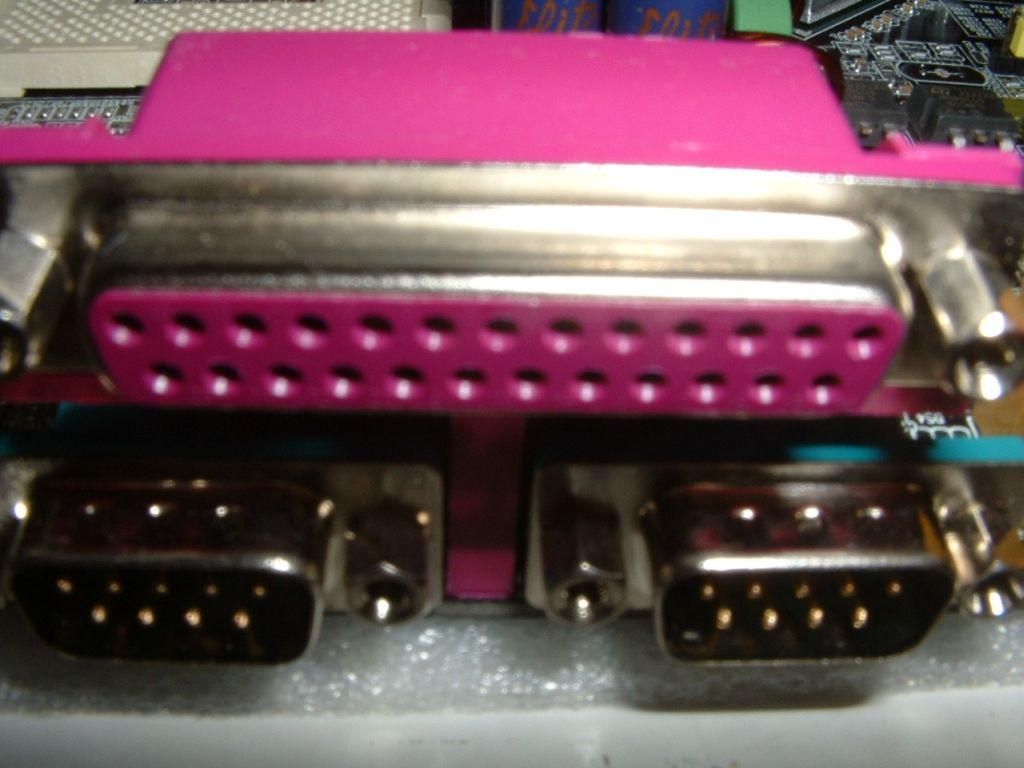
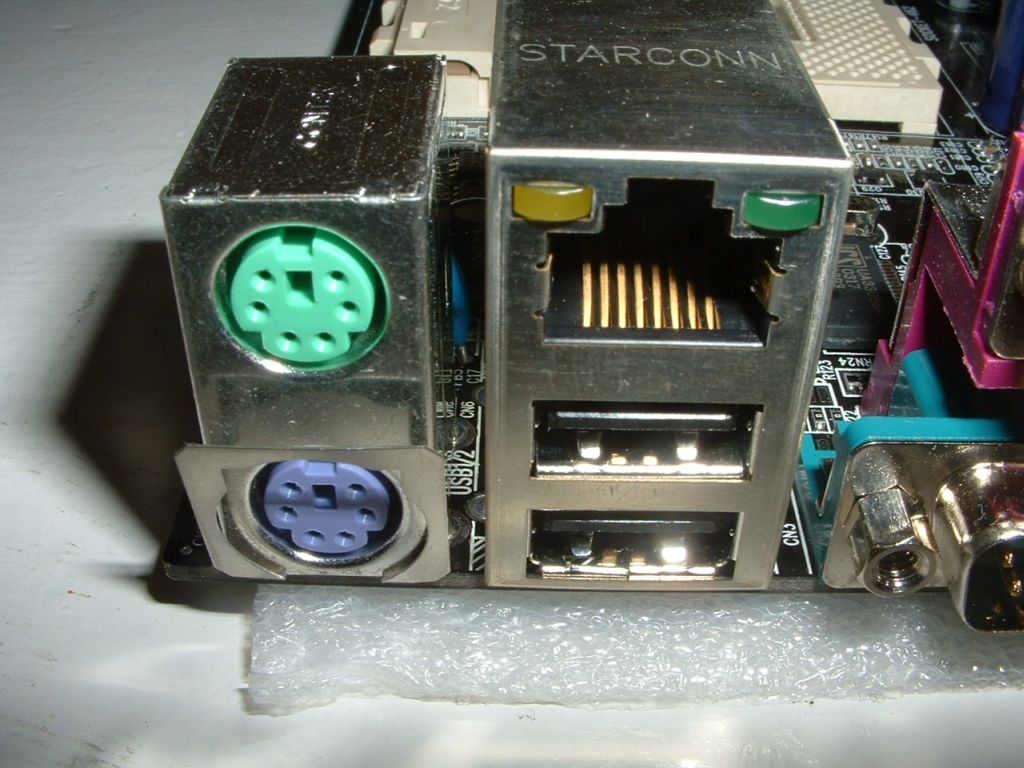
Let’s look at the I/O panel. On the left we have the 2 serial ports and 1 parallel port, as well as The ubiquitous PS/2 connectors. On the right we have the onboard 10/100 RJ45 jack along with 2 onboard USB ports. I’m surprised that they are still including onboard serial and parallel ports on new motherboards, since the technologies have pretty much been taken over by USB and FireWire, but it’s nice to have them in case you have an older printer or mouse.
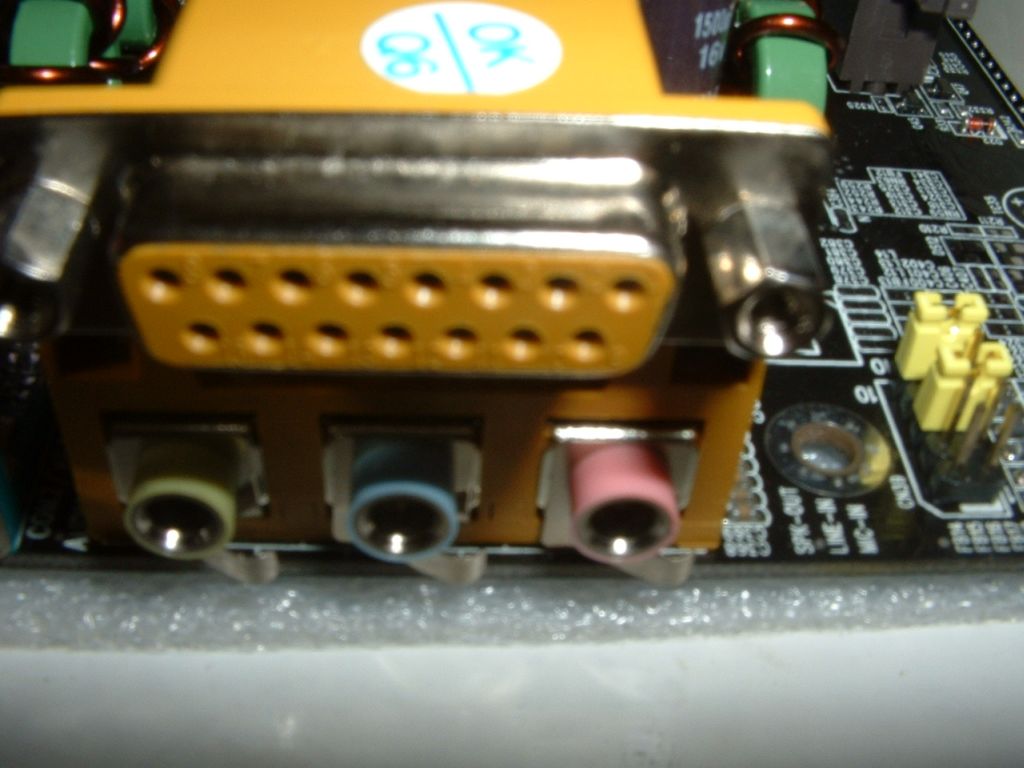
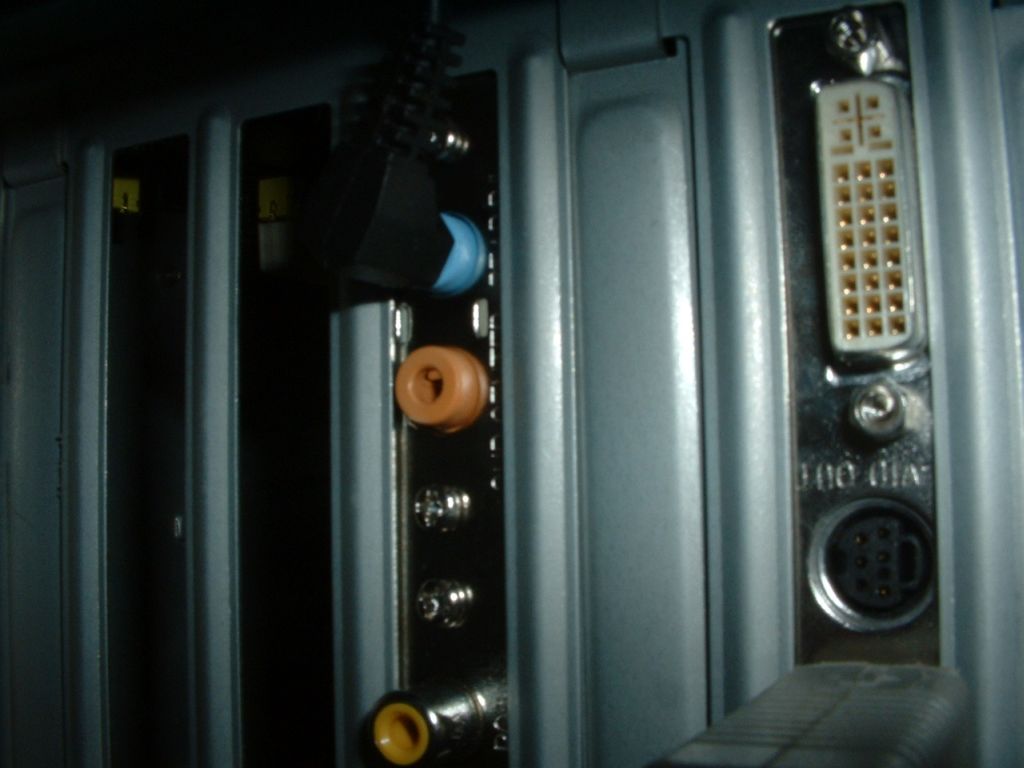
Finally, let’s move on to the audio portion of the board. On the left are the standard audio jacks for plain old 2 channel audio. The second pic is my speakers hooked up to the connector. The third picture is the sound header that comes with the motherboard installed and hooked up to the rear channels of my 4.1 system. You can’t see the SPDIF connector, but it’s there. The sound system supports 6.1 audio and Dolby 5.1 decoding, which is pretty sweet.