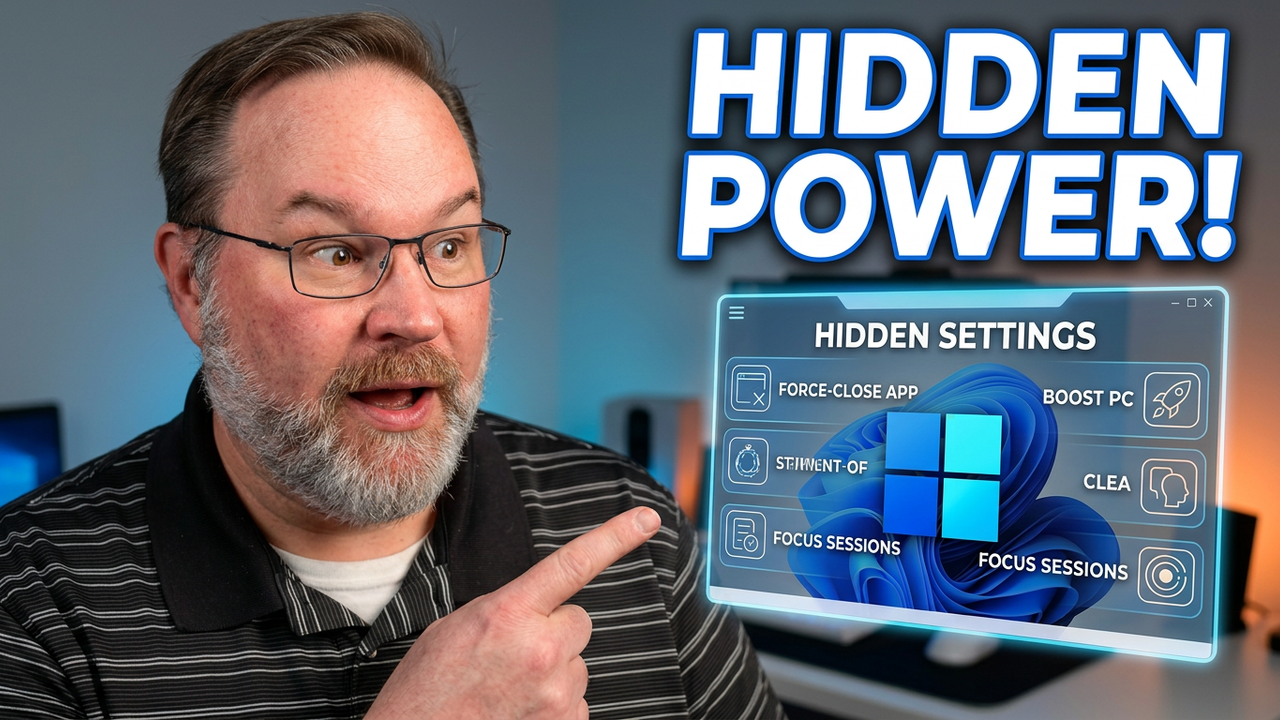
Master essential Windows 11 settings to boost your productivity and simplify how you manage your desktop and daily tasks.
This guide helps you navigate the operating system more efficiently by highlighting features that are often overlooked. We focus on practical adjustments that make your computer easier to use, specifically by reducing frustration with software management and interface navigation. Whether you are tired of struggling with unresponsive programs or just want a faster way to interact with your OS, these tips provide immediate solutions.
Learn how to quickly force close software directly from the taskbar, access classic desktop menus, and use the built-in emoji input tool to streamline your communication. By implementing these Windows 11 settings, you can customize your workspace for better performance and less annoyance. These adjustments are designed for any user looking to refine their experience without complex software modifications.
Subscribe for weekly software optimization breakdowns and let me know in the comments which Windows feature you find most useful.