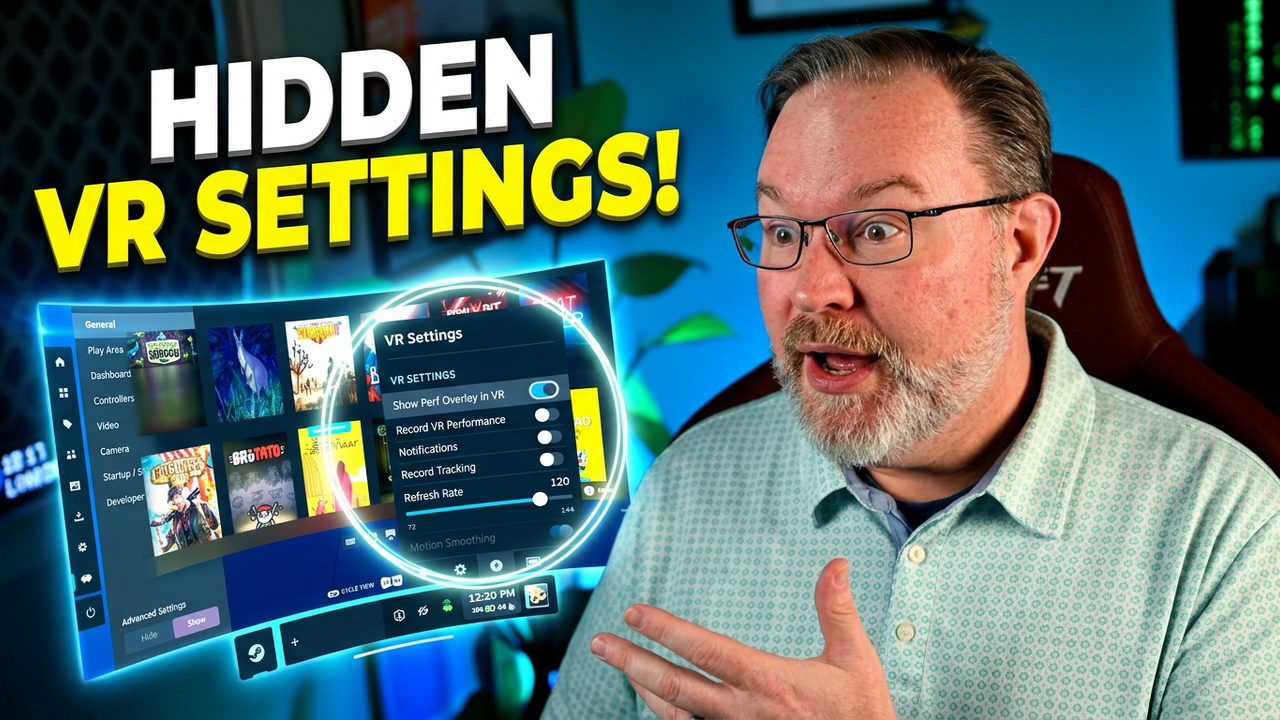
We are walking through the VR headset settings to optimize your interface for a more comfortable PC VR gaming experience.
This video details how to navigate the various menus within the environment, covering essential adjustments for controllers and game recording. Getting your software configured correctly is the goal for many, and we provide a clear look at how to manage these options directly inside your virtual space.
We also highlight the latest updates from OC Mod Shop, including details on how to join their email list for community support. Understanding your VR menu navigation helps streamline your workflow, ensuring you spend less time tweaking menus and more time in your library. It is important to know which settings affect your overall performance before jumping into a long session.
Let me know in the comments if you prefer adjusting these settings inside the headset or if you find the desktop interface easier to manage. Subscribe for weekly hardware breakdowns.