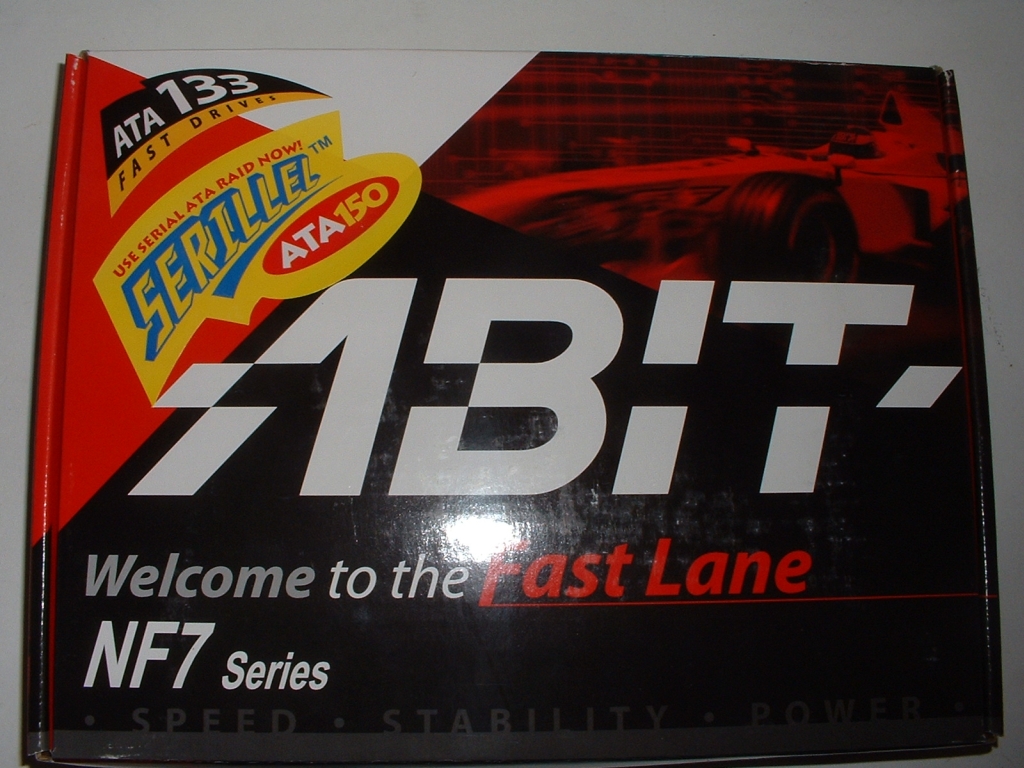
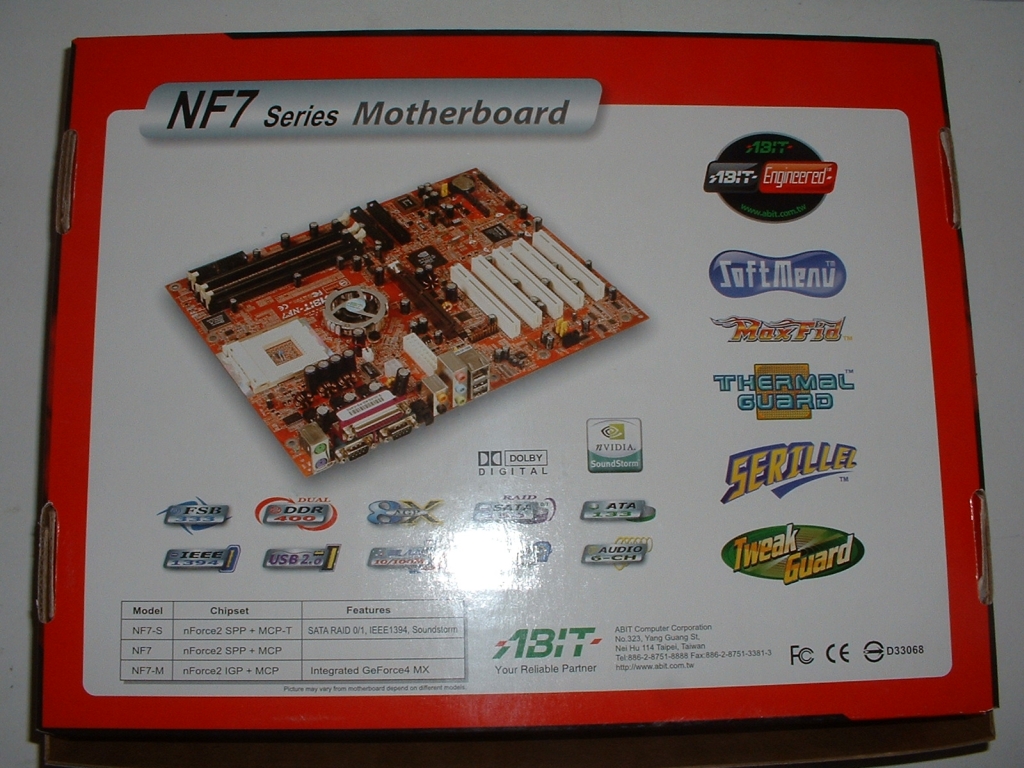
The Abit NF7-S rev.2 motherboard comes in a “normal” box which has the Abit logo on the front and a good amount of information on the back. There isn’t as much information on this box compared to a lot of other motherboard boxes but that doesn’t really matter because this board has a lot to offer.
This NF7-S rev.2 is a red/orange color which looks pretty nice, it is for sure a different color than I am used to seeing but it looks good I think. Just glancing at the top of the board I can see that is has a very good layout and that everything looks to be in the best place.

The I/O back panel is packed with a ton of useful connections; there are the standard PS/2, serial, and parallel ports but you a lot more. There are 5 RCA mini jacks (Front Speaker, Line-in, Mic-in, Center/Sub, Surround Speaker) which can be used for 5.1 sound and a S/PDIF Out port. There are also 2 USB 2.0 ports and a RJ-45 LAN Connector to eliminate the need for a NIC which is really nice. If this motherboard had the onboard video it would be in place of one of the serial ports however it does not so there are 2 serial ports.

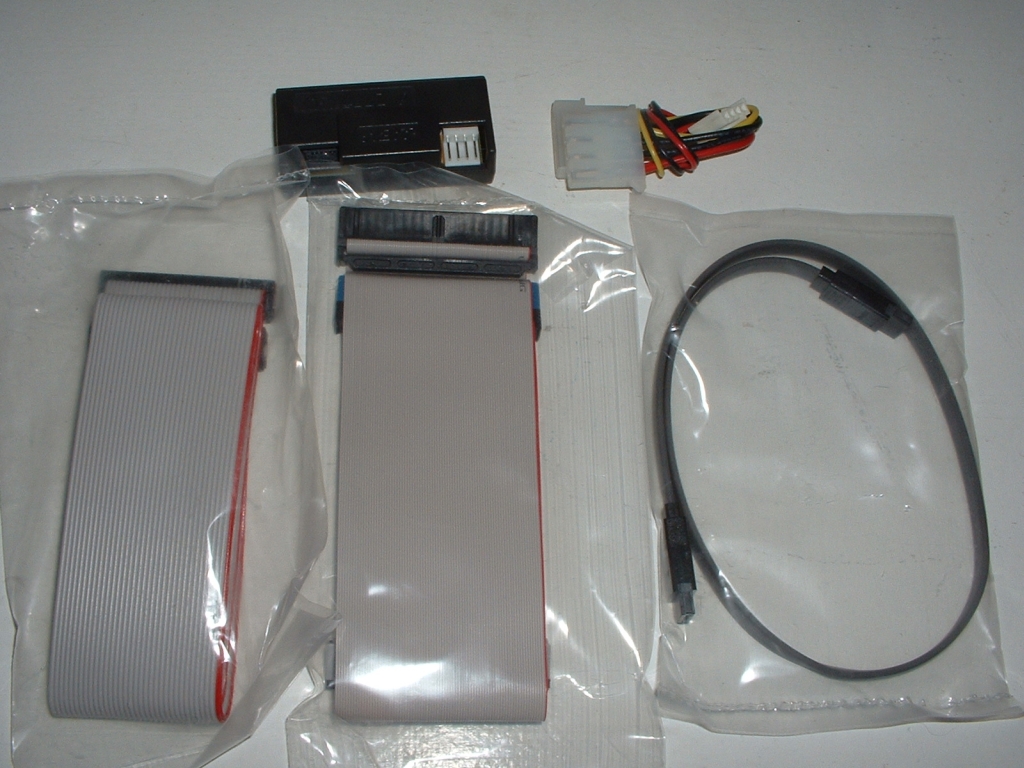
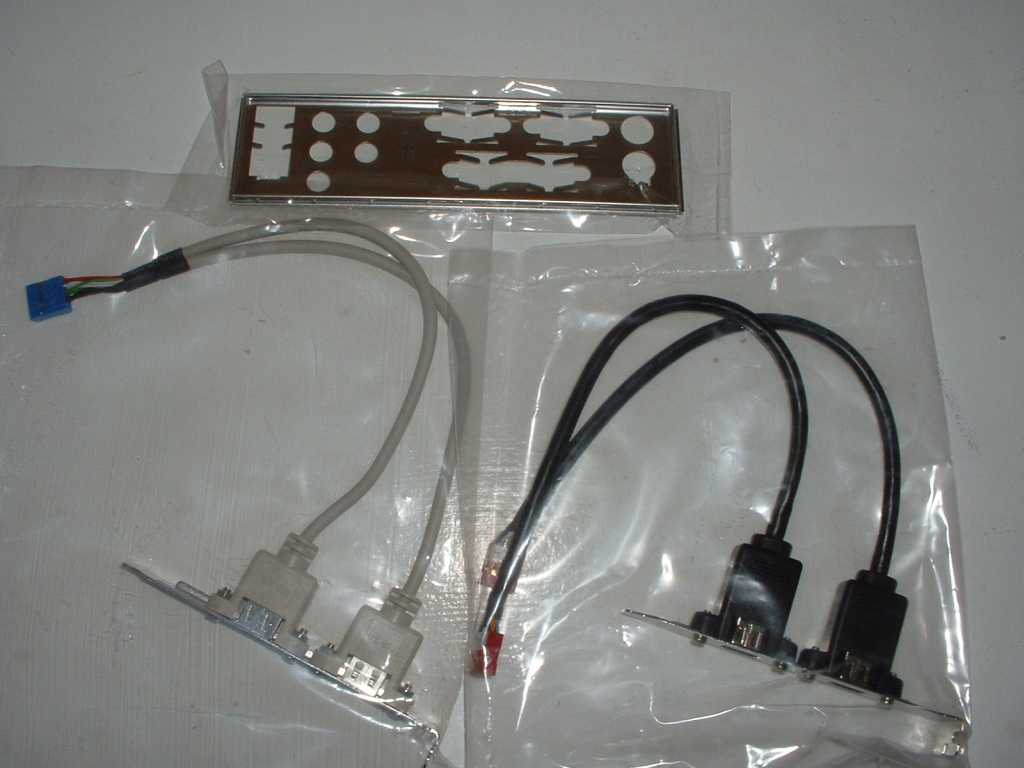
This motherboard comes with tons of extras so that you can take advantage of just about every feature on it. The board comes with an IDE, floppy, and SATA cable, IDE to SATA converter, and power converter for the SATA converter. I really like that the SATA converter was included so that if you are not using SATA you could have another IDE channel. Along with those things you also get a USB and firewire header to give you 2 more of each and a I/O panel for your case so that the motherboard will line up correctly.
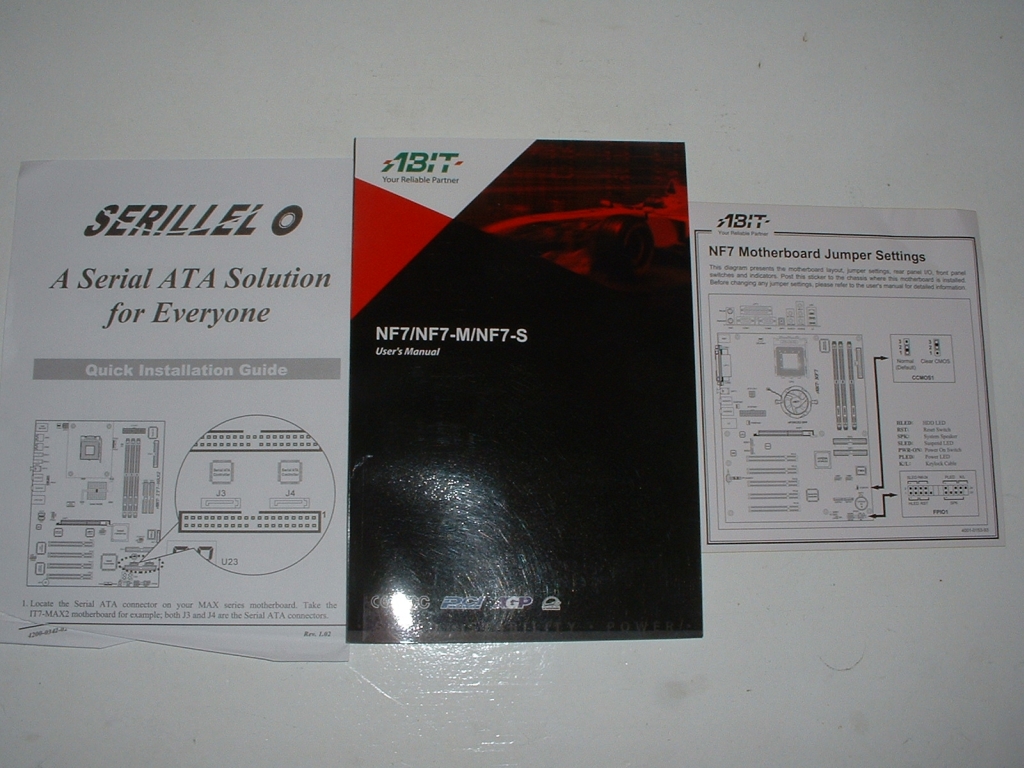
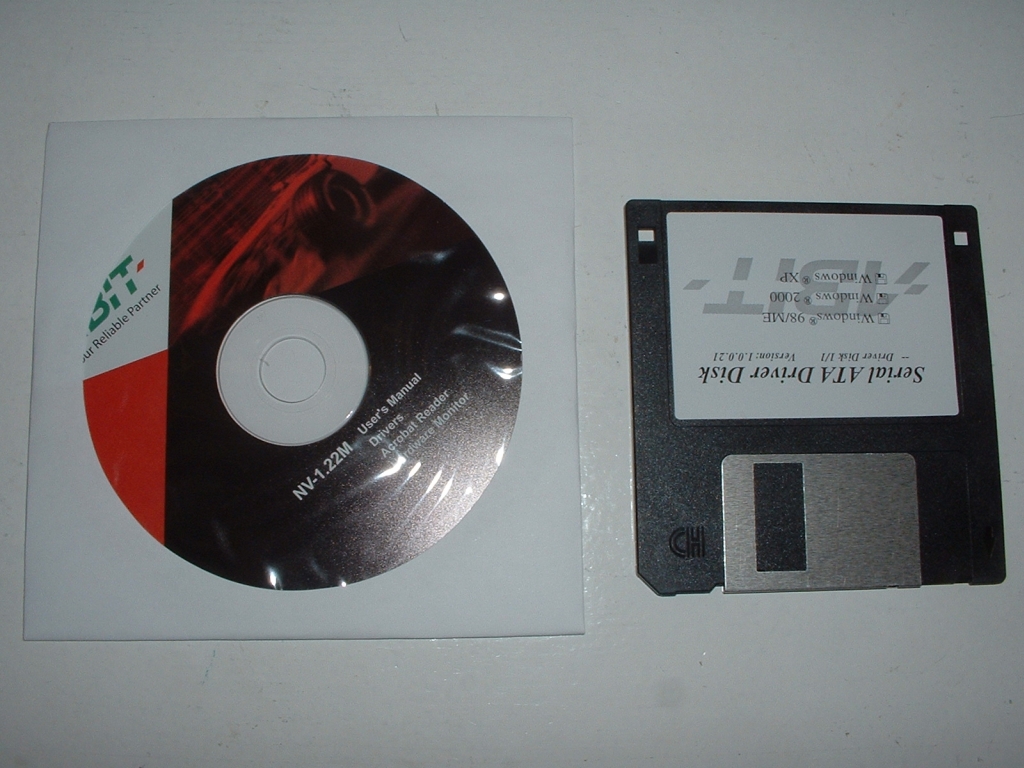
The manuals that come with this motherboard are overall pretty good, however one thing that I didn’t like was that the language sections weren’t broken up very well and the English section was buried in the middle. The CD comes with a users manual, drivers, Acrobat reader, and a hardware monitor. The floppy disk has the drivers for the SATA controller.
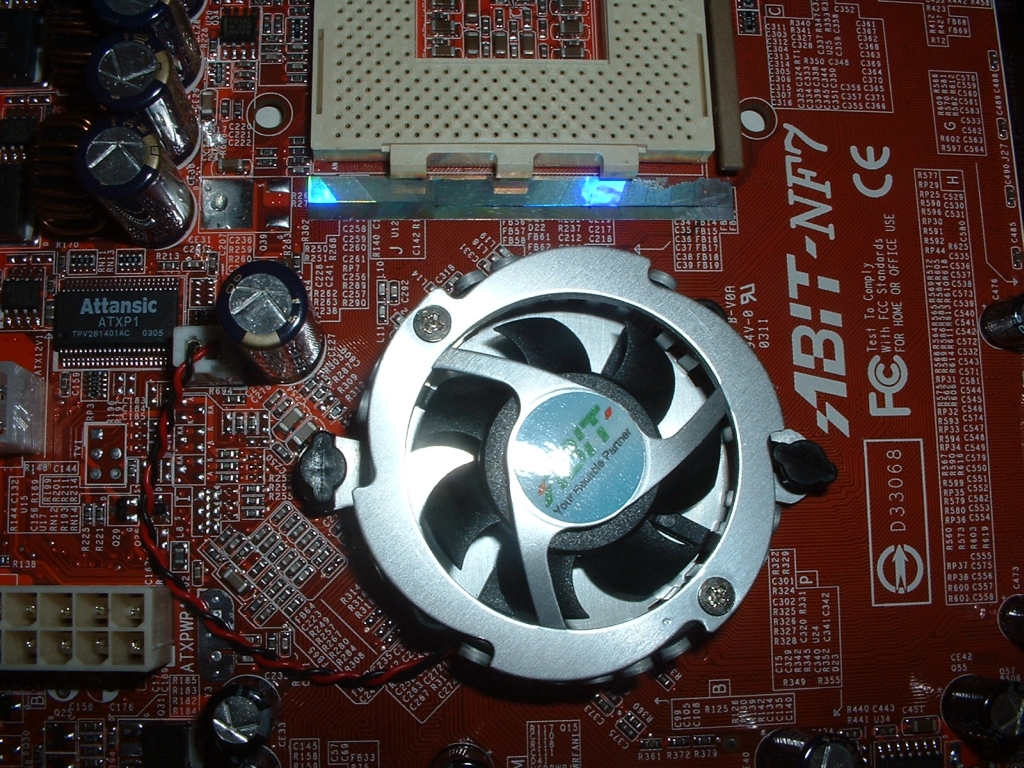
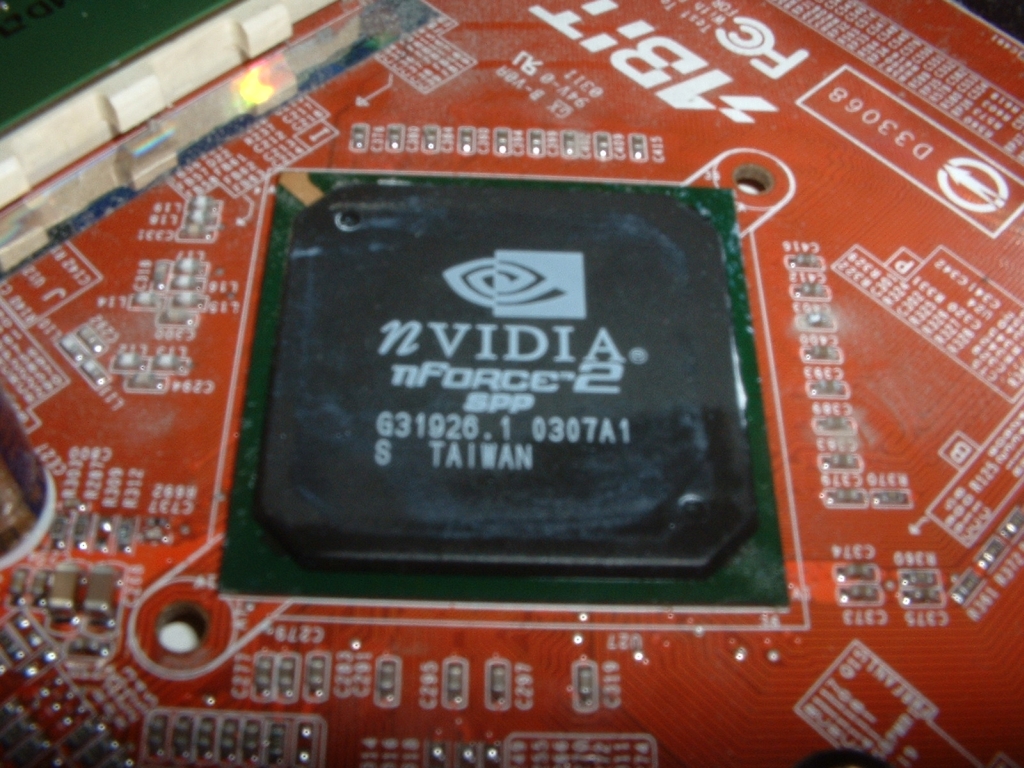
The northbridge on this motherboard is covered by a heatsink fan which does a good job cooling the SPP chipset below it. The nVidia SPP chipset does not have the intergraded Geforce 4 MX built into it so this board does not have any onboard video. After taking off the heatsink I found a good amount of thermal compound on the core which I always like to see. I cleared away the compound so I could get a picture of the core and as you can see it is indeed a nForce 2 SPP.
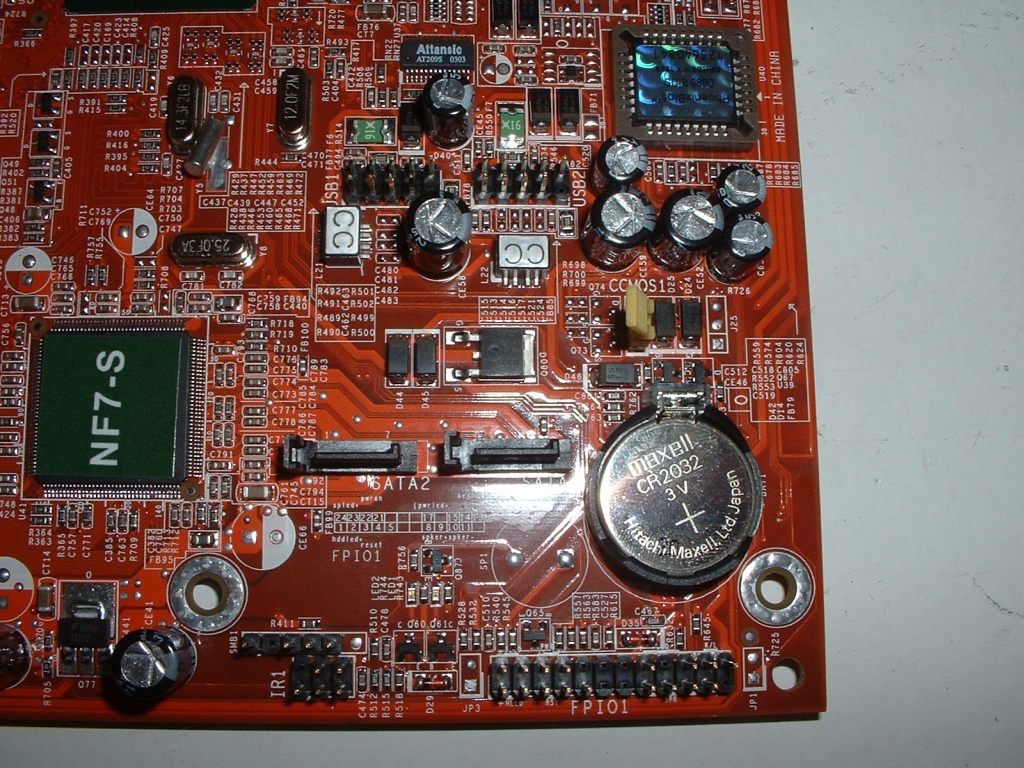
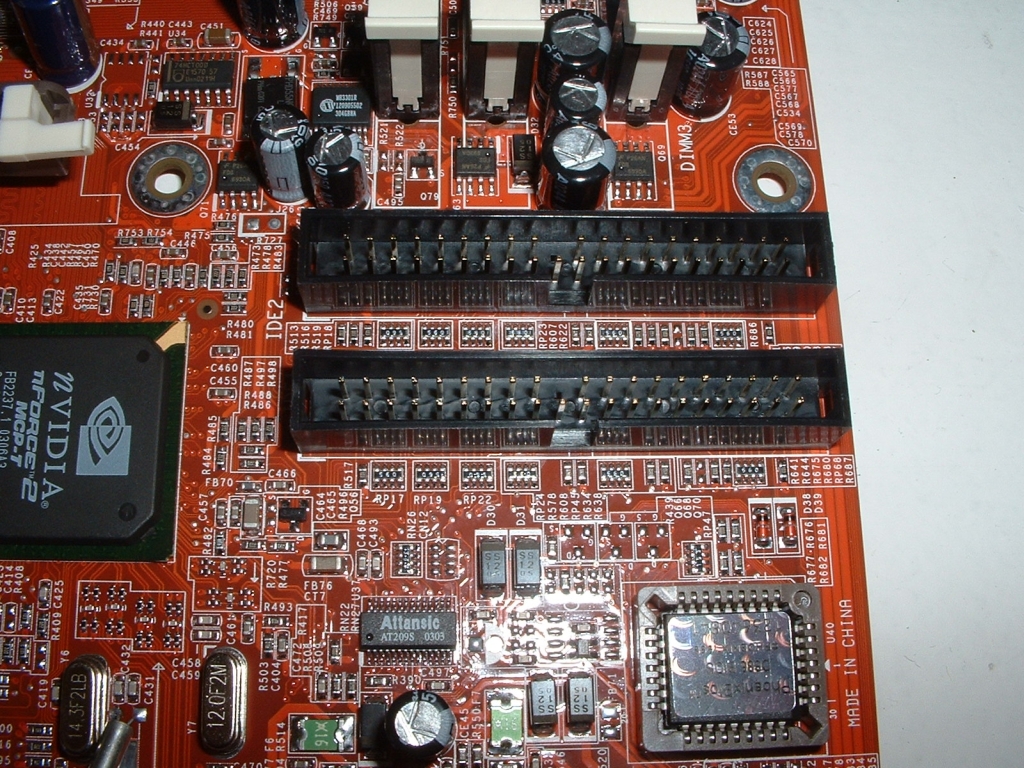
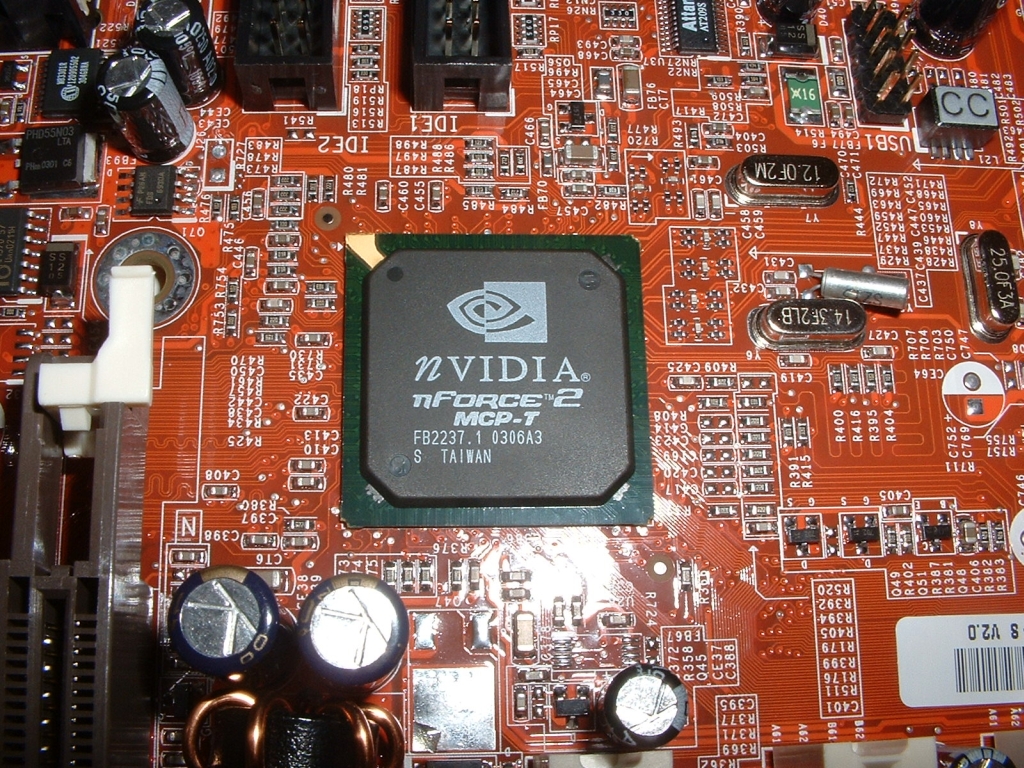
Below the NF7-S sticker is the Silicon Image Sil3112 SATA controller which provides SATA control. Right next to the controller chip are the two SATA connections for your hard drives, or you can use a converter to change them to IDE which will be looked at later. Along with the SATA in the picture you can also see two extra USB 2.0 headers, CMOS battery, BIOS, and jumpers for your LEDs and case switches. Right above the BIOS are the two IDE connections for your hard drives and optical drives.The southbridge of this motherboard is the nVidia nForce 2 MCP-T chipset which controls a lot of the PCI, IDE, and other I/O aspects.
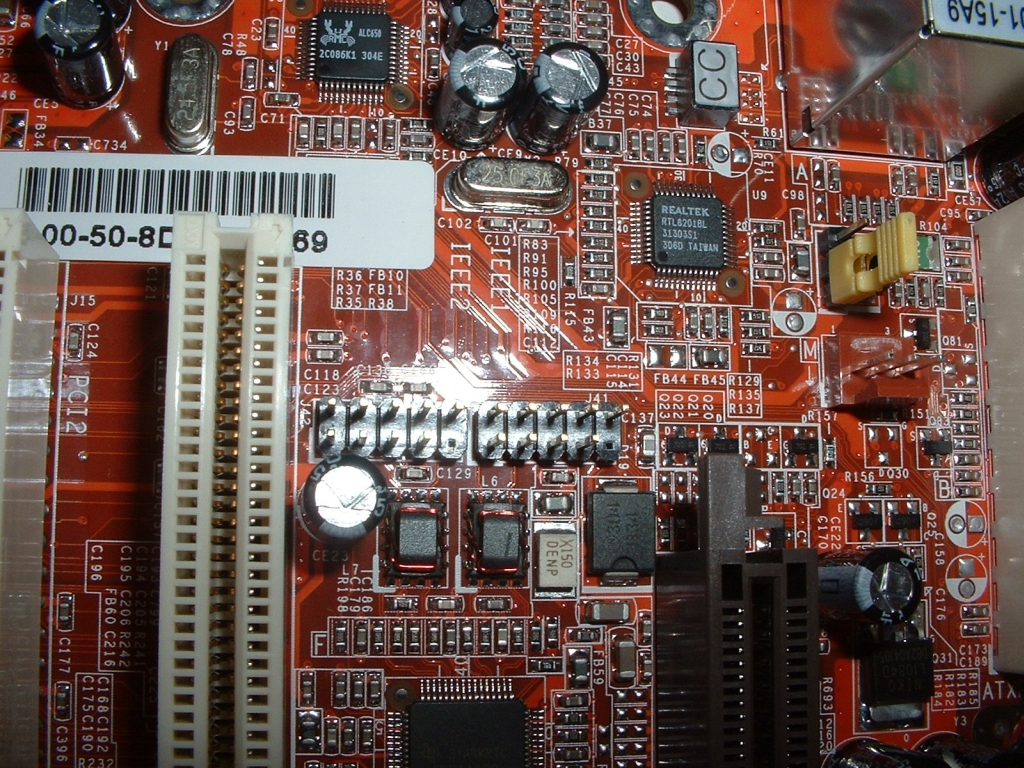
This board comes with a firewire header which you can hook up to the headers right below the AGP slot. Also in the picture is the ALC650 Audio Codec which is the chip with the little crab on it and just to the right of that chip is the Realtek RTL8201BL 10/100Mbps which controls the onboard LAN.
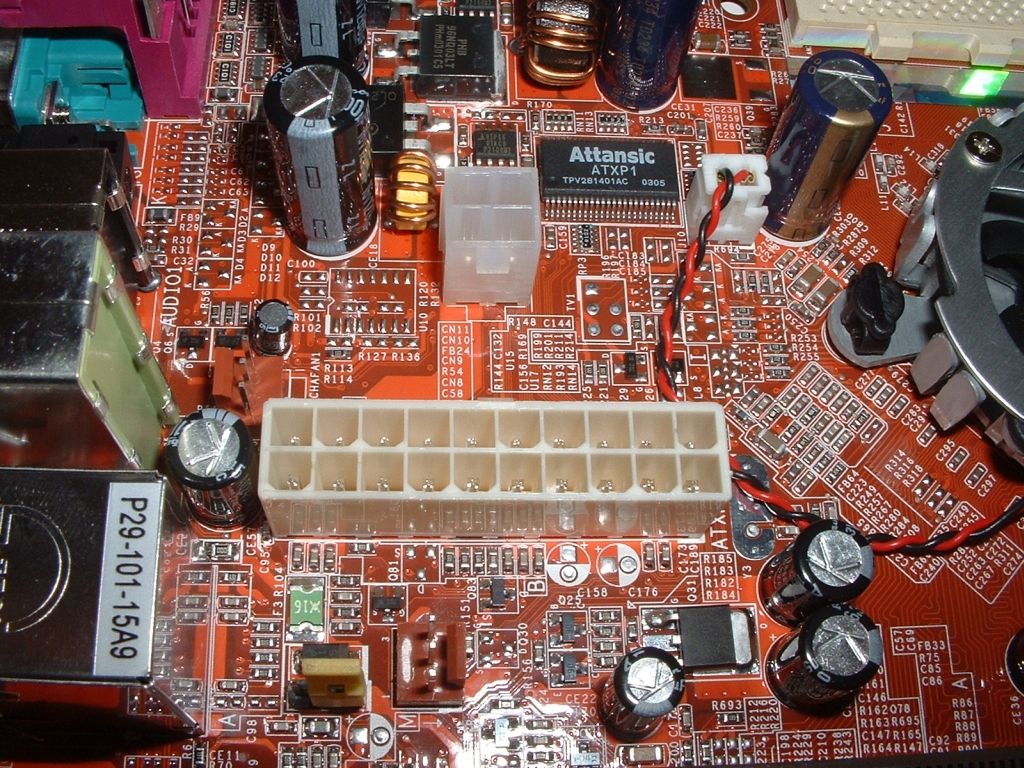
There is a 4 pin connection for the 12v connection from your power supply to give you more power to keep you stable while overclocking which is really nice to see. Right above the power connection is the Attansic ATXP1 chip which is the jumper free over clocking controller, it provides many of the BIOS features such as FID, Auto-recover, CPU Changing Detect, and a few other things.
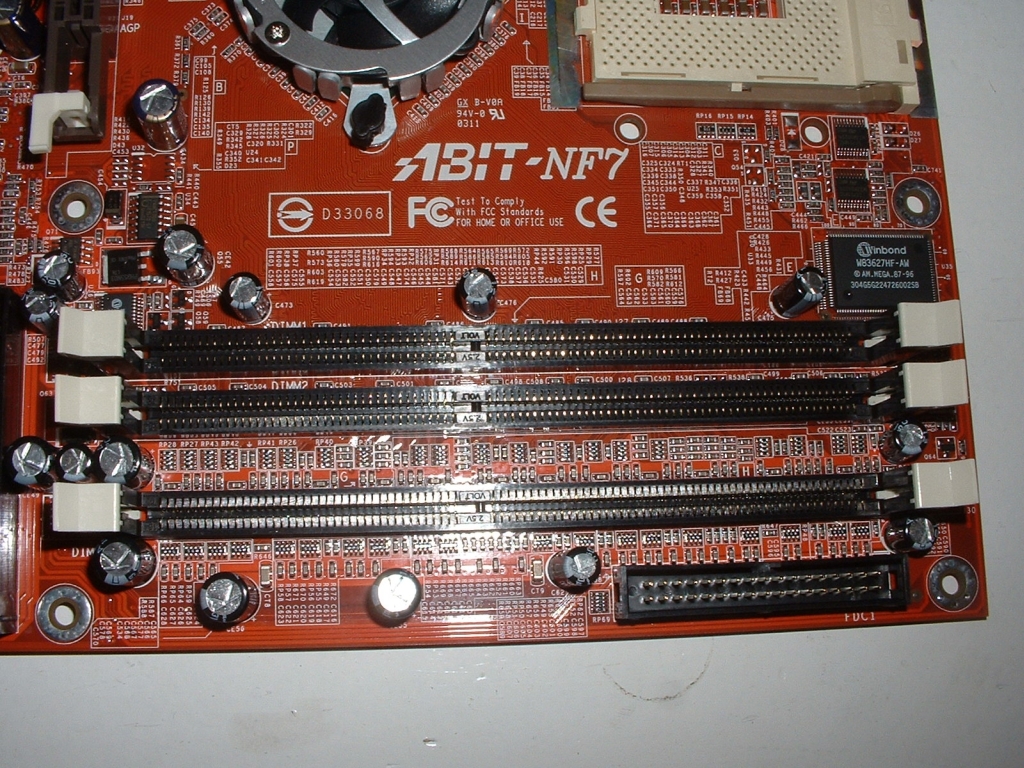
The DDR slots are at the top right of the motherboard along with the floppy drive connector which is a little strange but it should work fine. To the right of the DDR slots is the Winbond W83627HF-AW I/O controller chip which takes care of the I/O stuff. This motherboard is able to use dual channel DDR which means you can use two sticks of RAM to increase the available bandwidth.
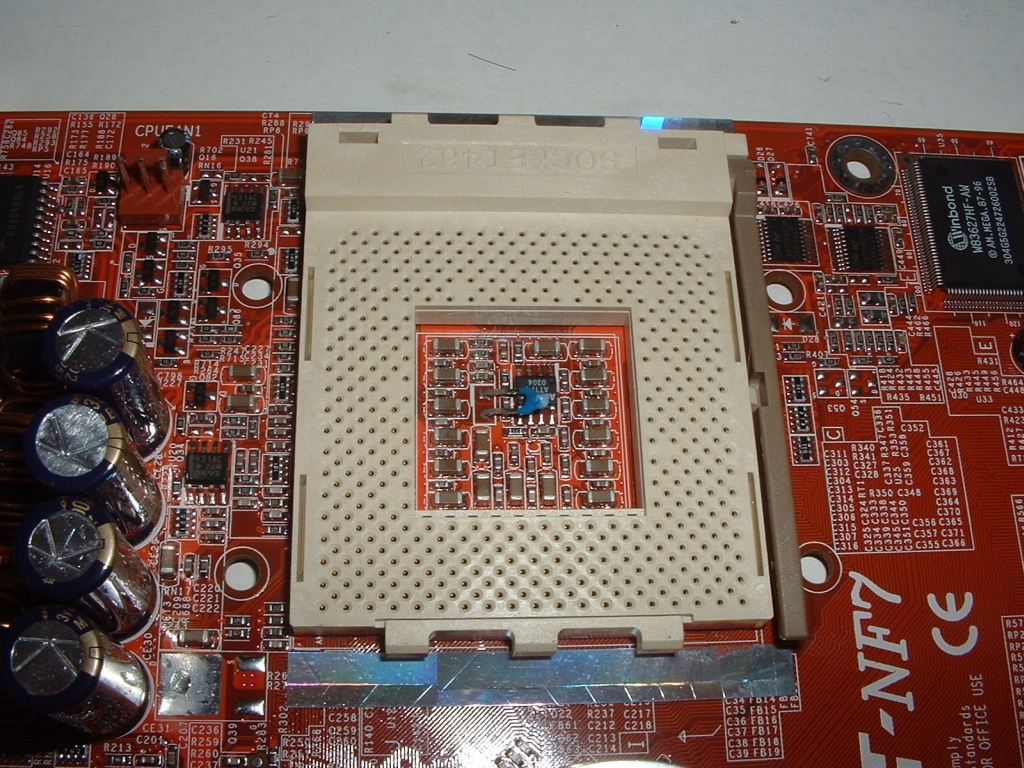
The socket has a good amount of space around it and the four mounting holes needed for waterblocks and some heatsinks. There should be no problem fitting on even the biggest heatsink because of the ample amount of room provided.