The BIOS is the standard AWARD layout and contains most of the same main sections as other motherboards do. The best part of this BIOS in my opinion is the Softmenu III section. Within this menu you can change your multiplier, FSB, FSB/DRAM ratio, voltages, and CPU overheat protection.

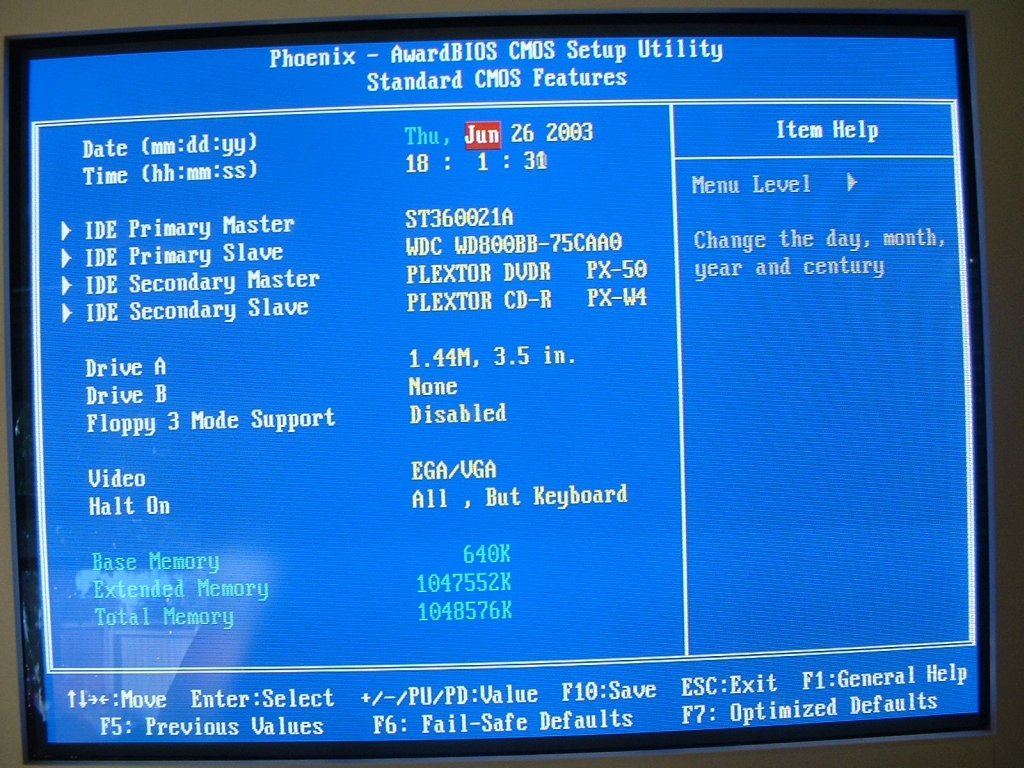
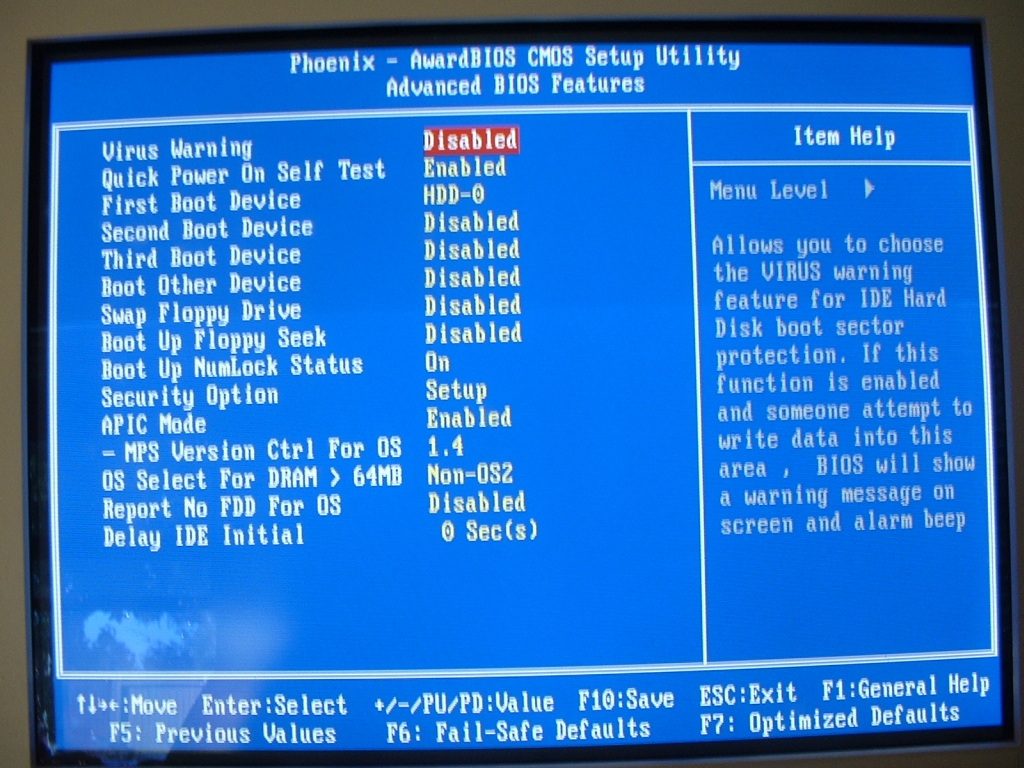
The standard CMOS features section of the BIOS is where you can set the time, IDE devices, and a few of the other things for your system. The Advanced BIOS Features section is where you can set the POST options and the boot order in which you want you computer to boot.
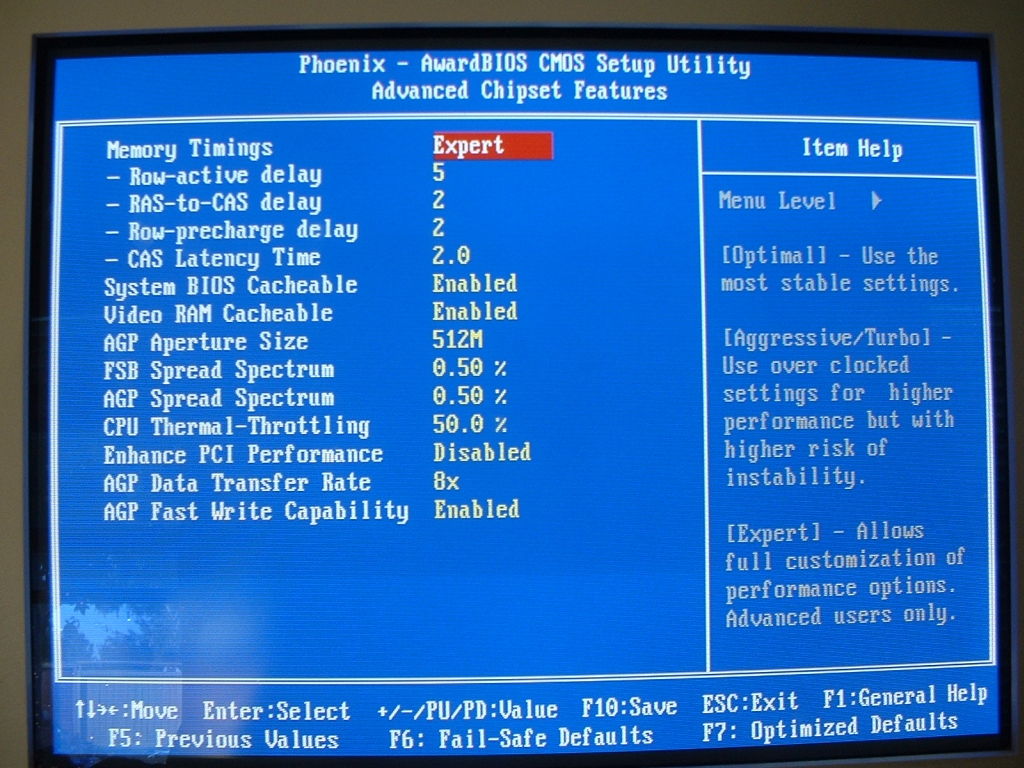
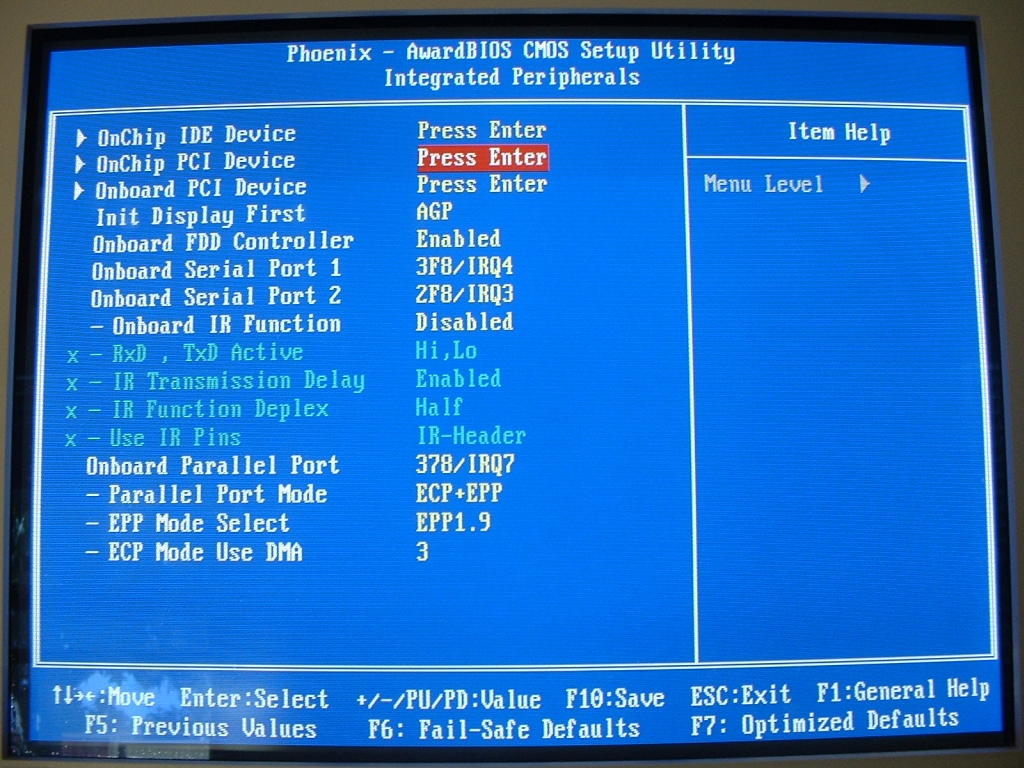
The Advanced Chipset Features section is where you can change your RAM and AGP settings. There are a ton of RAM settings to choose from such as row-active delay, ras-to-cas delay, row-precharge, CAS latency time, and a few others. There are also a good amount of AGP settings to choose from such as the data transfer rate, fast writes, aperture size, and a few others. The Integrated Perephials section is where you can enable, disable, or tweak the onboard devices such as sound, LAN, USB, serial, parallel, FDD, and IR. I really like that so much is able to be tweaked because it gives you a lot of flexability.
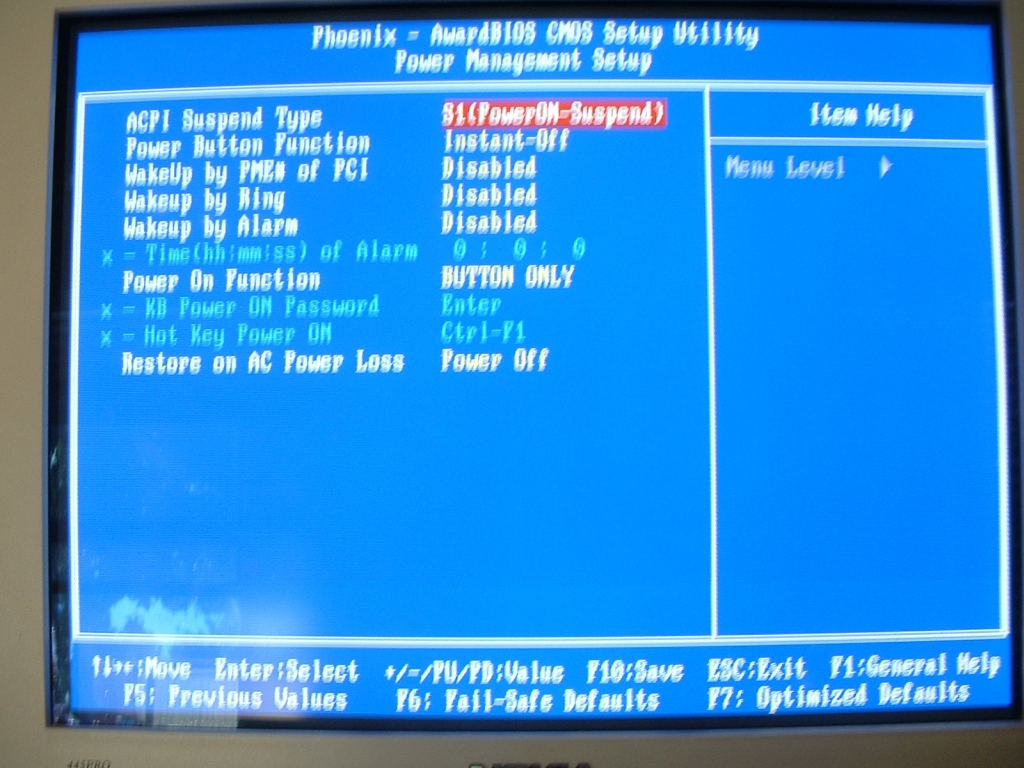
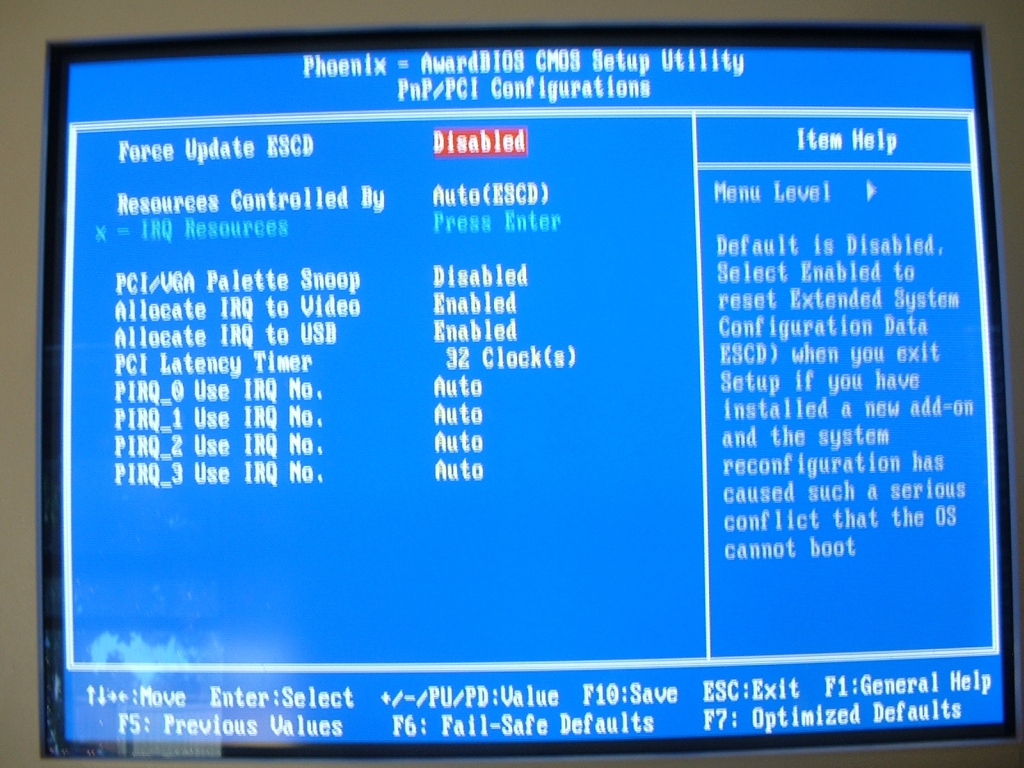
The power management setup section is where you can set your ACPI, wakeups, power on functions, and power loss restart options. The PnP/PCI configuration section is where you can set your IRQs and ESCD (Extended System Configuration Data) options, enabling this will prevent your system from having a conflict with the OS after installing new hardware.
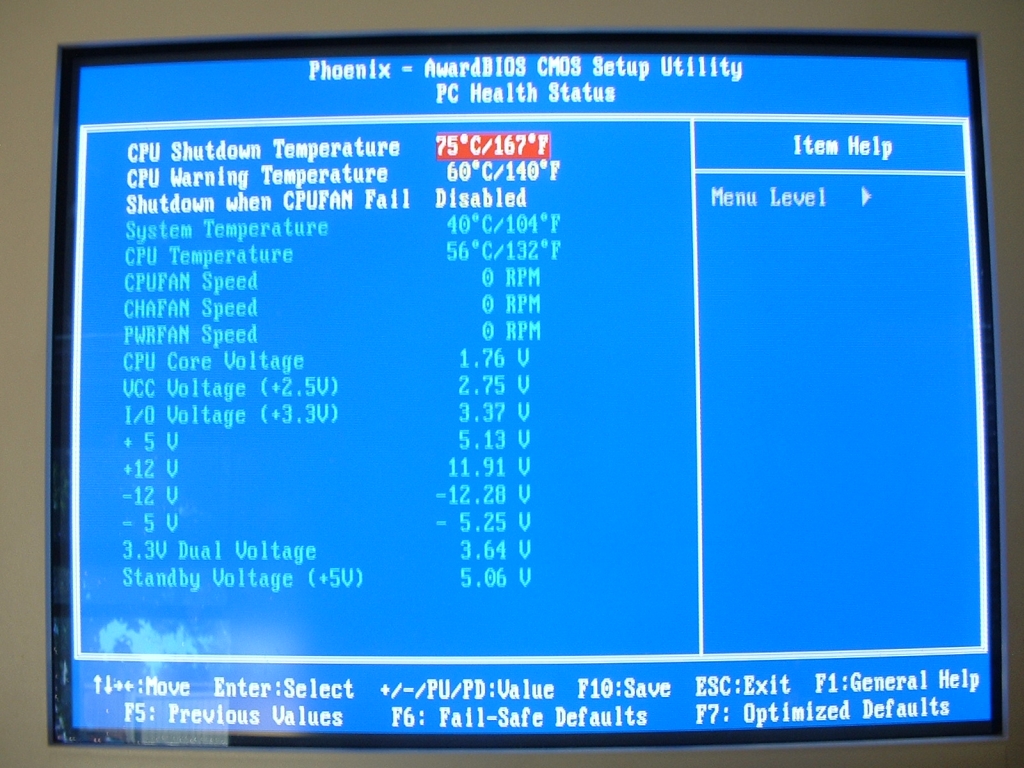
The PC Health Status section of the BIOS is where you can set some safety options and check the status of temperatures, fan speeds, and voltages. The CPU warning temperature and CPU shutdown temperature are so that if your CPU gets too hot it will warn you and shut down your system before it is damaged. You can see your system and CPU from here before booting into your operating system to be sure they aren’t too high. You are also able to see your case fan speeds which are the 3 pin headers on the motherboard as well as the voltage of your system.