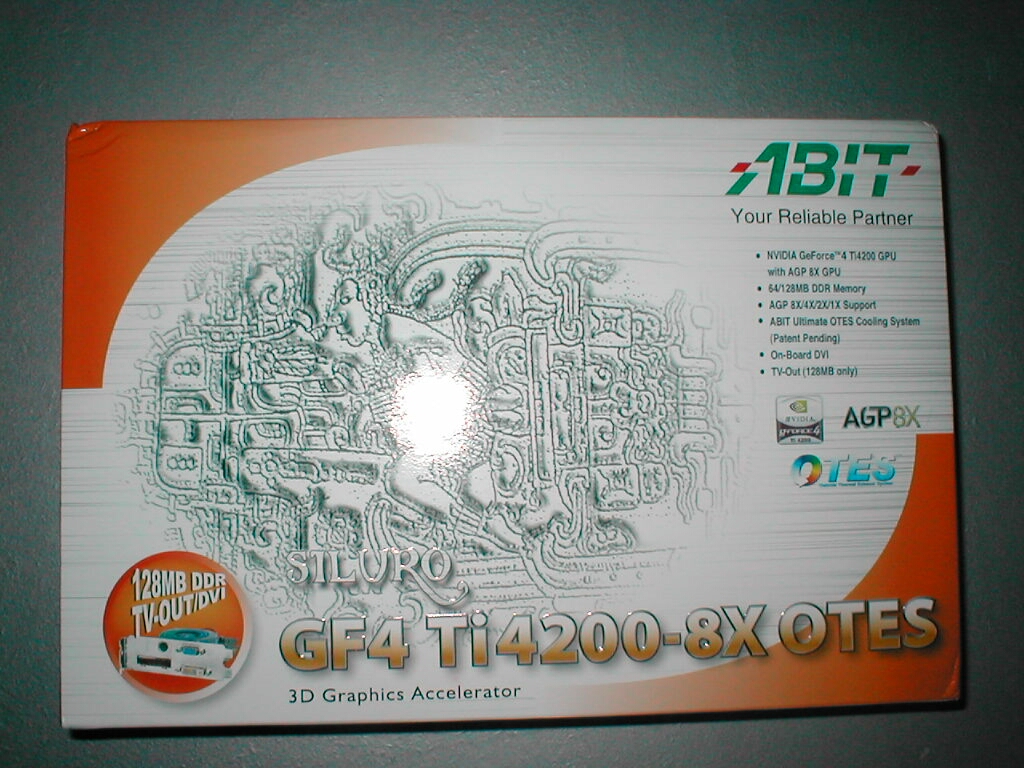
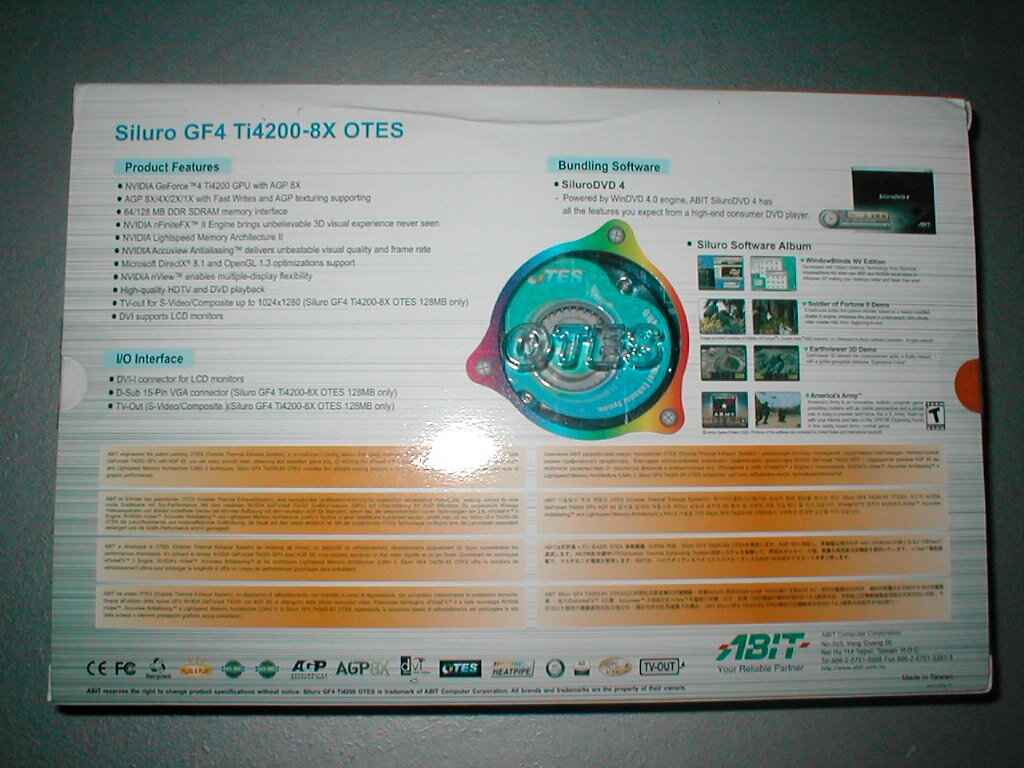
The top of the box looks very similar to that of the Abit Siluro Geforce 4 MX440, being in the same line of cards that is not surprising. The box is much more impressive as far as specifications and features are concerned because of this being a better card but this one is a bit more expensive. The back of the box has a little window in it so that you can see part of the OTES through it. There are also a lot more specifications and features on the back.
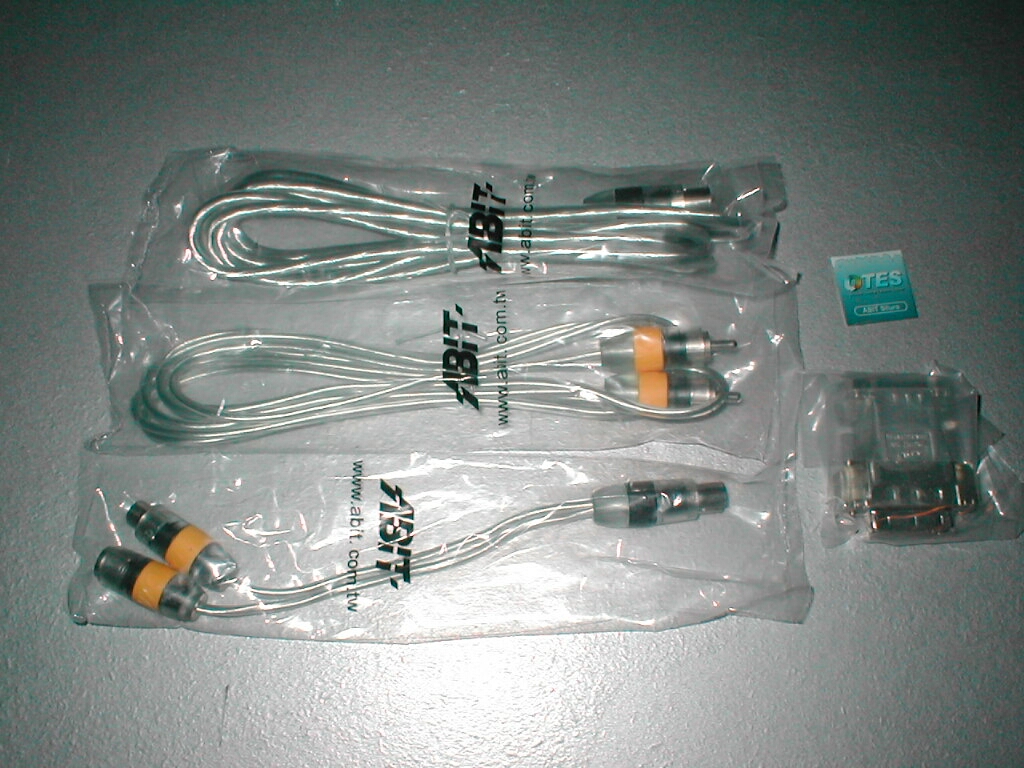
The card comes in a plastic container to keep it safe during transport. Along with the card itself you get a S-Video to RCA and S-Video converter along with a S-Video and RCA cable so that you can take advantage of the TV out feature of this card. I really like that the cables are included with this card so that you don’t have to buy them separately. I also like that they have included a DVI to VGA adapter so that you can have a dual monitor setup with two CRTs instead of just one CRT and a LCD. They have also thrown in a OTES case badge so that you can put it on your case to let everyone know what’s up.
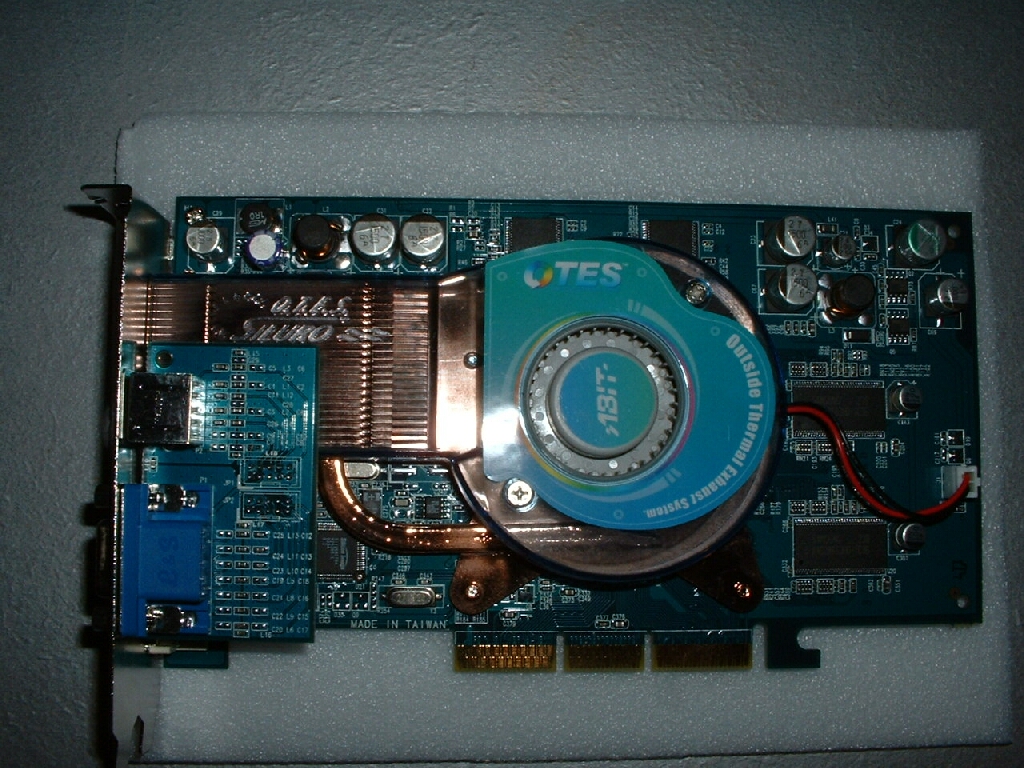
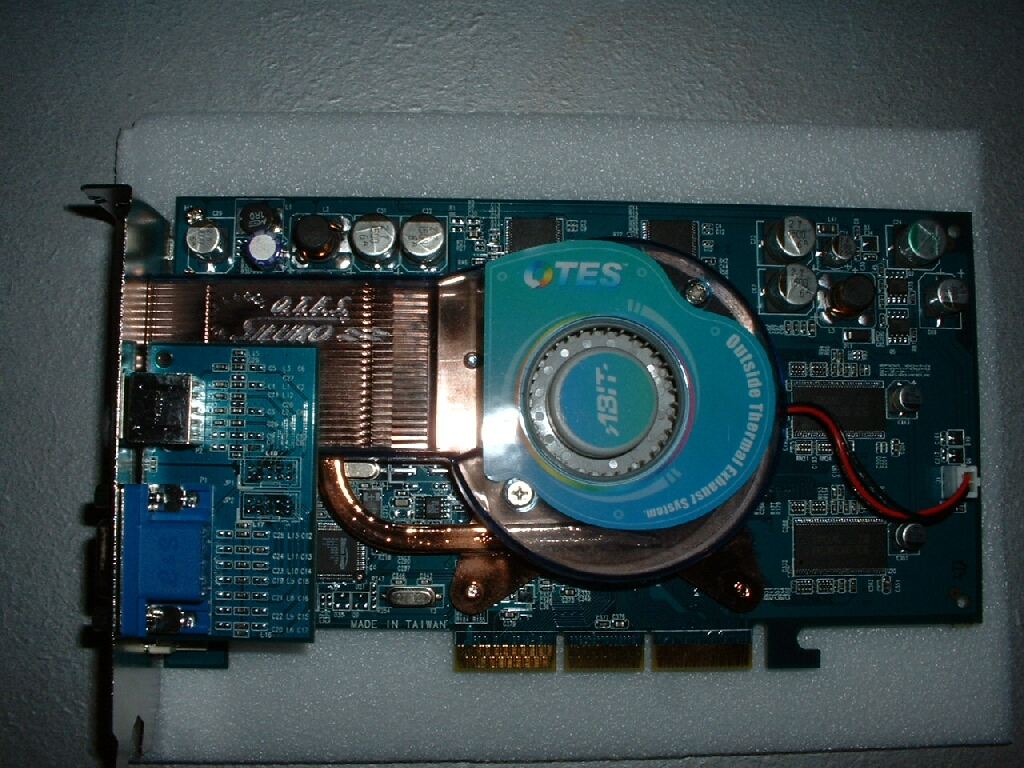
The Abit Siluro Geforce 4 Ti4200 OTES is very impressive to look at, especially compared to other video cards. From the top of the video card you can clearly see that the OTES system is quite large and should do a pretty good job cooling the core. The back of the card has plate in a X shape which secures the OTES to the card so that it doesn’t fall off.
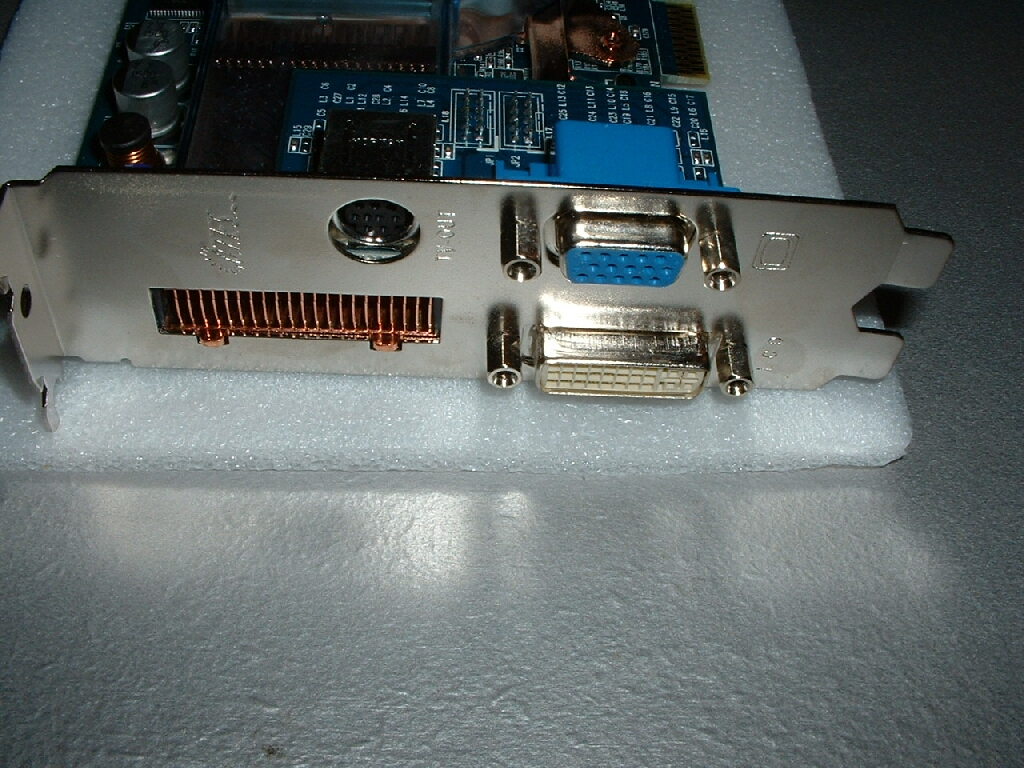
Because the OTES is so big Abit decided to have the VGA and S-Video port built onto a riser card. As you can see from the side of the card this video card will take up 2 slots in your case and block one PCI slot. The OTES is named the way it is because the air is pushed out the back of this panel out of the case. The downfall to this design obviously is that it will take away one of your PCI slots.
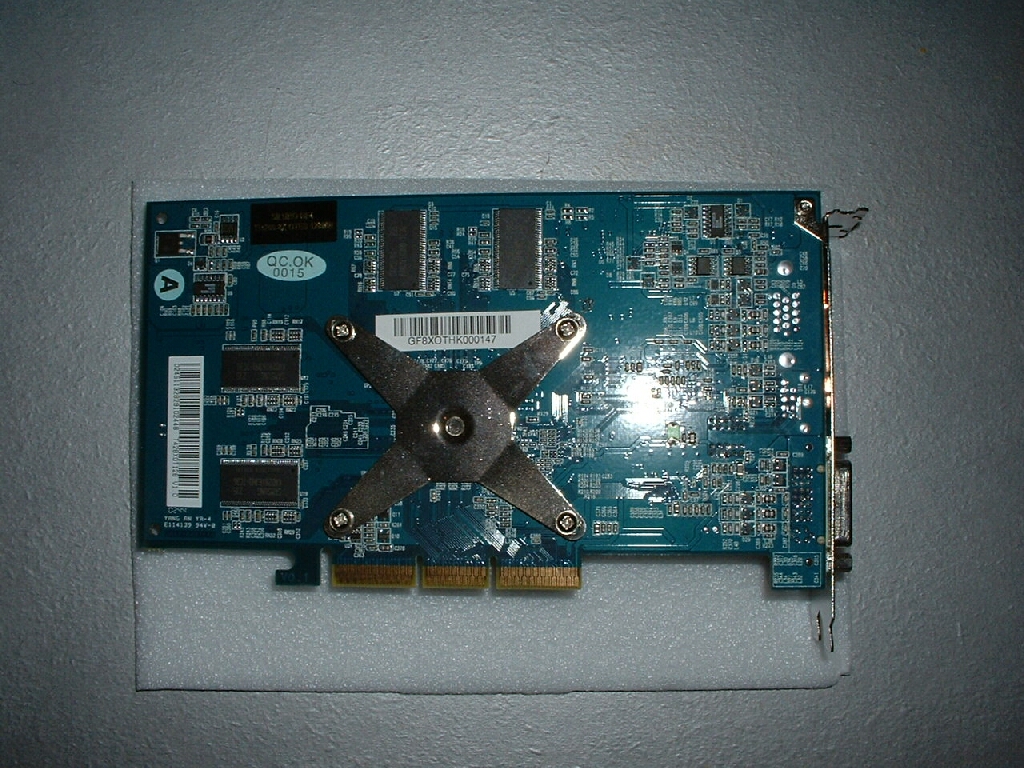
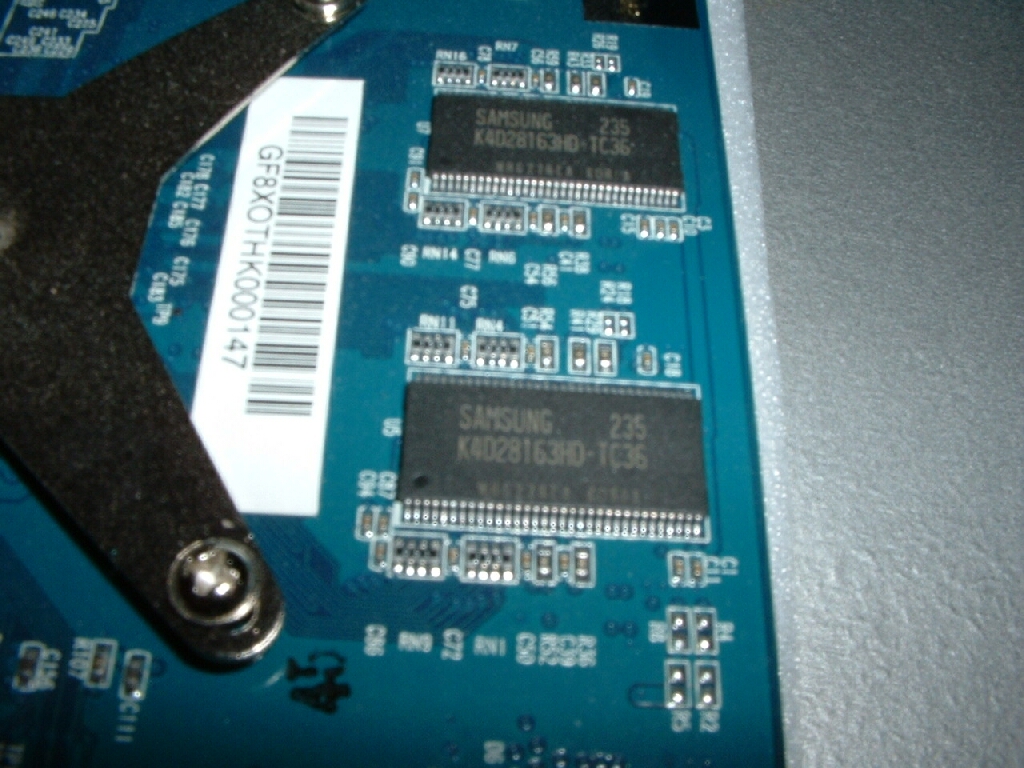
Because this video card is the Ti4200 model which is supposed to be the bargain price model they are using the older style of RAM chips rather than the newer BGA ones. This isnt really a big deal in itself but with the BGA chips you may be able to get a little better overclock. This particular video card is using Samsung 3.6ns chips which should do pretty well when it comes to overclocking.
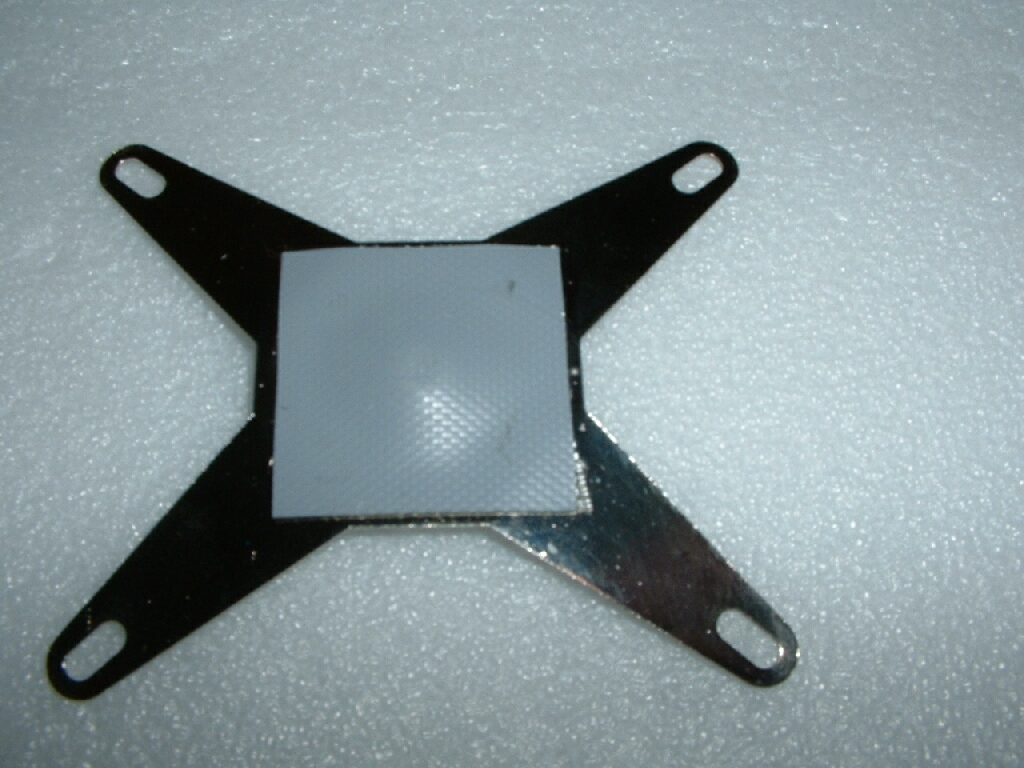
I wanted to see what exactly this OTES was all about so I decided to take it all apart. To get it off all you have to do is unscrew the 4 screws from the plate on the back of the card and pull everything off. The plate on the back of the video card has a little thermal pad on it to help dissipate heat from the tiny capacitors on the back of the card and so that they don’t get smashed. The bottom of the OTES has a good amount of thermal compound on it which is really nice to see because if it didn’t that would kinda defeat the whole purpose of a nice cooling system. Also on the back of the heatsink there are two little foam shims that are there so that the pressure is evenly distributed over the core and card.
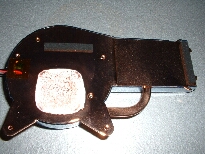
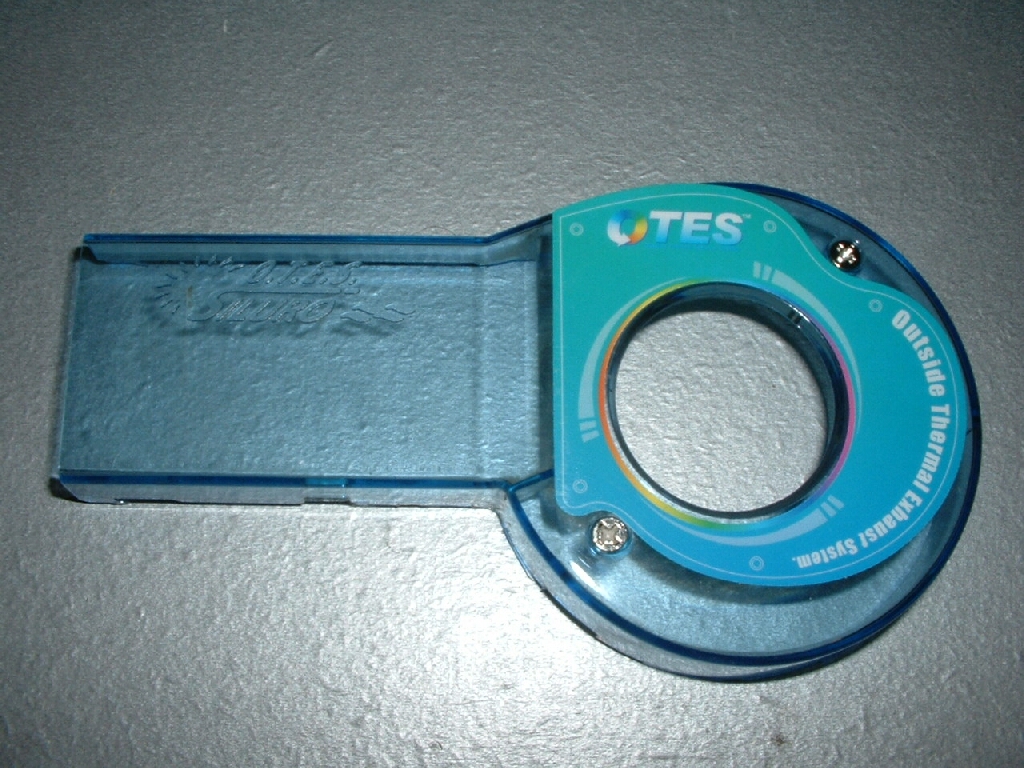
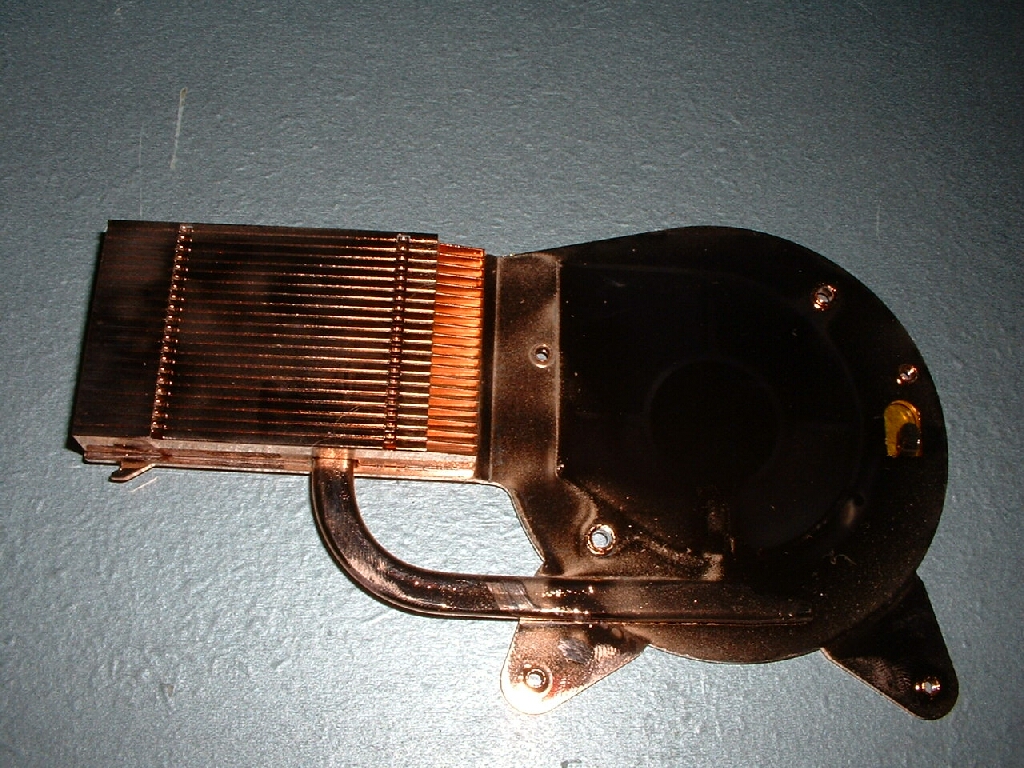
I took the blue shroud off the heatsink which was held in place by two screws and removed the blower from under it. The heatsink itself is really nice and the shine on the copper is great. There is a heatpipe that runs from the base plate to the fins to give it a bigger boost in heat dissipation. The blower for this OTES spins at 7,000RPM which means it will make a good amount of noise, especially if your system is quiet before. Overall I am really impressed with the workmanship and quality of this cooling system. Not only is everything designed really well but everything is made of really good parts and looks really nice.
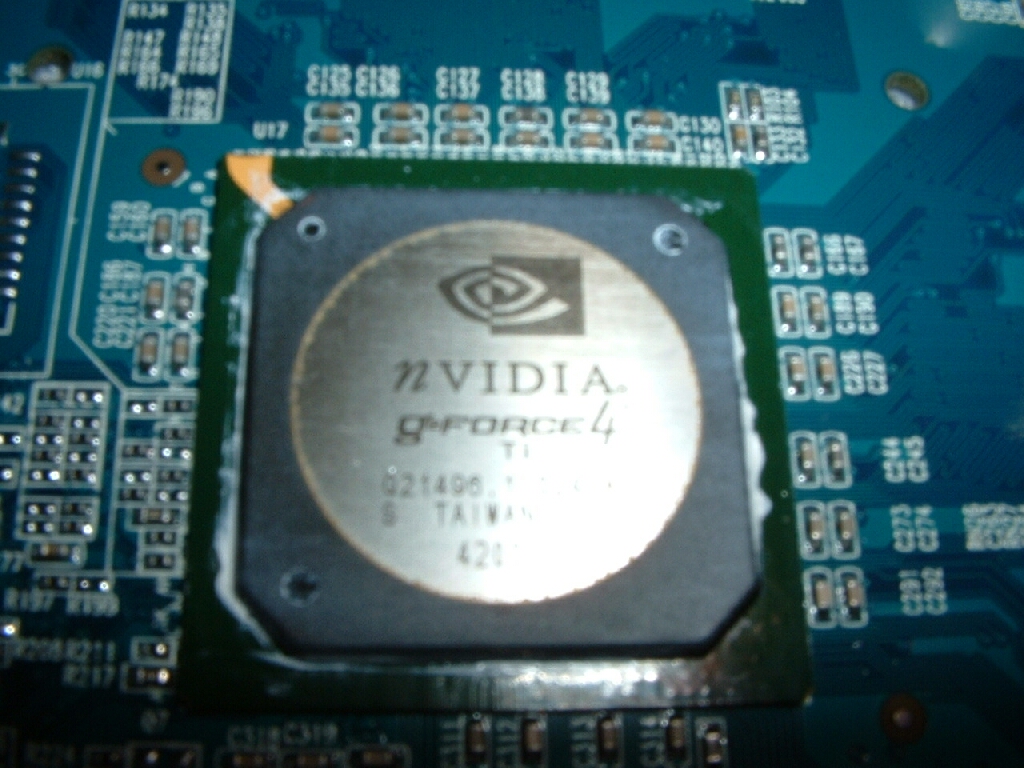
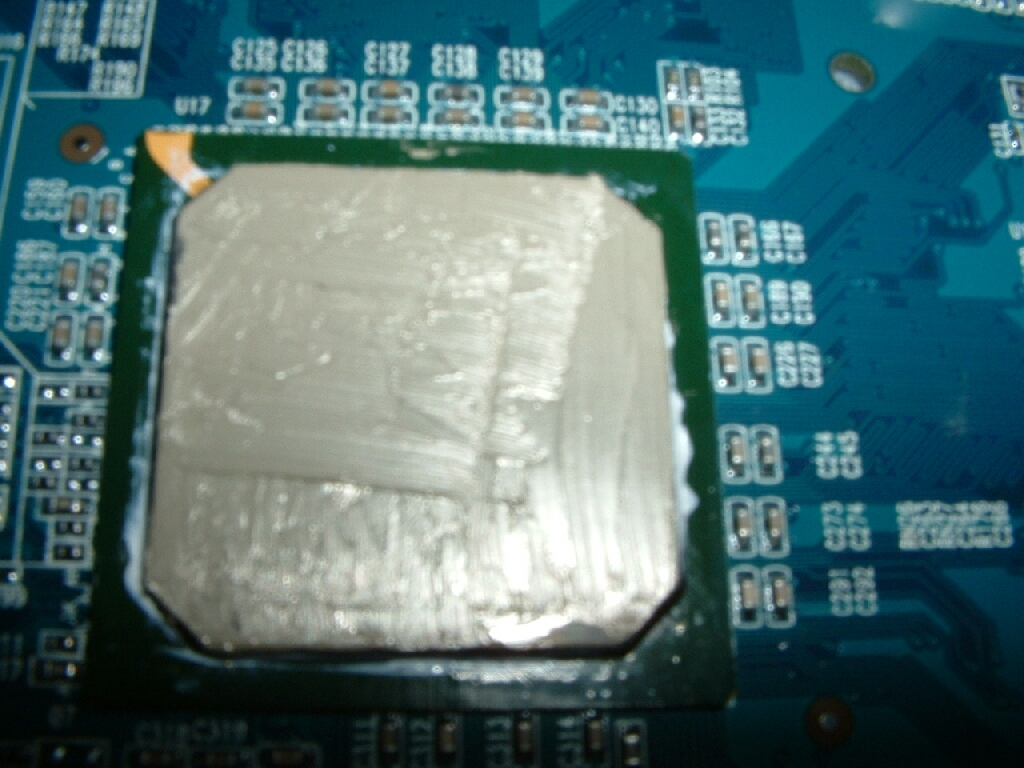
The core of the card was covered really well in generic thermal compound which is really nice to see because a lot of the time companies don’t use any or don’t use enough. I cleaned off the core just to get a picture and as you can see it is the Geforce 4 Ti core. Arctic Silver sent me over 2 of their new prototype thermal compounds for me to test so I figured why not put some on this card.