
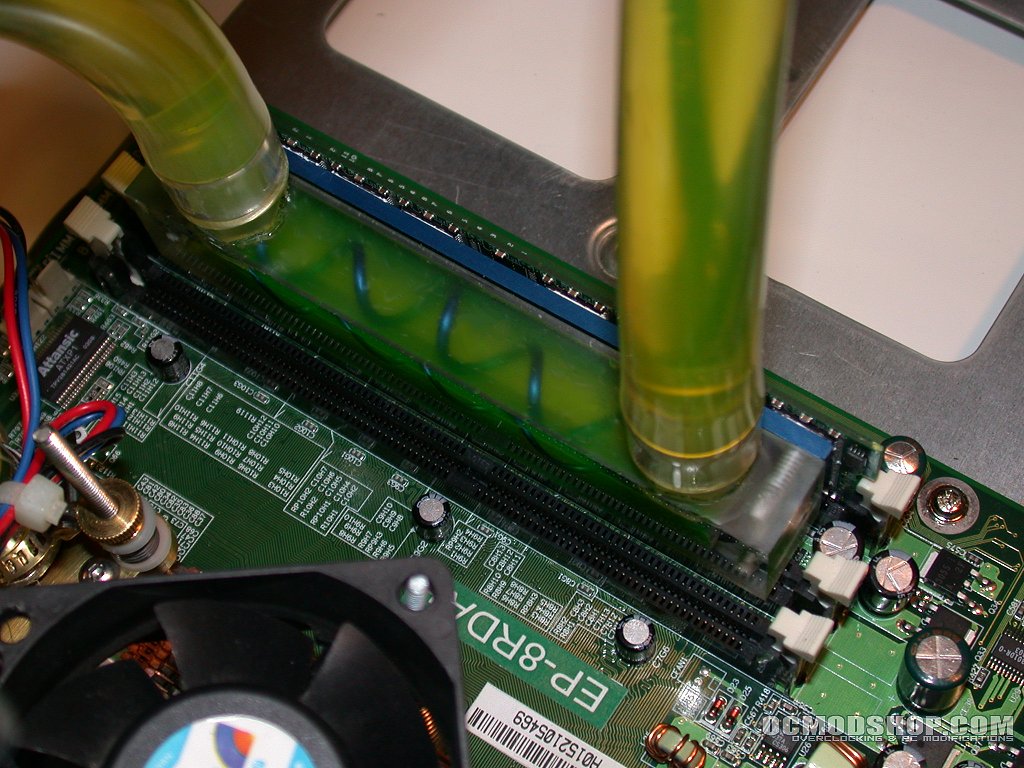
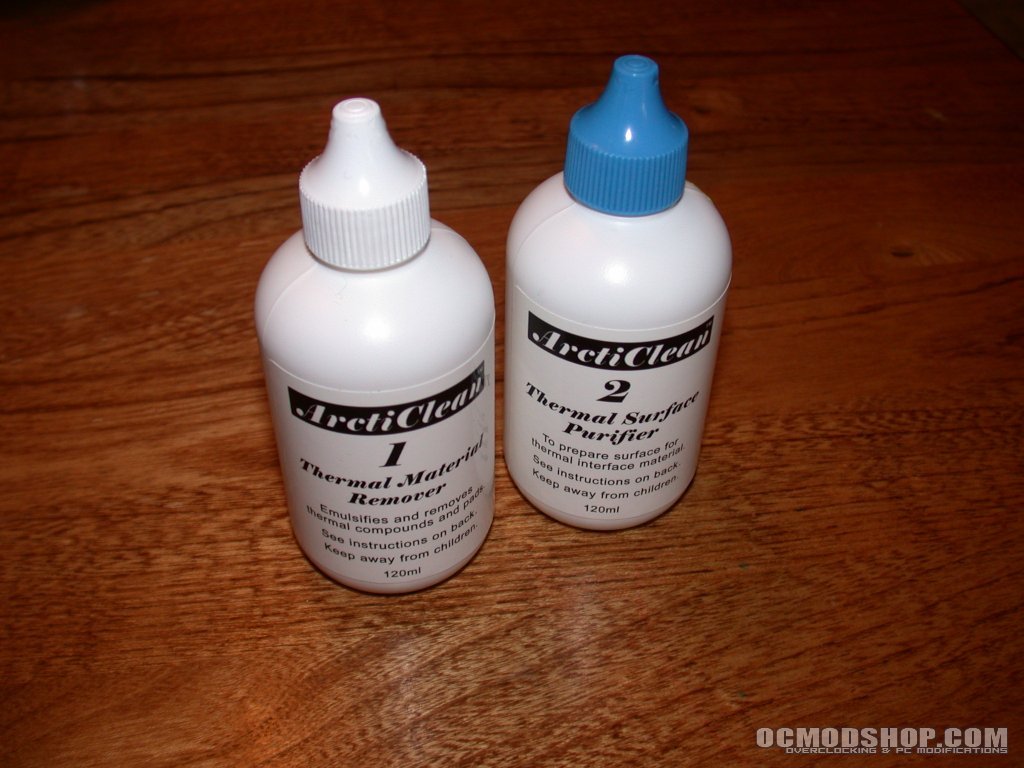
Before attaching the waterblocks to the RAM, I checked the motherboard I intended to use to make sure that the blocks would clear any obstacles on the motherboard. It appeared that a couple of capacitors would be make for a very close fit but it after placing a block on the RAM and checking it very closely, it appeared that the block would just clear the capacitors. I did not have any of the recommended thermal tape on hand but I did have a nice supply of thermal epoxies from arctic Silver so I went with that option for mounting the waterblock to the RAM. Additionally, I had just received some arctiClean and this was a good opportunity to test it as well. Even though the water blocks were new and had not previously been installed, I had handled them enough to make pre-cleaning of the mounting surface necessary. arctiClean is a two-step cleaning and surface preparation product that gets rid of any contaminants that could interfere with heat conduction between the cooling solution and the heat source. It does an excellent job without putting off a strong chemical odor like most other methods used for surface preparation.
The information contained in this site is for guidance only. The application of this tutorial can differ extensively based on the particular items involved. The information on this site is provided with the understanding that the author(s) and publisher(s) are cannot be held legally responsible for any injury or death that may result from this or any other article at OCmodshop. With this being said be sure to understand what you are doing before you attempt what is being shown. If you have any questions about any aspect of the article please contact the author or another experienced individual before proceeding.
I began by cleaning each chip on the stick of RAM and then cleaning the base of the RAM waterblocks with arctiClean according the to instructions on the arctiClean bottles. Once everything was clean, I mixed a small amount of arctic Alumina thermal epoxy, applied a small amount to each chip on the RAM and then evened out the epoxy layer as much as possible. The thermal epoxy will thicken and harden around 5 minutes after it is mixed so you have to work rather quickly during this step.
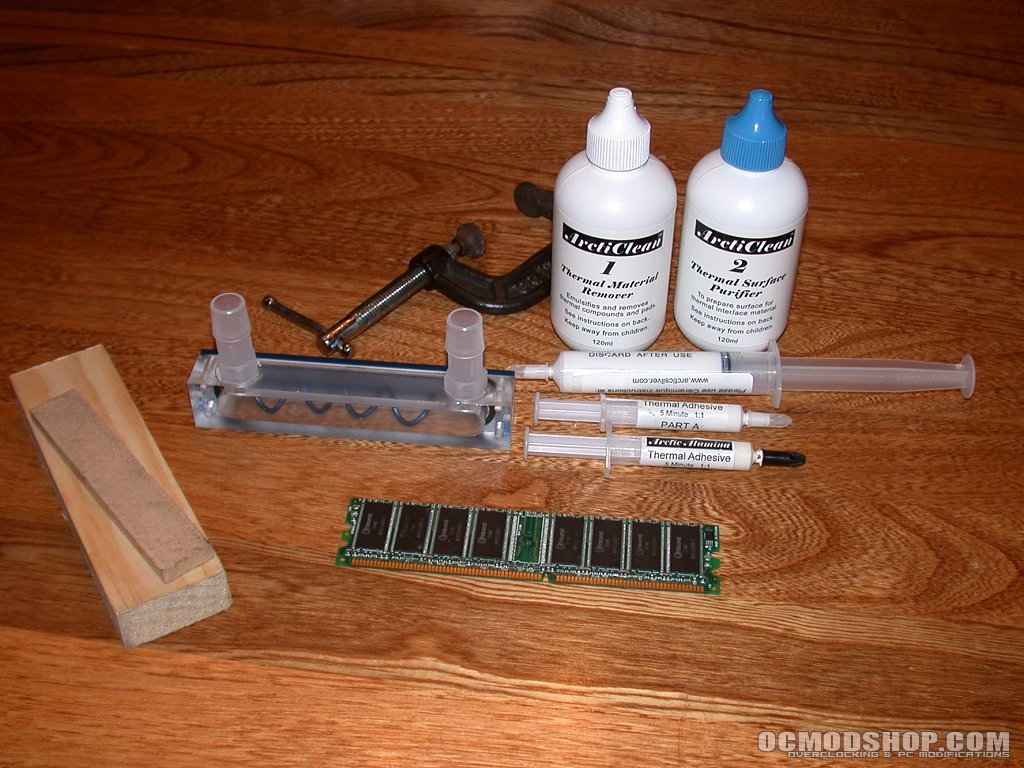
Once the epoxy was applied, I placed the waterblock onto the RAM and pressed it in place with a little pressure. I then held it in place for a couple of minutes to give the epoxy a chance to get a good grab onto the memory. After inspecting the mounting, placed a small block of wood on the backside of the RAM and used a c-clamp with very light pressure to hold everything in place while the epoxy fully cured and hardened. I left everything clamped in place for about an hour and a half while I prepped the rest of the system for testing.
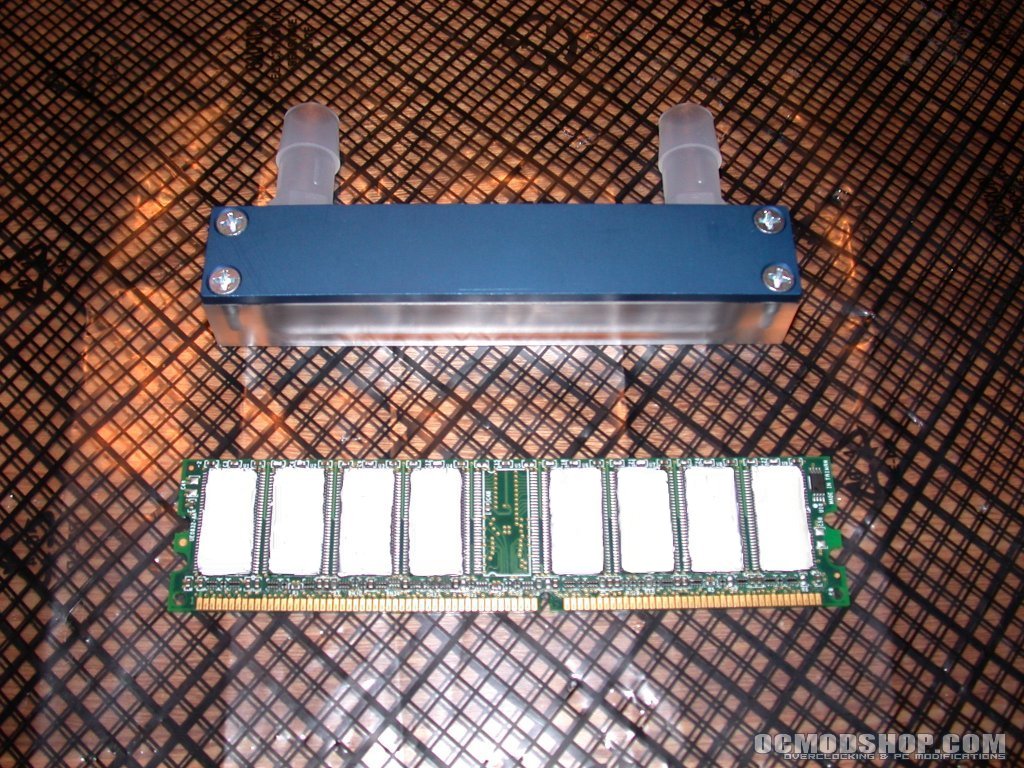
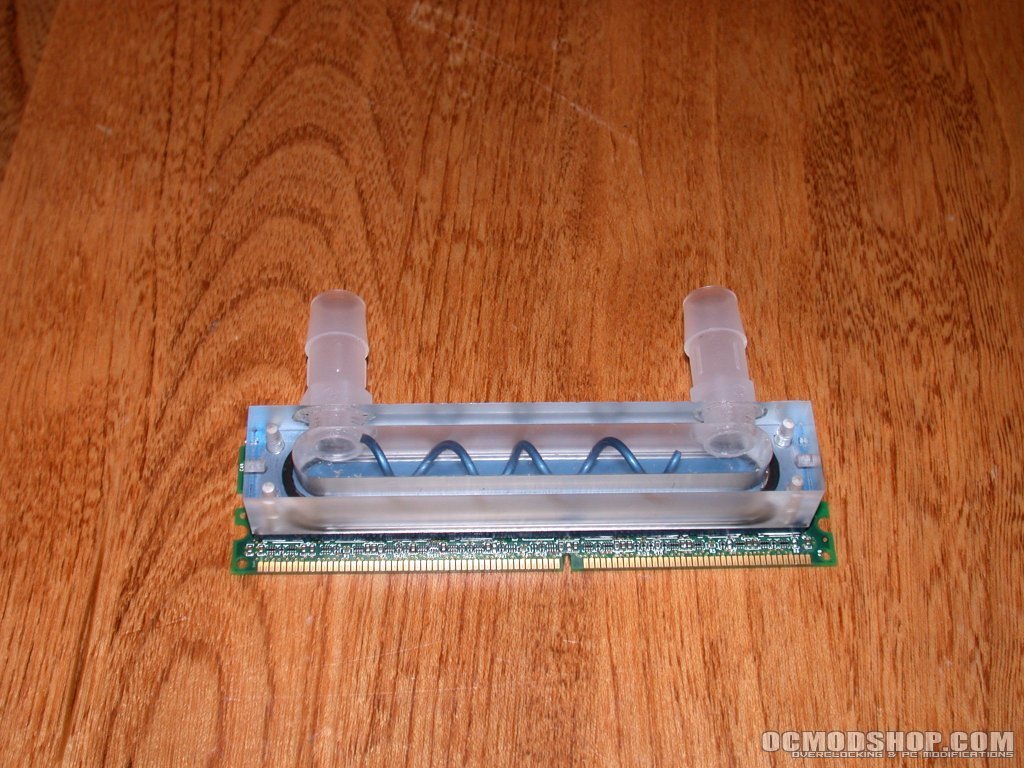
After the epoxy had adequately cured on the first block, I repeated the process on the second RAM block. I used two of the blocks so the cooling effect could be tested on a dual channel system. While the second block cured, I double checked the spacing on the motherboard with the finished RAM/waterblock. When placed in the outermost DIMM slot of the EPoX 8RDA+, the waterblock totally blocked the middle DIMM slot. The DIMM slot closest to the CPU socket that caused me a bit of concern earlier due to the capacitors right next to it turned out to be fine. Fortunately, the waterblock would just clear it when mounted in that DIMM slot so the blocks could be used in dual channel mode. Definitely check your motherboard before using the epoxy to attach the blocks to your RAM as they will not be easy to get off once the epoxy sets.
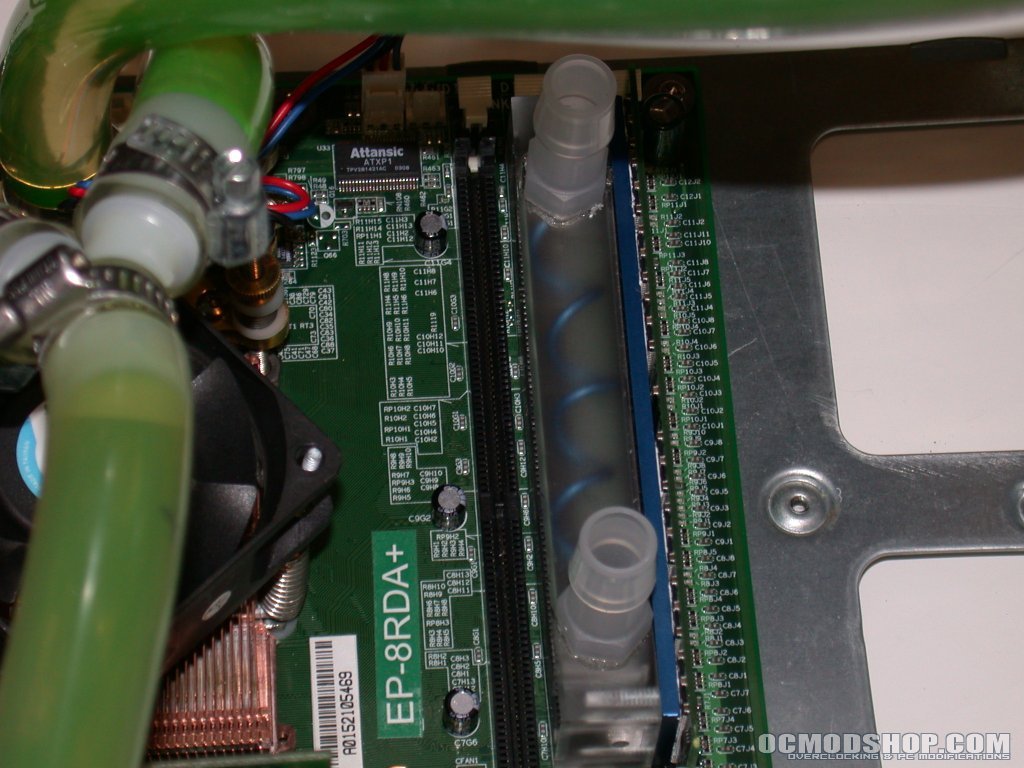
Since everything had enough clearance, I carefully installed both sticks of RAM into the first and last DIMM slots and routed the tubing so that it would place as little pressure as possible on the RAM blocks. I was not concerned about the blocks coming off so much as the possibility that too much lateral pressure would cause poor contact between the pins in the DIMM slot and the pins on the RAM. After a little tube twisting and flexing, I managed to get the tubing in place well enough and decided to move on to testing.

