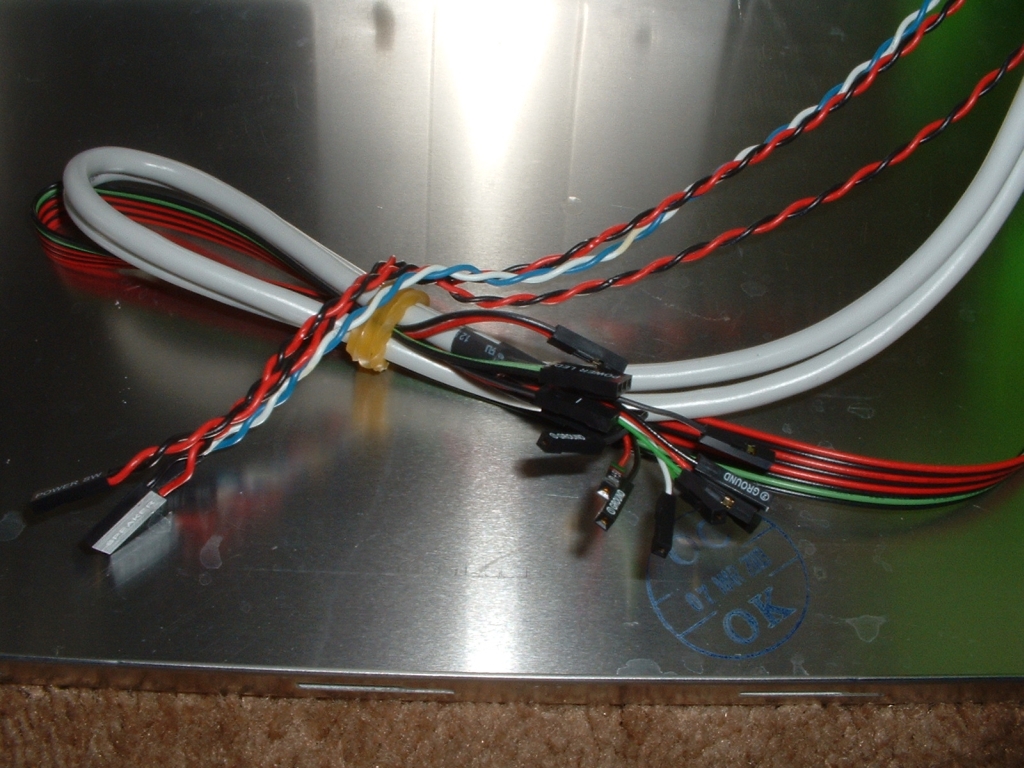
First off let me apologize for the poor quality of the first picture, I was unable to get a decent shot of the inside cause the flash wasn’t working the way it should. The inside of the case has a good amount of room, especially for a mini tower. I will look at the specific features of the case more in-depth as the review continues. The jumpers for the switches, LEDs, PC speaker, and front USB are all bound together. The jumpers aren’t fused together but they will work just fine.
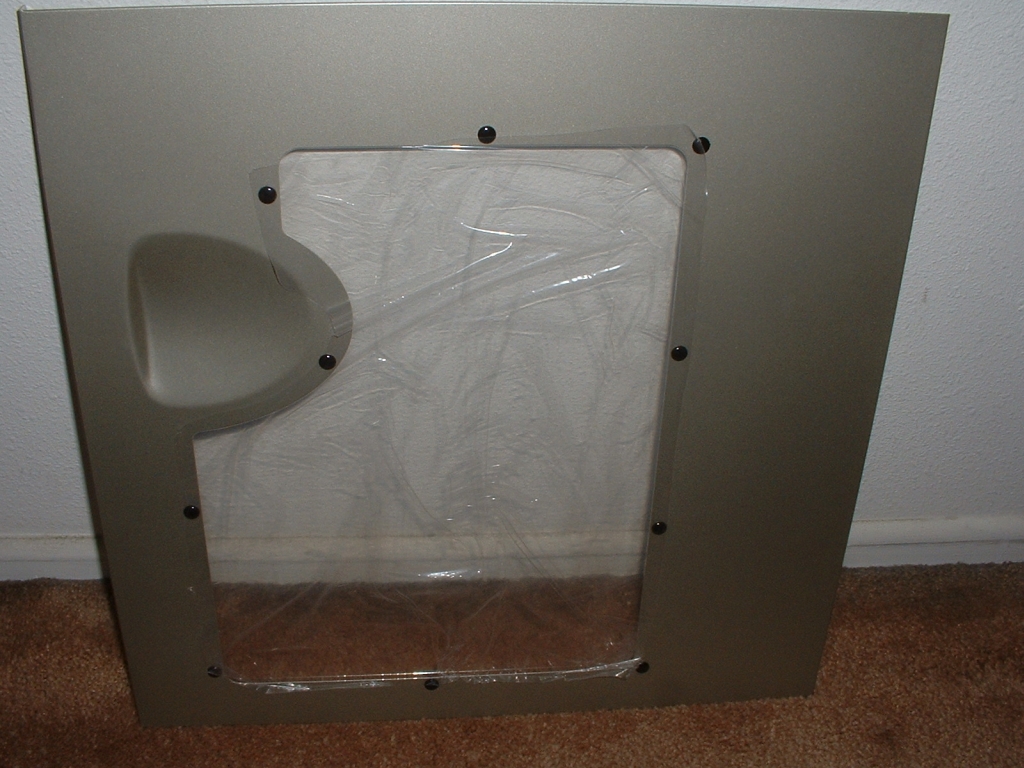
The side panel comes with a preinstalled window which is really nice, especially since this is a LAN party case. Both the front and back side of the window are covered with plastic which is really nice because it will make sure that the window doesn’t get scratched during shipping or while you are getting your system all setup. I really like that Antec took such care with how they packaged this case, it just shows that they were paying attention to small details really well.
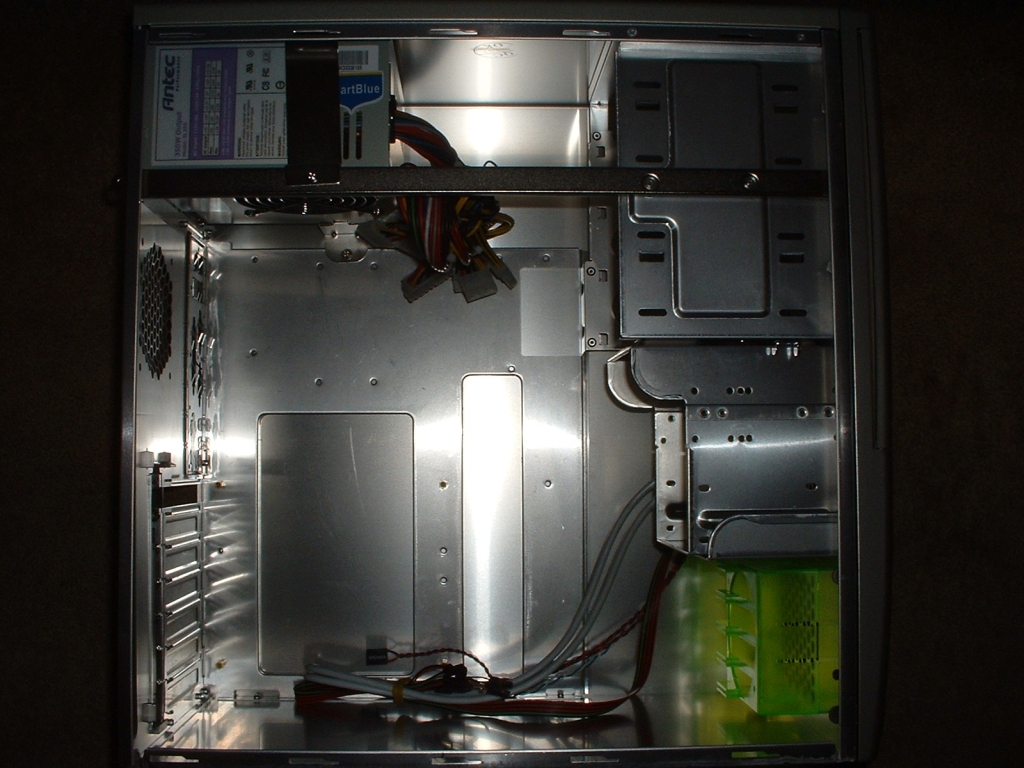
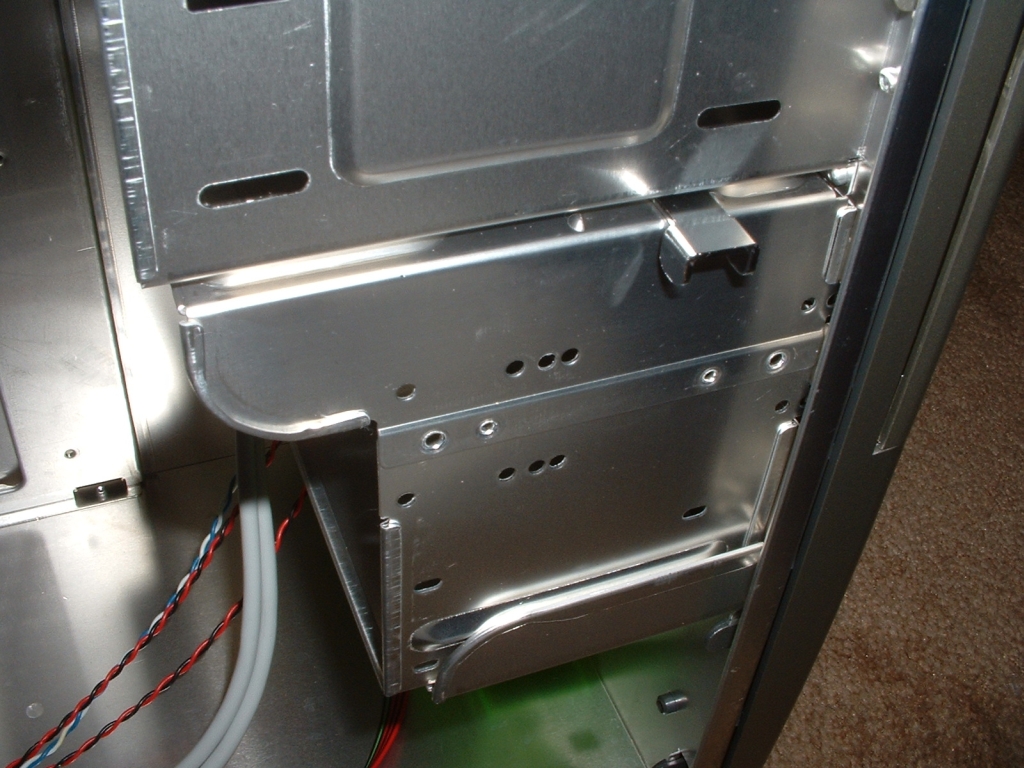
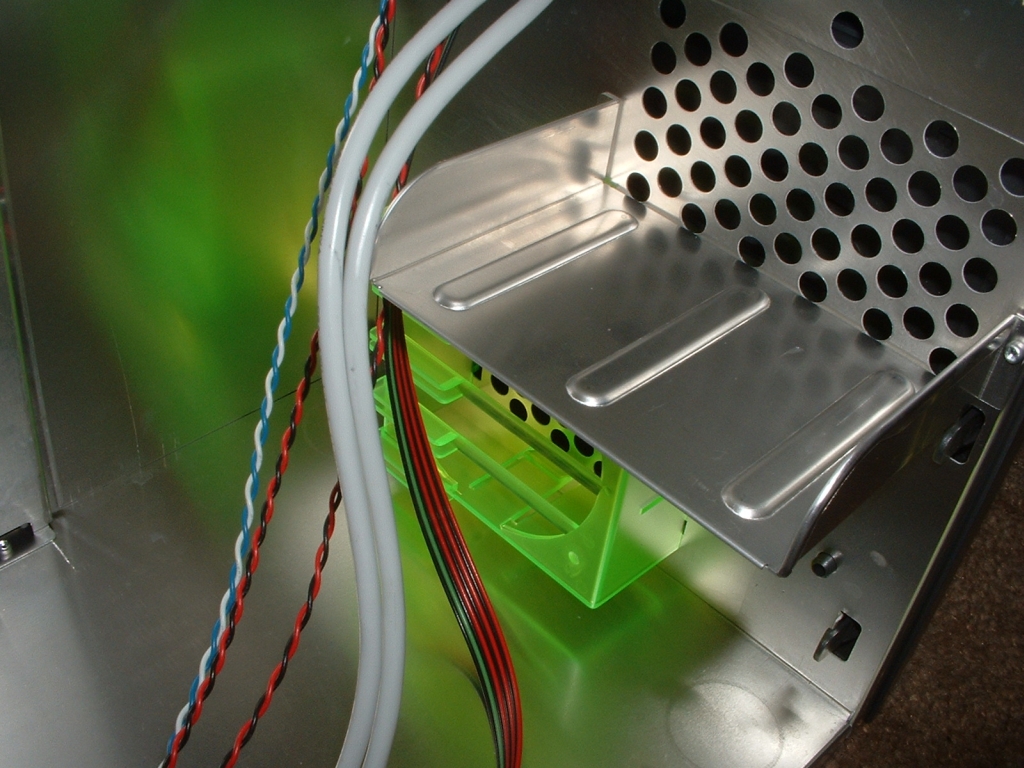
The 3.5″ drive bay cage is removable on this case which is really nice because it makes installing hard drives or other 3.5″ bays much easier. All you have to do to remove it is to push the clip back on the side of the cage and slide it out. After you install you drives all you have to do is slide it back in and push the clip back forward. Below the hard drive cage you can also see the fluorescent green 80mm fan holder which is for air intake.
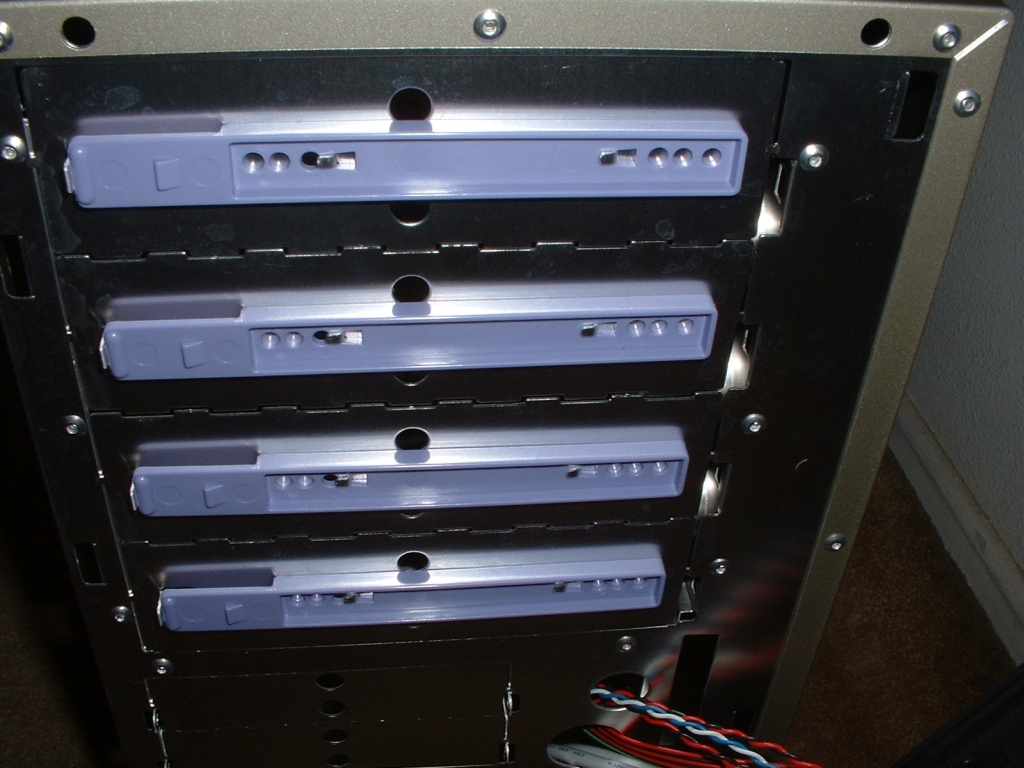
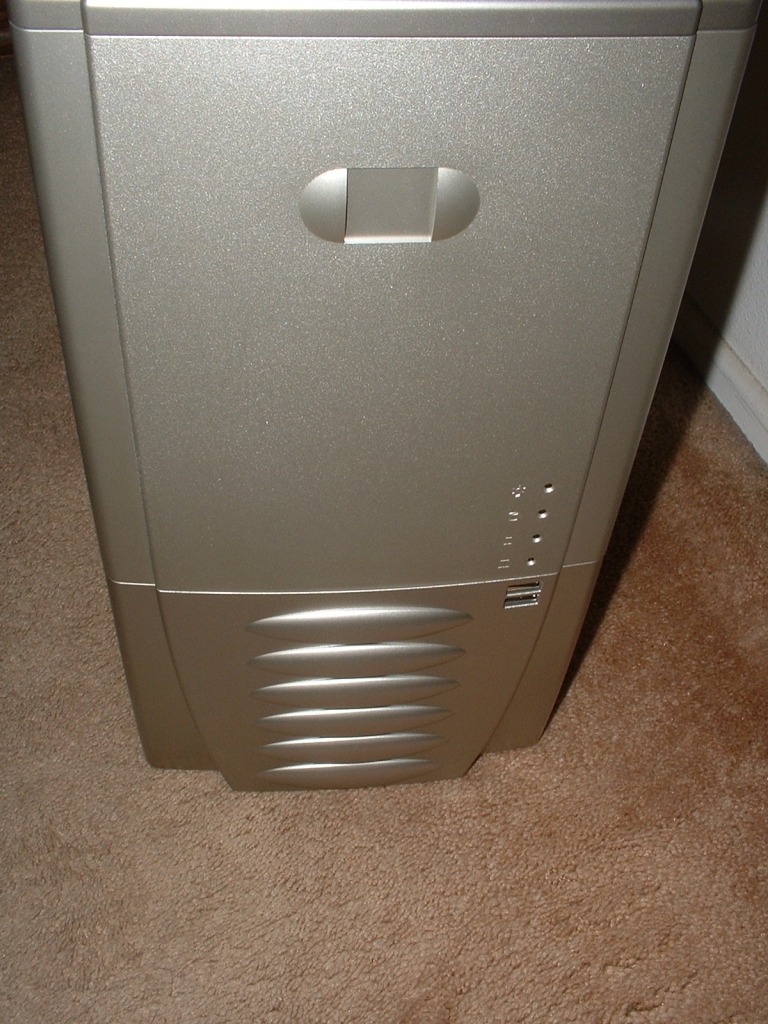
I removed the front bezel of the case which was really easy to do because it used six clips rather than screws to hold it on which is really nice. Beneath the bezel were purple drive bay rails which are used on 5.25″ drives. These rails are nice because you screw them onto your drive and just slide it in, there is no need to dig around inside the case to get the drive installed. I really like this feature because it makes installation of your drives so much easier and faster.