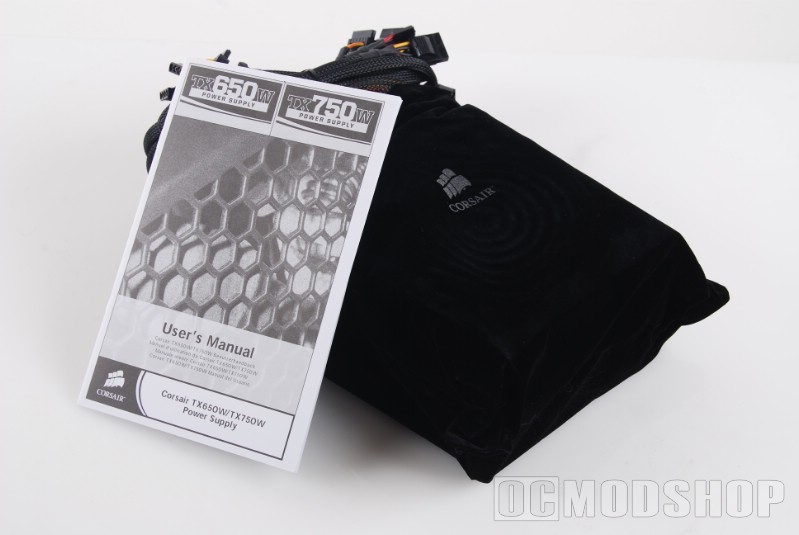
But who the hell uses a floppy anymore? On with the story and into the box, on which you can find all the above information just in case you don’t believe me. The PSU itself is surrounded by a cocoon of protective foam. Remove this and you will see a very nice black velvet bag with the silver Corsair logo imprinted on it. Inside that you will find the beautiful flat-black TX750 in all its splendor. Also included in the box is an AC power cord for getting juicetricity to your PSU, a User’s Manual, and a small baggy of screws and tie straps to make sure your cables are properly tied back for better airflow throughout your PC.
The TX750 includes a 140mm fan on its bottom, as I previously noted, and mesh on its rear. Normally we would see an 80mm fan or even smaller. But using a bigger fan, which can spin at lower speeds than a smaller fan and still have better output, and putting it on the inside of the case rather than outside lowers the noise level while greatly improving the airflow. You should also note that the 140mm fan does cause this power supply to be about ½” longer than a standard ATX power supply with a 120mm fan.
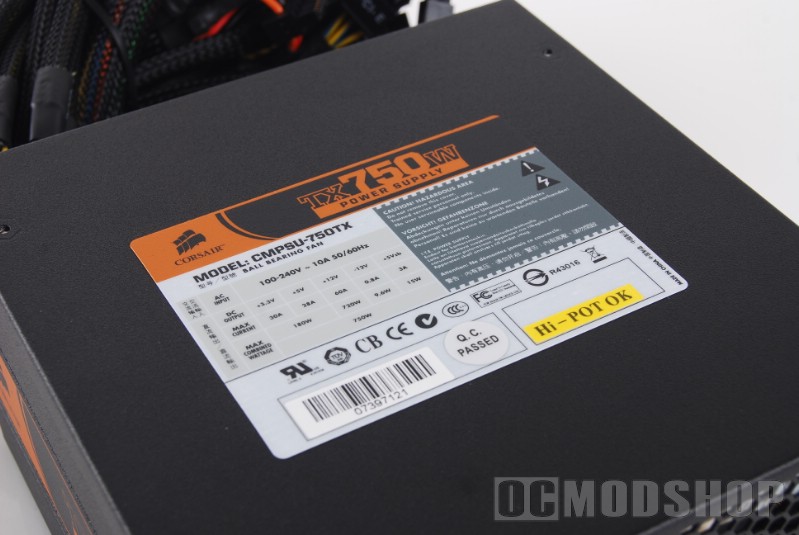
It has two standard consumption features, Active PCF and High Efficiency 80%. This means that 80% of the power yanked out of your wall outlet will be put to good use, while 20% will be wasted. By most PSU standards, this is a very nice ratio. Active PFC (Power Factor Correction) provides better use of the power allowing Corsair to sell the TX750 in Europe. Unlike other PSU’s with PFC, this one doesn’t include a 110v/220v switch on the back.
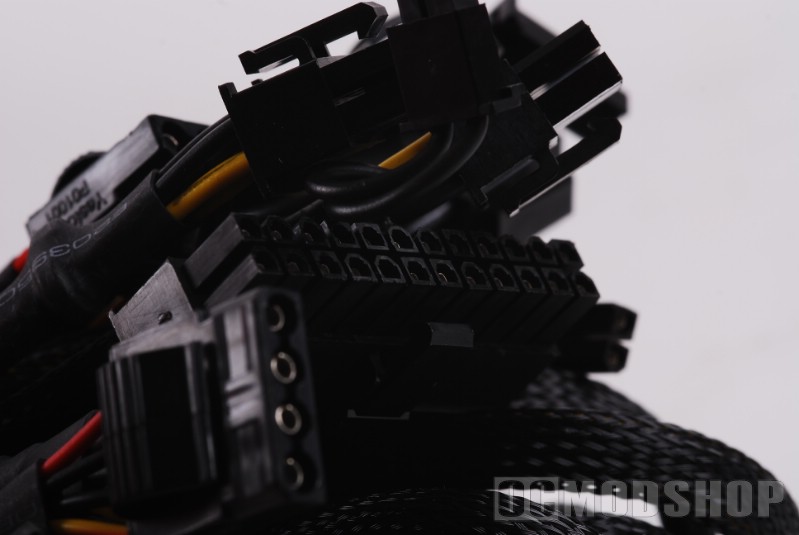
And now to the connectors. The mobo connectors enable you to power just about any board you want, from AMD to Intel. This means that no matter what board you have, and even if you are a complete novice when it comes to the insides of your PC, you can rest assured that this PSU will work for you.
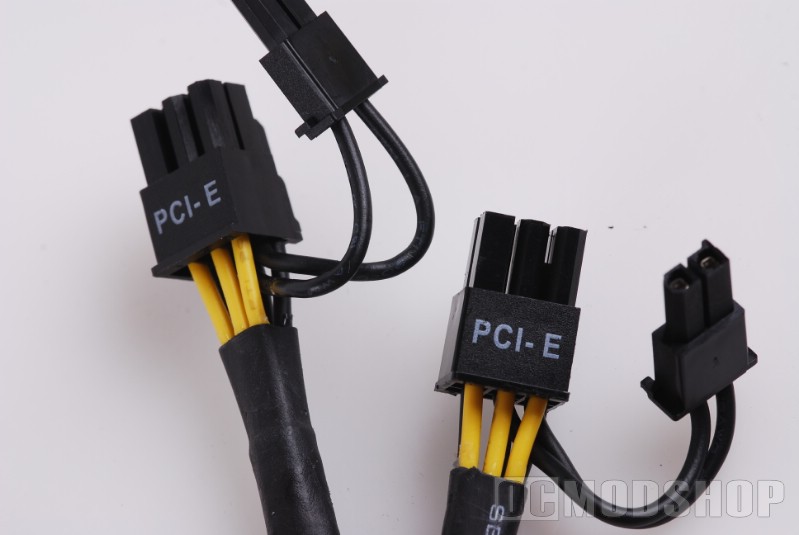
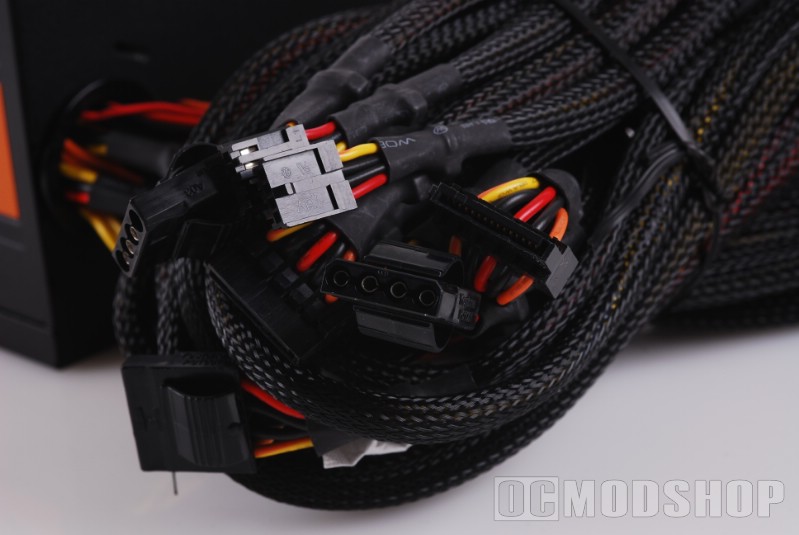
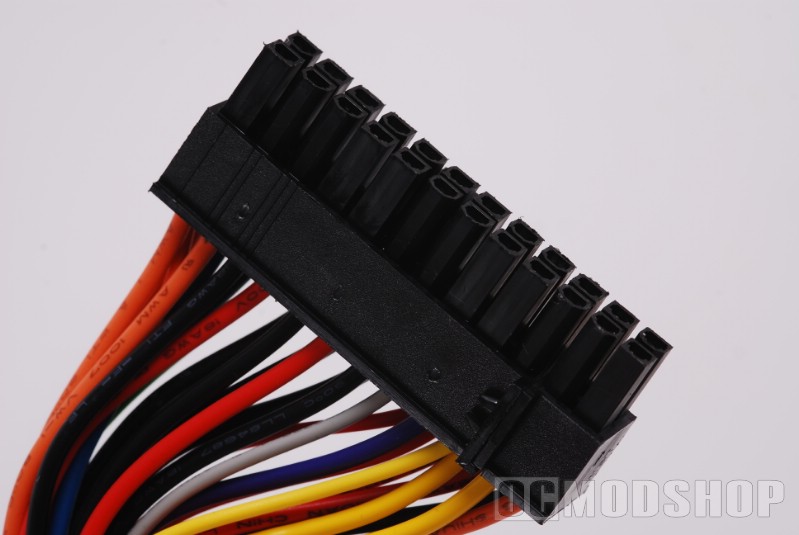
There are four 6-8 pin video card connectors included as well. Any 6-pin can be turned into an 8-pin, meaning that when you throw out that old video card that has the resolution of a dot-matrix printer, you will be able to connect that ungodly expensive one with no problems. Just plug in that extra connector, and you are set.
I do have one pet peeve when it comes to the connectors. At a rating of 750W, much larger wires should have been used. The wires on this particular model use 18gauge wiring. The higher the number, the thinner the wire. And in my personal view, 18gauge isn’t thick enough. Don’t get me wrong, I’m not saying this thing is going to melt down, but the obvious factor should have been there when they designed the damned thing that when you jack up the power, use a bigger cable. Okay, I’m done ranting.