
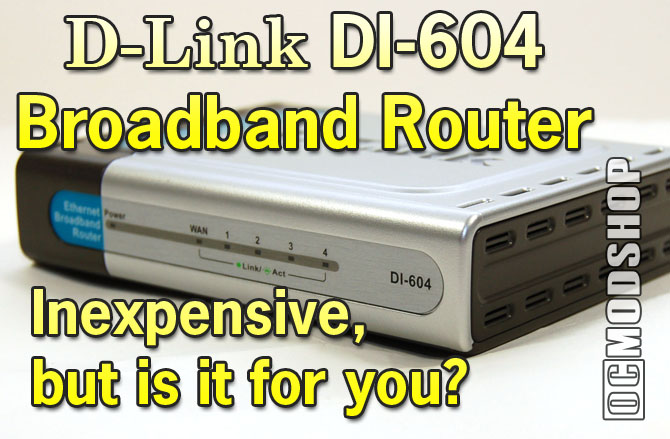
The Dl-604 is easy to connect to your Internet source and up to four devices. Included in the box is everything you need for at least one device, assuming you start with a cable or DSL modem connected to one computer. Aside from the router itself, there is a CAT5 Ethernet cable, power adapter, upright stand, QuickStart Guide, and PDF manual on a CD.
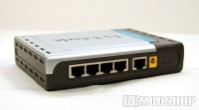
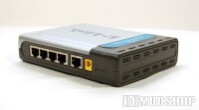
After connecting the router to a modem it finds an internet source within a couple seconds and illuminates the traditional Wide Area Network light. Devices come online just as fast; Windows and OS X computers receive IP addresses with no fuss.
But what about the important things, like an Xbox 360? They also connect flawlessly. While testing the router I never had to reset it or the Xbox 360 at any time to make a 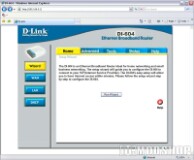 connection. We’re talking weeks here. Multiple consoles (and 2 Xbox 360s and 1 Xbox 360 with PlayStation3) shared the connection to play online multiplayer games at the same time. The router dealt with simultaneous traffic fine with no discernable difference between playing with one or many consoles. Even though almost all routers work with Xbox Live, I like how the DI-604 proclaims it proudly with the official Xbox Live Compatible logo. I sleep better at night, confident that there is inter-product harmony.
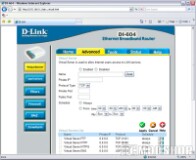
Everything should connect easily, but if it does not there’s a handy Wizard that helps users specify settings like static IP addresses to get everything up and running. After that, it’s up to you to explore any of the advanced features.
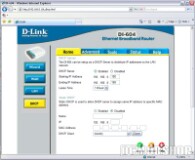
 IP addresses handed out by the router can be changed as can the subnet mask. One computer can be given internet access while all others are only allowed to communicate on the Local Area Network. A decent hardware firewall is included with customizable rules, but the router is also made to interface with ZoneAlarm Pro (a trial offer is sometimes included). A history of connections is even kept along with basic stats about the volume of traffic.
The D-l604 looks most at home in an office setting, with a utilitarian design that manages to fuse flashy silver with mottled gray and sprinkle it all with teal. Fashion-conscience living room designers may object to its clunky form existing next to a next-generation console, plasma HDTV and stylistic media center.
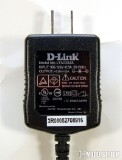
The front features a power-indicator light as well as ones for WAN and four LAN connections that all show link and activity. The bright green isn’t overwhelming in a dark room and is inconspicuous when placed in an array of other electronics featuring their own bright spots. I really like that the power brick is vertically oriented to it fits comfortably on a crowded power strip.

4 comments
hi sir i have D-Link DI-604 Broadband Router and i need to sold it for any one with any priaces i m from egypt and i need ur answer as soon as u can
I'm working on getting a huge download area working on OCModShop, so users can upload and share files like this router's manual.
I believe you can reset the admin password by holding down the reset button for 30 seconds. The username and password should then be 'admin' and 'admin'. Try the D-link website for the manual.
I want to configuration manual of this router with default admin password plz co-operate.Thanks for ur kind consolesance
Comments are closed.