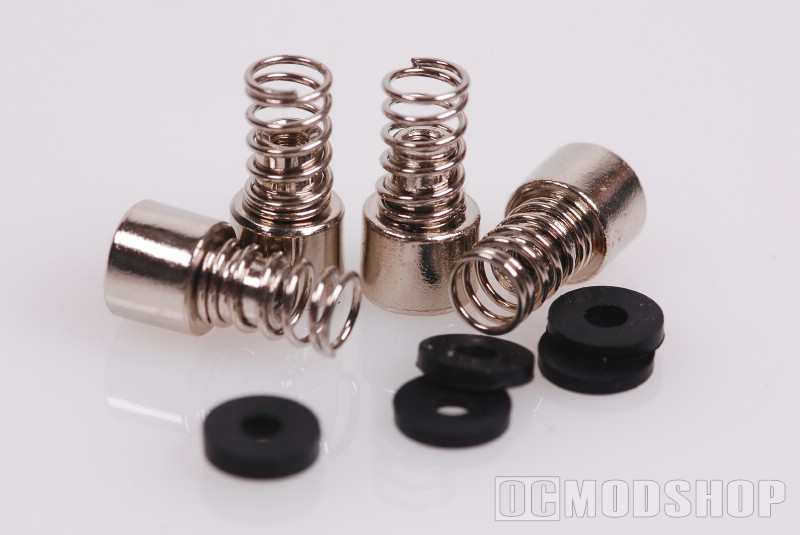
The cooler comes in a plastic blister pack, which shows off the checkered flag design of the cooler. Opening the package reveals the cooler itself, a small tube of generic thermal paste, and four spring-loaded thumbscrews and eight rubber washers.
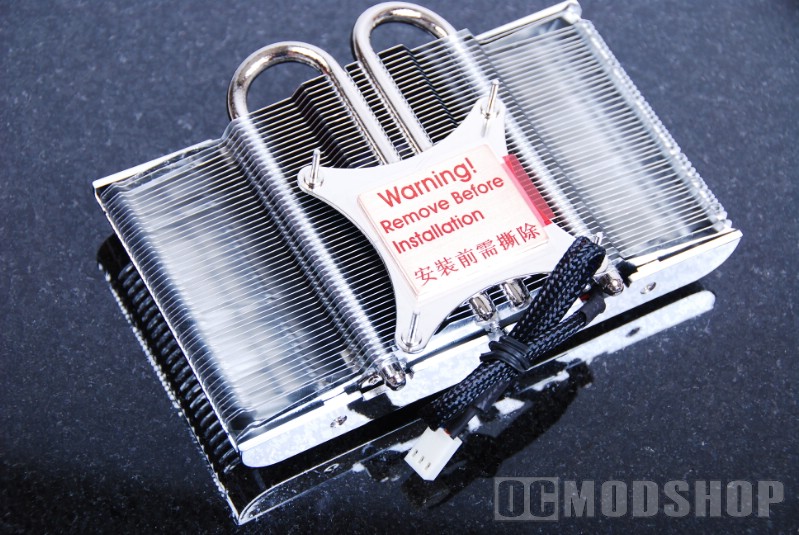
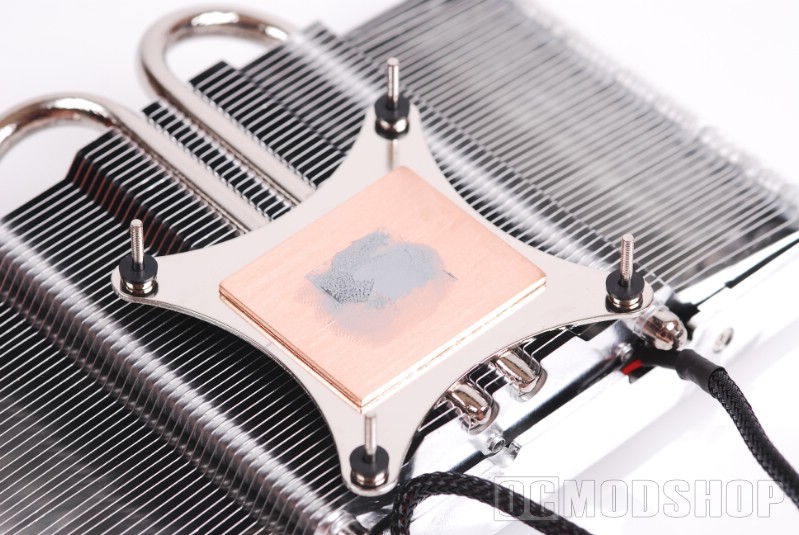
The cooler looks rather impressive upon first glance. The bottom of the cooler has a nice copper base, which isn’t buffed to a mirror finish, but still quite smooth. Two copper heatpipes extend from thise base which attach to an array of aluminum fins. The heatpipes appear to be coated with a nickel finish, which gives them a nice chrome-like sheen. Four posts extend from the base, which will fit through mounting holes in your video card, and secured with the included thumbscrews.
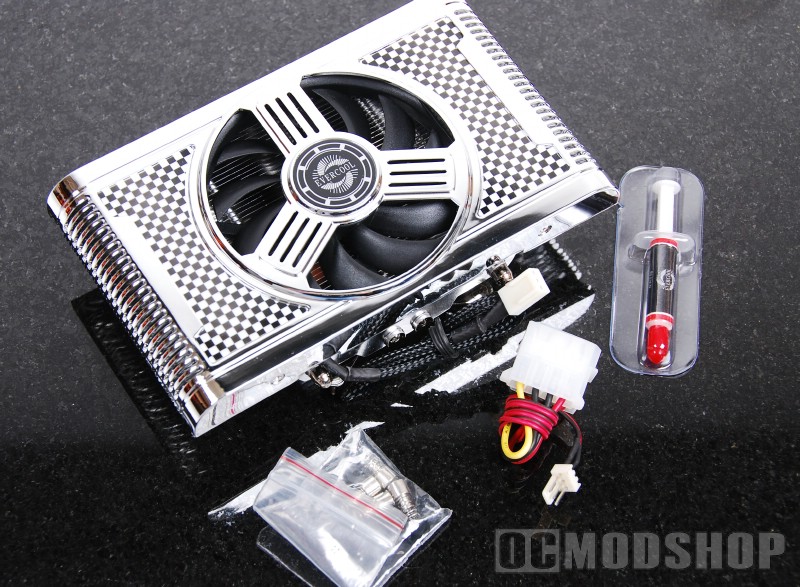
A cover is attached to the aluminum fins, which gives the Formula2 Cooler it’s racecar look. The cover feels quite light however, and further inspection reveals that it is actually plastic that has been painted to appear like chrome. I was immediately turned off by this, as I was reminded of the very cheap model car kits that have chrome plastic. Plastic Chrome is really a misnomer, as it is really “vacuum metallizing” which involves vaporizing aluminum in a vacuum chamber, which makes the plastic part look like metal. The part is then coated with a clear sealer, which makes is shiny and finishes the chrome look.
Installation is rather easy. Once you remove your existing video card’s stock cooler you will see the four mounting holes you’ll need to target. Before you install the cooler, you should put one rubber washer on each of the mounting posts (to prevent metal from potentially touching the card). Then, simply align the posts with the mounting holes and fit them through. Attach four more rubber washers on the backside and secure with the included spring-loaded mounting screws.
Attaching the fan was a sore spot. While the fan cable is sleeved, it is woefully short. The fan connector is a standard 3-pin plug, which most video cards do not have onboard. You must connect this fan’s lead to your motherboard or fan bus, which eliminates any auto-throttling capabilities of your video card. Since the fan lead is so short, you will most likely need to use an extension cable, or mod your video card to take the standard 3-pin lead.
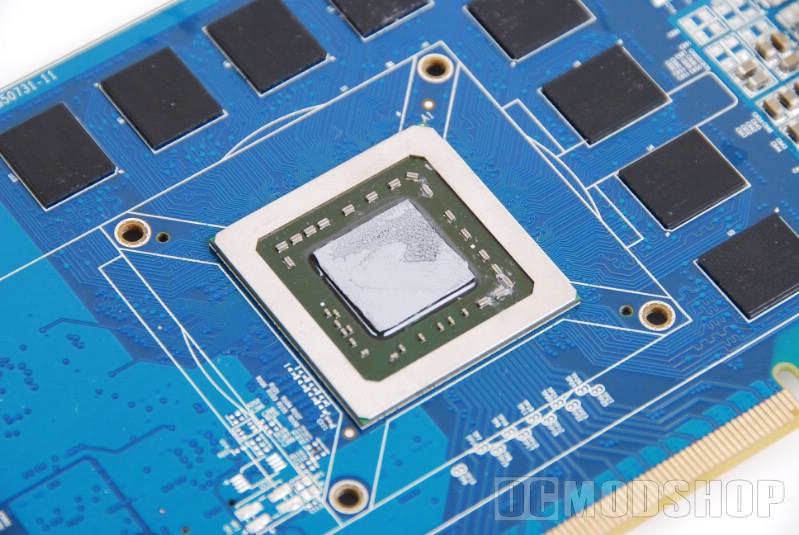
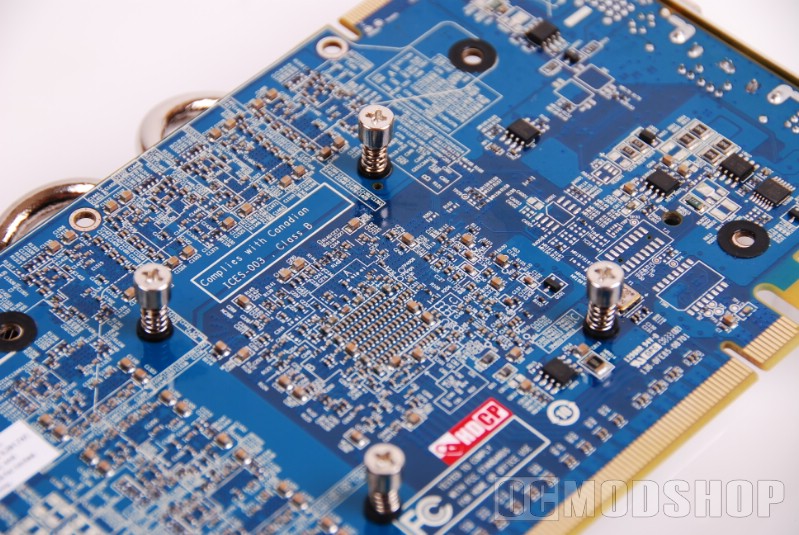
Many third-party coolers come with memory heatsinks, but unfortunately this kit does not. If your video card’s stock cooler also cools the memory, then you should probably look for another after-market cooler. Many low-end and mid-range cards are not meant to be overclocked, and therefore the memory does not get very hot, so this cooler would probably be fine. High-end cards are usually meant for overclocking, and even their stock coolers are much beefier and pull heat from the video RAM.