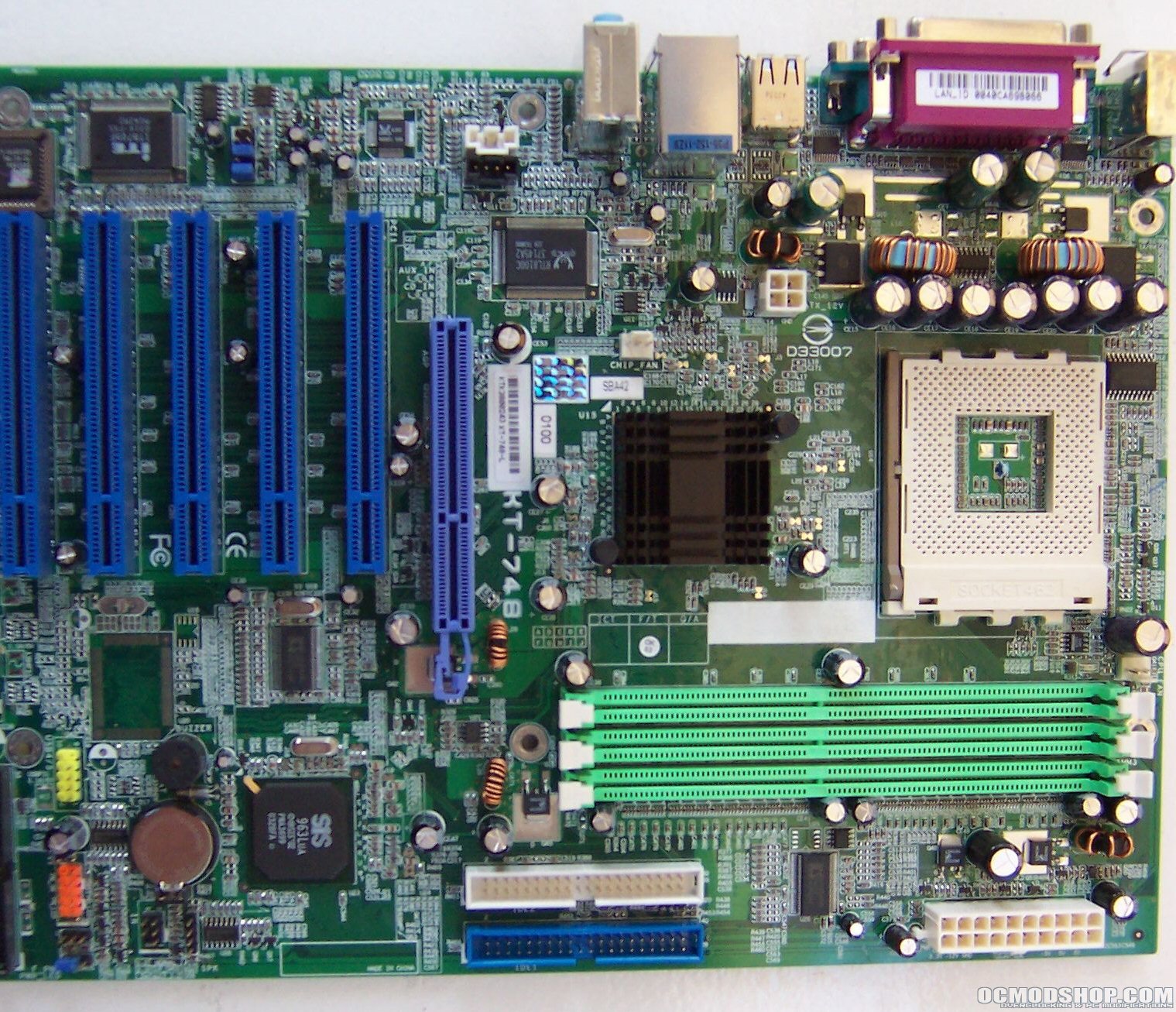
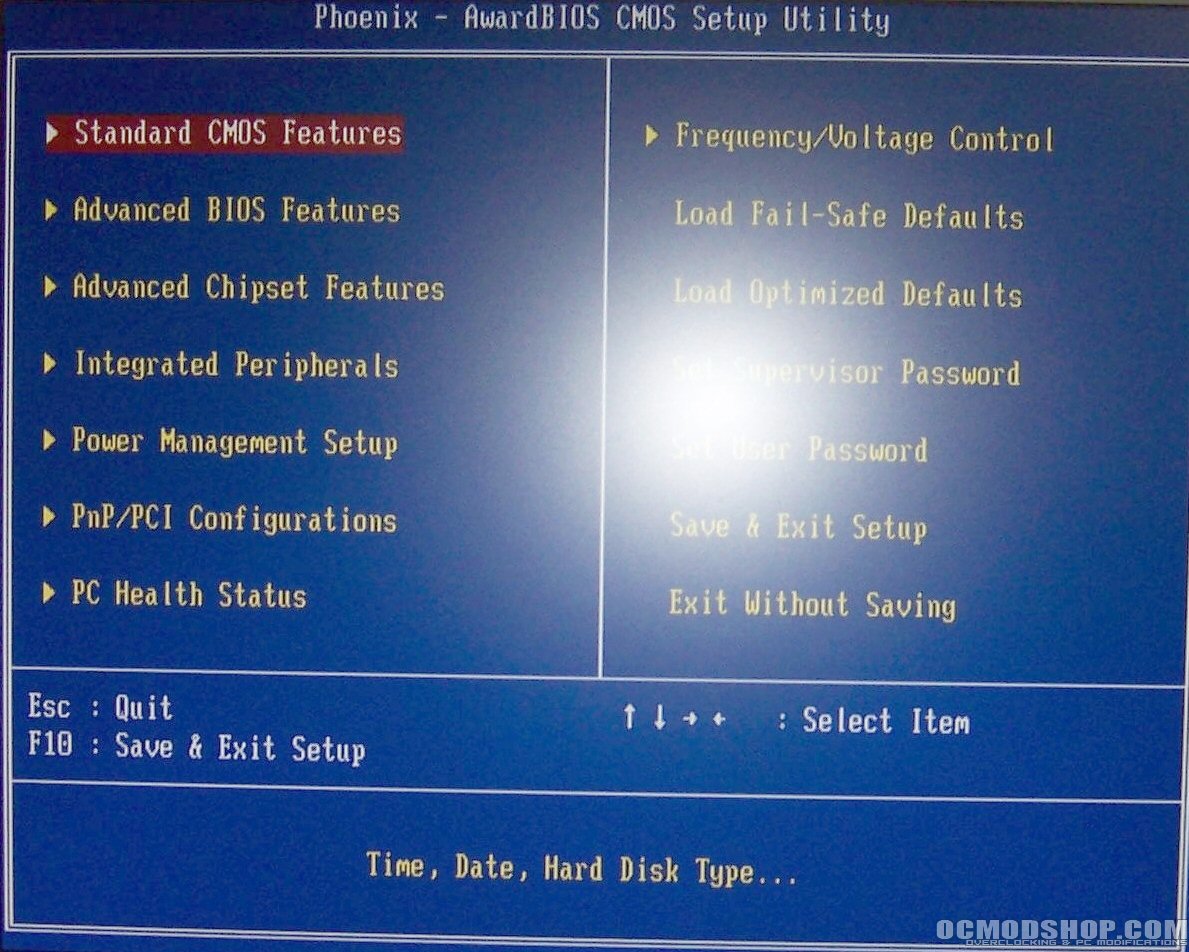
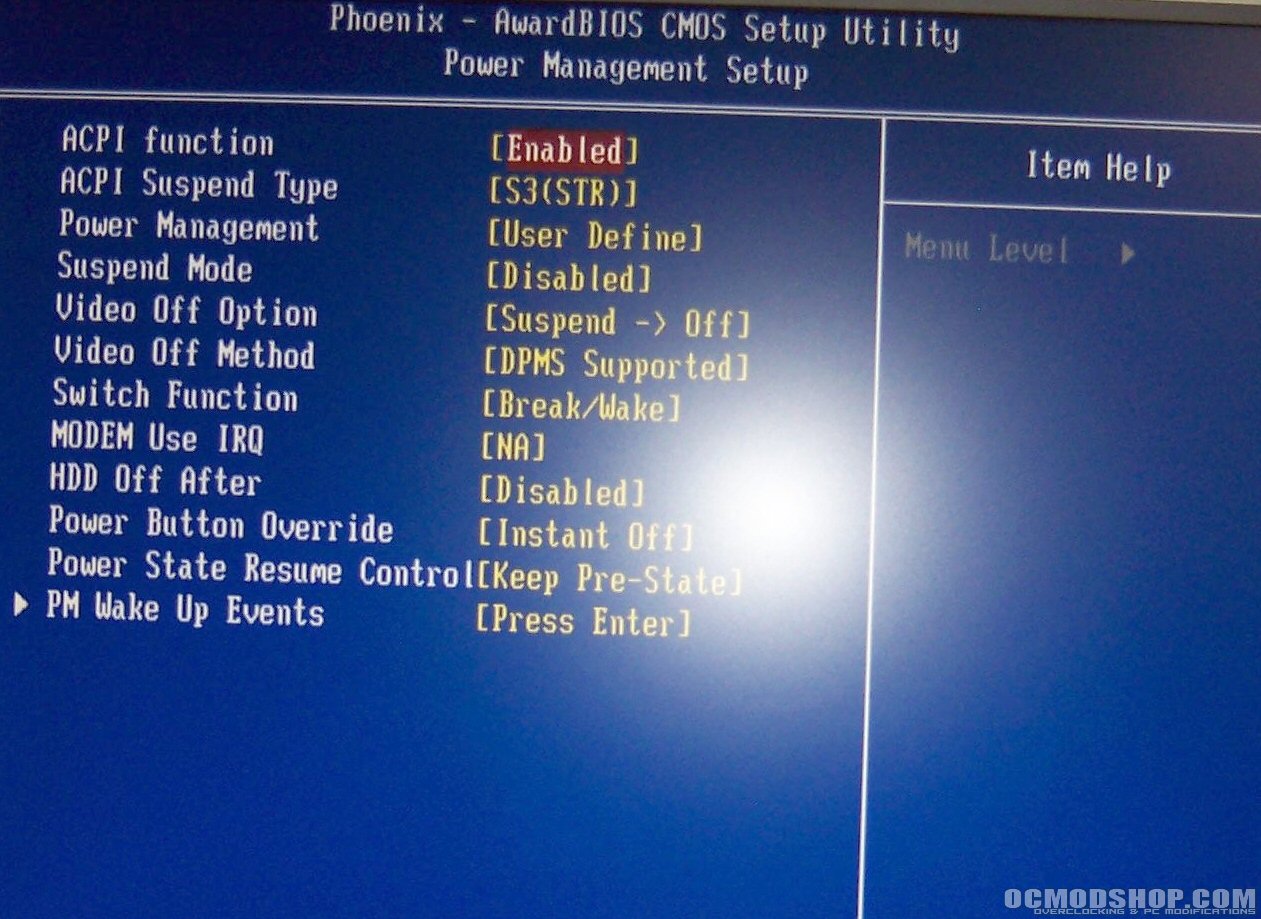
This board uses an Award BIOS and the main screen is pretty much standard. The power management setup section is mainly for setting how you want the motherboard to power on and off.
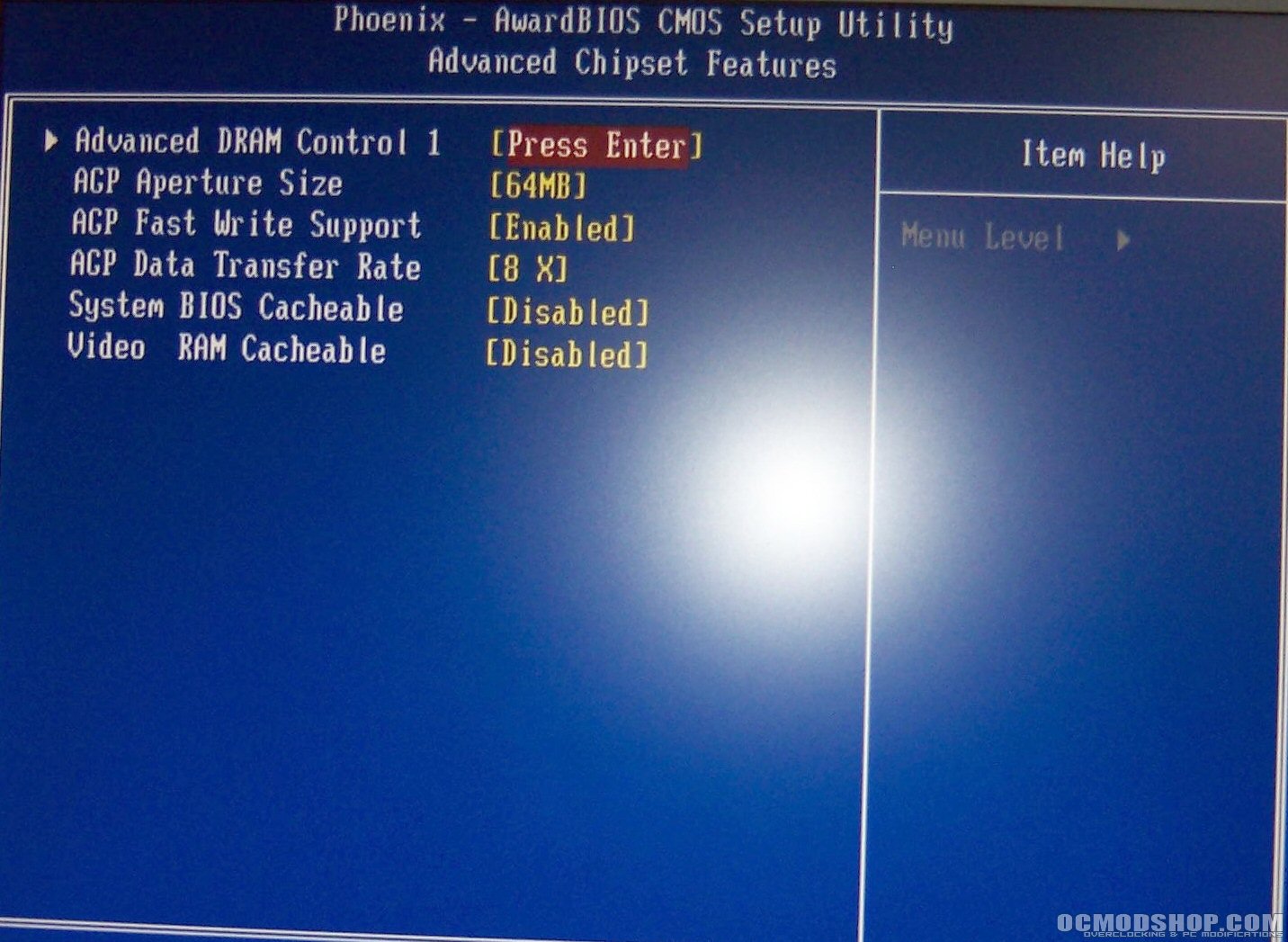
The first shot is of the advanced chipset features screen, which includes RAM timings and AGP settings. Although this board has the option for AGP 8x in the BIOS, I could never get it to work in Windows. I use an ATI Radeon 9700 video card, which has the SmartGart options for setting AGP options, and even though I enabled 8x in the BIOS it would always say AGP was off. I don’t know if this is a bug in the BIOS or the ATi software, but its there, and I think that it affects performance significantly as you will see in the Benchmarking section. Others who have reviewed this motherboard have not brought up this problem, so I am thinking it might be a compatibility issue with my setup. The second screen is the RAM options screen where you can change the RAM speeds. The options are rather limited, and there is no option for raising the RAM above 400MHz asynchronously from the front side bus.

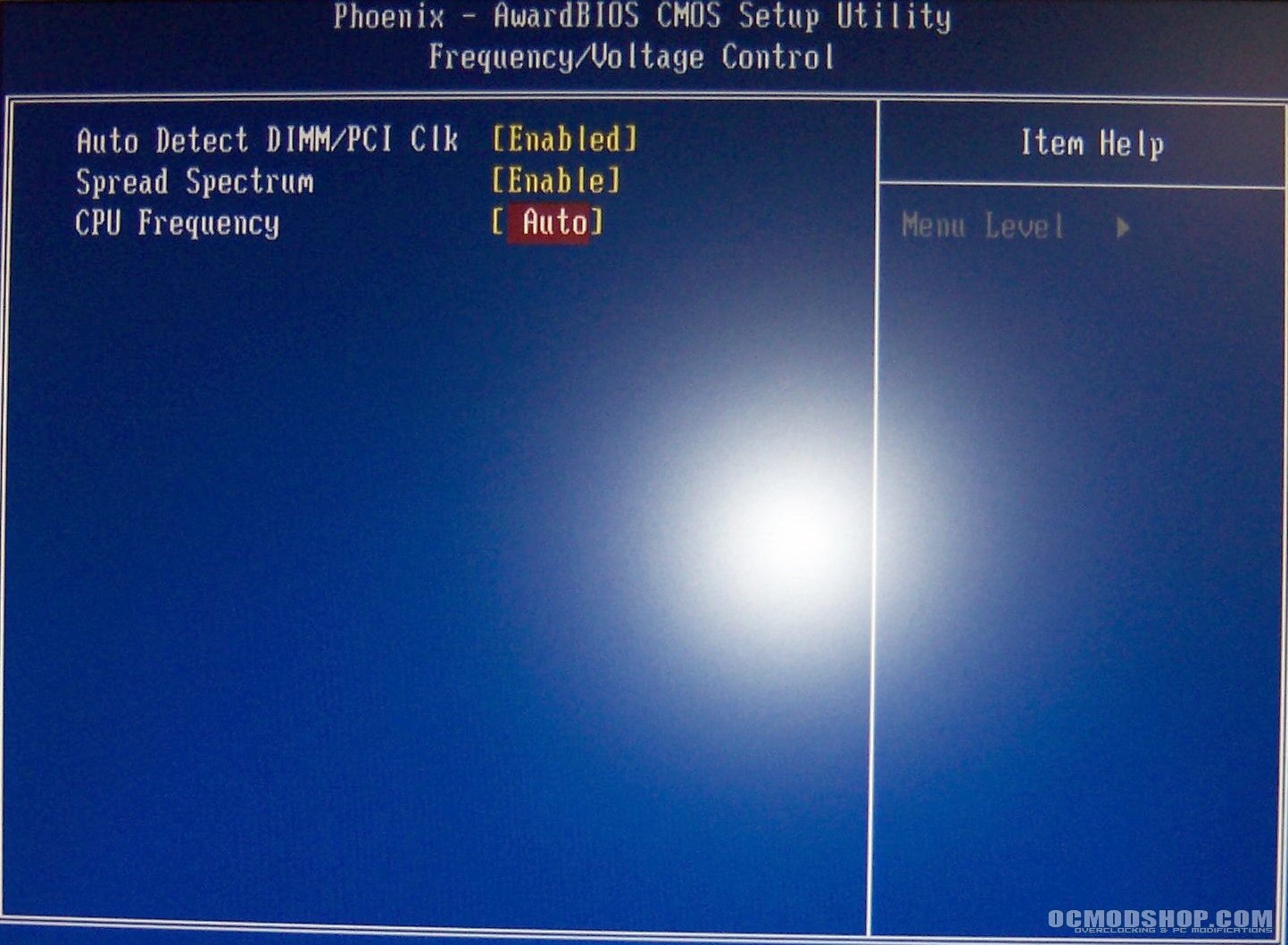
Below is the Frequency/Voltage control options, which should have been called solely Frequency Control, since there are no options for adjusting any voltage settings. This is a major hindrance for overclocking, but then again this is a budget board and is not meant for overclocking. The CPU speed settings are also very limited, and you cannot adjust it with 1-MHz increments as in most enthusiast boards. It goes from 133 to 140, then to 157, with nothing in between.