

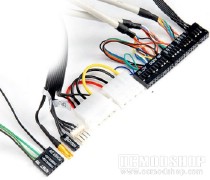
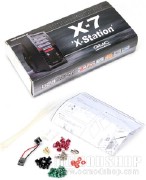
The overall design of the case is very Batmobile-ish to say the least. The finned vents leading to the fans gives off a very jet engine-esqe look. The case is very light, but the construction seems sound enough to hold all your hardware with little effort. The plastic front bezel comes off easily, but I wouldn’t trust allowing someone to walk across it without it breaking, so I would keep it out of harm’s way when not attached to the case itself.
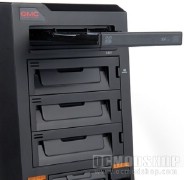
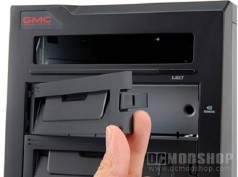
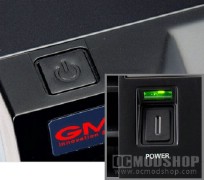
And then, two power buttons? They put one on the front of the case, and one on the top. How weird is that? I guess they knew I would be piling crap in front of my case and gave me another way to turn it on. There are audio ports for all you multiplayer gamers out there, and I really like the four USB 2.0 ports on the front. I’ve always considered having only two a little stressful when most of your PnP gadgets get traded out two or three times a day. Who wants to pull out their case several times a day to switch out peripherals? Not I.
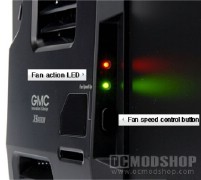
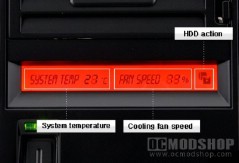
The front of the case is also sporting an LCD readout, which displays your system temperature, CPU fan speed, as well as HDD activity. And really, isn’t it time we moved past a simple blinking LED that lets us know our HDD is being accessed? Kudos to you, GMC. On the side of the case is a set of vents with a button and a couple of LEDs as well. In the upper vent they have installed a fan which is controlled by the button. The faster the fan is moving, the faster the LEDs will blink. A great idea to have individual controls for the side case fan, but I have the sneaking suspicion that those blinking LEDs are going to be clawing at your nerves within minutes.
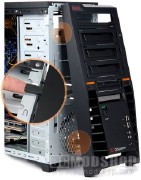
Next we take a peek inside…

