
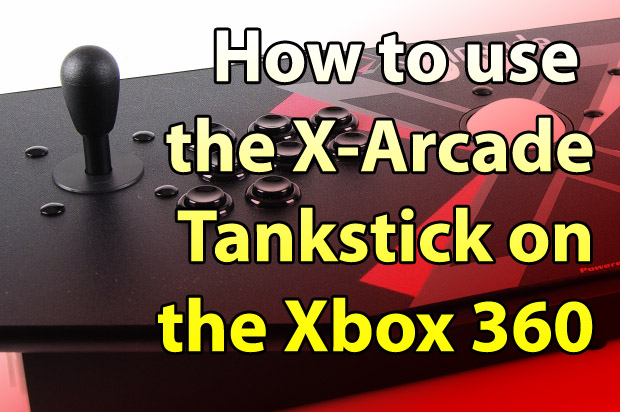
Now all you have to do is map the buttons on the Tankstick to the appropriate functions. To map the buttons, tap the XFPS’ program button, the press the button you wish to map on the Xbox 360 controler, and then touch the corresponding button on the X-Arcade Tankstick If you want to map the A to your Tankstick:
- Press XFPS Program button
- Press “A” on your Xbox 360 controller
- Press the primary fire button on the Tankstick
Although you can use the trackball for games, it really isn’t recommended. The analog sticks of the Xbox 360 controllers have a relatively large “dead zone”, so the trackball has to travel a little bit before it gets out of the dead zone and registers movement.
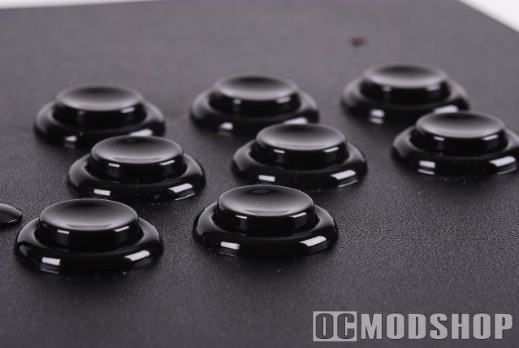
You can map all of the buttons on the Tankstick (even those meant for Player 2), but you can’t have two players playing on the same controller (since the XFPS registers itself as a single controller). You could if you had two Tanksticks, two XFPSs, and two wired Xbox 360 controllers, but that’s just getting a little silly.

The Tankstick works great in Arcade games and menu navigation, but its usability is lacking in first person shooter games. The games are simply designed to be used with a gamepad, so you don’t have the freedom of movement you have with a keyboard and mouse. For one, the dead zone issue will make aiming a little unresponsive. Secondly, the game’s dynamics expect two analog controls, so movement can become difficult, especially while shooting.
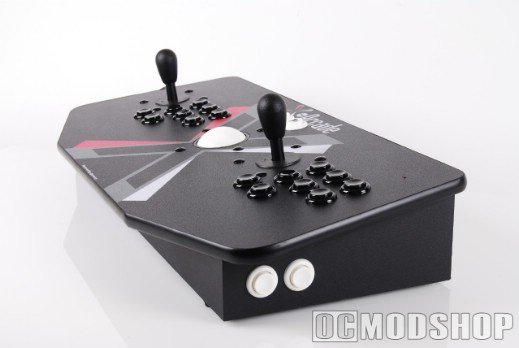
The Tankstick excels at classic arcade games, and there is no greater experience than using a genuine arcade controller with Xbox Live Arcade (and new “classics” like Pac-Man CE). Although getting this controller setup working with an Xbox 360 is expensive, you at least have a new choice in how you play your Xbox 360.

11 comments
Why buy all that crap anyway… ? Just buy xbox 360/ xbox one and play games as it should be play ed :D
[…] more: How to Connect an X-Arcade Controller to your Xbox 360 — OCModShop.com […]
why would you need two tanksticks? doesn't the x-arcade ps2 adapter come with 2 outputs? isn't two XFPS and two wired controllers enough?
Using PS 2 to Xbox 360 via XPFS I cannot remap the buttons properly as WSAD is bound to left analogue stick (Player 2's directions buttons)and Player 1's joystick movements don't register with the XFPS.
-also want to know the answer to joe's question
I bought a XFPS Sniper v3.0 Plus and a wired Microsoft control and it doesn't work,(ps2 x-arcade stick) so save your money but ps2 control pad works.
I haven't tried this with the wireless xbox 360 dongle, but I wouldn't recommend it even if it did work… because without any input the wireless controller will time out and disconnect itself. Better to use the wired one just to make sure.
Just so I understand fully.. Do you also need a WIRED 360 ontroller to be able to map the buttons or is it possible to use a WIRELESS one?
so doing this, will both sticks work on the one USB connection?
I'm wondering if this has any lag
No wonder Microsoft doesn't allow a 360 adapter… the original xbox adapter had a tremendous lag that makes most games unplayable and most gamers feel angry for expending thirty bucks in a piece of crap.