A lot of what makes up a professional server are the electronics inside it, like a professional RAID card and redundant power supply. A do-it-yourself server is 90% of the components selected. The chassis features are what will make installation and maintenance easy or more difficult.
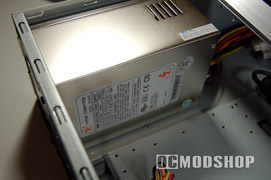
Most of the time a server is never touched after installation. The quality of a server case reveals itself when you have a problem, like when replacing a failed drive. Normally in a RAID 1 setup, just pop out the bad drive, install a new drive and rebuild the array. The server remains up and usable the entire time. With this server if a drive fails I will need to pull out a screwdriver, shut down the server, take the top, remove the drives and install a new drive manually. Hot-swap bays can be added as an expansion, but at a minimum this case should at least have included slide-out clip rails. Out-of-the-box installation requires that all drives are screwed down, which requires a server shutdown should a drive replacement be necessary.
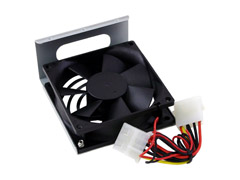
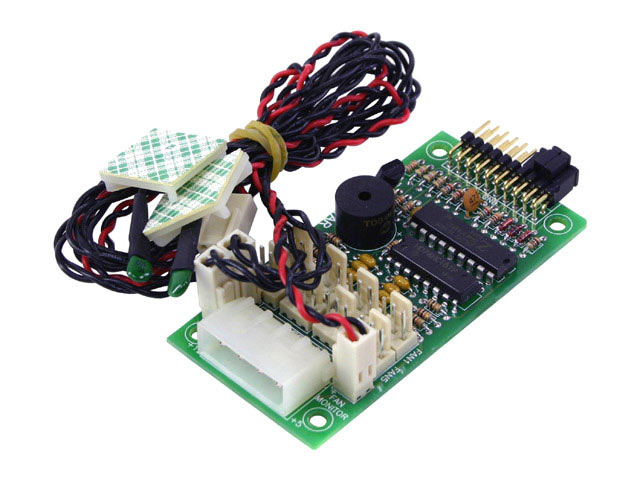
Many server cases have fans that direct airflow from the front of the case, over the system component and out the back. Side and top ventilation are not serious considerations, as these will be blocked when installed in a rack. The smaller the form factor the more important this airflow. Professional servers will have lots of fans, and usually physically separate the motherboard from the drives. Professional servers also will provide some sort of monitoring panel for system temperatures and fans. The I-Star D-300 does not include the fans necessary for front-to-back airflow, and does not include the monitoring module for the front panel, both of which are included in the D-300-L.