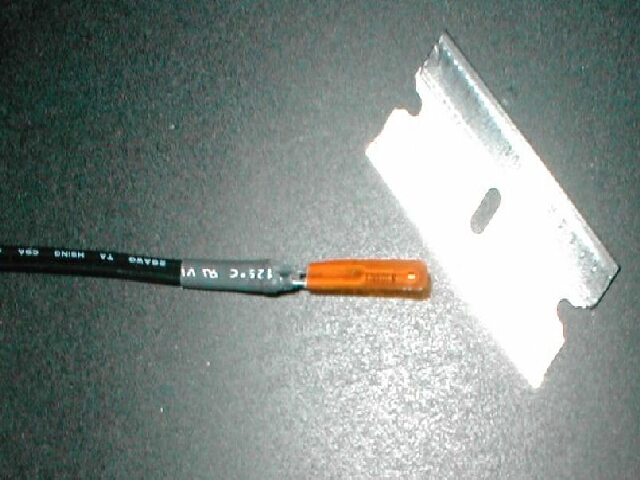
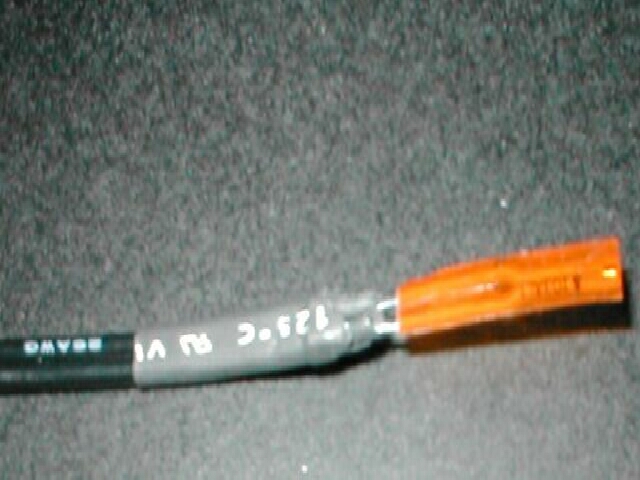
The Compunurse as it comes store bought will not fit in-between a heatsink without making it improperly seated. You will need to cut back some of the heatshrink on the probe so that it will be thin enough to fit in-between later.
Also the actual thermistor part of the Compunurse is quite deep in the probe so to get the best results you will want to cut the excess off the end.
With my computer I am using an anodized CPU shim, I cannot put the probe over or under the shim so that is touching the core because it would defeat the shims purpose. If you are not using a shim skip this part.
With no better ideas I simply improvise, I use a pair of dykes and cut a small piece out of the shim so that the probe can be placed there
Not that you have a space for the probe you can now install it. You can use anything you want to attach the probe to the CPU that will not make it larger than the space in-between the heatsink and the CPU. I decided to use superglue rather than tape because tape will come off easier and I didn’t have enough space. I made a tiny puddle of superglue in the space and put the probe on it so that it was touching the core of the CPU.
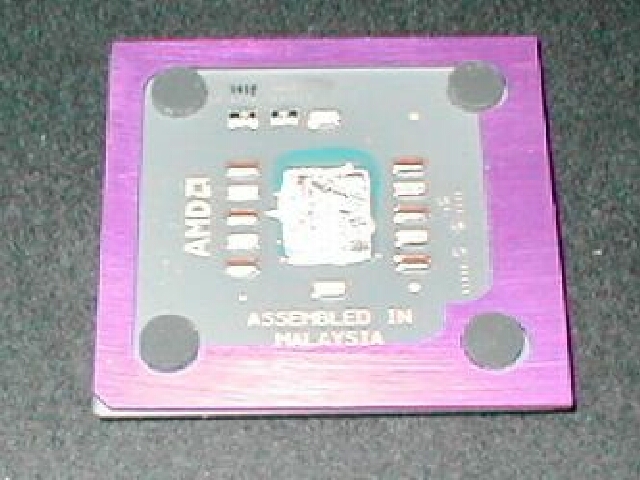
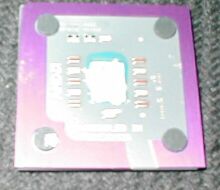
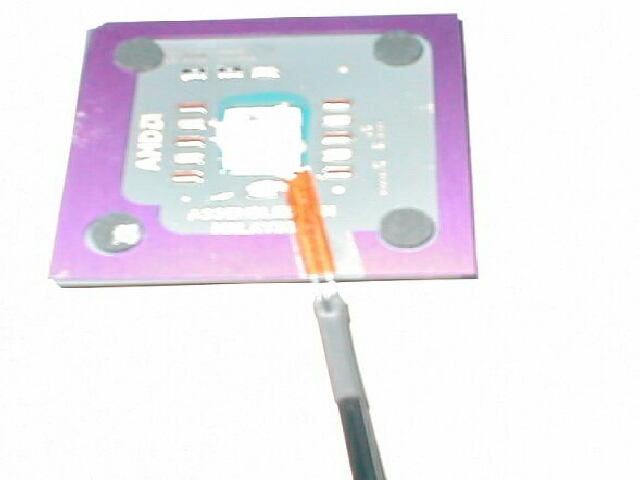

After the glue has dried you can now install your CPU again, carefully put the CPU in the socket making sure you don’t rip the probe off. If your ZIF socket arm closes where the probe is all you need to do is bend the probe to a 90 degree angle so that the arm can close then you can put the probe back down.
Now that your probe and CPU are installed you can reattach your heatsink.
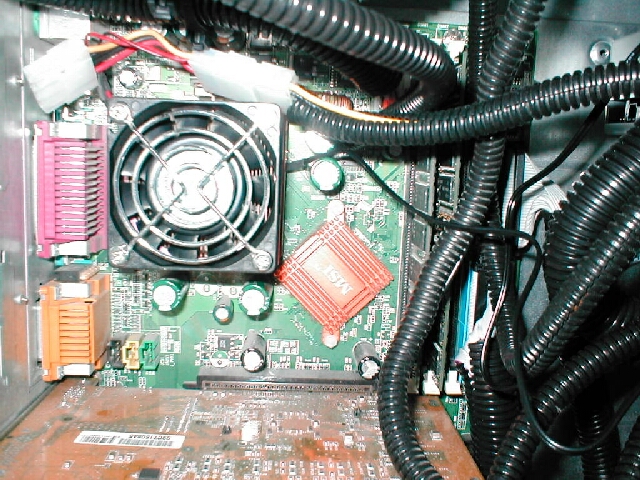
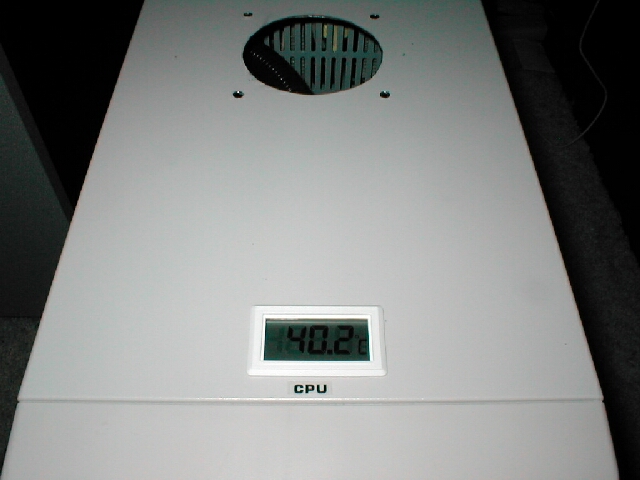
You can now boot up your computer and watch the temp rise. On first boot watch it carefully just to be sure it doesn’t get hot incase you made a mistake. Here is mine installed and operating. My Compunurse came with a CPU label which I put on for a finishing touch
Conclusion:
Now that you have your probe installed you can uninstall that temperature monitoring program that is taking up your system resources. Not only is this Compunurse faster to see your temperature is but you will get more accurate results compared to your in-socket thermistor. I recently did an article comparing a Compunurse to a in-socket motherboard you can read it here