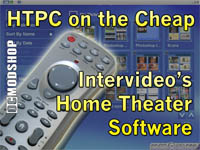
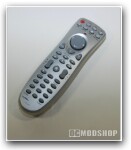
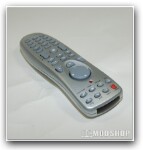
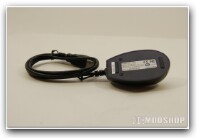
Even better than the media library is the remote control, although if that’s all you want it may not be worth it to invest in this package. The remote, from more than 15 feet away and through a USB receiver, sends keyboard commands. Thus, while it works with Intervideo software, it also works with Windows Media Player. For “Play” it sends ctrl+p, for “next track/chapter” it sends ctrl+f. This method makes it great for controlling programs like Winamp that let you set universal hotkeys. It was easy to map all the playback buttons on the remote to Winamp’s controls. One other great feature is the ability to control your mouse pointer with the remote. Thus, while sitting far away from the mouse and keyboard, I can theoretically find and launch any media file that’s on my computer.
 Perhaps my biggest complaint aside from non-functioning features is the voraciousness Home Theater shows when capturing your file types. There is no setting for which file types it will handle, so you must change them back in your other programs and even then sometimes Home Theater will shanghai one again later.
Home Theater is an easily navigable media library and DVD player that throws in a remote. With many other options for media management and DVD playback, it may not be worth the non-cooperative features and unfriendliness it shows toward existing software. Still, I sure do love that remote. Really. Yum.
 |
 |
 |
|||||||||||||||||||||||||||
|
|
|
|||||||||||||||||||||||||||
 |
|
 |
|||||||||||||||||||||||||||