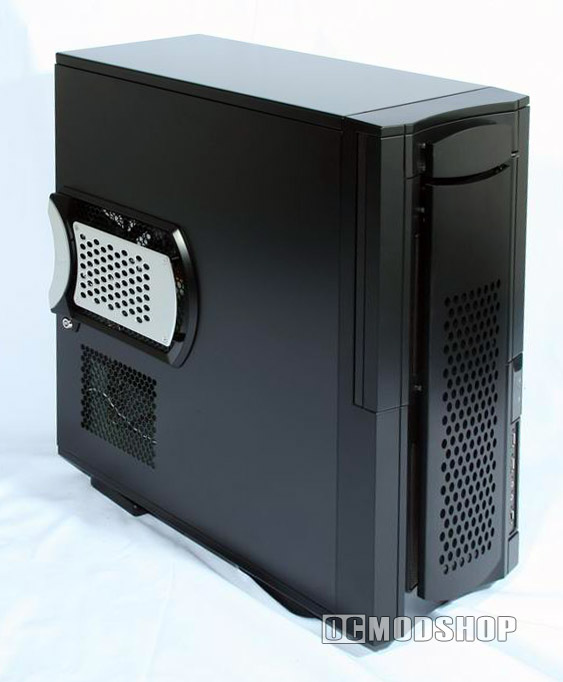
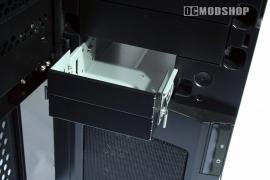
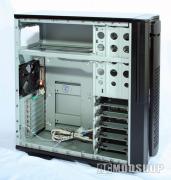
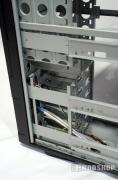
There is room for five 3.5″ hard disk drives, two 3.5″ disk drives, and a whopping five slots for larger 5.25″ drives! The harddrive brackets itself has rubber grommet inlay to minimize drive any vibration transferred to the case, which reduces noise. These brackets are secured on the bottom of the case with special screws.
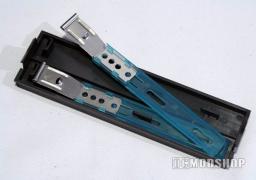
The 5.25″ drive cages use standard drive rails seen in many other cases today. The 3.25″ bays use their own removable slider rails, which makes for extremely easy installation of floppies, USB card readers, or Zip Drives. Option cards can be installed with standard screws or I-Star’s included tool-less option (take note that you can use one or the other method, but not both).
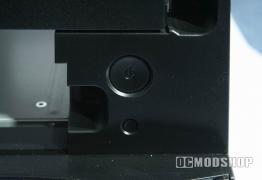
Modders with video cards hosting large custom cooling solutions would be better off using thumb screws (but that’s my personal opinion). The power button and reset button are just where you expect them to be, but the reset button is a little too small for my liking, as it takes a paper clip or other small object to touch this button. This method may be favored by some, but is too bothersome for the average modder.
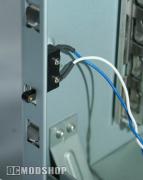
Also new for me is to see a case with a “case intruder switch” you can find this option in the bios of just about every motherboard, but its rarely seen in commercial computer cases yet again another little mark of what IStar are good in.
After removing both side panels you can reach virtually any part of the case, and there is still a fair amount of space behind the panels, which can be used to tuck and hide wiring.