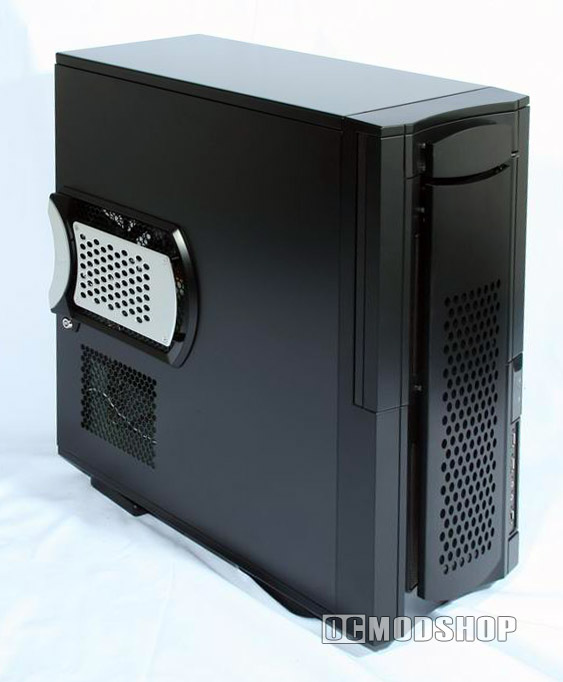
The removable motherboard tray will make installation much easier, though it is a different style than what is usually seen. You really only remove the back plate that holds the motherboard (cards are fastened to another part of the case, so you must remove all system cards before removing the motherboard tray). The tray can be easily released by unscrewing two thumbscrews and pulling the tray away from its slider knobs.
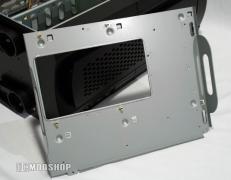
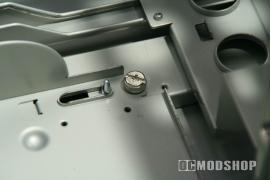
Speaking of sliding… this case features a unique sliding door! I-Star has incorporated a rotating front panel module! This allows access to USB devices even when the front door is closed, or can be hidden away when not needed. Nothing is more annoying than trying to close the drive door when a flash drive or other USB device is plugged in. With this new rotating panel, I have full access to my USB devices whether the drive door is open or shut. It can be hard to describe, so just take a look at the photos!
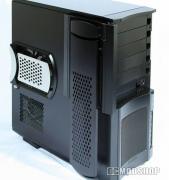
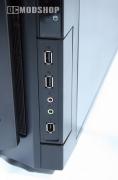
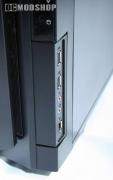
We’re not finished yet, there’s lots more that slides! The front I/O panel (containing headphone, microphone, USB and firewire ports) can be customized to appear on the front or the side of the case! If you don’t like the placement of these connections, just change it to what suits you best!
Also new for me is to see a case with a “case intruder switch” you can find this option in the bios of just about every motherboard, but its rarely seen in commercial computer cases yet again another little mark of what IStar are good in.