
With prices ranging from $30 to $40, this video card is one of the most inexpensive investments you could put into your gaming machine. But enough with the chit chat, let’s get to testing this thing and see if its worth buying. Ladies and Gentlemen, I give you the 2400 HD Pro.
Mine came in a rather colorful box with all the major advantages of buying it right on the back. That’s called marketing my friends, and it works. What better way to sell something than to brag about what it does right on its packaging, and put a picture of a big evil robot-coyote-thing on the front. You can’t forget to do that. Underneath the video card itself was the warranty information, instructional booklets, a pamphlet on all the other goodies they sell that I can blow my money on, and of course the installation disc.
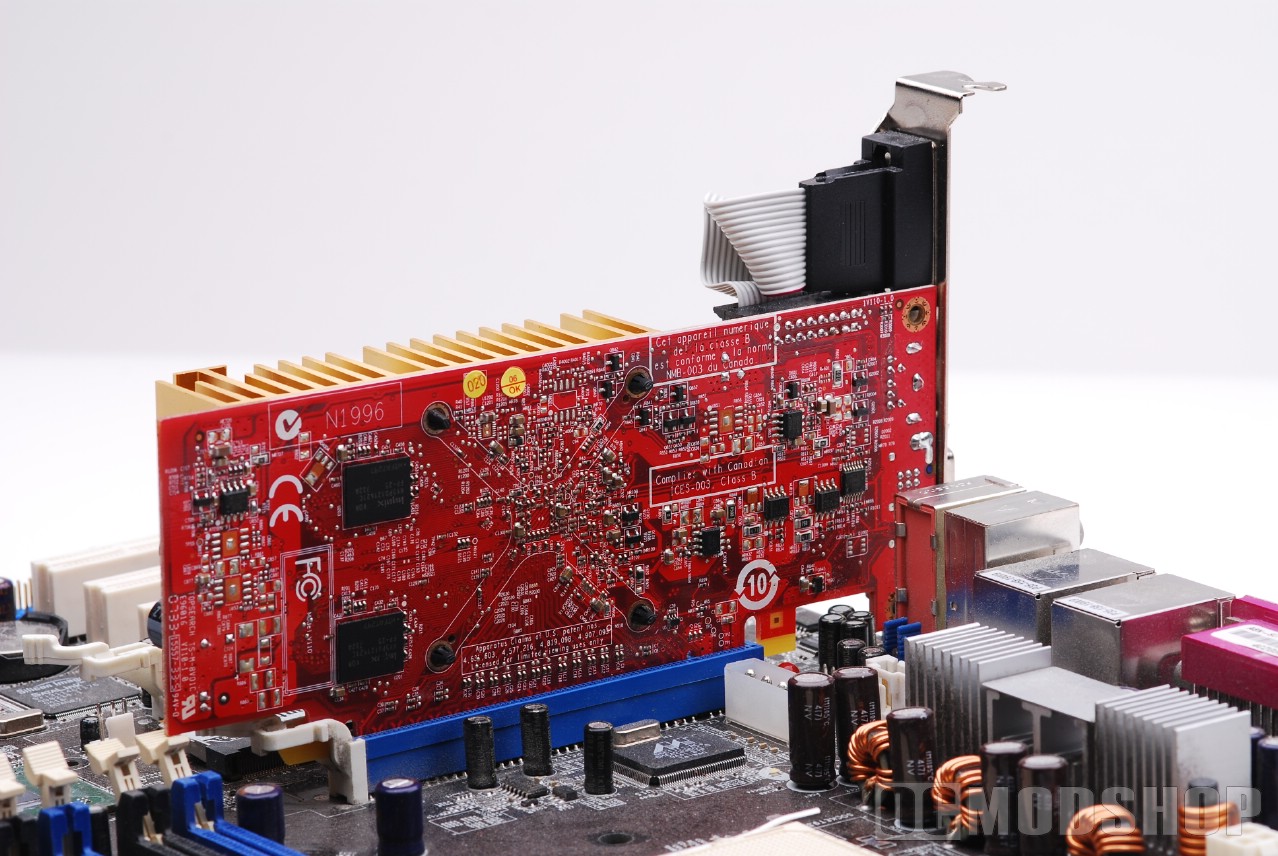
Installing a PCI-Express graphics card is fairly easy. Just make sure nothing is in your way and gently slide the card into the x16 PCIe slot. Make sure the little plastic clip has securely locked the card into place and put in the retainer screw. That’s it. Oh, and make sure your computer is turned off during all this, otherwise you will fry your whole damned system and I do not feel like sending out letters to all the people who did this telling them how stupid they are. I’ve got other things to write about.
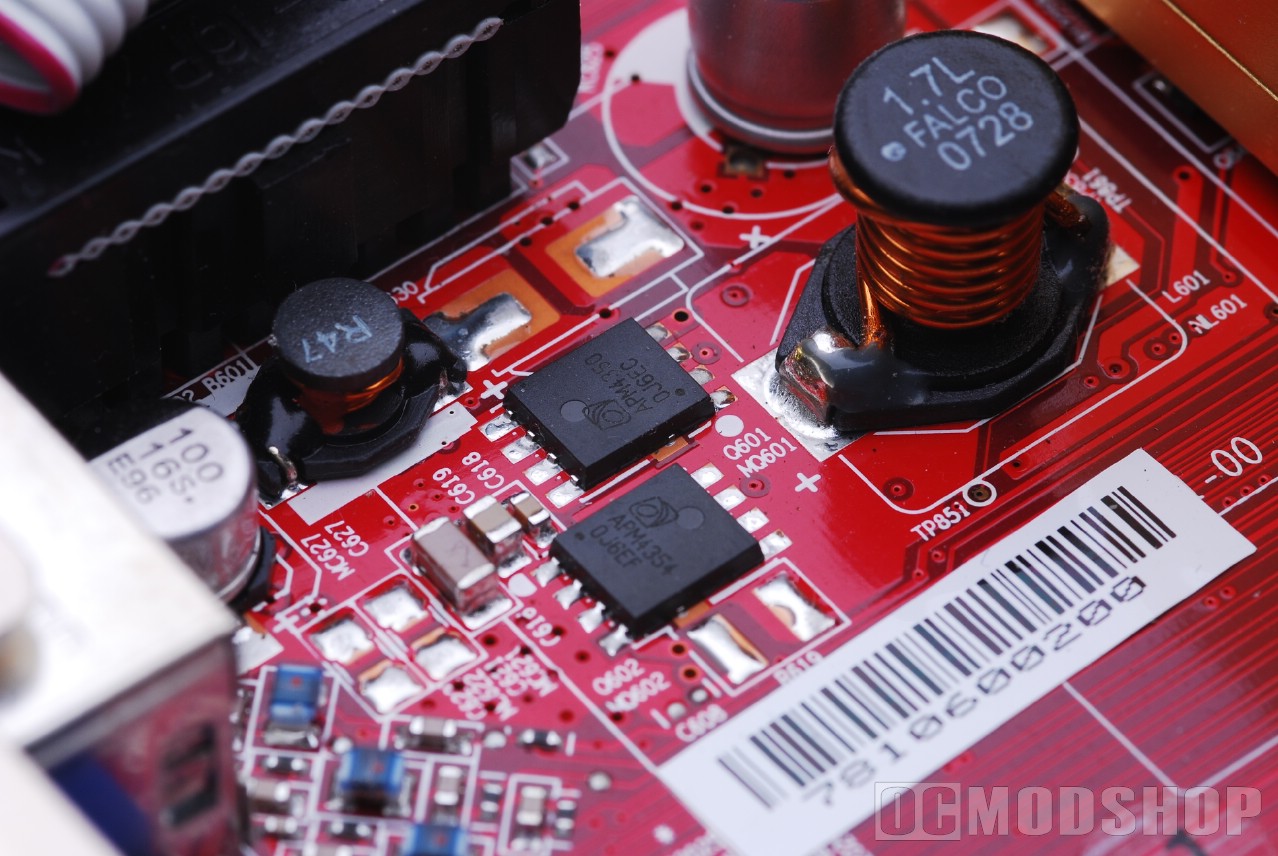
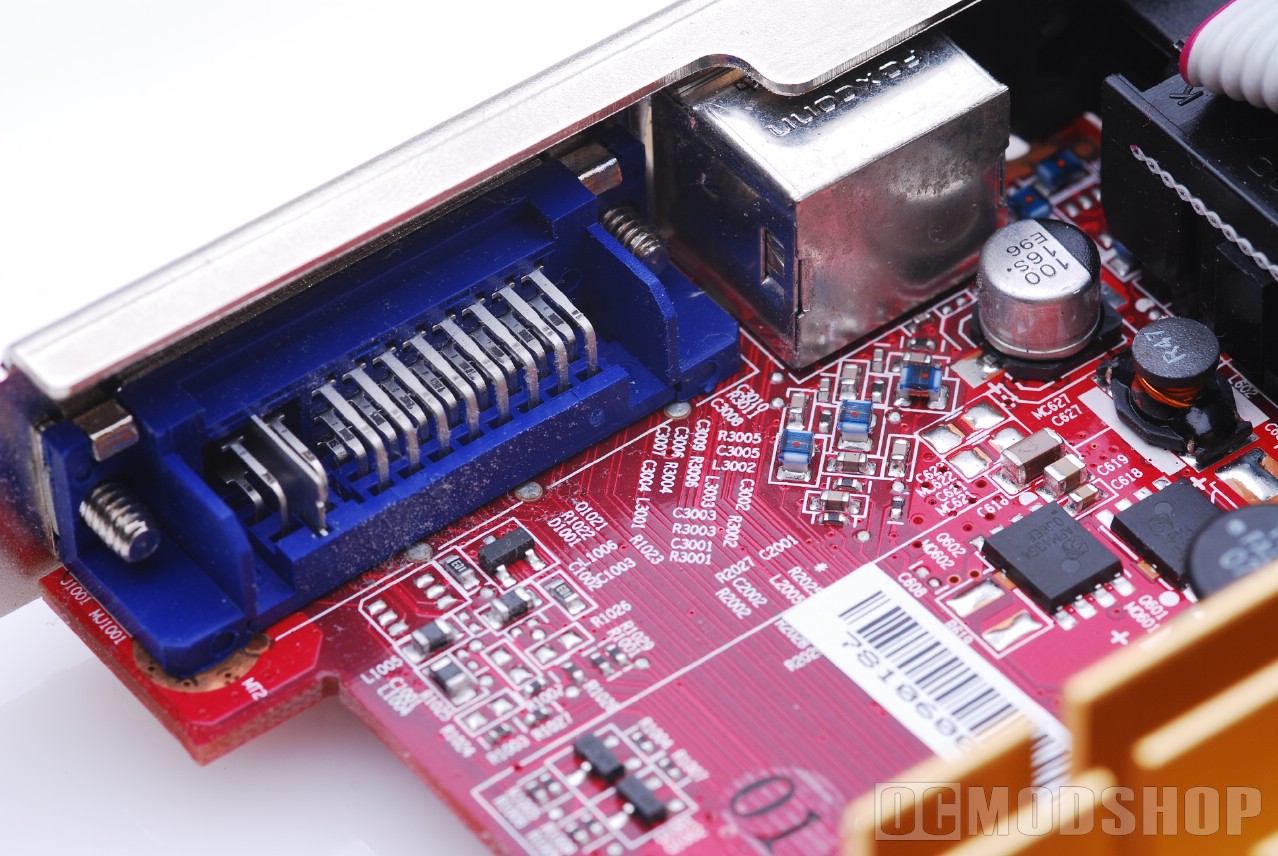
Boot up your computer, exit out of all the spyware pop-ups that you have acquired looking at fetish sites, and pop the installation disc into the optical drive. Smooth as butter. Install the drivers and you are on your way to some nice freaking graphics, and you didn’t even have to clear your bank account and have your wife serve you with divorce papers because now she can’t afford that Rachael Ray Cook Set. She’s cooking pasta, and you’re gaming. I think it’s so groovy now that people are finally getting together.
This card is replacing an aging nVidia GeForce 5500. Five years ago that card would have been the bomb, but now it’s a little lower grade than most onboard graphics. So out with the old, and in with the relatively new. I’m going to be testing on my Athlon 3800+ Dual Core, 1GB of RAM, and 320GB of Western Digital real estate. Let’s get retarded.
Let’s recap. The hardware is installed, the drivers are updated, you’ve rebooted fourteen times to allow Windows to actually use the thing, and now it’s time to test it. With my old card, playing a low-graphics game like World of Warcraft was no problem, but when it came to a heavy resource hitter like Bioshock or Alone in the Dark 5, I had some problems with very choppy gameplay. I’m hoping that the Radeon 2400 will cure that, and show me more love than that old nVidia did.
I started out by testing Warcraft. I just wanted to see what the Radeon could do for the graphics in that game if I maxed them out. So I took everything to the highest setting and accepted the new settings. It ran flawlessly with high resolution, beautiful graphics, and a medium latency for the website with 45 frames per second gameplay. I was never able to get this kind of gameplay out of my old card. I have to say I was pleasantly pleased.
3dMark06 Performance
| 1280×1024 | 1280×1024 AA | 1920×1200 | |
| Radeon 2400 | 2319 | 1381 | 1601 |
| Radeon 2600 | 3480 | 2183 | 2498 |
| GeForce 8500 GT | 2350 | 1681 | 1598 |
| GeForce 8600 GT | 5419 | 3686 | 3824 |
Now onto Bioshock. I’m absolutely captivated by the graphics and storyline of this game. Plus it takes me back to my Lovecraft days when I was reading Dagon. Those were the kinds of stories that could leave you listening for noises in the dark long after the book was over.
I started out with the lowest settings. This usually played okay on my old video card, but with some choppiness in the actions scenes and any area that generated a lot of graphics, such as a room filled with moving objects.
On lowest settings I was able to get through all gameplay beautifully. So I upped the stakes and went for Medium settings. I once again was able to get through much gameplay and see objects and monsters in a much better resolution than I ever did before.


Then I decided to go for the highest quality settings. The wandering scenes did great, but any action and fighting kind of slowed things down a little and I started experiencing some chop. This could have been due to the fact that I only had 1GB of memory, so I can’t really blame the video card. When I purchase more memory I will update as to whether there was a change or not in the gameplay with more RAM. But even so, at the highest settings I was still experiencing better gameplay on the new card than I ever did at low settings on my old card. It just goes to show what you can do with a simple upgrade.
Bioshock Performance 1024x768x32, no AA, max Quality
| FPS | |
| Radeon 2400 | 22.5 |
| Radeon 2600 | 30.0 |
| GeForce 8500 GT | 32.0 |
| GeForce 8600 GT | 41.6 |